Zight Tools
Free tools that run
in your browser.
47 tools for converting and editing video, audio, images and documents. No signup, and for almost all of them nothing is uploaded — the work happens on your device. The few that run on a hosted service say so under the widget.
Get Zight for FreeTrusted by 5m+ people who would rather show than tell







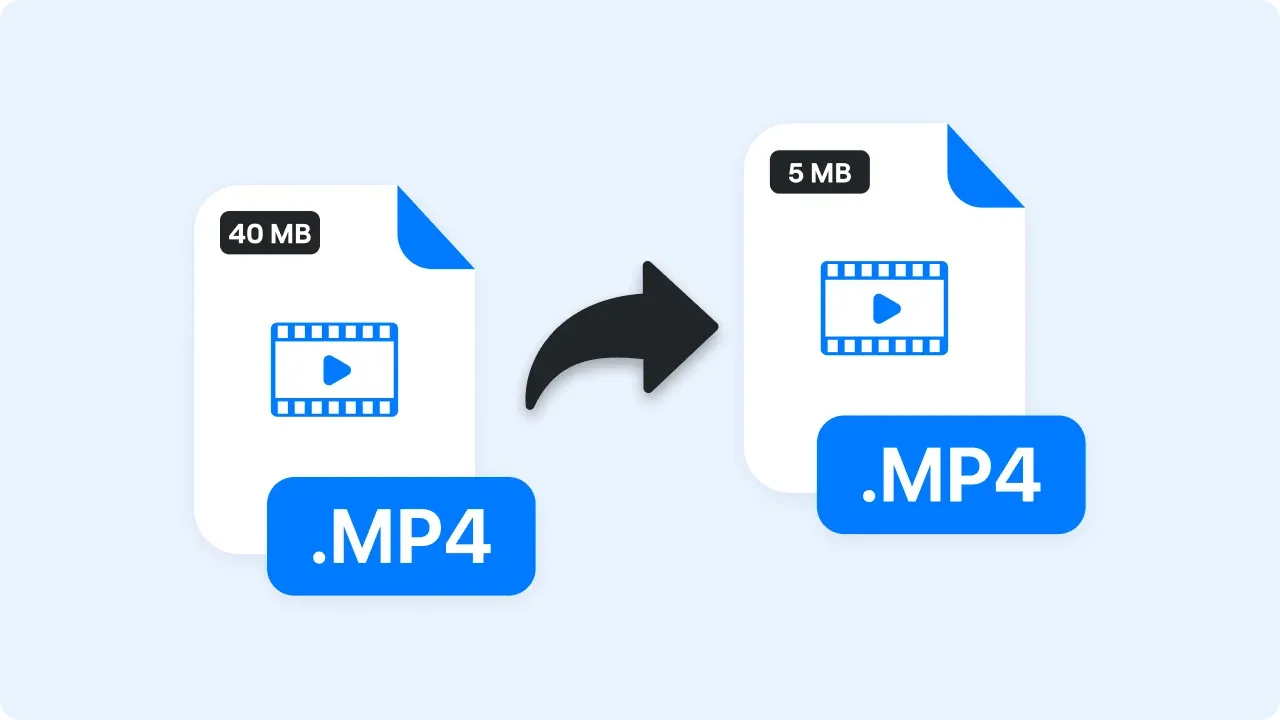
Get a video under the 8MB limit Discord and other apps enforce, without shrinking it by guesswork.
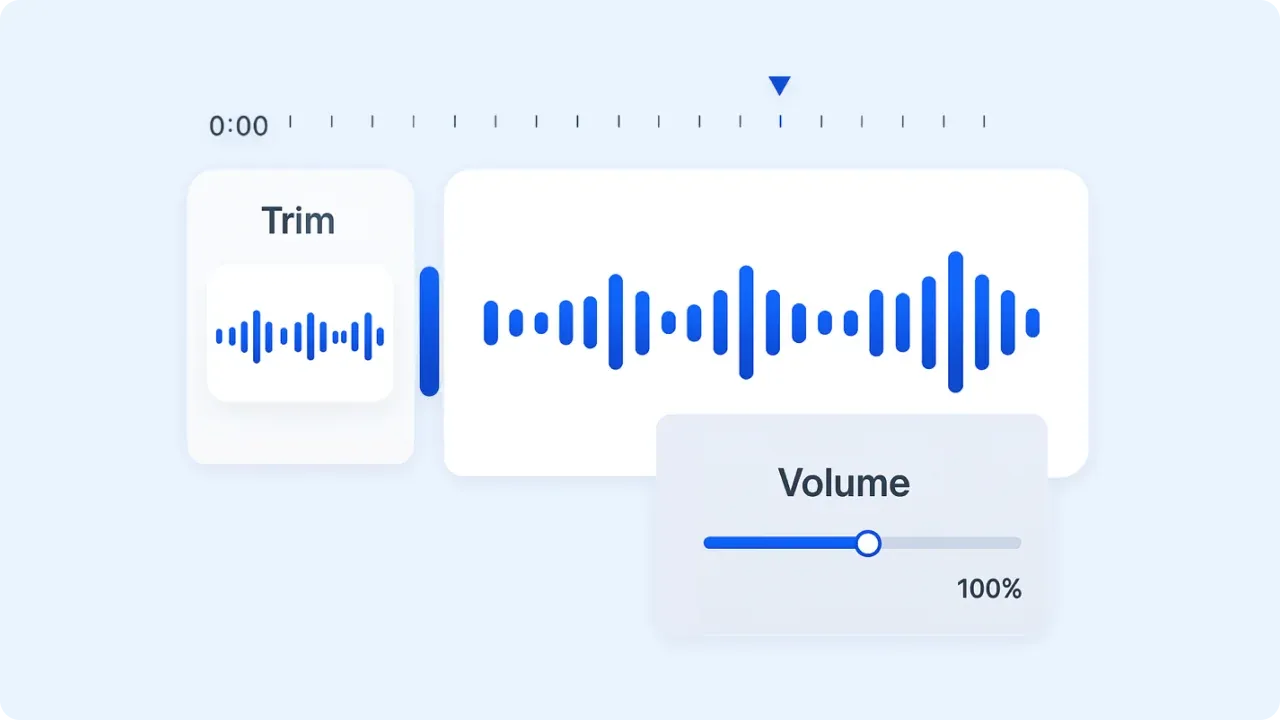
Trim, enhance, and download audio files without installing an editor.
Convert AVIF images into JPGs that every tool understands.
Convert AVIF images to lossless PNG files.
Put a clean background behind screenshots and code snippets before you share them.
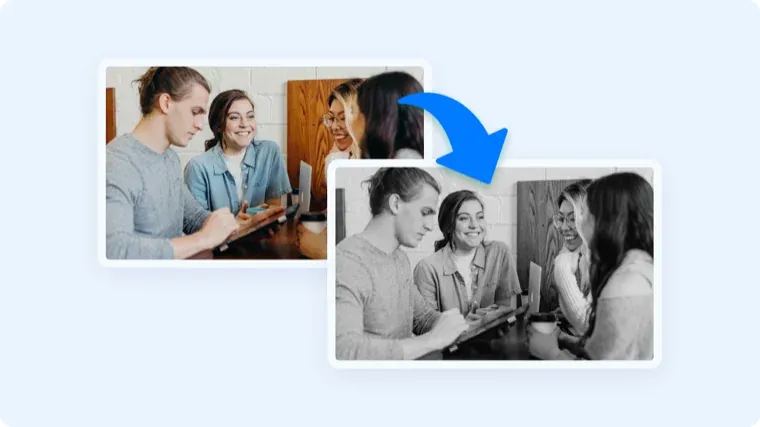
Convert any photo to black and white without opening an editor.
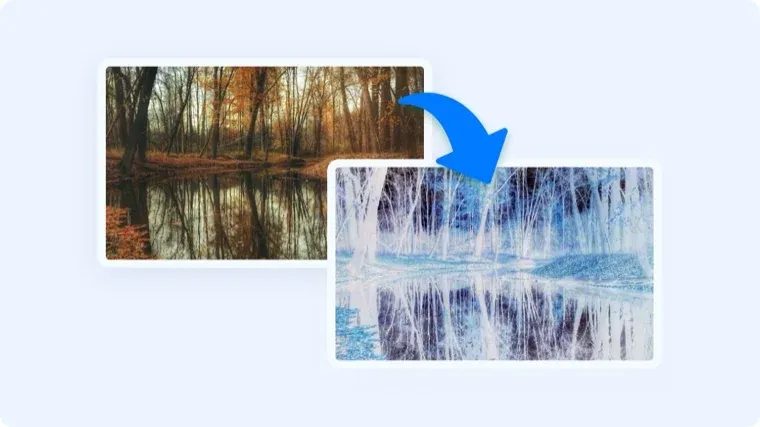
Invert an image's colors — handy for dark-mode assets and quick negatives.
Convert a raw CSV export into a proper Excel spreadsheet.
Write a clear customer screen-recording request, then copy or download the message. The tool runs locally and does not create or send a request link.
Convert iPhone HEIC photos into JPGs you can open and share anywhere.
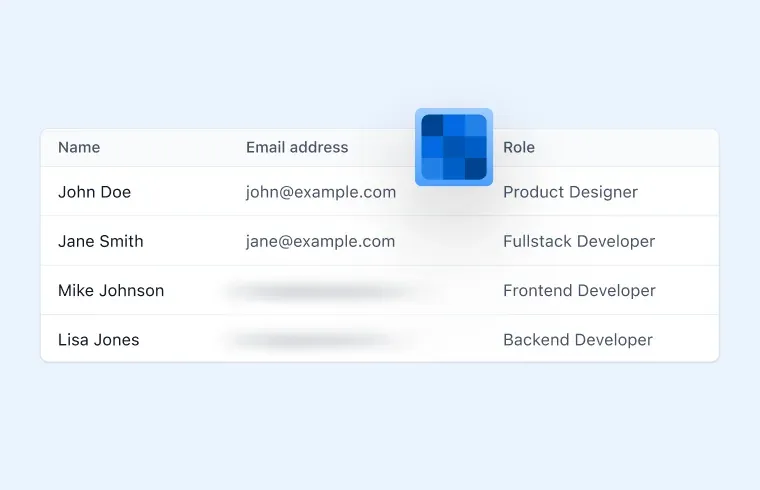
Blur a full image or manually cover selected regions with opaque rectangles.
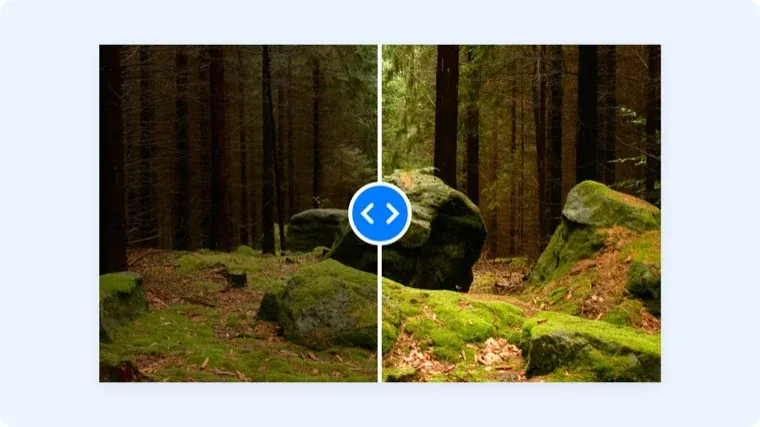
Brighten a dark screenshot or tone down an overexposed photo.
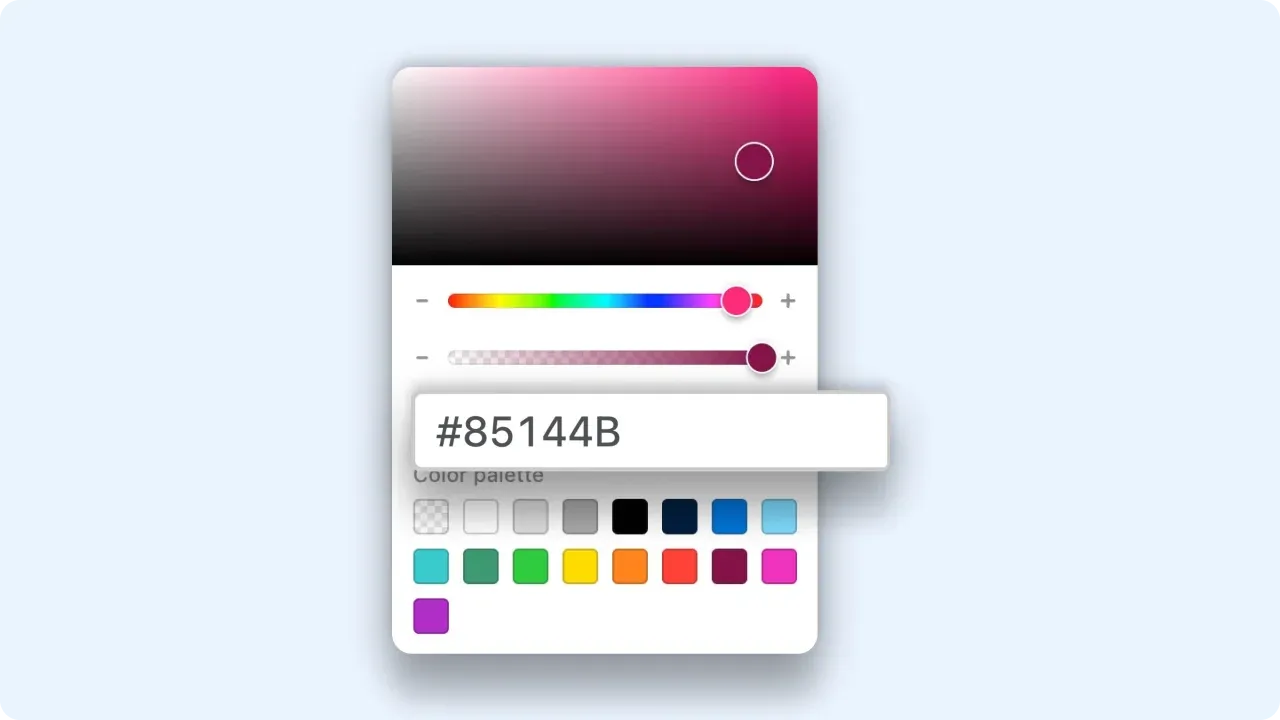
Click anywhere on an image to get its exact hex and RGB color codes.
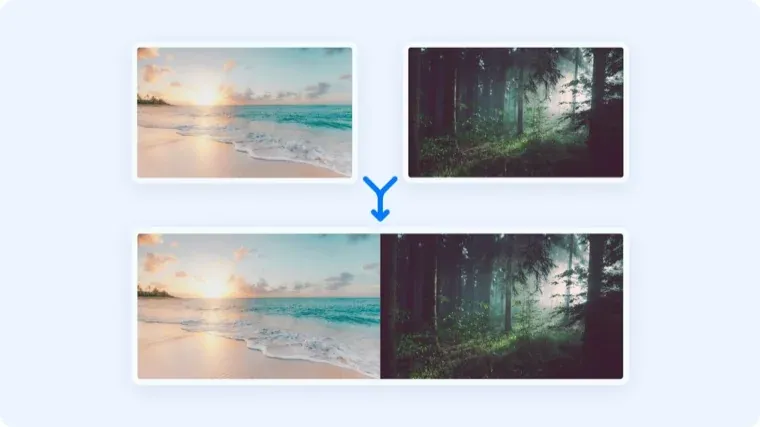
Combine multiple images into one — side by side or stacked.

Layer one image on top of another — logos, watermarks, annotations.
Rotate an image to the right orientation and download it.
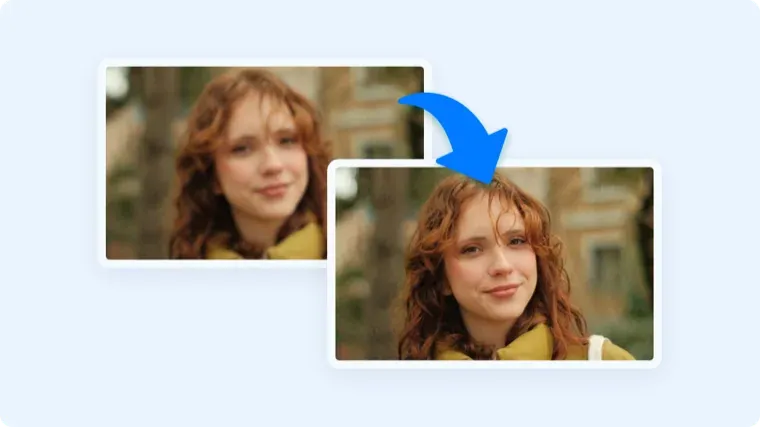
Sharpen a soft or slightly out-of-focus image in one click.
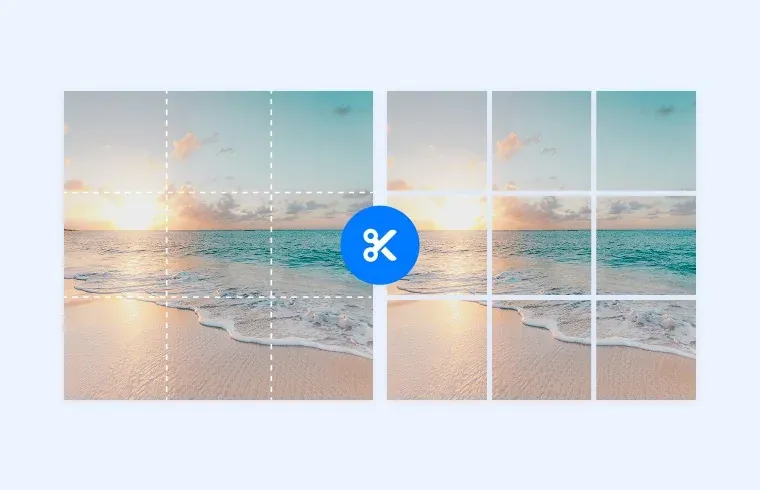
Split one image into tiles — useful for grids and carousel posts.
Convert JPGs and PNGs into a single PDF.
Convert M4A voice memos and recordings into MP3s that play everywhere.
Check that your microphone and camera work before the meeting starts.
Strip the audio from an MKV video and save it as an MP3.
Repackage MKV video into MP4 without re-encoding quality away.
Convert QuickTime MOV recordings into MP4s that play on any device or platform.
Compress an MP4 that's too big to email or upload, right in the browser.
Pull the audio track out of an MP4 video as an MP3 file.
Extract uncompressed WAV audio from an MP4 for editing or transcription.
Turn a PDF back into an editable Word document.
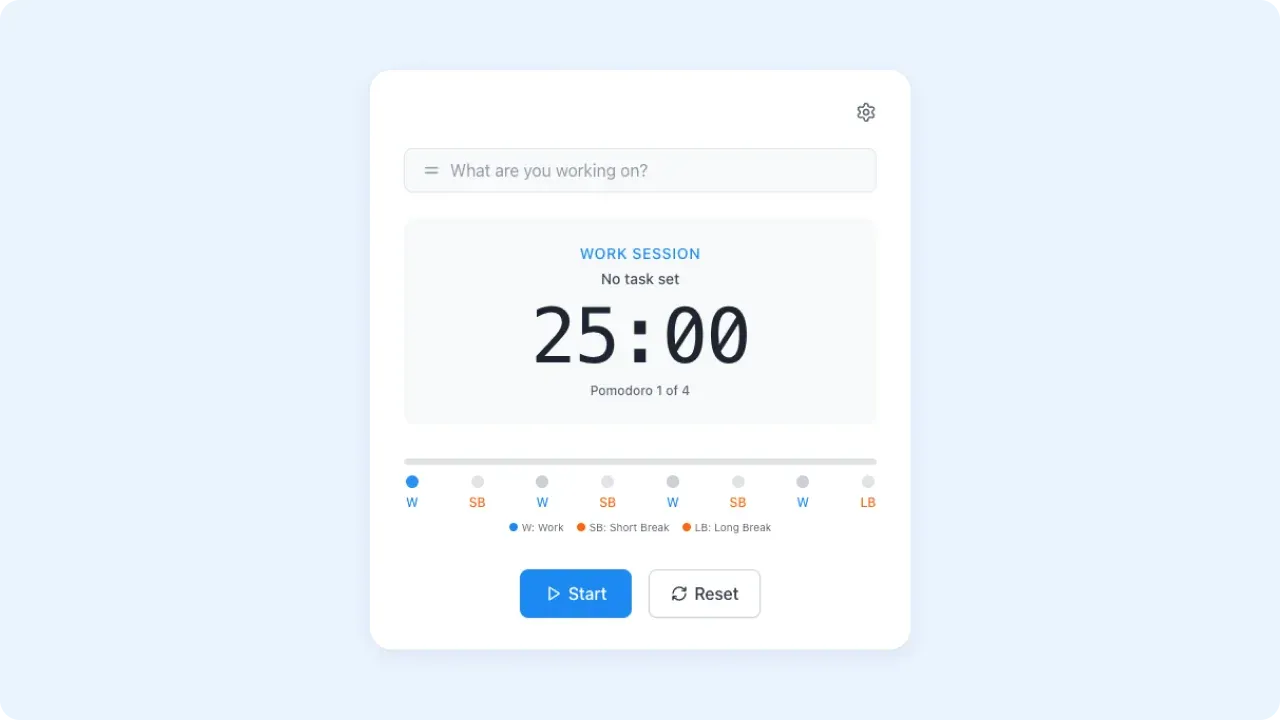
A simple focus timer for working in 25-minute sprints.
Convert PPT and PPTX decks into PDFs anyone can open.
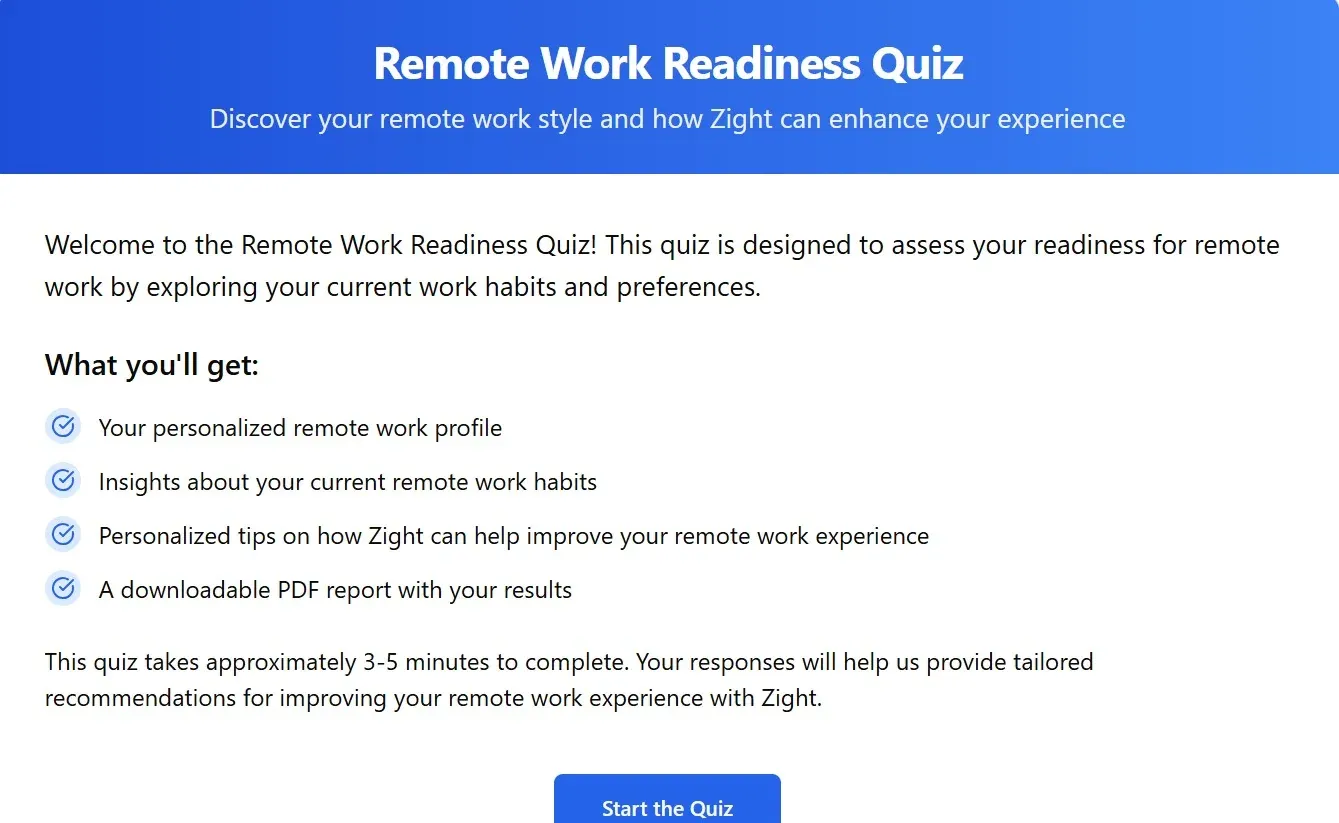
Find out if your setup and habits are ready for remote work.
Add arrows, text labels, and numbered markers to a screenshot, then export a flattened PNG locally.
Pair screenshots with actions and expected results, reorder the steps, and download a numbered PDF.
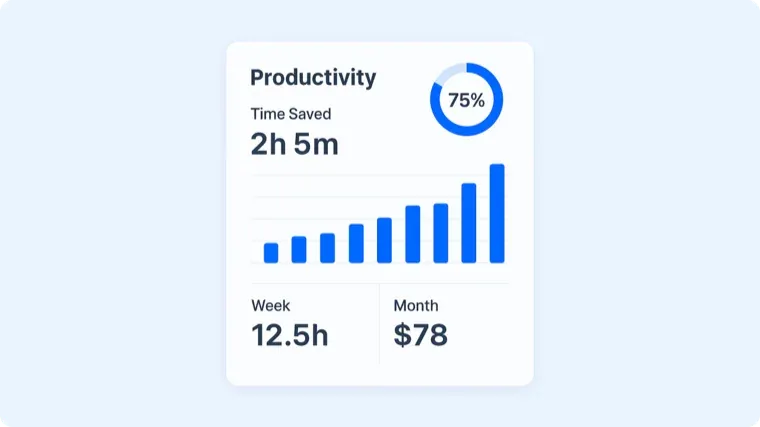
Calculate self-service solve rate, modeled contact deflection, assisted-contact reduction, cost savings, and break-even time from your own aggregate inputs.
Turn supplied steps, expected results, environment details, and evidence into a tracker-neutral Markdown bug report without inventing a root cause.
Estimate support time savings or general productivity from assumptions you enter.
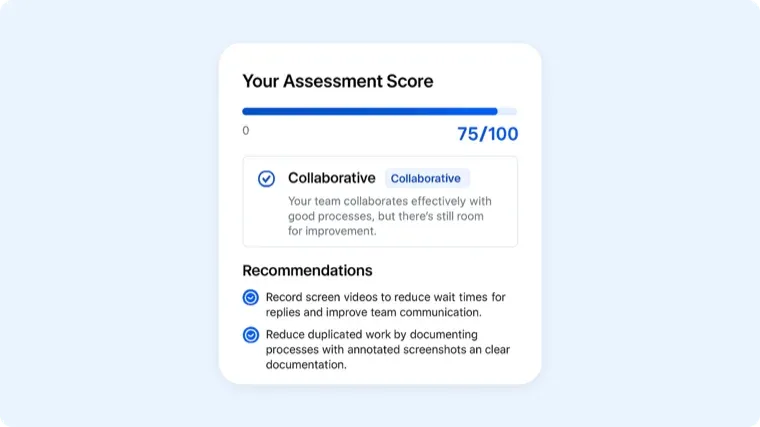
Score how well your team collaborates and see where it breaks down.
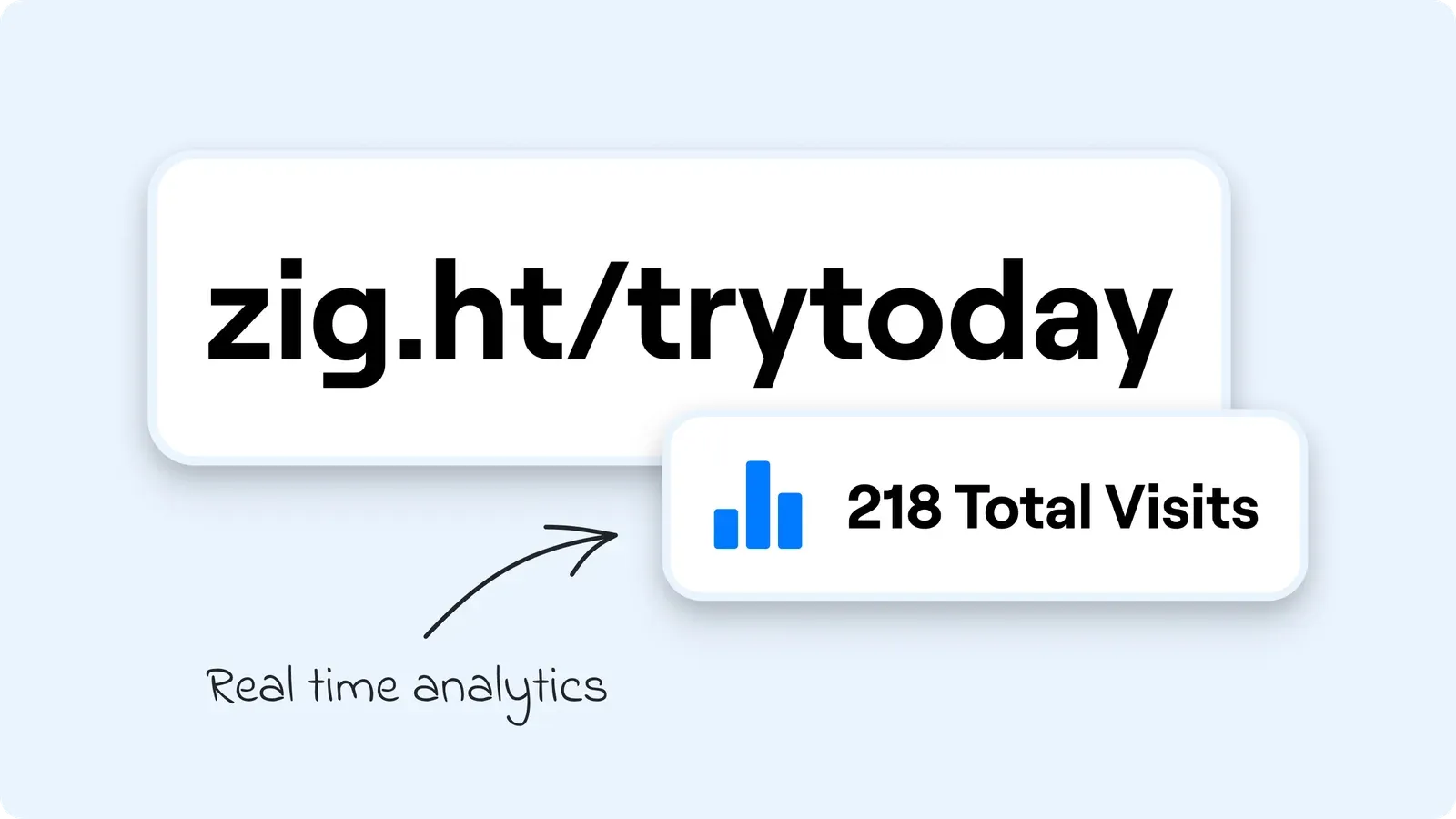
Create short, custom, trackable links from long URLs.
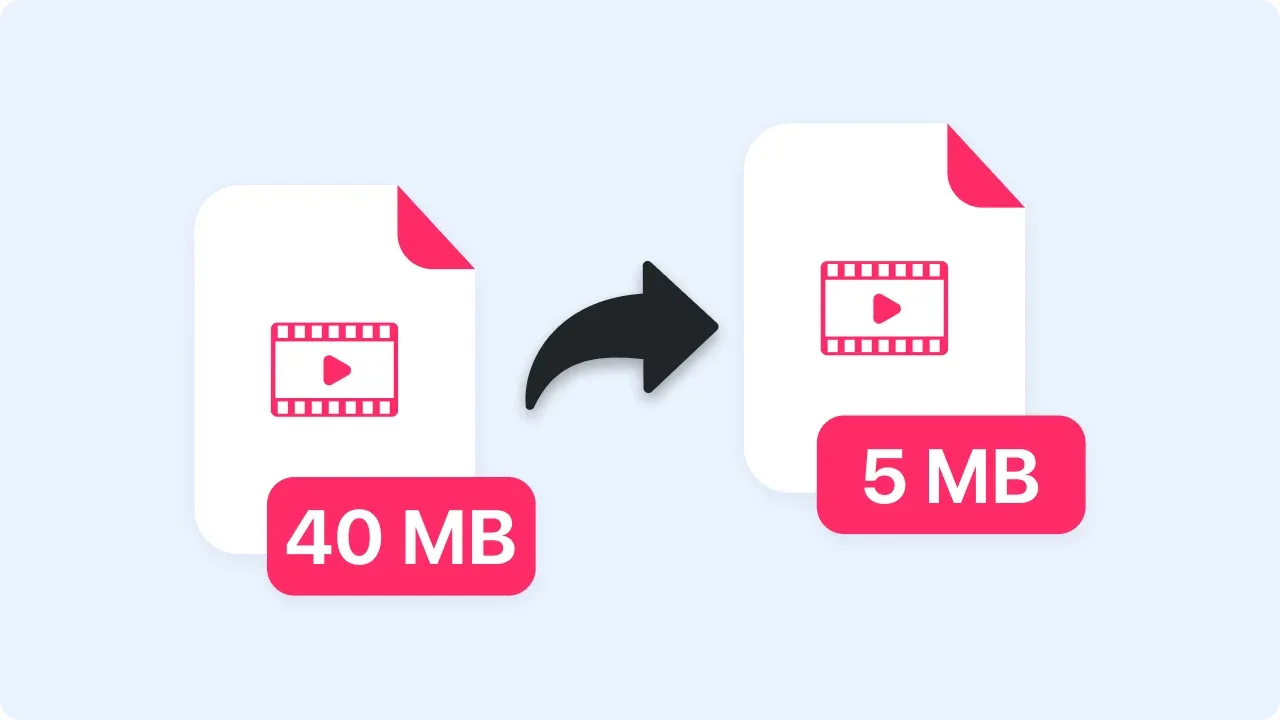
Shrink a video to a shareable size while keeping it watchable.
Upload a video and get a shareable link without creating an account. Files up to 25MB upload directly to Zight.
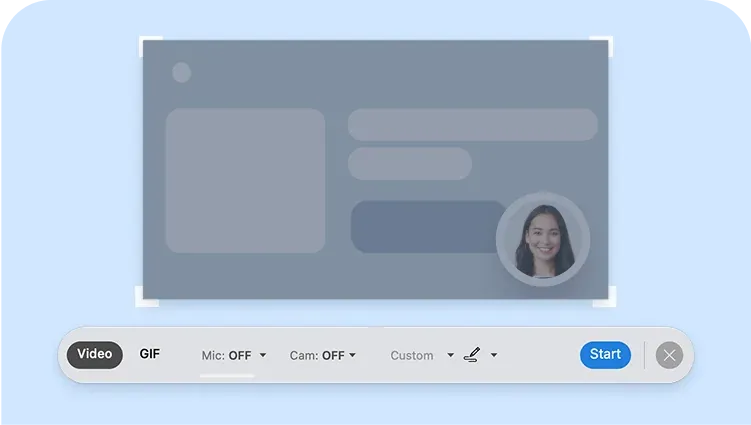
Record your screen or camera in the browser and get a shareable link when you stop. No account needed.
Turn a short video clip into a looping GIF you can drop into docs, tickets, and chat.
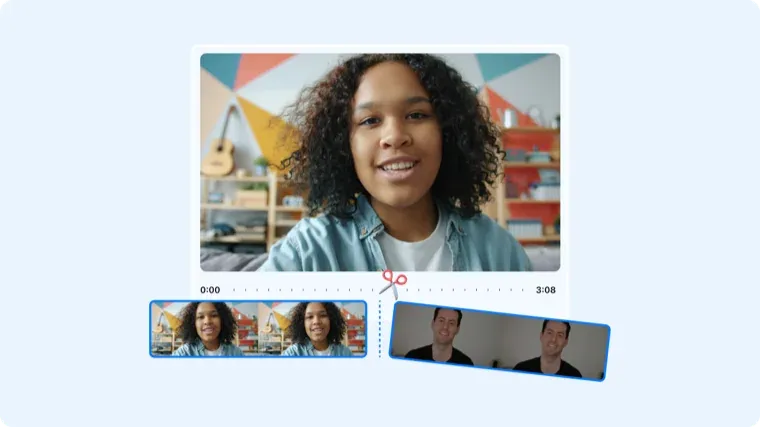
Cut the dead air off the start and end of a recording — no timeline editor required.
Turn a WebM file into an MP4 that plays anywhere. Processed in your browser — the file never leaves your machine.
Turn WebP images into plain JPGs for apps that don't accept WebP.
Convert WebP images to PNG with transparency intact.
Convert DOC and DOCX files into PDFs that look the same everywhere.
No tools match your search.