File sharing & video hosting
Send the link. Expire it, brand it, see who opened it.
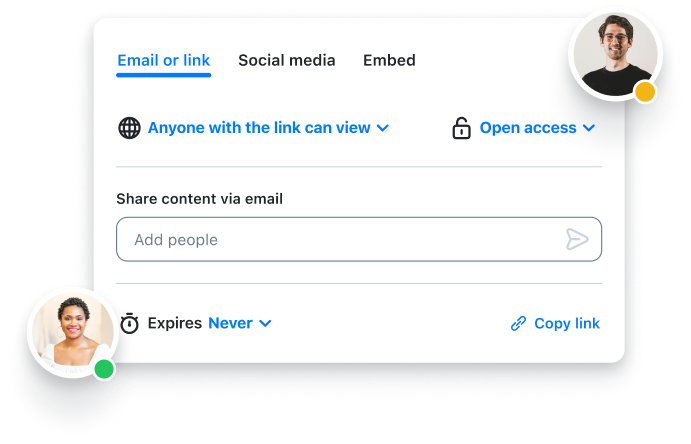
Everything you capture lands in your library as a URL, so there is no attachment to bounce and nothing for the other person to download. Decide who can open it, decide when it stops working, and let the view count tell you it arrived.
Free plan shares recordings, screenshots and requests · no credit card
Trusted by 5m+ people who would rather show than tell









How do I share a video file that is too large to email?
Record it in Zight or upload the file you already have, then share the link instead of the file. It streams in any browser — no download, no plugin, and no account for the person watching. Add a password or an expiry date if it is sensitive, and the view count tells you when it has been opened.
Before you paste it
Four decisions, and most links only need two
Capture, copy, paste covers most of what you send. Who can open it and how long it lasts are one click each, and they are there for the recording you would not want forwarded.
-
1
Capture it, or drop it in
A recording, screenshot or GIF from the Mac, Windows, Chrome or iOS app — or an existing file through More → Upload. Either way it lands in your library with a URL already on your clipboard.
-
2
Decide who can open it
Anyone with the link, anyone who has the password, or only the viewers you invite by name. The default is the first one, and changing it later does not change the link.
-
3
Decide how long it lives
Leave it open, or set it to stop working on a date, inside a window, or after a set number of views. Useful for a pricing walkthrough you do not want forwarded in six months.
-
4
Paste it, drag it, or embed it
Paste the URL in Slack, a ticket or an email; drag the file straight into a chat window; or copy an embed code, which needs no coding, for a doc, a help centre or a web page.
After you paste it
The share page keeps working once the link is out of your hands
A file in cloud storage sits there. A Zight link previews itself, reports back, points the viewer at what to do next, and can carry your name rather than ours.
Collections
The second time someone asks, the link already exists
Group captures into a collection, set who can see it, and share one link for the whole thing. Add to it later and the link does not change — which is what turns a folder of one-off answers into something a new hire or a customer can be pointed at.
A support knowledge base
The twelve answers your team sends most, in one collection, with one link. New agents stop asking, and customers get the recording instead of a paragraph.
An onboarding library
The tour of the tools, the deploy process, the thing nobody writes down. Recorded once, watched by every new hire in week one, without you in the room.
A demo set for sales
The five walkthroughs that answer the five questions buyers ask. Send the collection rather than rebuilding the demo, and see which ones they actually opened.
Absolutely loving Zight… I cannot wait to start getting building my own video How-To library.
Version history
Replace the file, keep the link
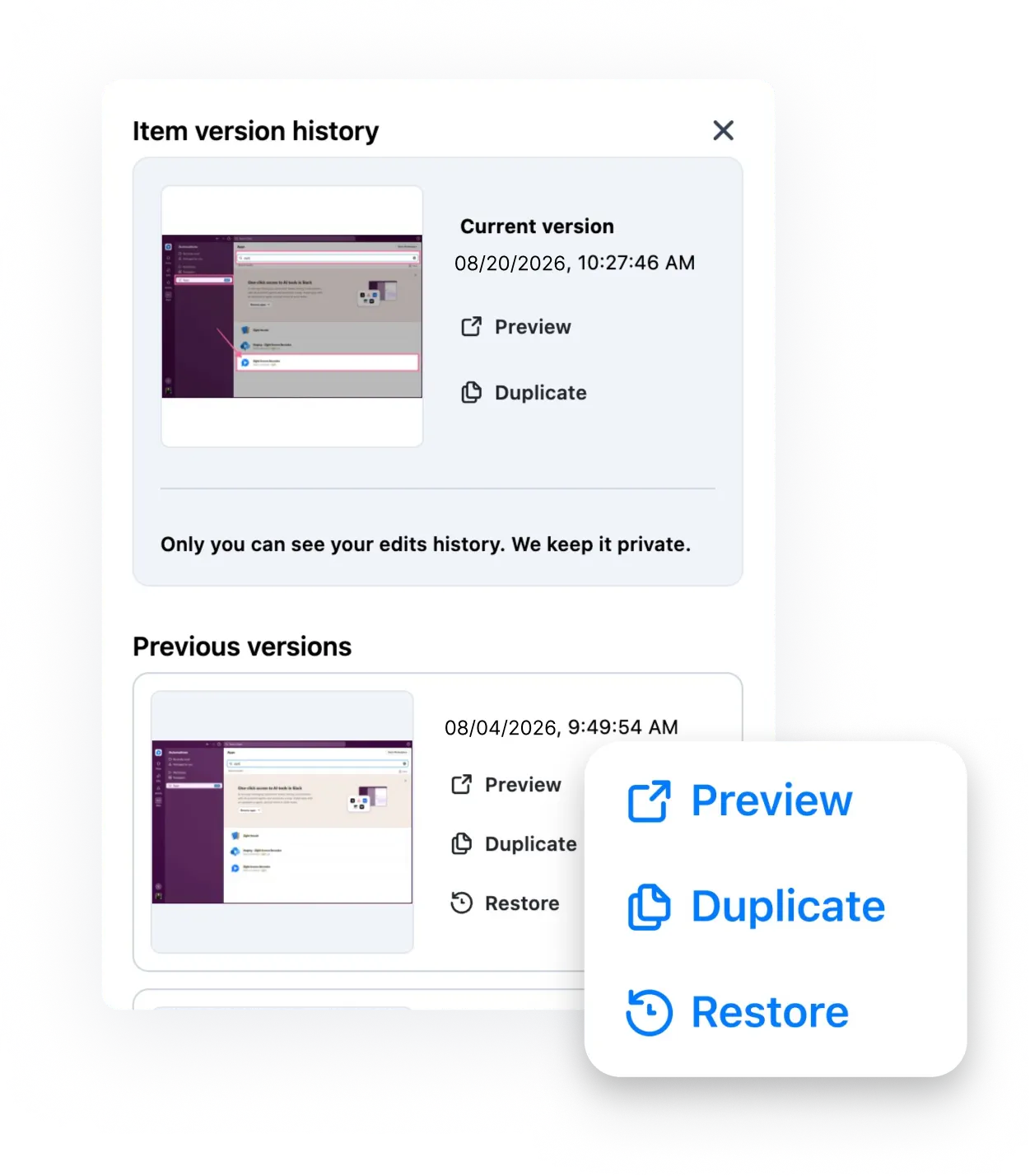
Re-record the middle of a walkthrough and the URL you sent last week shows the new version — nobody needs a corrected link and an apology. Version history keeps the old ones with a date and time stamp on the paid plans, and you can restore or duplicate any of them. Only you see that history: not your teammates, and not a workspace admin.
The other direction
Sharing goes one way. Zight also asks.
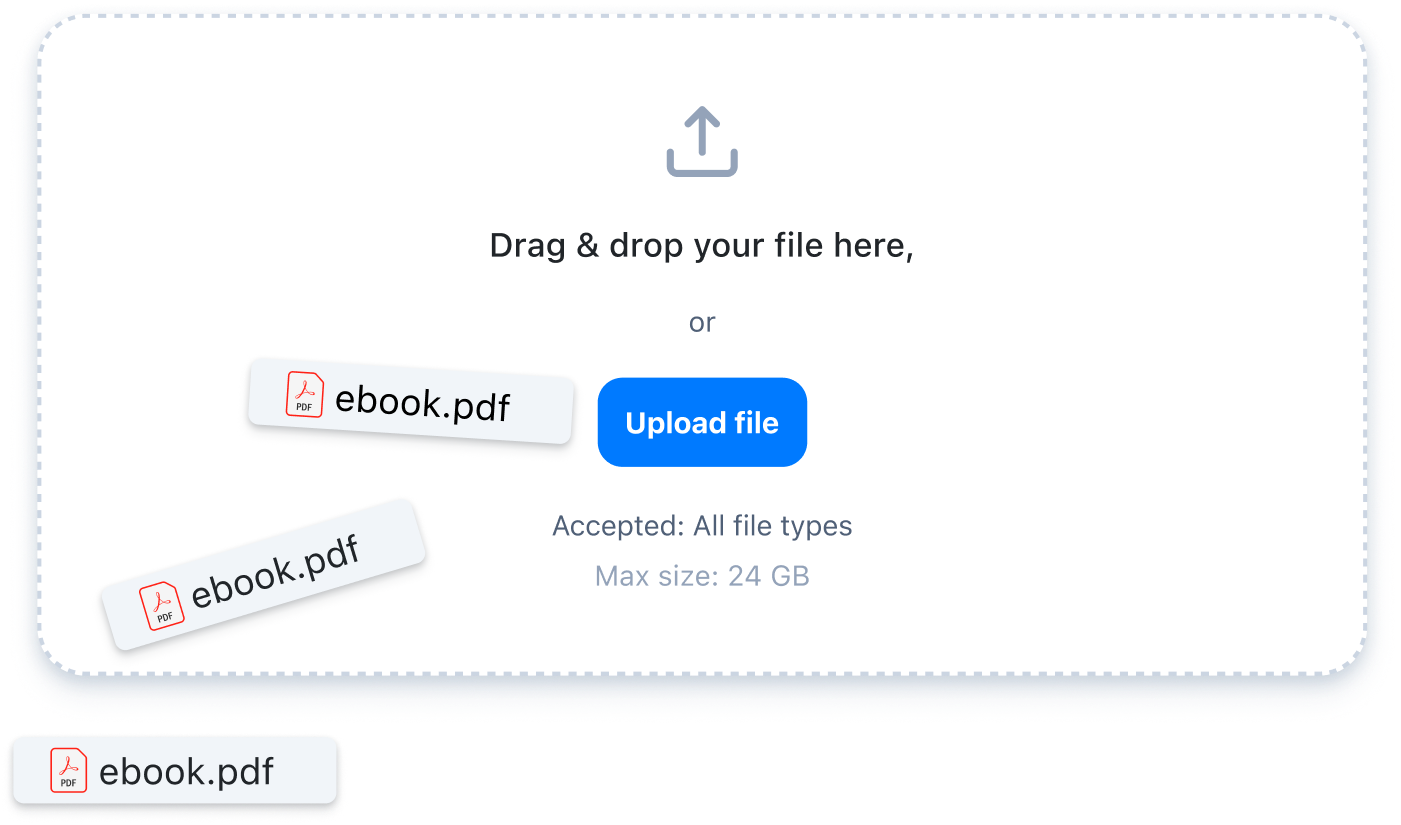
A file-sharing tool can host what you send it. It cannot get the thing you needed in the first place — the customer's screen, the console log, the export sitting on someone else's laptop. A request link does: they record or drop the file straight into your library with no account and no install, and all file types up to 24 GB come through.
Sharing, in practice
- Send a video through email
- Choose a video file format
- Choose a video-sharing platform for your workflow
- How to share large files with Zight
- Create custom trackable links
- Share a screen recording in Slack
- Embed a video in Google Slides
- Ten ways to use a video link generator
- Collect logs with a request link
FAQ
Questions people ask first
No. The link opens in any browser on any device, and the video plays without a download, a plugin or a sign-up. The one exception is a link you have deliberately limited to invited viewers, which asks them to prove they are one of them.
Large enough that the question stops mattering: Zight hosts the file and streams it from the link, so there is no mail attachment limit to hit and nothing to compress. Unlimited uploads and recording time start on the Create plan; the free plan covers recordings up to five minutes.
Both. A link can be open to anyone who has it, protected by a password, or restricted to viewers you invite by name — and it can expire on a date, inside a time window, or after a number of views. You can tighten any of it after you have sent the link.
Yes. Views are counted on every plan, with a notification on the first and the fifth. The paid plans add who watched, how much of it they watched, completion rates and call-to-action clicks. Viewers who are not signed in to Zight count as anonymous.
From the Collaborate plan up, yes — your logo on the viewer, your own domain on the share link, your redirect URLs, and comments and reactions enabled or disabled for your whole team. The person opening it sees your company, not ours.
Nothing — the URL stays the same, so the six places you already pasted it now show the new version. Version history keeps the old ones with a date and time stamp on the paid plans, and you can restore or duplicate any of them. Only you can see that history: workspace admins cannot.
That is what collections are for. Group captures into a collection, set who can see it, and share one link for the whole thing — the shape teams use for a support knowledge base, an onboarding library or a demo set. Adding to it later does not change the link.
One link, and you decide what it does.
Free on Mac, Windows, Chrome and iOS. Capture it, paste the link, and see when it lands.