Free Tool
Annotate a Screenshot for Free.
Add arrows, short labels, and numbered markers. Edit and export a flattened PNG in your browser; upload only when you choose.
Trusted by 5m+ people who would rather show than tell









Local Image Tool
Screenshot Annotation Tool
Drop, paste, or choose a screenshot
PNG, JPG, WebP, or GIF — processed on this device
Choose a marker, then click the screenshot. Arrow keys move the latest annotation; Delete removes it.
Is this tool working for you? Report a problem
How It Works
Three steps to get started
01
Add a Screenshot
Drop, choose, or paste one image. It is decoded locally in your browser.
02
Choose a Marker
Select an arrow, text label, or numbered marker, then click the preview to place it.
03
Adjust or Undo
Move the latest annotation with the controls or keyboard, change its color or size, or undo it.
04
Export and Inspect
Download a flattened PNG, reopen it, and inspect every visible pixel before sharing.
Clear Instructions
One focal point.
One useful screenshot.
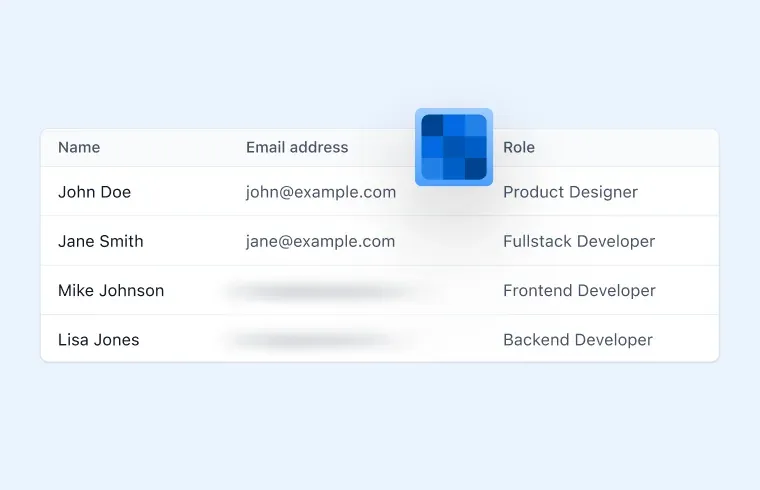
Use a short label and a visible marker without covering the control the reader needs. This tool does not automatically find or remove private information.
- Arrow, text, and numbered markers
- Keyboard movement and undo
- Local flattened PNG export
FAQ
Frequently Asked Questions
Yes, completely free. No account or credit card is required.
Editing, preview, and download stay in your browser. The finished annotated PNG is uploaded only if you explicitly choose Upload to Zight after it is ready.
No. Review the entire source and exported PNG. Use a clean synthetic example or an opaque cover for information the recipient should not see.
Need capture, annotation,
sharing, and team access?
Use Zight to capture, annotate, share, and manage screenshots with your team.