Free Tool
Pick Colors from Any Image for Free.
Click anywhere on an image to get its exact hex and RGB values. Runs in your browser — images are never uploaded.
Trusted by 5m+ people who would rather show than tell









Free Image Tool
Image Color Picker
Drag your image here or click to browse
PNG, JPG, WebP, or GIF images
Is this tool working for you? Report a problem
How It Works
Three steps to get started
01
Upload an Image
Drop in a screenshot, logo, or photo.
02
Click a Pixel
Click anywhere on the preview — the exact hex and RGB values appear instantly.
03
Download
Copy the hex code straight to your clipboard.
Exact Colors
That color.
Exactly that color.
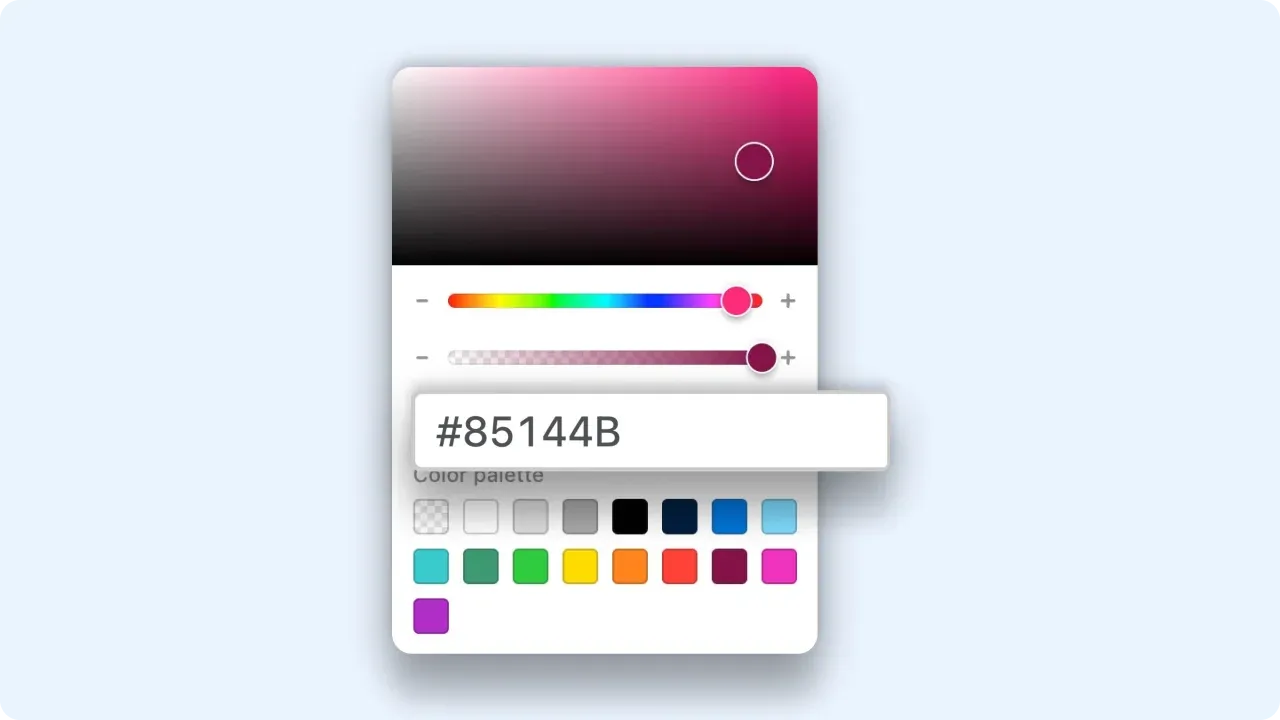
Stop eyeballing brand colors from screenshots. Click the pixel, copy the hex, and drop it straight into your CSS or design tool.
- Hex and RGB readouts
- One-click copy
- Pixel-exact sampling
FAQ
Frequently Asked Questions
Yes, completely free. No account or credit card is required.
No. This tool runs entirely in your browser — your files are processed on your own device and never uploaded to a server.
It reads the exact pixel value from the image data — what you see is literally what you get.
Yes — keep clicking. Each click updates the swatch, and Copy grabs the current hex.
Edit images
for free today.
No account needed. Images never leave your browser.