Free Tool
Convert Word
to PDF for Free.
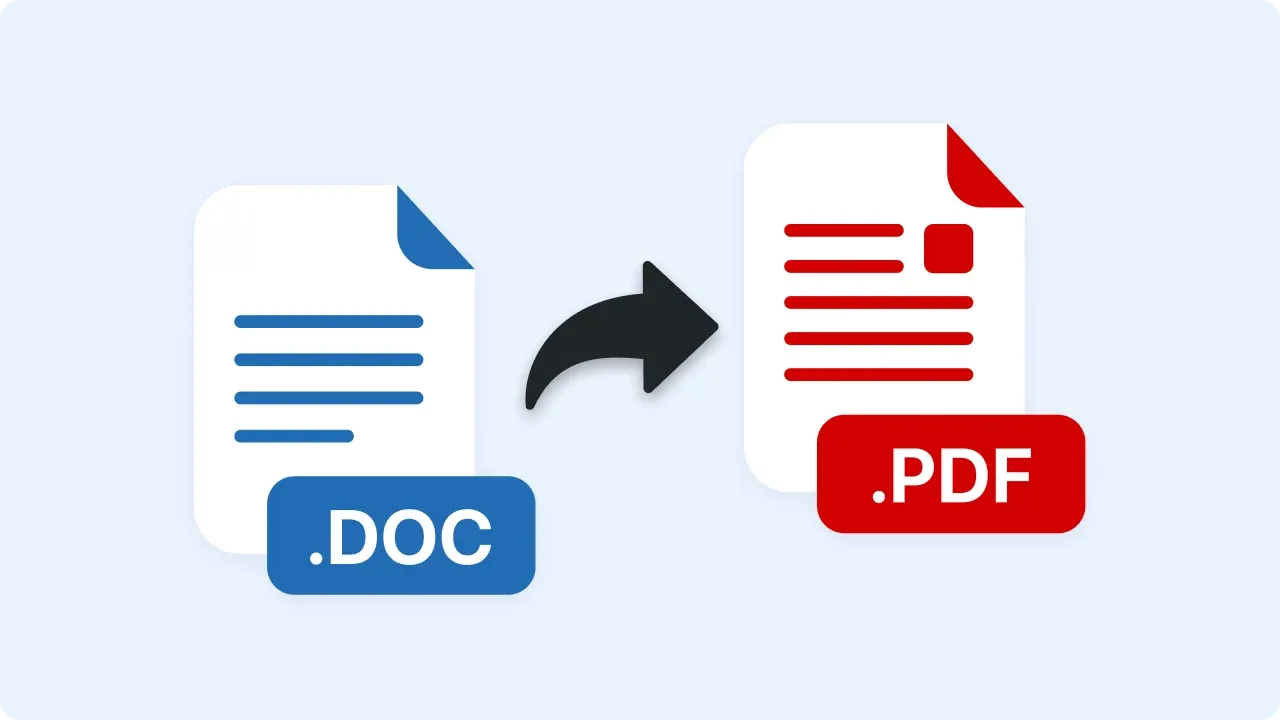
Upload a .docx file and get a PDF you can send anywhere. Converted in your browser — your document is never uploaded.
Trusted by 5m+ people who would rather show than tell









Free Converter
Word to PDF Converter
Drag your Word document here or click to browse
.docx files (the older .doc format isn't supported)
Is this tool working for you? Report a problem
How It Works
Three steps to get started
01
Upload a .docx File
Drop in your Word document — text, headings, tables, and images are all read directly in your browser.
02
Automatic Conversion
Paragraphs and formatting are rebuilt as real, selectable PDF text — not a scanned image.
03
Download PDF
Download a PDF that looks the same everywhere and opens without Word.
Real Text, Not a Picture
Selectable text.
Not a screenshot.
Some browser-based converters just take a picture of your document. This one rebuilds the actual text, so the PDF stays searchable and copyable — headings, bold and italic, tables, and images all carry over.
- Real, searchable PDF text
- Headings, bold/italic, and tables preserved
- Files never leave your browser
FAQ
Frequently Asked Questions
Yes, completely free. No account or credit card is required.
No. This tool runs entirely in your browser — your files are processed on your own device and never uploaded to a server.
No — only the modern .docx format. If you have an older .doc file, open it in Word and use File → Save As → Word Document (.docx), then convert.
Text, headings, bold/italic, basic tables, and images all carry over. Very complex layouts — multi-column sections, text boxes, exact original page breaks — may not match the original pixel-for-pixel.
Convert your document
for free today.
No account needed. Files never leave your browser.