Request
Get the context
you need to move
an issue forward.
Send one structured request for the video, logs, files, and screenshots your team needs to understand what happened—without another round of clarification, or chasing context across five messages.
Trusted by 5m+ people who would rather show than tell









What are Zight request links?
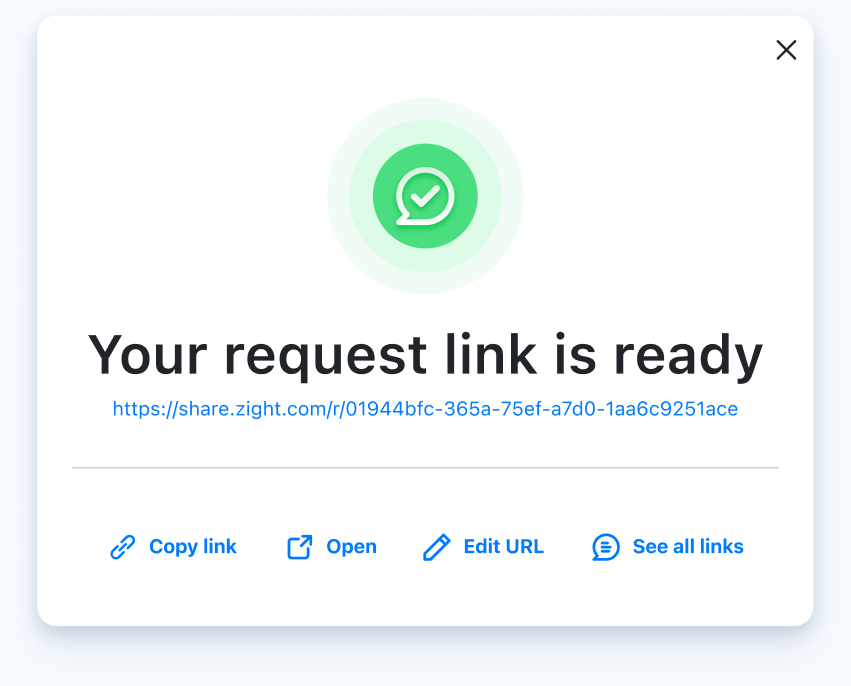
A link you send that lets anyone record their screen and submit videos, files, and screenshots — with console logs and browser details — straight from their browser. No account, no install on their side; the evidence arrives attached where you asked for it.
What you can collect
One request, multiple ways to respond
Everything your team needs to understand the issue, in a single link.
Video Recordings
Capture a screen recording directly from the browser to show exactly what's happening.
Learn moreData Logs
Automatically collect browser, system, and network details alongside a video when troubleshooting is needed.
Learn moreFile Uploads
Collect documents, exports, or log files in one organized submission so your team can review and follow up.
Learn moreImage Uploads
Collect screenshots or visual proof to clearly understand the issue or update.
Learn moreSee it in action
See how it works in 90 seconds.
Request Video
Get the full picture without the
back and forth.
Send a link and let anyone record their screen, camera, or both directly from the browser. No installs. Customers just click and record.
- Works in any browser — no extensions needed
- Collect async updates from customers or teammates
- Capture onboarding walkthroughs in one take
- Draft the outreach with the customer video request builder
- Follow the guide to collect a customer screen recording
Request Video with Data Logs
Troubleshoot faster with video
and logs.
Collect browser details, system information, console logs, and network logs alongside video recordings — so your team gets the full diagnostic picture in one click.
- Capture environment details without follow-up questions
- Diagnose complex or intermittent bugs with full context
- Reduce reproduction attempts for engineering
Request Files
Gather the files you need in one link.
Send a dedicated link to gather documents, exports, and log files without chasing attachments across inboxes. All uploads land in one organized place.
- Gather invoices, receipts, and signed agreements
- Collect diagnostic files from non-technical users
- Supports all file types up to 24 GB
Request Images
Capture visual proof instantly.
Ask recipients to upload a screenshot of an error, UI issue, or confirmation screen directly through a Request Link. Paste, drag, or upload — it just works.
- Capture error messages and broken UI states
- Validate setup steps with visual confirmation
- Collect customer photos for testimonials
Customers
Why teams reach for Zight every day
From Zight case studies
"Leveraging Zight in our GitHub pull requests and during conversations with our Engineering team saves us about 50 minutes every day!"
"It's better if they can see a video while showing them how to use our software. It just saves so many steps."
"I love Zight Smart Actions! Documenting bug reports that used to take me 5-10 minutes now only take me 30 seconds."
"It's always an extra delight when the customer is so impressed that they send you a GIF back or when they call us by name."
Get the full picture in one request.
Send a single link. Collect videos, logs, files, and screenshots without chasing anyone down.