Free Tool
Turn any video into a link.
A video file is a chore to send — too big for email, blocked by the ticket form, wrong format for chat. Upload it below and get a Zight link that plays in any browser, no account needed. Or sign up free so your uploads and recordings land in a workspace you can search and reshare.
Trusted by 5m+ people who would rather show than tell









Free Uploader
Video Link Generator
Need more than 25MB or more uploads? Sign up free.
Send videos to customers with a link they can open anywhere. See customer support workflows
Add video to the tools you already use. Explore Zight integrations
Communicate faster with a screen recording. Explore the Zight screen recorder
Anyone with the link can watch it — no account, no install. Sign up free to keep every video in one place.
Choose how you share
Compare your video link options
| Feature | Our free video to link uploader | Sign up for Zight |
|---|---|---|
| Start | Upload without creating an account | Create a free account |
| What you can make | Upload an existing video | Upload files or record your screen and camera |
| File size | This page accepts videos up to 25MB | The free Share plan supports uploads up to 100MB |
| Recording | Not in this uploader. Record in the browser instead | Record for up to 5 minutes |
| After sharing | Get a link when this upload finishes | Manage uploads and recordings in your Zight workspace |
| Usage safeguards | 1 successful upload per rolling hour, up to 3 per rolling 24 hours in this browser | Free Share-plan safeguards apply |
Is this tool working for you? Report a problem
How It Works
Three steps to get started
01
Upload your video
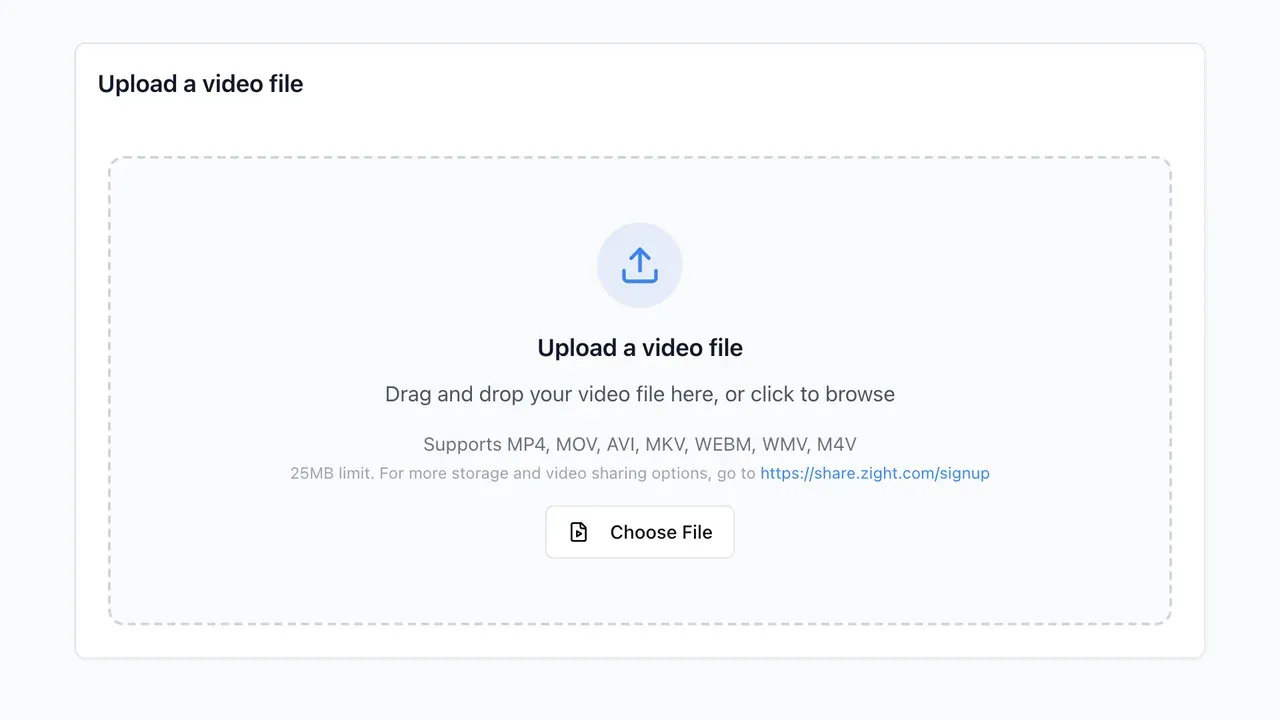
Drag the file in or click to browse. MP4, MOV, AVI, MKV, WebM, WMV and M4V all work, up to 25MB.
02
Copy your link
The video uploads to Zight and comes back as a link — one line of text you can paste anywhere.
03
Share it anywhere
The link plays in the browser on any device. The person watching needs no account and no install.
Why a link
Send a link,
not a file.
An attachment has to clear whatever stands in its way — inbox caps, chat limits, a codec the other end can't play. A link plays the same for everyone, and the same one works in email, chat and tickets.
- Plays in the browser on any device
- One link works everywhere you paste it
- Nothing to install on either side
FAQ
Frequently Asked Questions
Yes — to Zight. The link has to point somewhere, so your video is uploaded to Zight and played from there. Most Zight tools work the other way round and never upload anything; the note under the widget tells you which kind you are on.
Not for this uploader — upload a file and the link comes back without a signup. With a free account, uploads and recordings land in a workspace where you can find and reshare them.
No. The link opens in their browser like any web page — no account, no install, on any device.
25MB per upload here. If your video is bigger, shrink it first with the free video compressor, or sign up for Zight. The free Share plan supports uploads up to 100MB and recordings up to 5 minutes.
Make the next one
a recording.
With a free Zight account you don't start from a file: record your screen and it's already a link. Or turn it around — send a request link and collect a video back from anyone, with no account on their side.
How It Works
Three steps to get started
01
Create your Zight account
Sign up to open the workspace where you will upload, record, and manage your videos.
02
Upload or record your video
Add an existing video or record your screen, camera, or both directly in Zight.
03
Copy and share the link
Copy the Zight link and send it by email, chat, or ticket instead of attaching the video file.
Built for sharing
Send a link,
not a large attachment.
Keep the video in your Zight workspace and share one browser-ready link. You can return to the recording later, update its sharing settings, and copy the link again.
- Upload an existing video or record a new one
- Manage recordings from your Zight workspace
- Copy one link for email, chat, and tickets
FAQ
Frequently Asked Questions
Yes. Sign in to Zight to upload or record the video, then copy its share link from your workspace.
Yes. After creating your account, upload the video to Zight and copy the share link from the uploaded item.
Yes. Zight lets you record your screen, camera, or both and creates a shareable link for the finished recording.
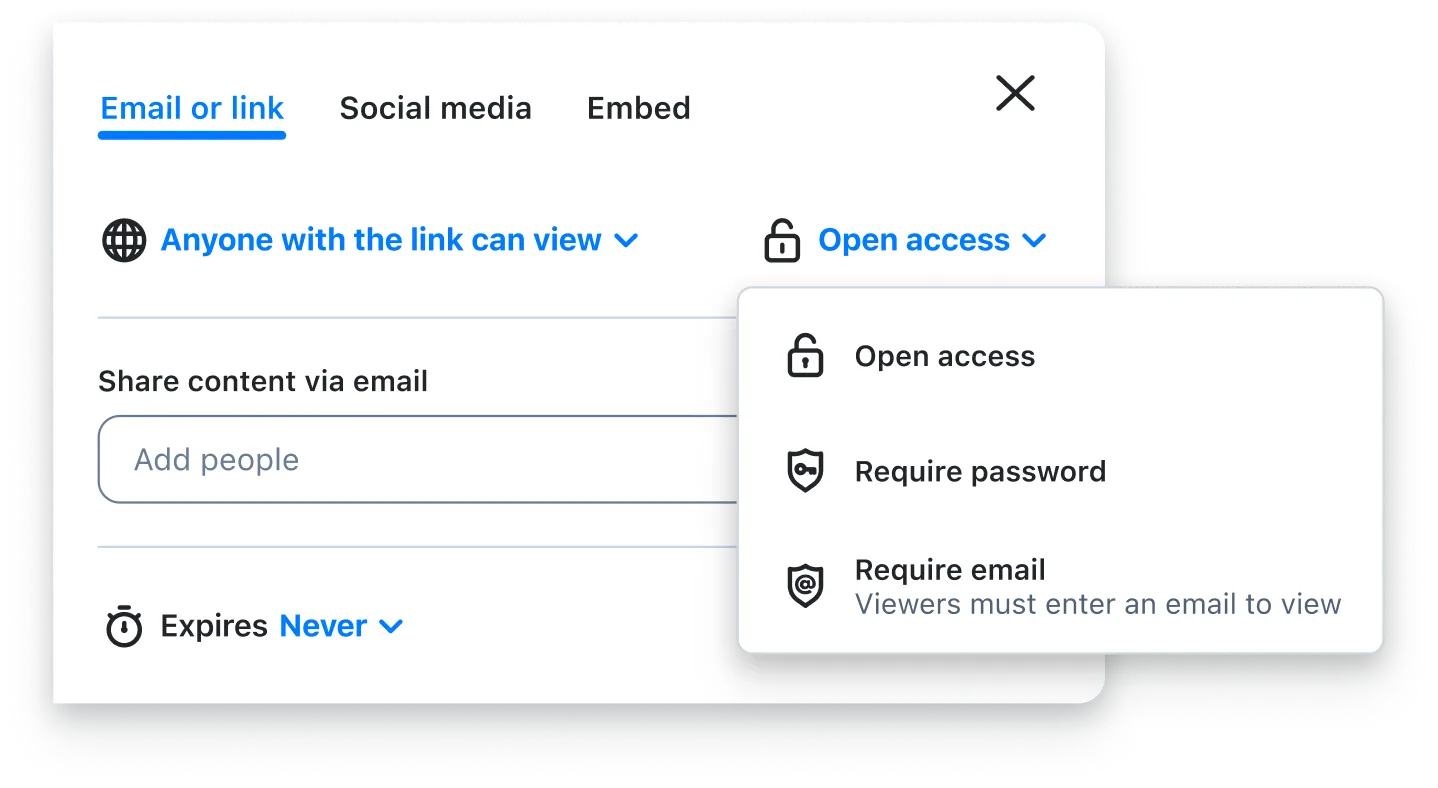
Copy the link from Zight and paste it into an email, chat message, support ticket, or document. Check the item's sharing settings before sending it outside your team.
Create your shareable
video link in Zight.
Sign up, upload or record your video, and copy the link from your workspace.