Enhance Communication
Say it clearly
the first time.
Stop trading long messages that get misread. Show exactly what you mean with a quick recording. Context, tone, and clarity in one link.
Trusted by 5m+ people who would rather show than tell









How does Zight make communication clearer?
By putting the screen in the message: annotated screenshots point at the exact detail, recordings carry tone and emphasis, and both sides look at the same evidence instead of interpreting a paragraph. The first message usually is the answer.
Clarity by Default
One recording
ends the confusion.
Record your screen and voice instead of typing a paragraph that gets misread. The other person sees exactly what you mean, no ambiguity, no follow-up thread to clear it up.
Sign up freeThe problem
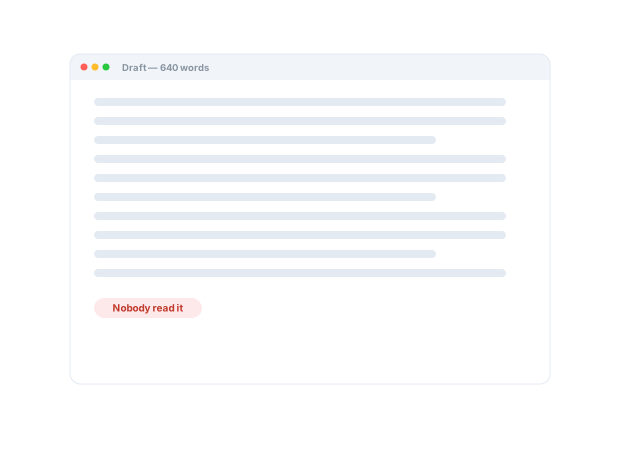
Typed-out communication is slow to write, easy to misread, and hard to reuse.
Four ways teams run this with Zight.
Show, don’t type
Explain a bug, workflow, decision, or feedback in under a minute instead of a long text thread.
Complex context gets easier to understand.
Recordings · screenshots · annotations
Make instructions easier to follow
Show the exact screen, process, or next action in context.
Text-only instruction becomes clear action.
Recordings · screenshots · annotations
Make feedback concrete and actionable
Use annotated captures to point at the exact detail that needs attention.
Less ambiguity, fewer revision cycles.
Screenshots · annotations · recordings
Make external collaboration easier
Share an explanation or request visual context without requiring the recipient to install anything.
Lower friction with customers, prospects, and partners.
Share links · Request Links
The motion behind these: Show → Align → Act
Integrations
Where this workflow runs
Zight drops into the tools this work already lives in — recordings, request links, and guides included.
Trusted by teams like yours.



The Clarity Toolkit Teams Actually Use
Integrations
Export anywhere.
Works with your stack.
Zight Smart Actions push recordings, summaries, and transcriptions directly into the tools your team already lives in.




Request Video
See what they
mean without
the guesswork.
Send a secure Zight link and let the other person record exactly what they're seeing or asking. No downloads, no account. You understand the real issue instantly.

This walkthrough spells out the handoff, what's done, what's needed, and who owns what, so nothing gets misread. Follow along for the full picture...
AI-Powered Docs
Record once.
Publish everywhere.
Zight AI turns your recordings into clear notes and summaries in one click. No copy-paste, no editing. Your messages document themselves.
Turn recordings into shareable notesClarity Builds Trust
Great teams
are built on being
understood.
When you can show instead of tell, the message lands the first time, no misreads, no “that's not what I meant.” Clear communication saves hours of back-and-forth and builds the trust that makes a team fast.
Real Customers
What teams say
Real quotes from Zight customers and case studies
"I can share those links directly, both internally and externally… it's so easy to edit the picture, and add arrows and squares to really make your point stand."
"Anything that shows them HOW to do something is a game changer."
"Zight has been a blessing for creating short clips from user sessions and providing actionable feedback to developers."
"We use it to send help videos and screenshots to our customers."
Before & After
What changes when your team uses Zight.
FAQ
Frequently Asked Questions
Whenever the subject is on a screen: a bug, a design, a setting, a process. Pointing at the thing beats describing the thing.
No — the toolbar is where your cursor is. Arrows, labels, shapes, and blur land in seconds and the link is ready to paste.
Yes — share links open in any browser with nothing to install, which is why they work with customers and partners, not just teammates.
Both sides look at the same evidence, so the first message usually is the answer.
Ready to be
understood the first time?
Join the teams that use Zight to communicate clearly, cut the back-and-forth, and build real understanding.