








A visual knowledge base
Keep product walkthroughs, troubleshooting answers, and how-tos together so support can send a useful answer instead of rebuilding one.
Zight Collections
Organize recordings, screenshots, GIFs, and files around the work your team actually does. Build a collection once, keep it current, and share one link when someone needs the answer.
Less searching. More answers ready when they are needed.
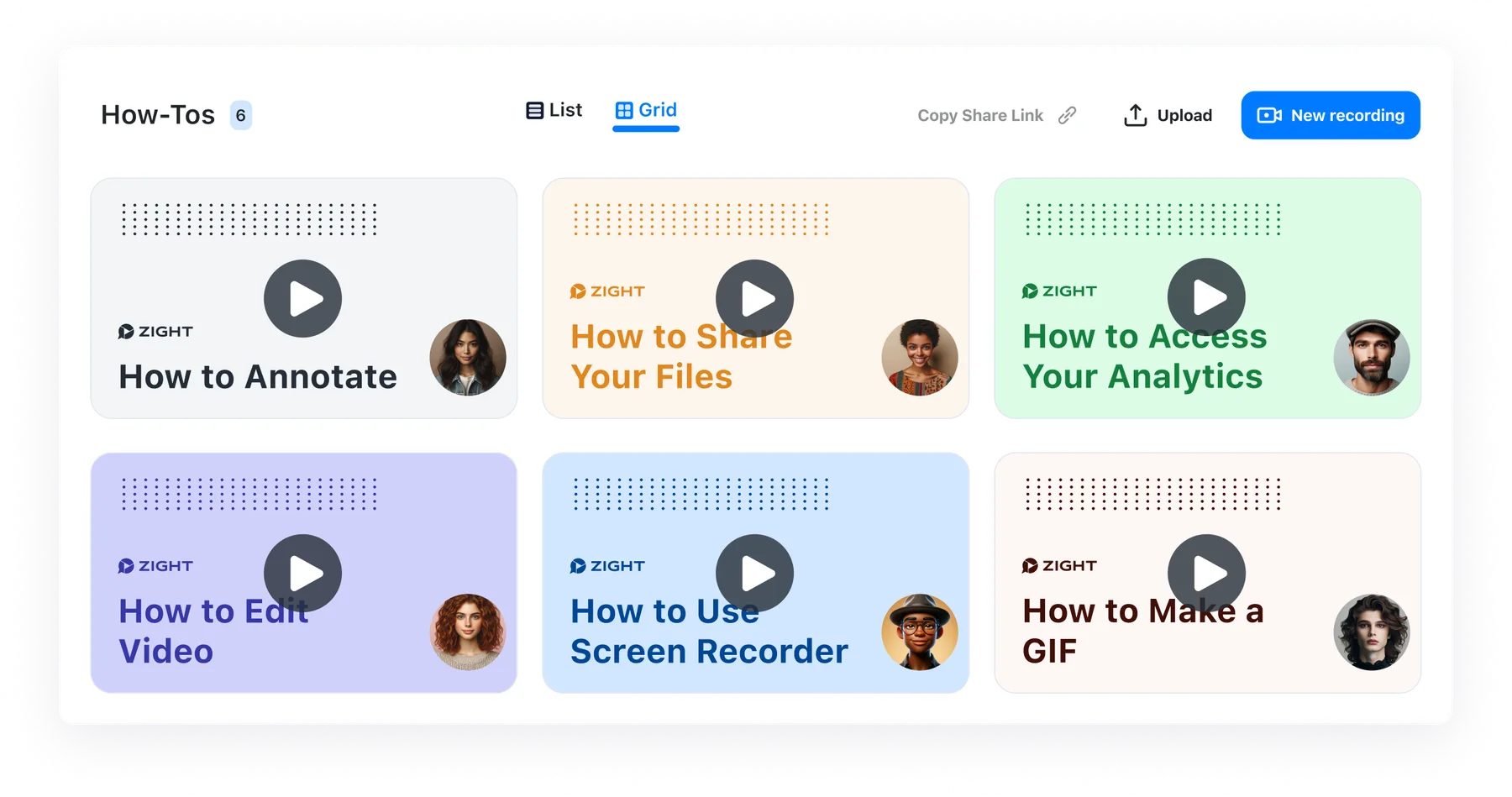
Trusted by 5m+ people who would rather show than tell
Collections made easy
A recording is more useful when the next person can find it. Collections turn individual captures into a dependable visual library for the questions, projects, and workflows that keep coming back.
How it works
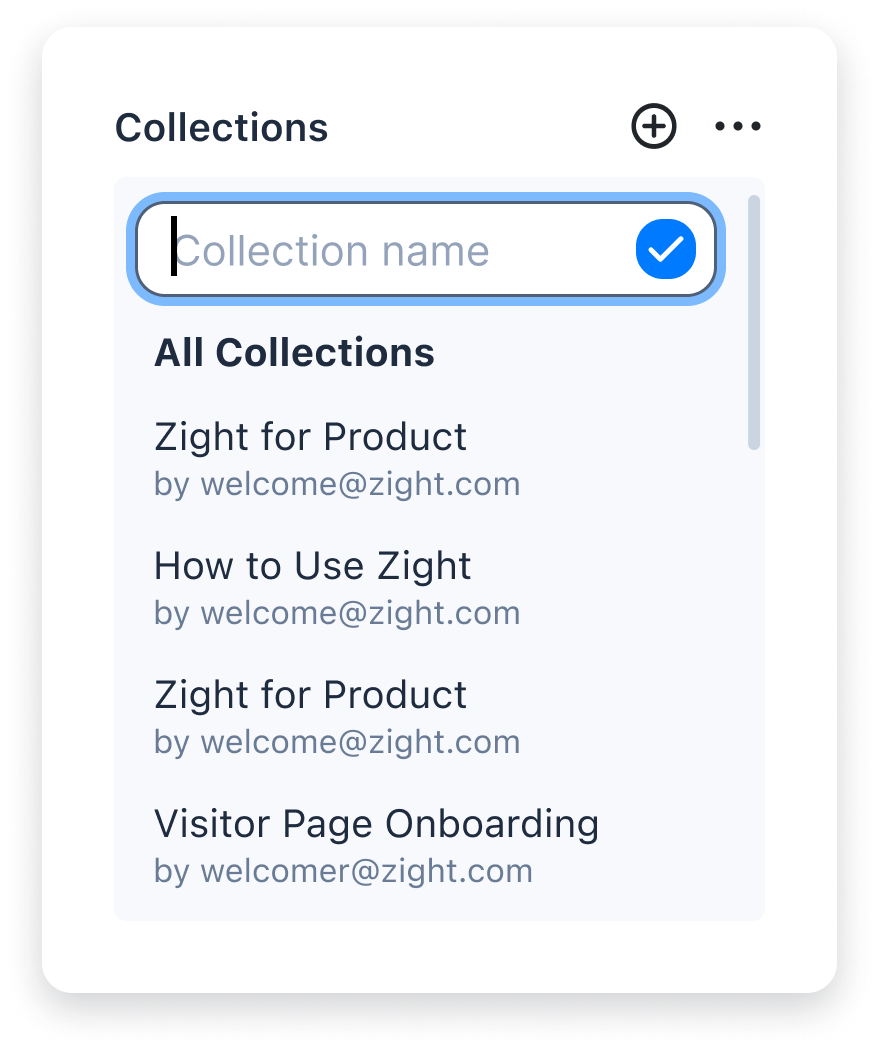
From the library, create a collection for the topic, customer, project, or workflow your team needs to find again.
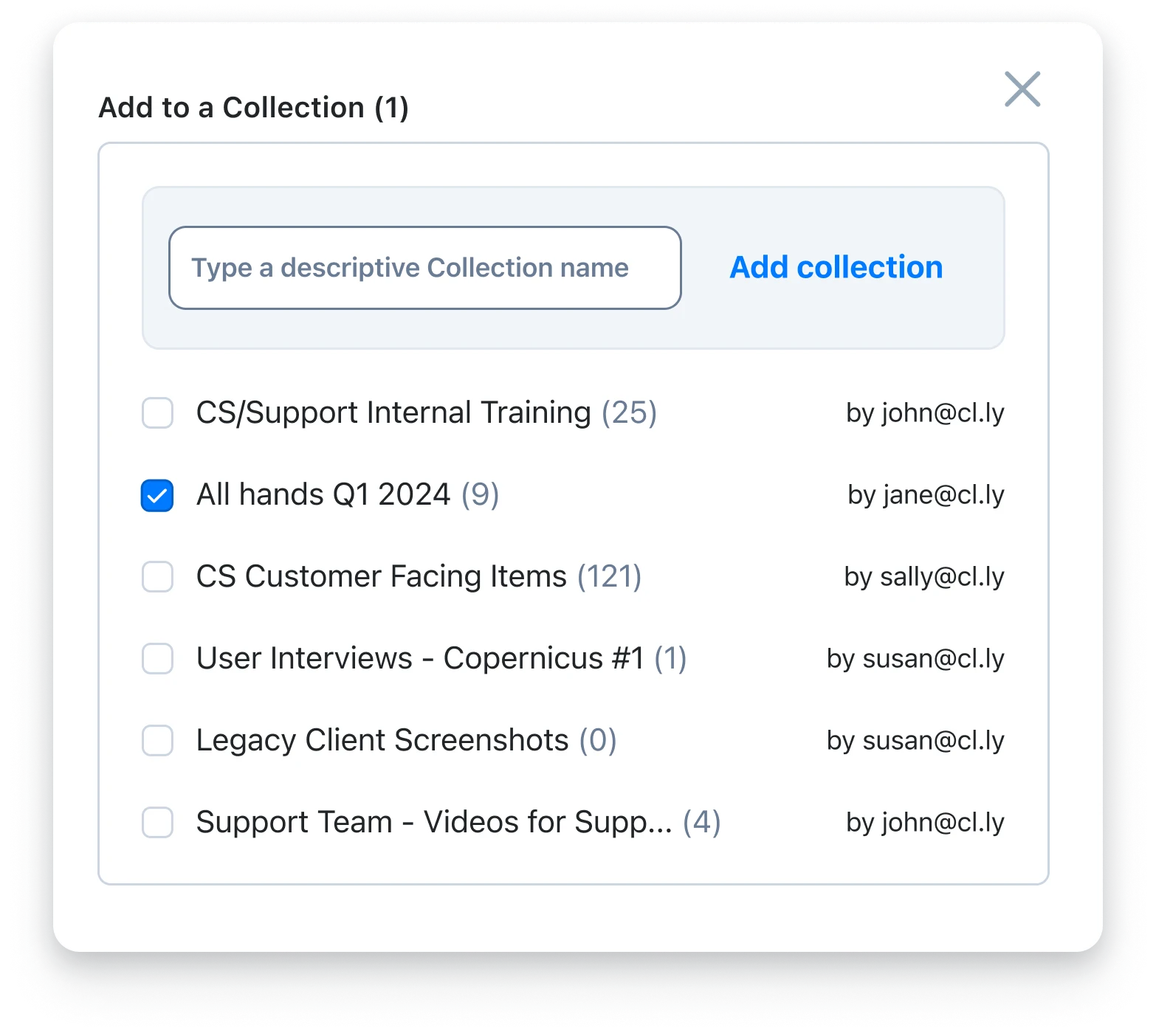
Select the recordings, screenshots, GIFs, and files that belong together, then add them to the same collection.
Send the collection to teammates, customers, or new hires. Add to it later without replacing the link you already shared.
Built for repeat work
Keep product walkthroughs, troubleshooting answers, and how-tos together so support can send a useful answer instead of rebuilding one.
Group the recordings and resources new teammates need, then add the next useful explanation without starting a new checklist.
Share the demos, decisions, and visual context that move a project forward with one collection that is easy to revisit.

“For teams in particular, the ability to group captures into collections and to manage sharing of those collections across multiple team members is a game-changer.”
FAQ
A Zight collection is a curated library of related recordings, screenshots, GIFs, and files. It gives a team one place to find and share the visual answers that belong together.
Collections work well for customer knowledge bases, employee onboarding, sales demos, design mockups, project handoffs, and any recurring workflow where people need the same visual context.
Yes. Add new items as the work changes, so the collection can stay useful without making everyone track down a new link.
Yes. Collections make it simple to group the materials you want to share, then send the relevant collection to colleagues, customers, or partners.
Start a collection with the recordings and resources your team already sends most often.