Marketing
Ship campaigns with
visual feedback.
Skip the endless review thread. Mark up the mock, record the walkthrough, and get everyone aligned on the creative in one pass.
Trusted by 5m+ people who would rather show than tell









What is Zight for marketing?
Zight moves creative review out of comment threads: record a walkthrough of the draft, annotate the exact frame, and share one link. Agencies and clients join without accounts, and captures double as GIFs and demo assets for the campaigns themselves.
Faster Reviews
One recording
ships the creative.
Record your screen walking through the campaign, the copy, or the edits you want. Your team and stakeholders see exactly what you mean, no misread comments, no fifth revision.
Sign up freeThe problem
Creative review scattered across tools and threads slows every launch.
Four ways teams run this with Zight.
Make feedback concrete and actionable
Use annotated captures to point at the exact detail that needs attention.
Less ambiguity, fewer revision cycles.
Screenshots · annotations · recordings
Async updates and recaps
Record a concise update, handoff, or recap for people to watch on their own time.
Live time is reserved for decisions.
Recordings · share links
Show, don’t type
Explain a bug, workflow, decision, or feedback in under a minute instead of a long text thread.
Complex context gets easier to understand.
Recordings · screenshots · annotations
Make external collaboration easier
Share an explanation or request visual context without requiring the recipient to install anything.
Lower friction with customers and partners.
Share links · Request Links
The motion behind these: Show → Align → Act
Integrations
Where this workflow runs
Zight drops into the tools this work already lives in — recordings, request links, and guides included.
Trusted by teams like yours.



The Marketing Toolkit Teams Actually Use
Integrations
Export anywhere.
Works with your stack.
Zight Smart Actions push recordings, notes, and transcriptions directly into the tools your marketing team already lives in.



Request Video
Get real feedback
without the
review meeting.
Send a secure Zight link and let stakeholders record their reactions and edits on the actual creative. No downloads, no account. You get clear direction instead of a vague email.

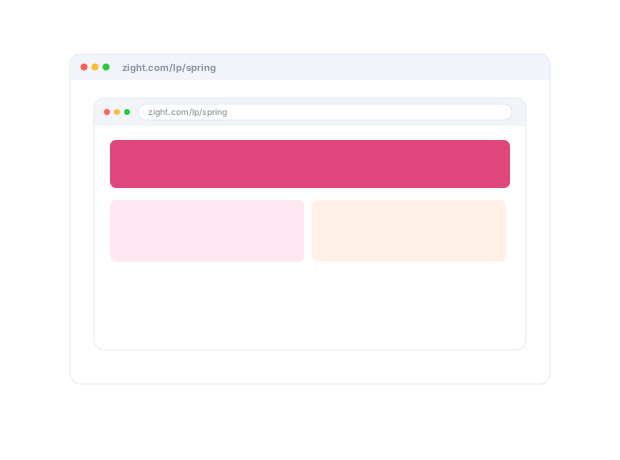
This review covers the hero layout, the headline, and the CTA, with the exact edits marked on the creative. Follow along to see each change...
AI-Powered Docs
Record once.
Publish everywhere.
Zight AI turns your recordings into creative briefs and recaps in one click. No copy-paste, no editing. Your feedback documents itself.
Turn walkthroughs into shareable briefsClarity Ships Better Work
Great creative
starts with feedback
you can see.
When feedback comes as a recording that points at the exact headline and the exact frame, designers and writers know precisely what to change. No decoding a comment thread, no guessing what “make it pop” means. Just clear direction and faster launches.
Real Customers
What marketing teams say
Real quotes from Zight customers and case studies
"It is saving me a ton of time helping my direct reports with questions they have about our products and services or how to use the software that is in our tech stack."
"Zight allows me to quickly capture and share GIFs or snapshots of instructional material for both my clients and colleagues."
"The automated AI generated breakdown of a How To Video is a huge time saver!"
"The AI features you guys built are amazing for my use case, as I send a lot of videos to my team. It makes it nicer for them on the receiving end."
Before & After
What changes when your team uses Zight.
FAQ
Frequently Asked Questions
Record a walkthrough of the draft with your notes, or annotate the exact frame. Reviewers respond on their time and the feedback stays attached to the work.
Yes — GIFs autoplay in email and social, and product walkthroughs become demo assets. What you capture for review can ship as content.
Share links need no account and request links collect their assets and feedback the same way — external collaboration without new logins.
Collections organize by campaign or channel, and AI titles make the library searchable when the next launch reuses last quarter’s work.
Ready to ship
the creative faster?
Join the marketing teams that use Zight to speed up feedback, cut revision rounds, and launch campaigns on time.