Free Tool
Free Background
Editor for Screenshots.
Put a clean background, padding, and shadow behind any screenshot before you share it. Everything renders live in your browser — nothing is uploaded.
Trusted by 5m+ people who would rather show than tell









Free Image Tool
Background Editor
Drag your screenshot here or click to browse
PNG, JPG, or WebP — screenshots and code snippets work great
Is this tool working for you? Report a problem
How It Works
Three steps to get started
01
Upload a Screenshot
Drop in a screenshot, code snippet, or any image that needs a backdrop.
02
Style It Live
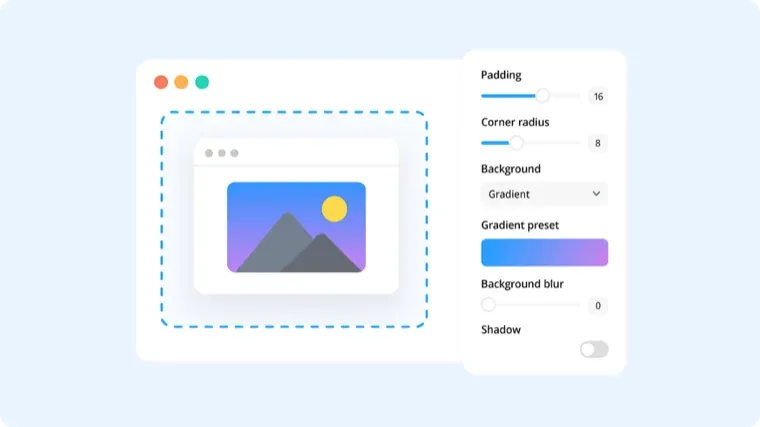
Pick a background, then adjust padding, corner radius, and shadow — the preview updates instantly.
03
Download & Share
Download the polished image, ready for docs, social, or slides.
Polish
Raw screenshot
to polished visual.
A plain screenshot on a nice gradient with padding and a soft shadow instantly looks intentional — the difference between a paste and a presentation.
- 8 solid & gradient backgrounds
- Padding, corner radius, and shadow controls
- Optional browser-style frame
FAQ
Frequently Asked Questions
Yes, completely free. No account or credit card is required.
No. This tool runs entirely in your browser — your files are processed on your own device and never uploaded to a server.
Yes — toggle Browser frame to add a title bar with the classic three dots above your image.
The editor ships with 8 curated solid and gradient backgrounds. For a fully custom color, Zight's desktop app has an expanded annotation and background toolkit.
Make your screenshots
look intentional.
No account needed. Images never leave your browser.