








Create a Request Video link
Choose Video, add a short prompt so the recipient knows what to show, then copy your secure request link.
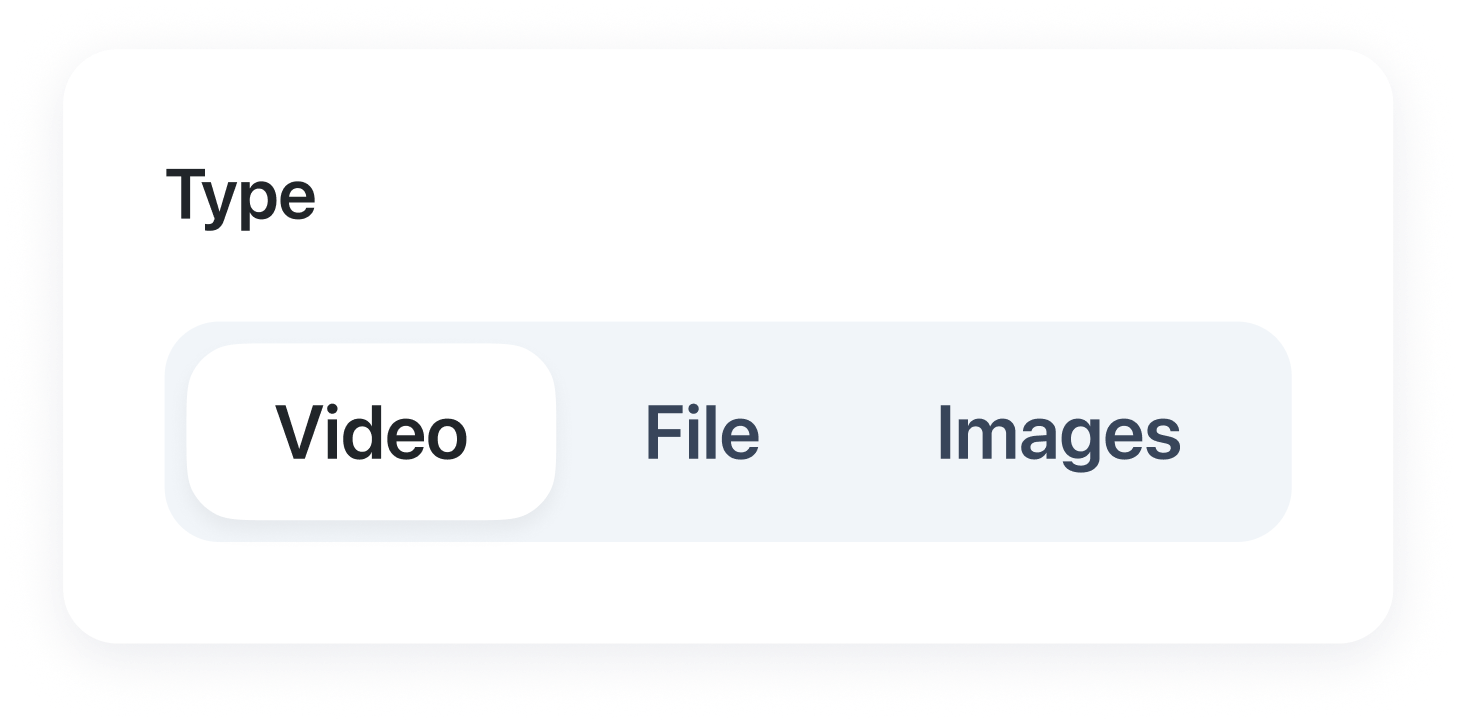
Request Video
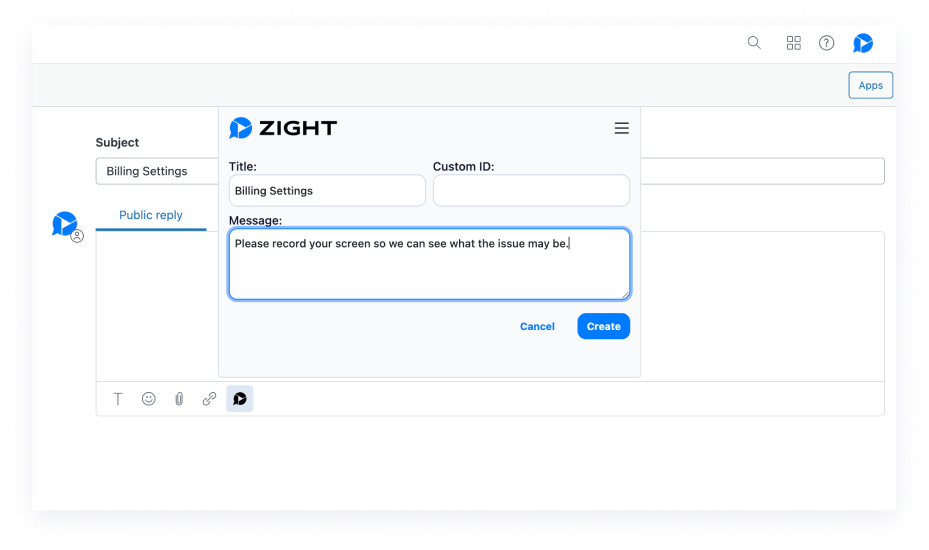
Send a video request in a support ticket, email or chat. The customer records their screen in the browser and submits it to your workspace, without creating a Zight account or installing an app.
Trusted by 5m+ people who would rather show than tell
What is Request Video?
Request Video lets you ask anyone to show what they are seeing through a secure browser link. They record their screen, camera, or voice, and their response comes back to your Zight workspace—no account or download needed.
A clearer starting point
Written descriptions leave out the moment something went wrong. Request Video gives customers, teammates, and prospects a simple way to show the actual screen, process, or question—while it is still fresh.
How it works
Choose Video, add a short prompt so the recipient knows what to show, then copy your secure request link.
Send it by email, chat, or ticket. Your recipient can open it from a modern browser—no download or account required.
They capture their screen, camera, and voice while the details are fresh and easy to explain.
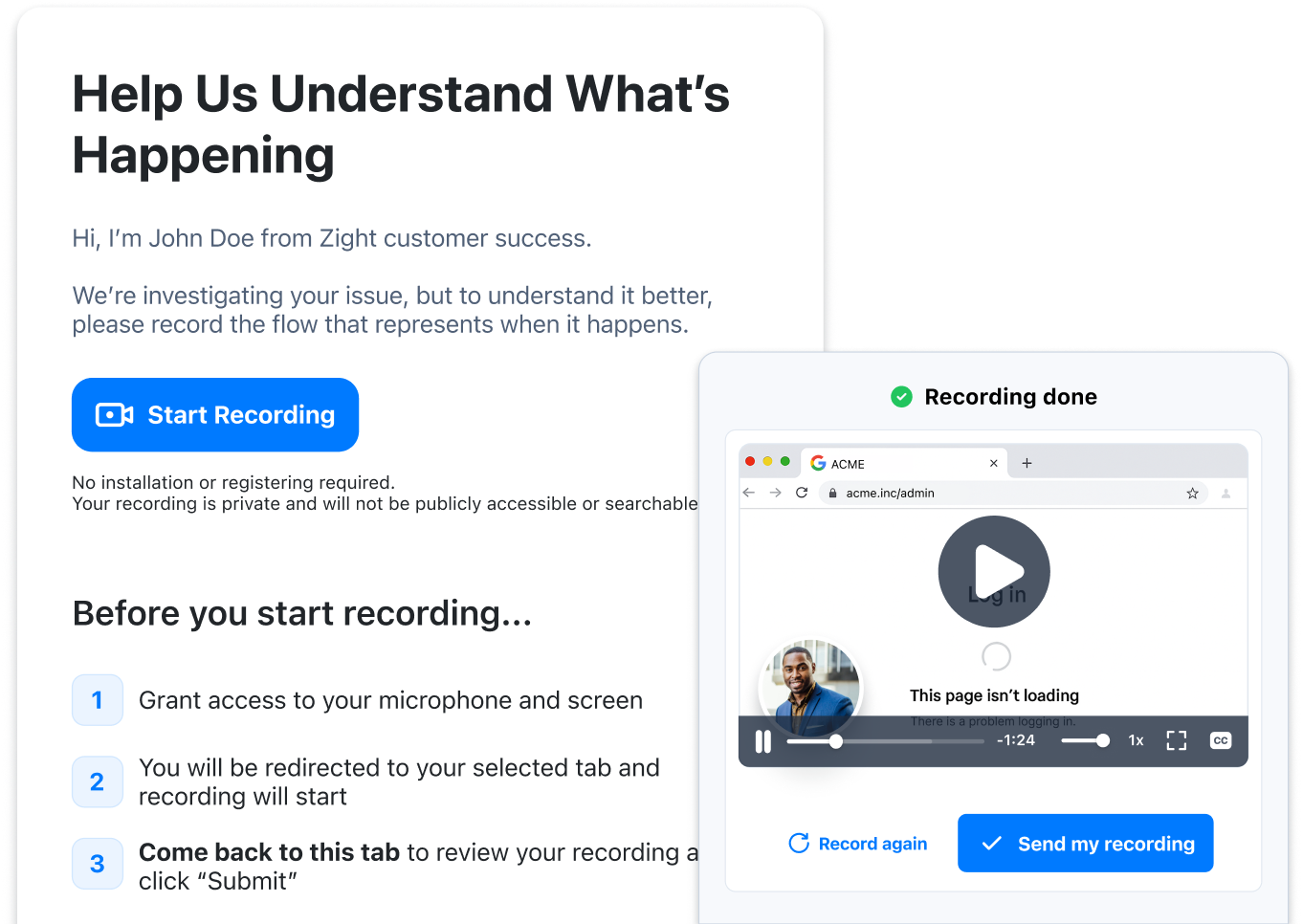
Watch the recording in Zight and move the request forward with the visual context everyone needs.
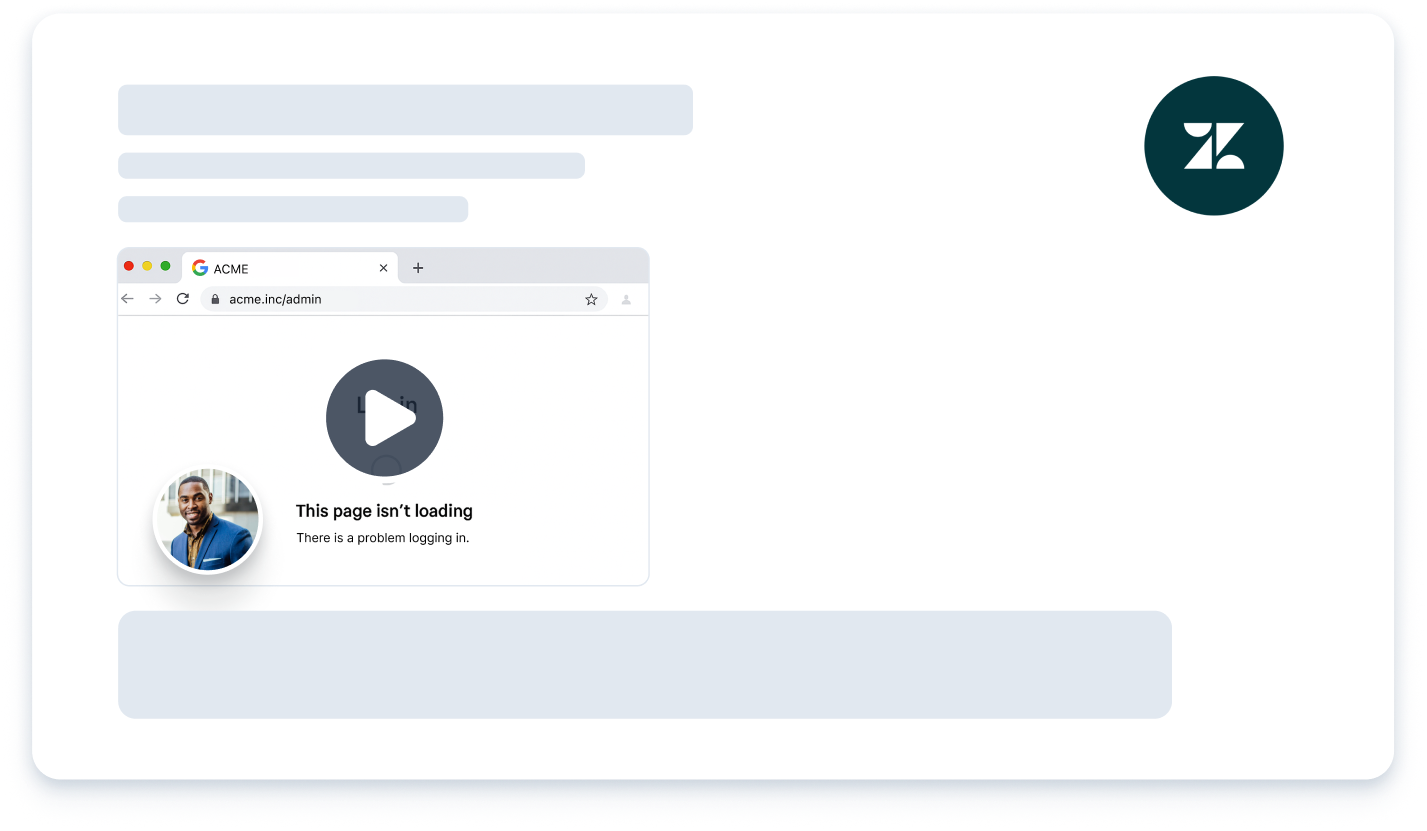
Built for Zendesk support teams
Let customers show what they saw instead of translating it into a ticket.
Ask prospects and customers to walk through goals, questions, and feedback in their own time.
Collect real reactions to a workflow, prototype, or feature before the next review.
Sensitive-text redaction
When redaction is enabled for your workspace, Zight automatically starts a scan after an eligible Request Video reply arrives. The scan uses the categories your workspace selected: email addresses, phone numbers, card numbers, Social Security numbers, AWS access keys, and API keys or other secrets.
Automatic redaction covers detected text with permanent opaque masks. It does not detect every kind of sensitive information, so review the processed reply for names, passwords, account IDs, faces, license plates, audio, and anything else outside the supported categories.
After the recording arrives
Review what happened and ask for any missing context. Use a screen recording to show the next step, or turn a repeatable fix into a step-by-step guide with screenshots. The customer support workflow connects the request, diagnosis, reply and reusable answer.
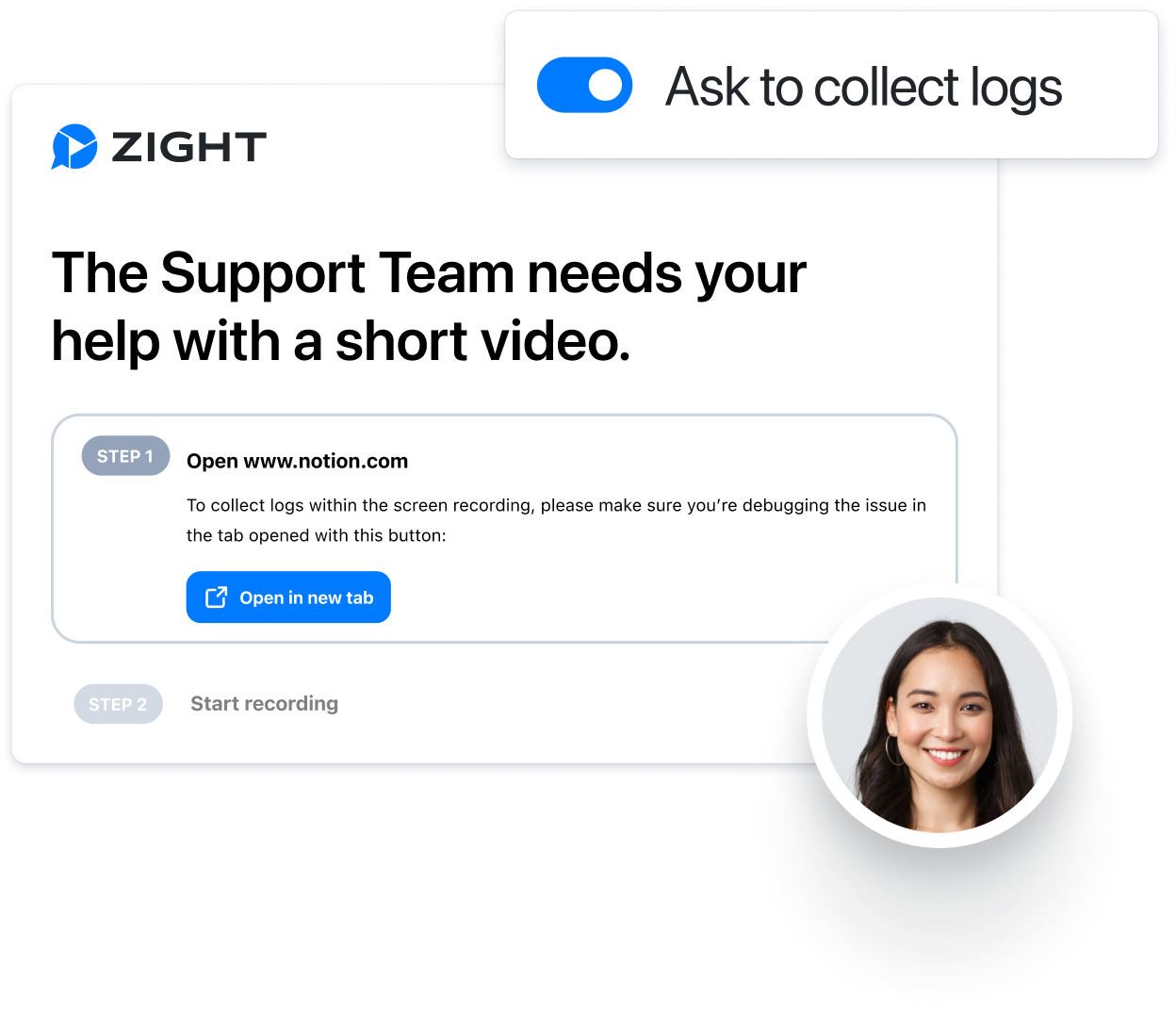
For technical troubleshooting, log collection requires its own setup and controls. Choose when to request that information and verify the customer experience before rollout. Check plans and request allowances for your team.
Chatbot support
When a customer’s answer needs more than text, send a Request Video link directly in the chat. They can record the issue in their browser and send a clear walkthrough back to your support team—without installing anything or joining a call.
Create a Request Video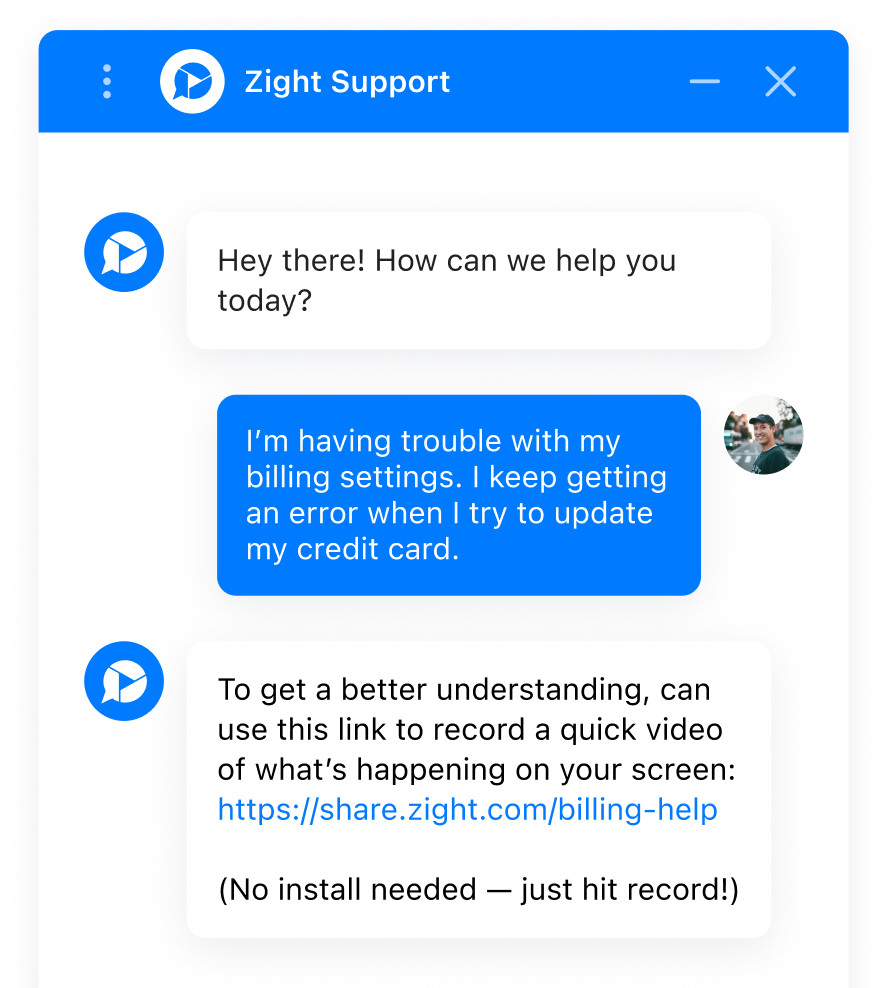
FAQ
No. Anyone can open the secure link, record a video in their browser, and submit it without creating an account or installing software.
They can record their screen, camera, and voice to show exactly what they are seeing or doing.
Submitted videos return to the original request in your Zight workspace, so the conversation and recording stay together.
Yes, when redaction is enabled for the receiving workspace. Zight starts sensitive-text redaction on eligible incoming video replies using the categories selected by that workspace. Review the processed recording because detection can miss content.
Choose the workspace, set request defaults, test the recipient experience and agree on which tickets need a recording. Review integration access, request allowances and administrative controls against your plan before a wider rollout.
Yes. Request Video is built for customer support, customer success, sales, product feedback, and any workflow where seeing the issue is faster than describing it.