Free Tool
Blur Images or Cover a Sensitive Region
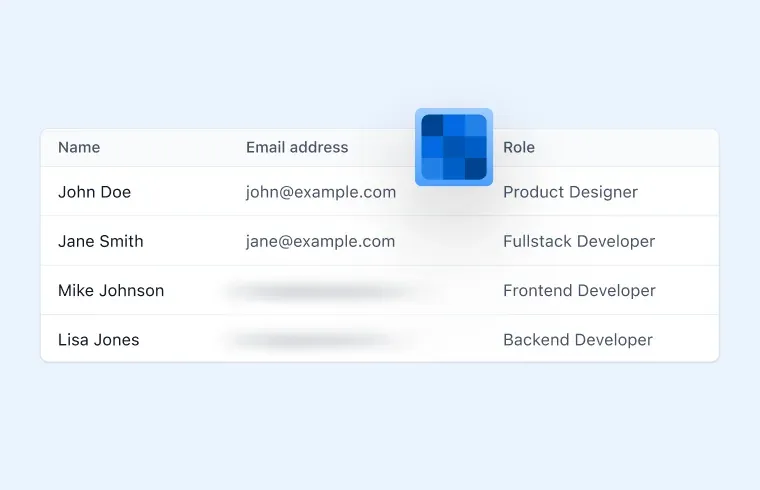
Blur a full image or cover regions with opaque rectangles before sharing it. Selection is manual, and editing stays local unless you explicitly upload the finished PNG to Zight.
Trusted by 5m+ people who would rather show than tell









Free Image Tool
Image Blur Tool
Drag your image here or click to browse
PNG, JPG, WebP, or GIF images
This tool does not automatically find private information. Choose the full-image blur or manually drag and enter source-pixel coordinates for each opaque cover. Blur may leave details recognizable; use opaque covers when pixels must be hidden. Animated images are exported as a static PNG from the first decoded frame.
Drag on the preview or enter a rectangle in source-image pixels.
0 covers added
Is this tool working for you? Report a problem
How It Works
Three steps to get started
01
Upload an Image
Drop in the image you want to blur.
02
Blur or Cover
Blur the whole image, or switch to Cover a region and drag each rectangle yourself.
03
Download
Download the flattened PNG. Upload to Zight only if you choose the separate upload action.
Share Safely
Blur it
before you share it.
Blur softens image detail. For information that must be removed, edit the source or cover it with a solid redaction and inspect the exported file before sharing.
- Full-image blur up to 30px
- Manual opaque region covers
- Local until you explicitly upload the processed PNG
FAQ
Frequently Asked Questions
Yes, completely free. No account or credit card is required.
Editing, preview, and PNG download stay in your browser. The finished PNG is uploaded only if you explicitly choose Upload to Zight after the output is ready.
Yes. Choose Cover a region, then drag a rectangle or enter its source-pixel x, y, width, and height. The tool does not detect private information automatically.
Blur does not guarantee that text cannot be reconstructed. Remove sensitive details from the source or cover them with a solid redaction, then inspect the exported file.
Edit images
for free today.
No account needed. Editing stays local until you explicitly choose Upload to Zight.