Free Tool
Adjust Image
Brightness for Free.
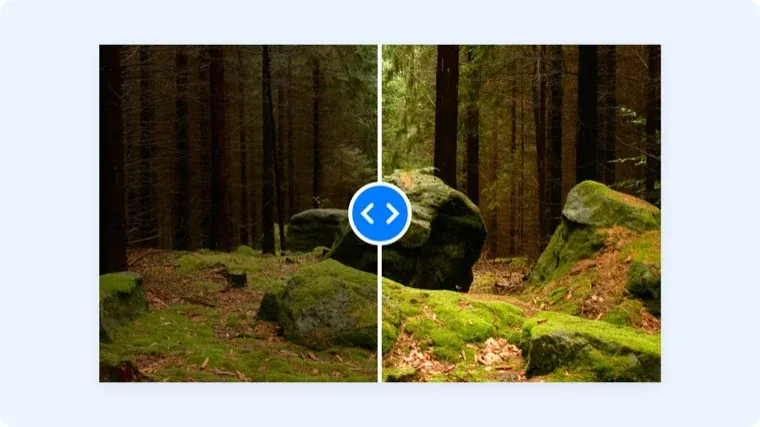
Brighten a dark screenshot or tone down an overexposed photo with one slider. Processed in your browser, never uploaded.
Trusted by 5m+ people who would rather show than tell









Free Image Tool
Image Brightness Editor
Drag your image here or click to browse
PNG, JPG, WebP, or GIF images
Is this tool working for you? Report a problem
How It Works
Three steps to get started
01
Upload an Image
Drop in the photo or screenshot that's too dark or too bright.
02
Drag the Slider
Slide brightness up or down and watch the preview update live.
03
Download
Download the adjusted image as a PNG.
Quick Fix
Fix the exposure.
Skip the editor.
Most brightness problems don't need a photo editor — one slider gets a too-dark screenshot ready to share in seconds.
- Live preview
- 20%–250% adjustment range
- No watermarks
FAQ
Frequently Asked Questions
Yes, completely free. No account or credit card is required.
No. This tool runs entirely in your browser — your files are processed on your own device and never uploaded to a server.
Yes — drag the slider below 100% to darken an overexposed image.
No, only brightness. For heavier corrections, use a full editor — this tool is built for the quick fix.
Edit images
for free today.
No account needed. Images never leave your browser.