Professional Services
Impress clients
with clarity.
Walk clients through deliverables, explain your recommendations, and update them on progress, with recordings that make complex work easy to follow.
Trusted by 5m+ people who would rather show than tell









What is Zight for professional services?
Zight lets client teams show the work instead of scheduling another status call: recorded recaps with chapters, annotated deliverables, and request links that collect client materials without an inbox hunt. Share pages can carry the firm’s logo and colors.
Client-Ready Clarity
One recording
wows the client.
Record a walkthrough of the deliverable or your recommendation and share a link. Clients understand your work, see the value, and feel looked after, without another status call.
Sign up freeThe problem
Clients can’t see the work — so status calls become the deliverable.
Four ways teams run this with Zight.
Walk someone through a proposal or decision
Send a personalized visual explanation the recipient can revisit.
The conversation advances without another meeting.
Camera + screen recordings · share links
Make feedback concrete and actionable
Use annotated captures to point at the exact detail that needs attention.
Less ambiguity, fewer revision cycles.
Screenshots · annotations · recordings
Make external collaboration easier
Share an explanation or request visual context without requiring the recipient to install anything.
Lower friction with customers and partners.
Share links · Request Links
Async updates and recaps
Record a concise update, handoff, or recap for people to watch on their own time.
Live time is reserved for decisions.
Recordings · share links
The motion behind these: Personalize → Progress → Champion
Integrations
Where this workflow runs
Zight drops into the tools this work already lives in — recordings, request links, and guides included.
Trusted by teams like yours.



The Toolkit Client Teams Actually Use
Integrations
Export anywhere.
Works with your stack.
Zight Smart Actions push recordings, summaries, and transcriptions directly into the tools your firm already uses.



Request Video
Hear the client's
needs without
a meeting.
Send a secure Zight link and let clients record their questions or requirements. No downloads, no account. You get clear direction and tailor your work before the next touch.

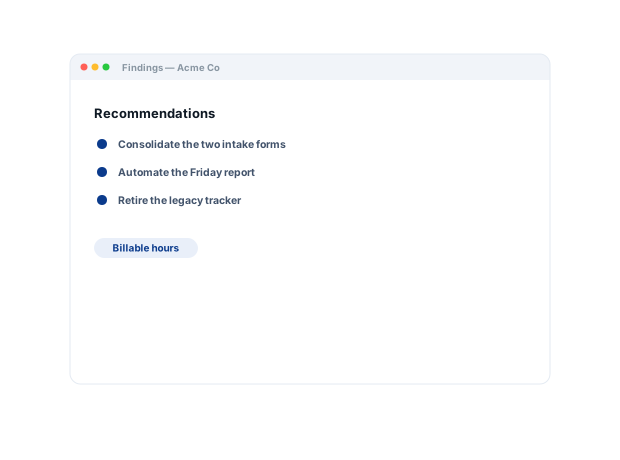
This update walks through Milestone 2, what was delivered, the decisions made, and what's next, so you can review and sign off on your own time...
AI-Powered Docs
Record once.
Publish everywhere.
Zight AI turns your recordings into client-ready summaries and reports in one click. No copy-paste, no editing. Your updates document themselves.
Turn walkthroughs into client-ready recapsClarity Wins Clients
Clients trust the
firm that makes it
easy to follow.
A recorded walkthrough makes complex, high-value work feel clear and transparent. Clients see the effort, understand the recommendation, and trust your judgment. The professionalism that earns renewals and referrals.
Real Customers
What client teams say
Real quotes from Zight customers and case studies
"Zight allows me to quickly capture and share GIFs or snapshots of instructional material for both my clients and colleagues."
"I can share those links directly, both internally and externally… it's so easy to edit the picture, and add arrows and squares to really make your point stand."
"Zight makes it so easy to do both of those things, AND keeps the content stored in one place I can easily refer back to. It’s easy to share content, and easy to request content."
"The AI features you guys built are amazing for my use case, as I send a lot of videos to my team. It makes it nicer for them on the receiving end."
Before & After
What changes when your team uses Zight.
FAQ
Frequently Asked Questions
Share pages are clean, fast, and can carry your logo and colors — the deliverable arrives looking like your firm.
Send a recorded recap with chapters instead. Clients watch on their time, view analytics confirm it landed, and calls go back to decisions.
One request link gathers the files, screenshots, and recordings you need — no chasing attachments across email threads.
Zight is SOC 2 Type II certified and you control who can view each link, so deliverables stay between you and the client.
Ready to impress
every client?
Join the firms that use Zight to update clients, showcase their work, and build the trust that earns renewals and referrals.