Team Alignment
Get everyone on
the same page.
One source of truth, everyone hears it the same way. Record the context once and keep your whole team pointed in the same direction.
Trusted by 5m+ people who would rather show than tell









How do teams stay aligned with Zight?
One recorded walkthrough is the single version of the plan — everyone hears the same words with the same emphasis, whenever they watch. When something changes, re-record the step that changed and the shared reference stays current.
Shared Understanding
One recording
aligns everyone.
Record the plan, the decision, or the walkthrough once and share a link. Every team gets the same context in the same words, no telephone game, no version drift.
Sign up freeThe problem
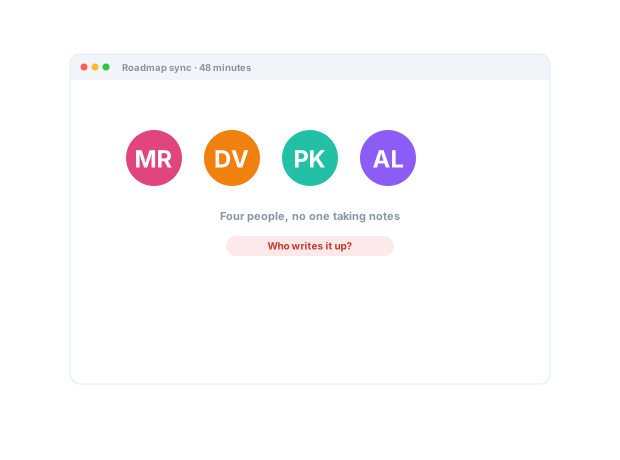
Alignment decays when every team hears a different version of the plan.
Four ways teams run this with Zight.
Make feedback concrete and actionable
Use annotated captures to point at the exact detail that needs attention.
Less ambiguity, fewer revision cycles.
Screenshots · annotations · recordings
Make changes easier to adopt
Turn “here’s what changed” into a short walkthrough of what to do differently.
Change lands with comprehension, not confusion.
Recordings · screenshots · annotations
Standardize how work gets done
Create a shared visual reference for repeatable processes.
Less improvisation, fewer inconsistent explanations.
Recordings · collections
Preserve institutional knowledge
Capture how experienced people solve problems and run key processes.
Expertise survives growth, role changes, and turnover.
Recordings · collections · share links
The motion behind these: Show → Align → Act
Integrations
Where this workflow runs
Zight drops into the tools this work already lives in — recordings, request links, and guides included.
Trusted by teams like yours.



The Alignment Toolkit Teams Actually Use
Integrations
Export anywhere.
Works with your stack.
Zight Smart Actions push recordings, summaries, and transcriptions directly into the tools your team already lives in.



Request Video
Surface concerns
without a
big meeting.
Send a secure Zight link and let each team record their questions and concerns. No downloads, no account. You catch misalignment early, before it becomes rework.

This walkthrough lays out the quarter's priorities, what's in and out of scope, and the reasoning, so every team is aligned on the same plan...
AI-Powered Docs
Record once.
Publish everywhere.
Zight AI turns your recordings into decision notes and summaries in one click. No copy-paste, no editing. Your alignment documents itself.
Turn recordings into shareable decisionsAlignment Moves Faster
Teams move fast
when they're truly
on the same page.
When everyone hears the same context in the same words, work stops stalling on “wait, I thought we agreed…” Recorded context keeps teams aligned, decisions sticky, and everyone rowing in one direction.
Real Customers
What teams say
Real quotes from Zight customers and case studies
"Amazing for collaboration, documentation, and sharing."
"Zight allows me to quickly capture and share GIFs or snapshots of instructional material for both my clients and colleagues."
"I use the Zight screenshots as a tutorial guide for my students to see the breakdown of each section of their training and the app."
"Basically replaced recording with Zooms, uploading to Loom and having to use chatGPT to summarize the transcript."
Before & After
What changes when your team uses Zight.
FAQ
Frequently Asked Questions
Everyone hears the same words with the same emphasis, and the link is the single version — there’s no telephone game between summaries.
The walkthrough is still there, with chapters. New teammates catch up from the source instead of second-hand notes.
Re-record the step that changed and update the link in your docs — the reference now shows the new way, everywhere it was shared.
It anchors it. Written SOPs stay, but each one gets a visual demonstration people can replay — the part text was always worst at.
Ready to keep
everyone aligned?
Join the teams that use Zight to share context once, keep decisions sticky, and stay pointed in the same direction.