Free Tool
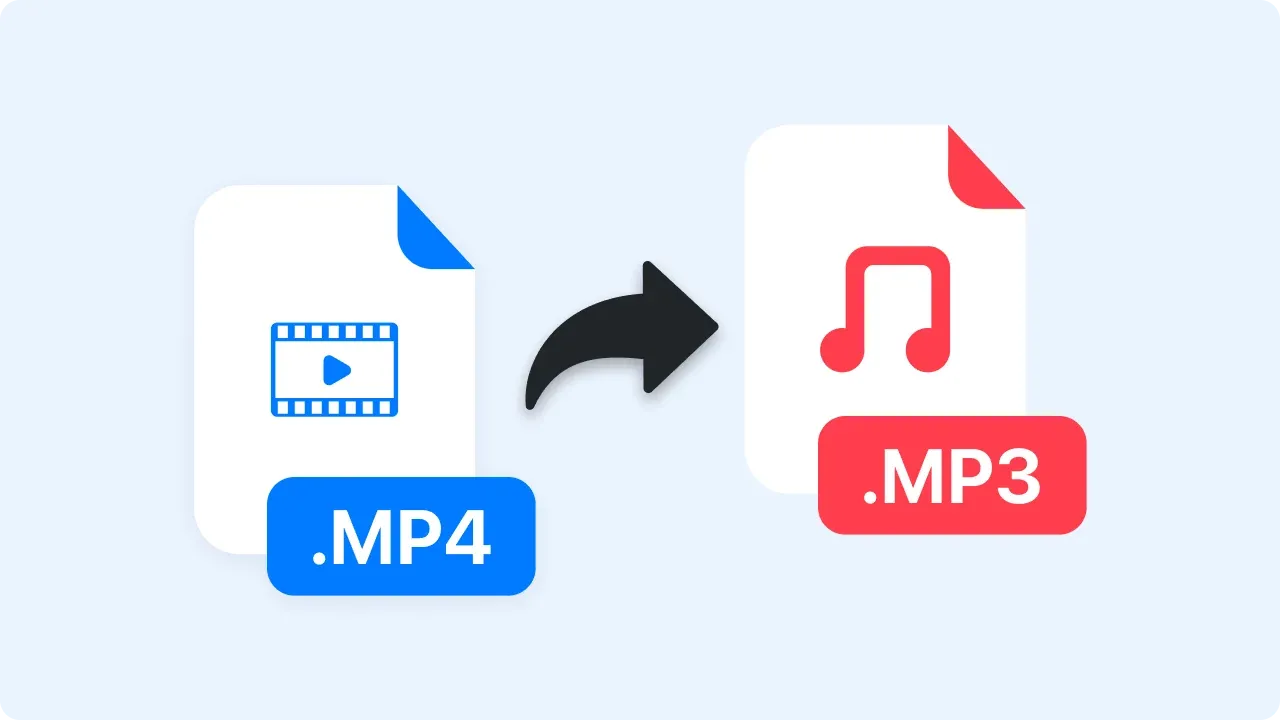
Convert MP4
to MP3 for Free.
Upload your MP4 video file and get a high-quality MP3 in seconds. Files are processed in your browser, never uploaded.
Trusted by 5m+ people who would rather show than tell









Free Converter
MP4 to MP3 Converter
Drag your file here or click to browse
MP4 video files, up to 2GB
Is this tool working for you? Report a problem
How It Works
Three steps to get started
01
Upload MP4 File
Select a MP4 video file from your device, or drag it into the box above.
02
Automatic Conversion
The converter runs right in your browser — watch the progress bar as it works.
03
Download MP3
Download your new MP3 file instantly, or convert another one.
File Quality
Audio extracted.
Encoded as MP3.
This converter re-encodes the audio as a fixed 192 kbps MP3. MP3 uses lossy compression, so output quality depends on the source audio and cannot improve it.
- Fixed 192 kbps MP3 output
- Lossy compression; quality cannot exceed the source
- Nothing installed, nothing uploaded
FAQ
Frequently Asked Questions
Yes, completely free. No account or credit card is required.
No. This tool runs entirely in your browser — your files are processed on your own device and never uploaded to a server.
Yes, though processing happens on your device, so very large files take longer on slower machines.
MP3 uses lossy compression. This converter encodes at a fixed 192 kbps, so the result depends on the source audio and cannot improve it.
MP3 is one of the most widely supported formats — it works on iOS, Android, Windows, macOS, web browsers, and virtually every player and editor.
Start converting
for free today.
No account needed. Files never leave your browser.