








Show the problem on your screen
Record the steps that lead to an issue, or make a walkthrough of a mobile workflow. Give the person helping you something they can watch while they investigate.
Zight for Android
Show a bug, walk someone through an app, or send a file from your phone. Record your screen or share content from another app to Zight, then send the link.
Available on Google Play. Check the listing for availability on your device and in your region.
Trusted by 5m+ people who would rather show than tell
Zight brings screen recording, uploads and link sharing to your Android phone. Send photos, videos and files from the Android Share menu, browse your content, and keep related items together in collections.
Mobile App Preview
Keep important items close, copy a shareable link, and manage content from the mobile app.
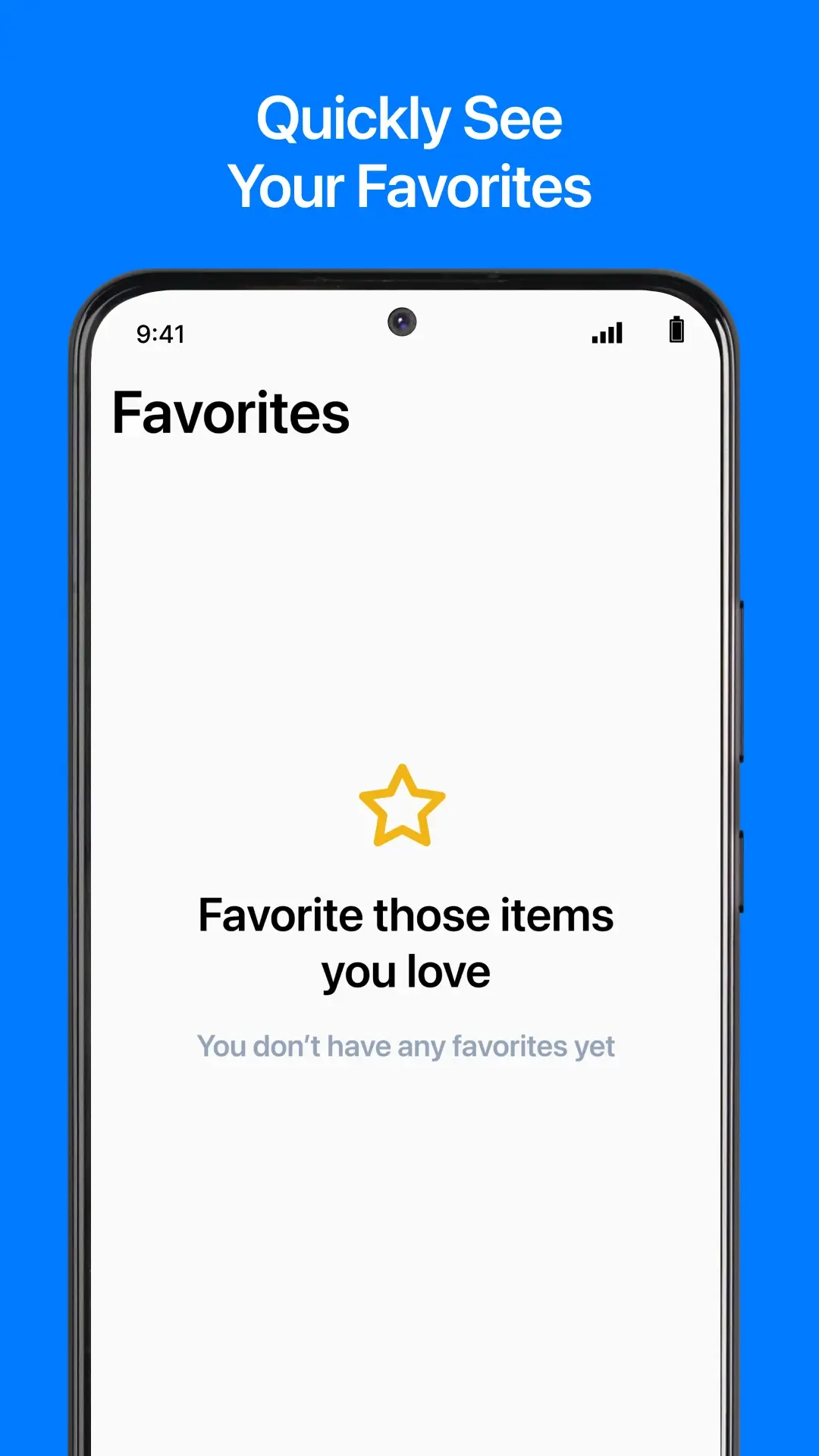
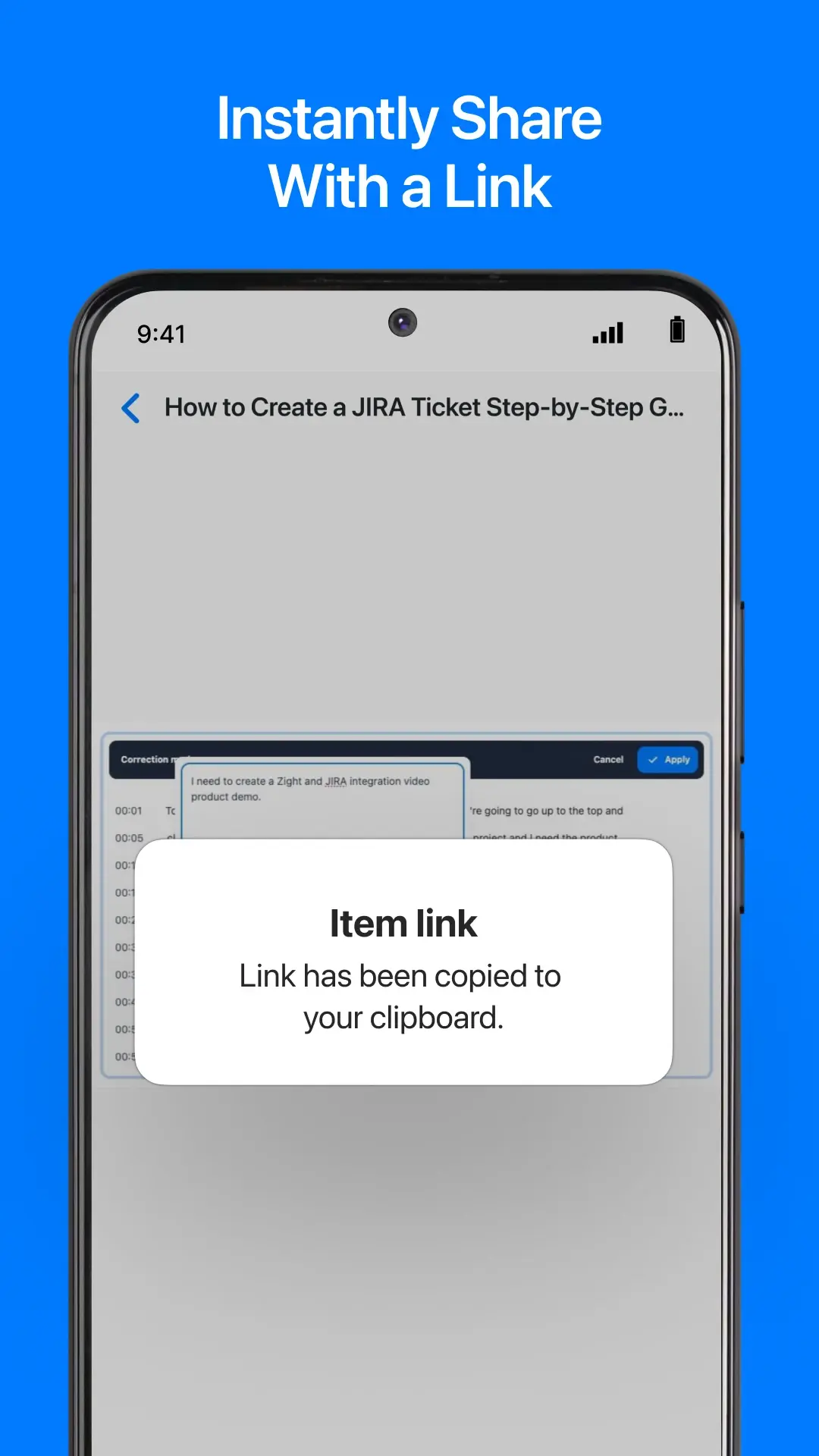
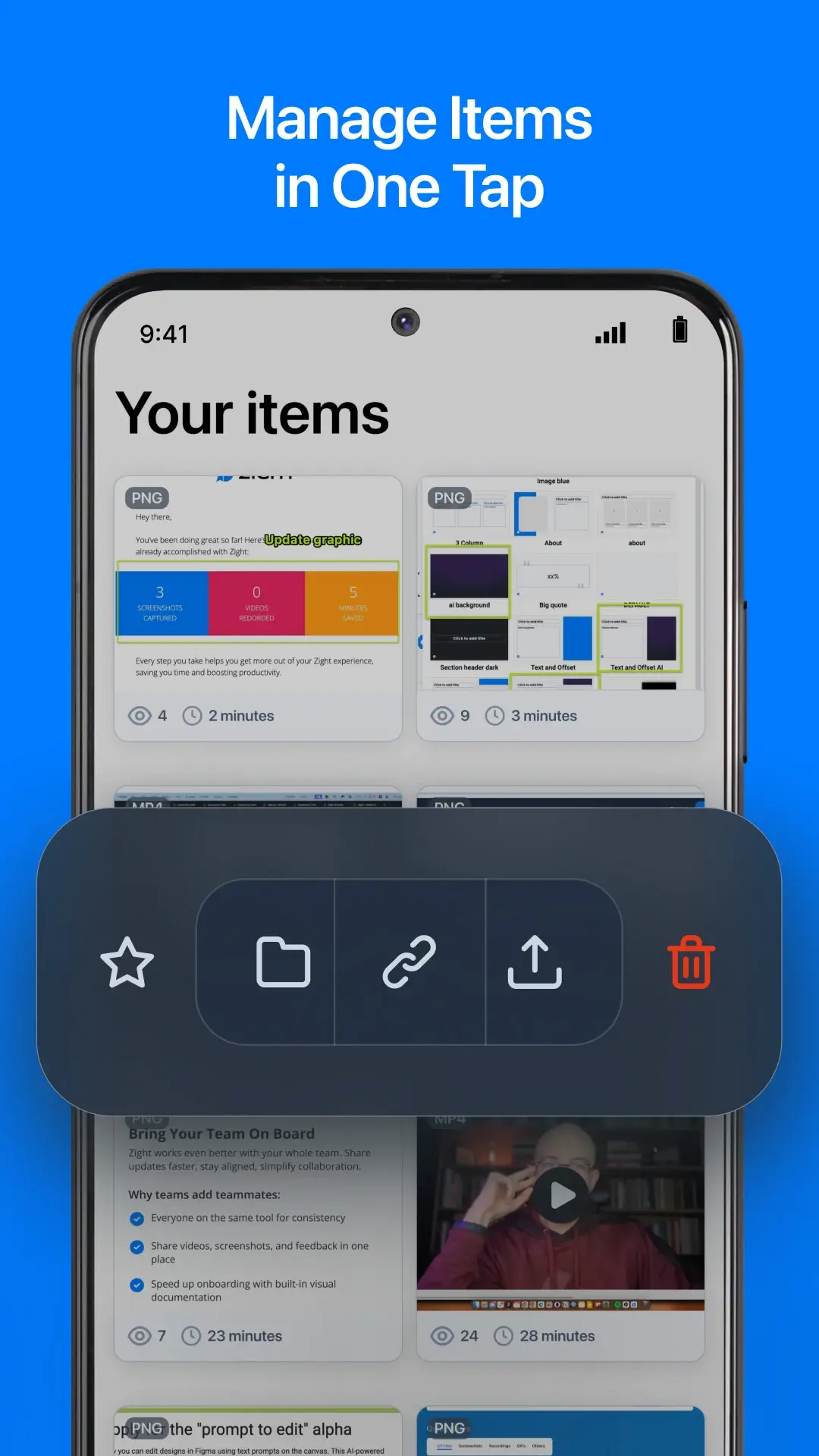
These supplied Zight mobile previews show shared content features. Screen layout and system controls can vary by mobile platform and device.
What You Can Do
Record the steps that lead to an issue, or make a walkthrough of a mobile workflow. Give the person helping you something they can watch while they investigate.
Choose a photo, video or file, open the Android Share menu, and send it to Zight. Create a link for the content you need to pass along.
Group related content in collections and mark frequently used items as favorites. Keep a set of walkthroughs together or find the file you send repeatedly.
Getting Started
Get the app from Google Play and sign in to your Zight account.
Record your screen with Zight, or choose an existing photo, video or file in another app and share it to Zight.
Once the content is uploaded, copy its shareable link.
Paste the link into your message, email or support ticket. Add a short explanation of what you want the other person to look at.
Built-In Recorder Comparison
Android includes a built-in screen recorder on supported devices. Zight adds a link-sharing and content-organizing workflow around the capture.
Built Into Android
Android’s built-in recorder captures your screen and saves the result through your device’s photos or gallery workflow. Controls vary by device and Android version.
Read the official instructionsWith Zight
Record with Zight or send existing content through the Android Share menu, then keep the result available in your Zight content library.
A Clearer Mobile Explanation
Record what you tapped and what happened next, share the Zight link, and include what you expected to happen. Save related examples in a collection so they are easier to find again.
FAQ
Yes. The Android app includes screen recording for walkthroughs, demos and other screen-based explanations.
Yes. Use the Android Share menu to send photos, videos and files to Zight from apps such as Photos, Gallery, Camera and Files.
Yes. Share the screenshot from your photos or gallery app to Zight, then share its link.
Use collections to group related items and favorites to keep important content easy to find.
Open the Google Play listing to check availability for your account and device.
See Zight’s pricing page for current plan details and check the app before relying on a particular recording length or upload limit for your workflow.
Record a walkthrough or send an existing file to Zight. Share the link with the person who needs it.