








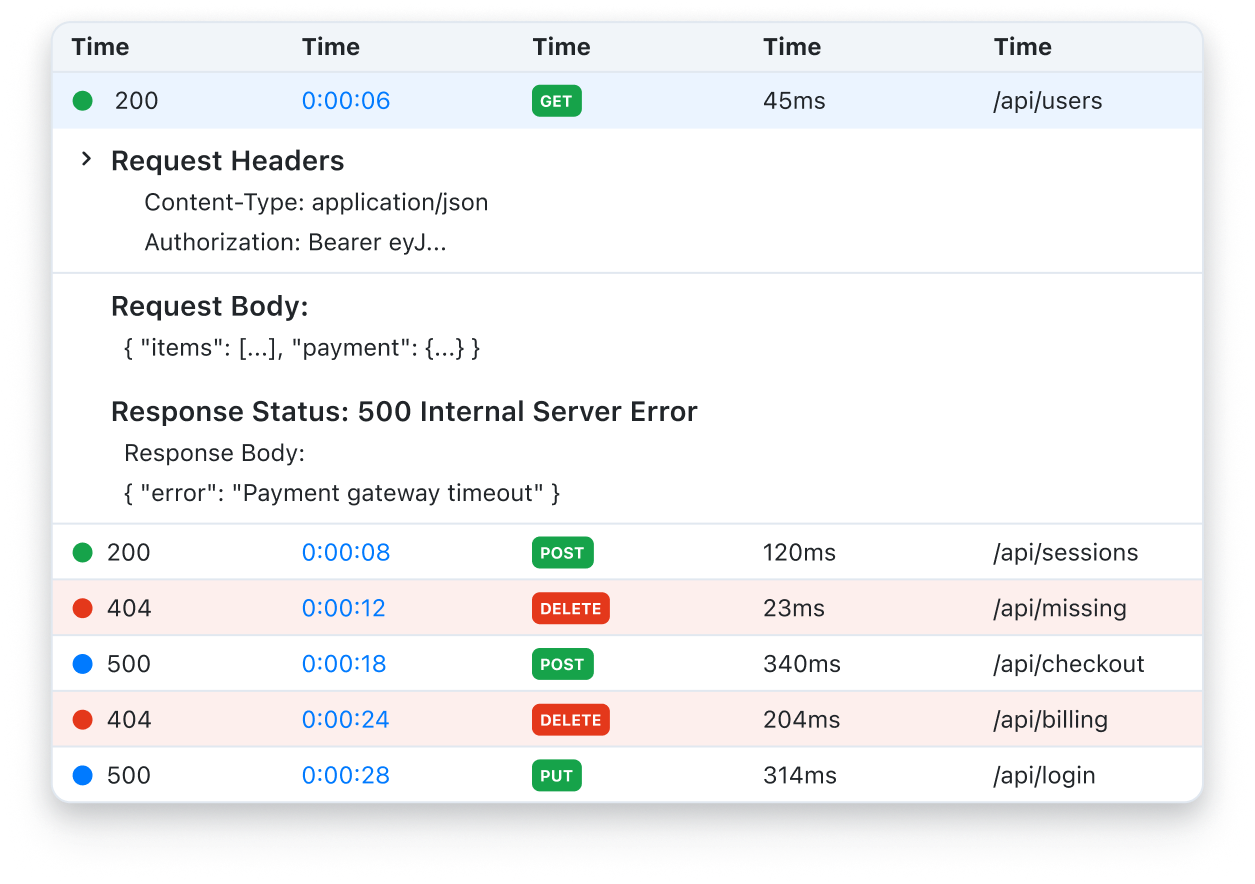
Collect system logs for troubleshooting
Ask customers for diagnostic reports, exports, or log files so support and engineering can investigate with the right evidence.
Request File
Request documents, exports, or supporting materials with clear instructions and automatic organization.
Trusted by 5m+ people who would rather show than tell
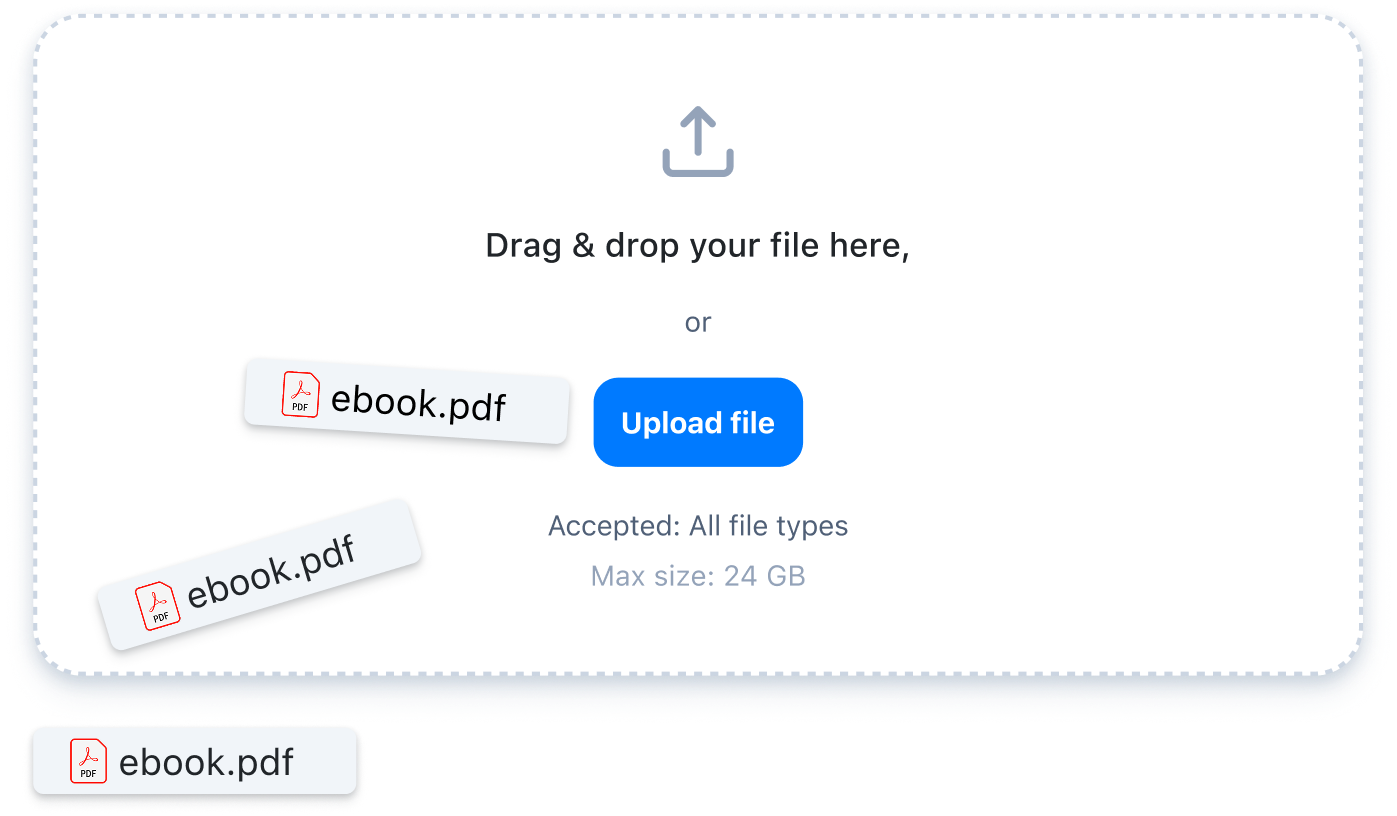
Request Files lets you send a secure link that anyone can use to upload documents directly to your Zight workspace. Each submission stays tied to the original request, so your team can track, review, and revisit it anytime.
Why Request File?
Attachments get buried in email and Slack. A structured request tells recipients what to send, keeps the submission connected to the original question, and gives your team one place to review it.
Ways to use it
Ask customers for diagnostic reports, exports, or log files so support and engineering can investigate with the right evidence.
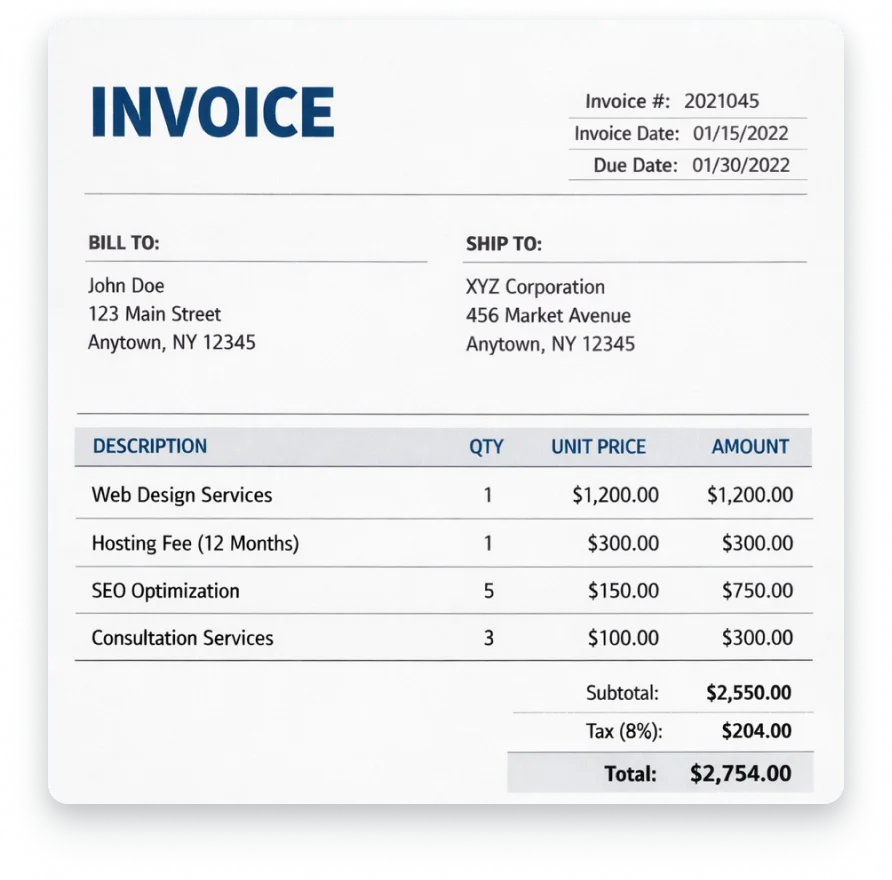
Collect billing documents and supporting files through a single request instead of chasing attachments across email threads.
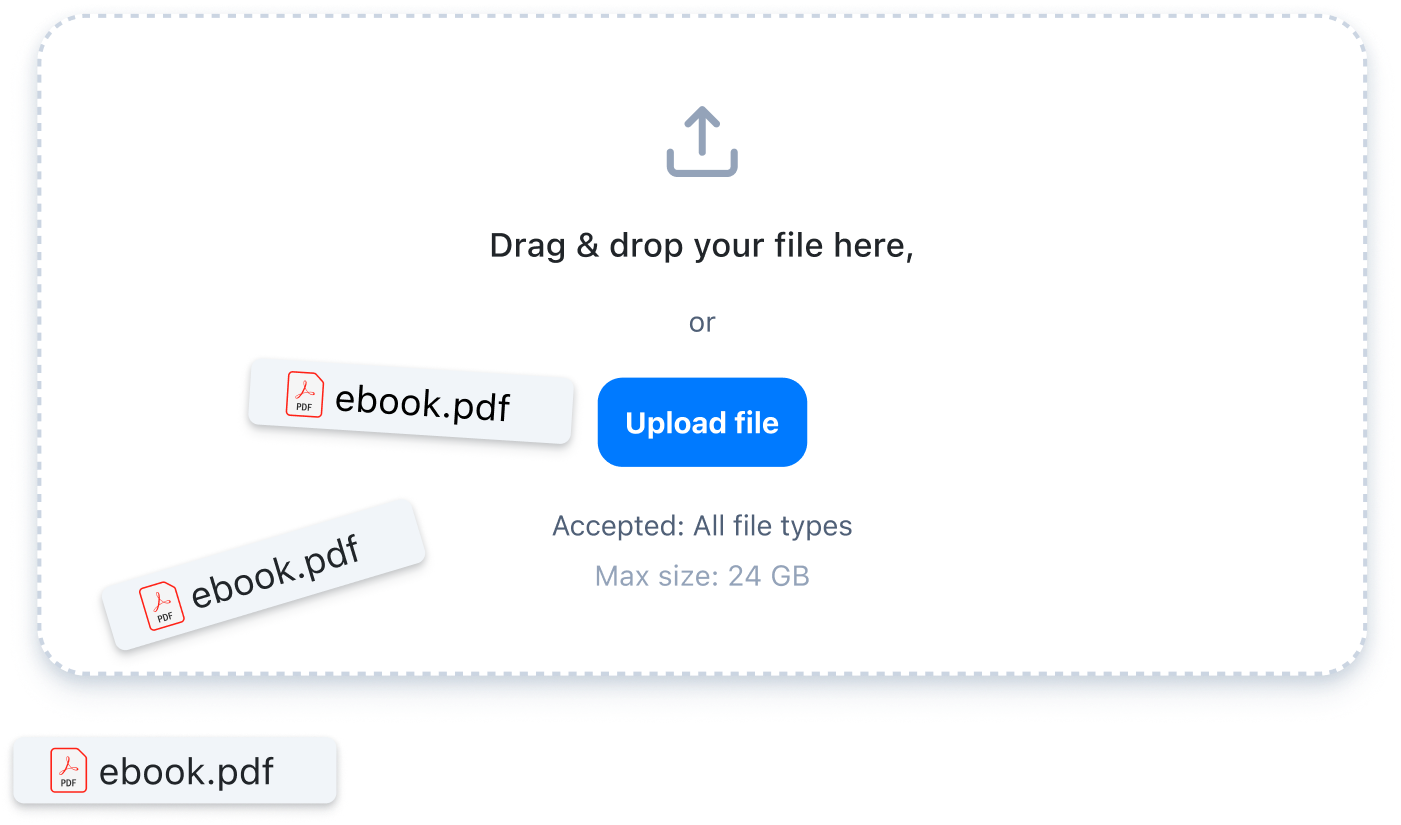
Get source files and final deliverables with clear requirements, ready for your team to review in one place.
Structured context
How Request File works
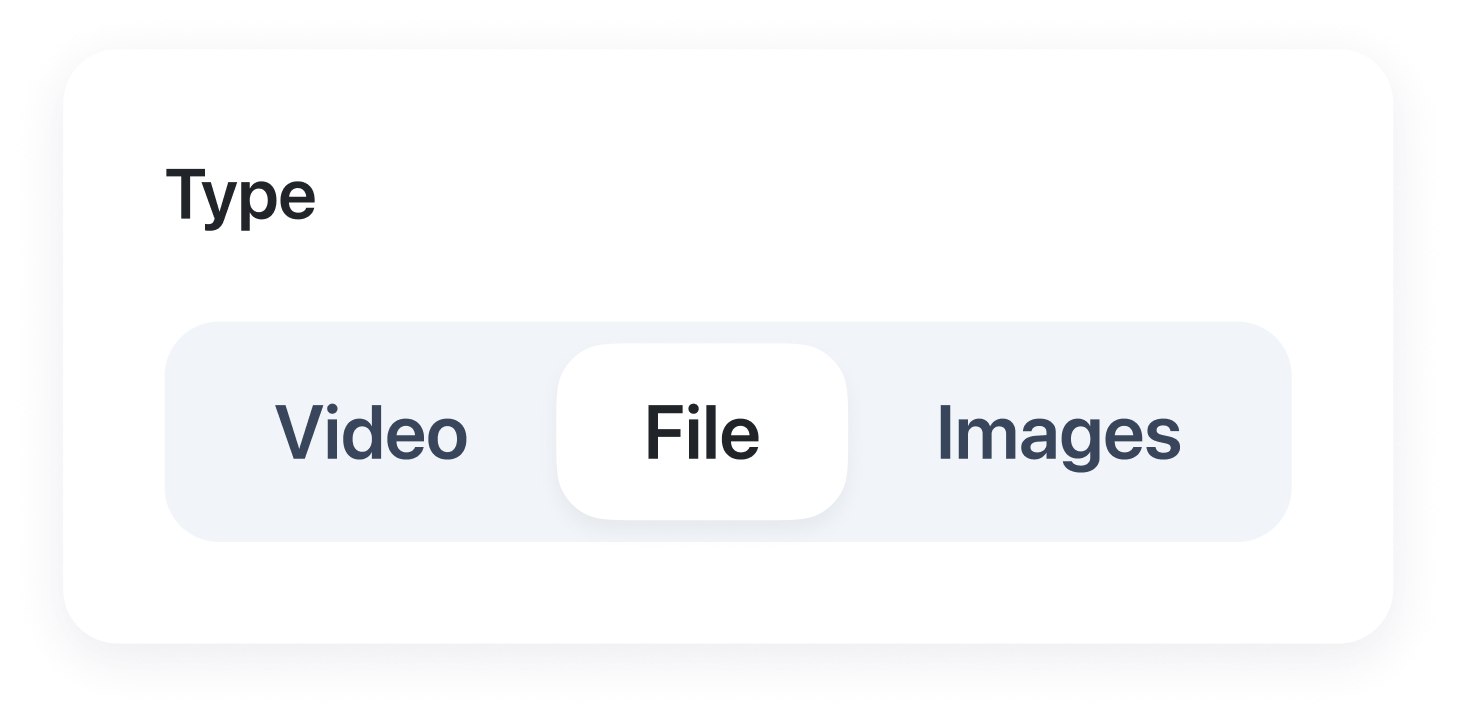
Choose File as the response type and customize your title and message.
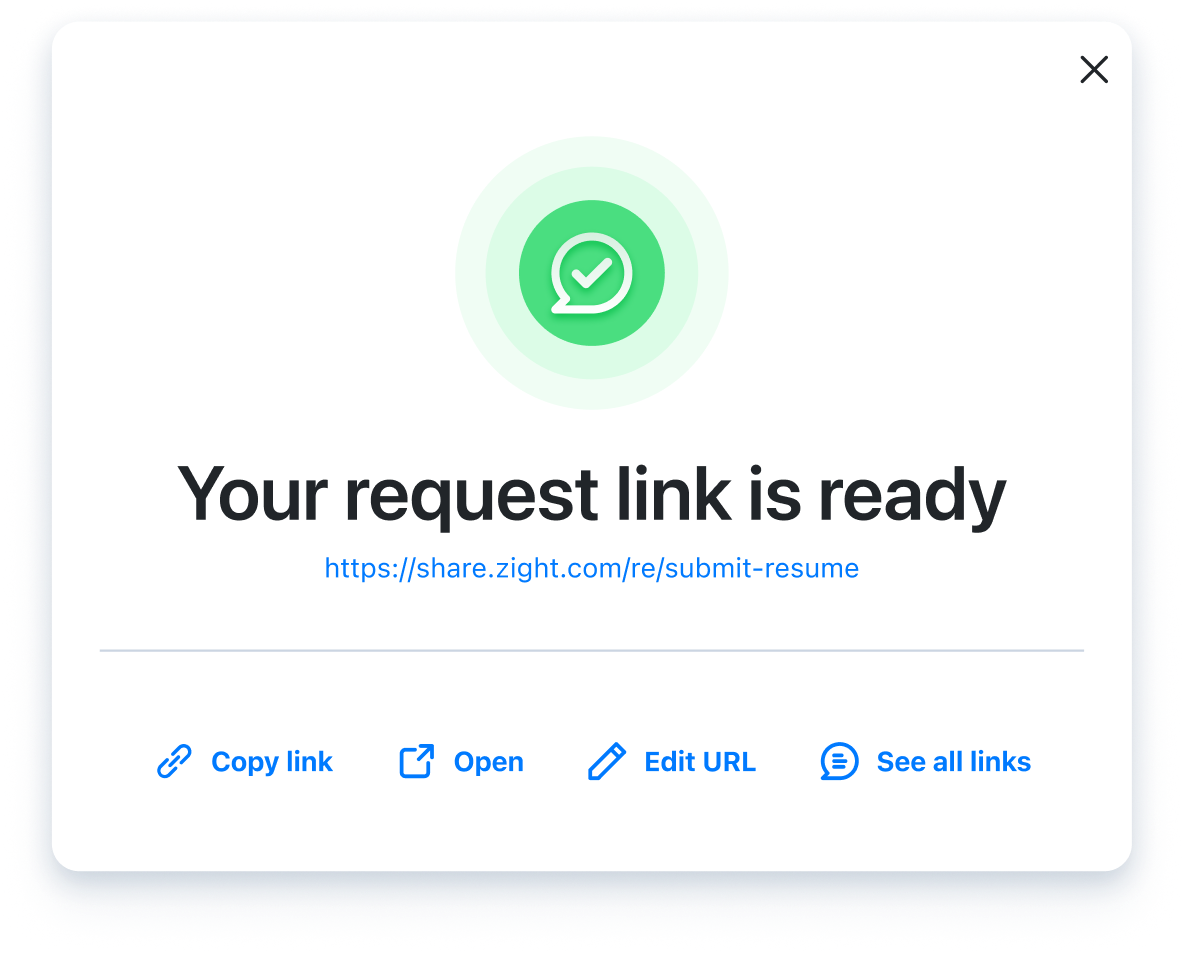
Copy the request link and send it to a customer, teammate, or external collaborator.
Recipients drag and drop their file directly in the browser. No account required.
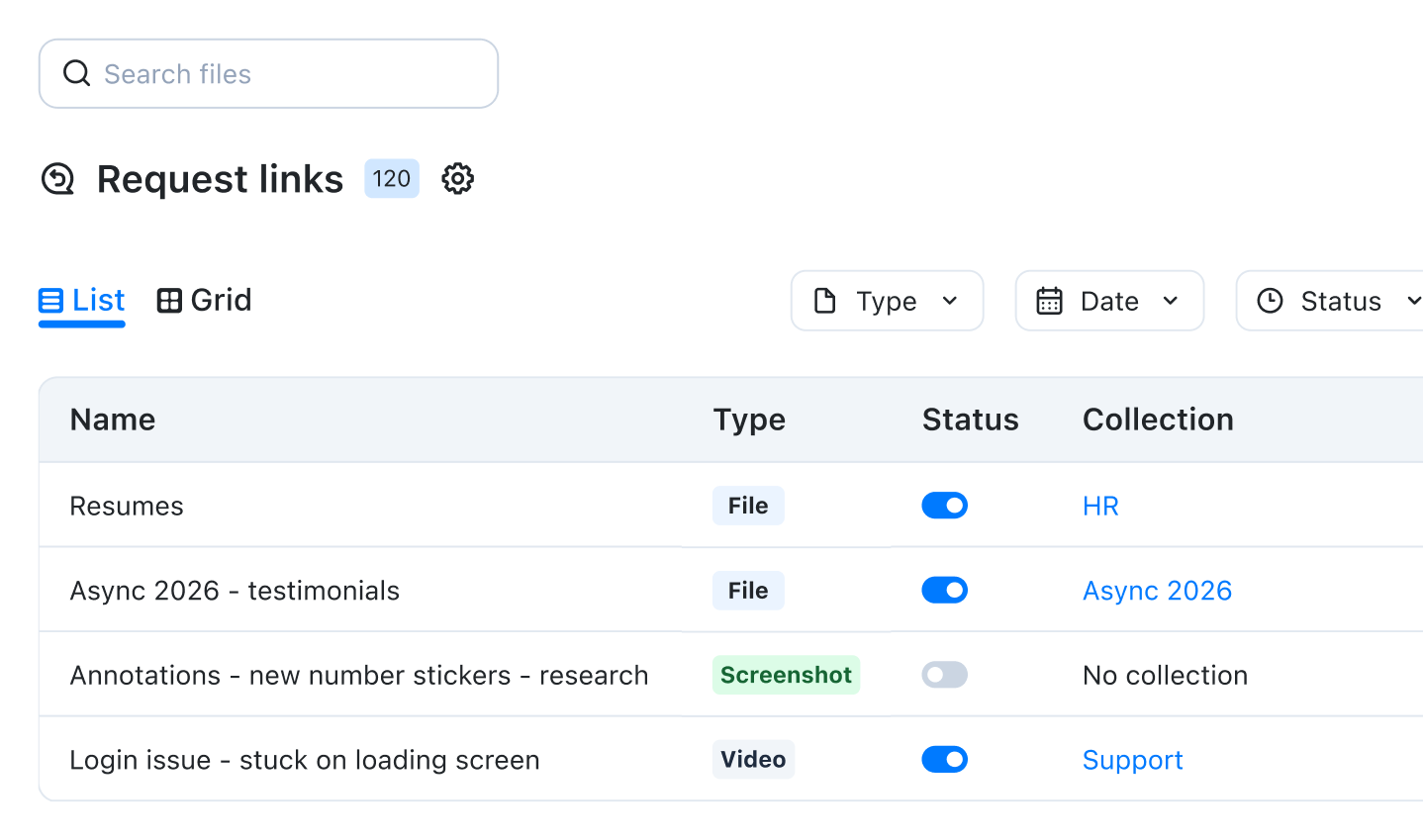
The submission is stored under the original request in your Zight workspace.
Built for real workflows
Request log files, exports, or diagnostic reports to investigate issues and move tickets toward resolution faster.
Gather onboarding documents, account exports, or signed agreements to keep implementations on track.
Request resumes and supporting materials with clear instructions to simplify candidate review.
Request brand assets, campaign files, or final deliverables with clear format requirements.
FAQ
No. Anyone can upload a file from their browser without creating an account or installing anything.
Request Files supports documents, exports, log files, images, archives, and other common file types.
Each submission is saved in your Zight workspace under the original request, so the file and its context stay together.
Yes. Customize the request title and message with the file type, format, or information you need from the recipient.
Email attachments get buried in threads and separated from the request. Request Files keeps every upload organized with the original context.
Yes. Recipients can upload from mobile or desktop browsers.