








Browser & Version
Identify rendering and compatibility issues with precise browser details.
Request Video + Data Logs
Send one secure link. Recipients record what happened while Zight captures the browser, system, and diagnostic details your team needs to resolve the issue.
Trusted by 5m+ people who would rather show than tell
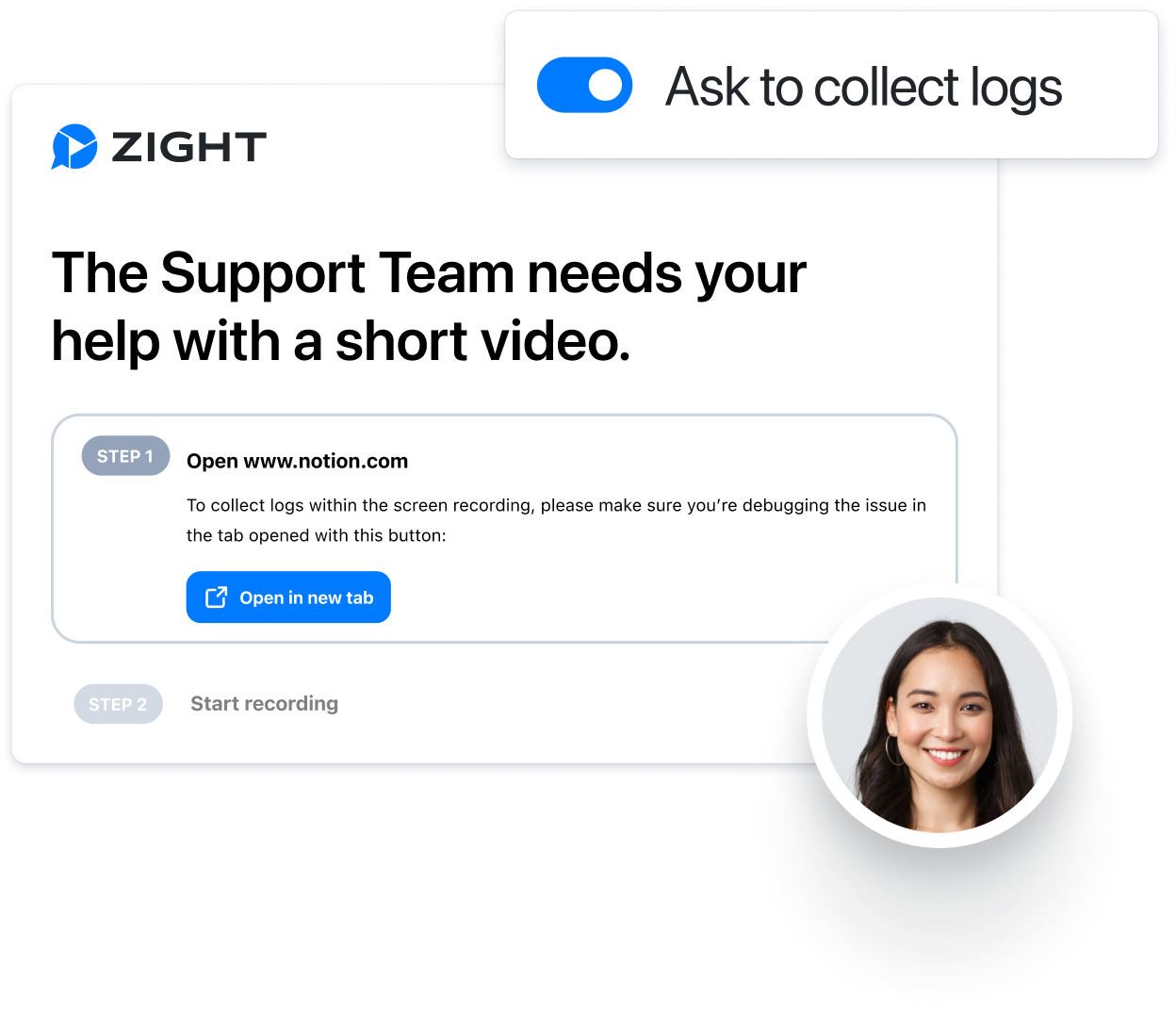
Request Video lets anyone record what they are seeing through a secure browser link. With Data Logs enabled, Zight adds the browser, operating system, screen, console, and network context your team needs—so the recording and the evidence stay together.
Why it matters
Written bug reports rarely include the context that makes an issue reproducible. Request Video captures what the person saw and the technical evidence around it, so support can diagnose faster and engineering can start with a clearer report.
What’s collected
Identify rendering and compatibility issues with precise browser details.
Spot platform-specific bugs with the OS context attached to the recording.
Understand layout and UI differences across displays and devices.
See connection details that help explain loading and performance problems.
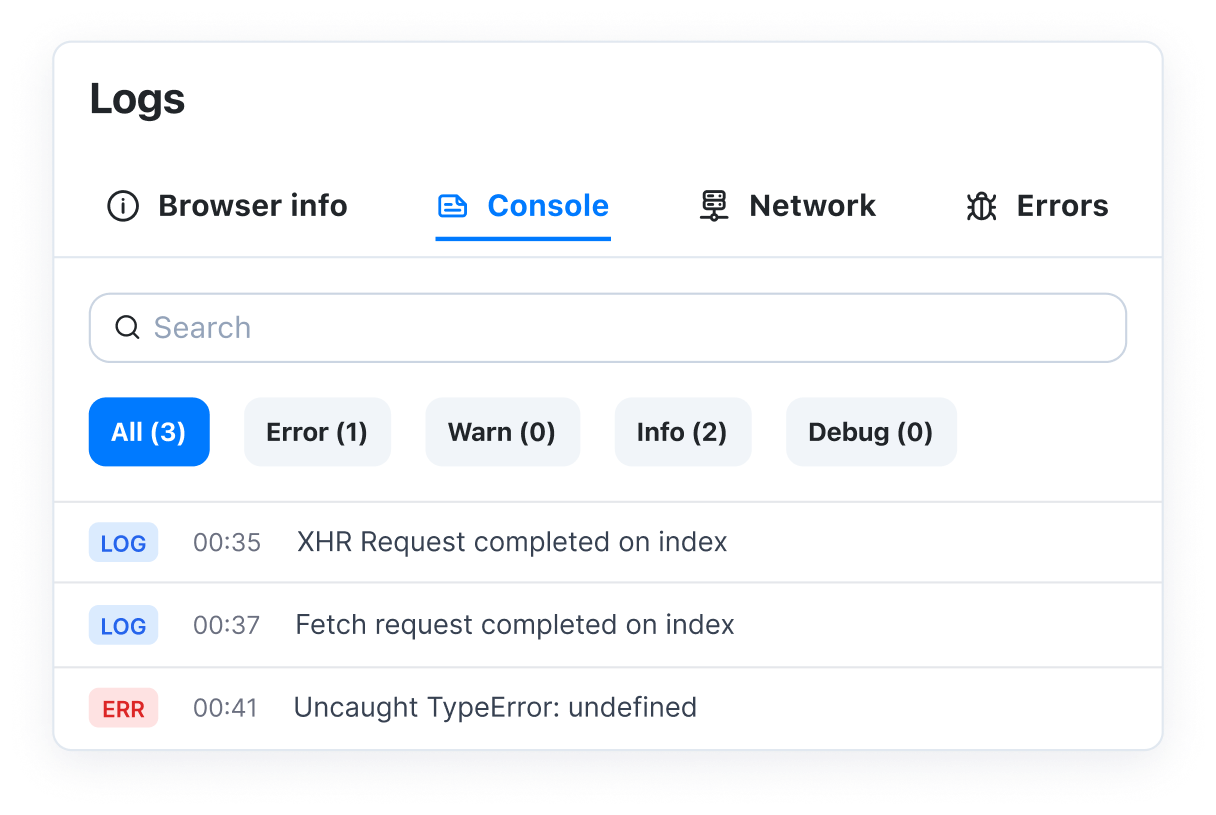
Surface JavaScript errors and warnings without asking for screenshots of DevTools.
Find failed API calls and requests that are affecting the experience.
One organized view
Every submission stays attached to the original request. Your team can review the recording alongside console errors, network activity, and system context instead of piecing it together across tickets and email threads.
Compatible AI workflows can also use the linked recording, transcript, OCR, and diagnostic context through Zight MCP.
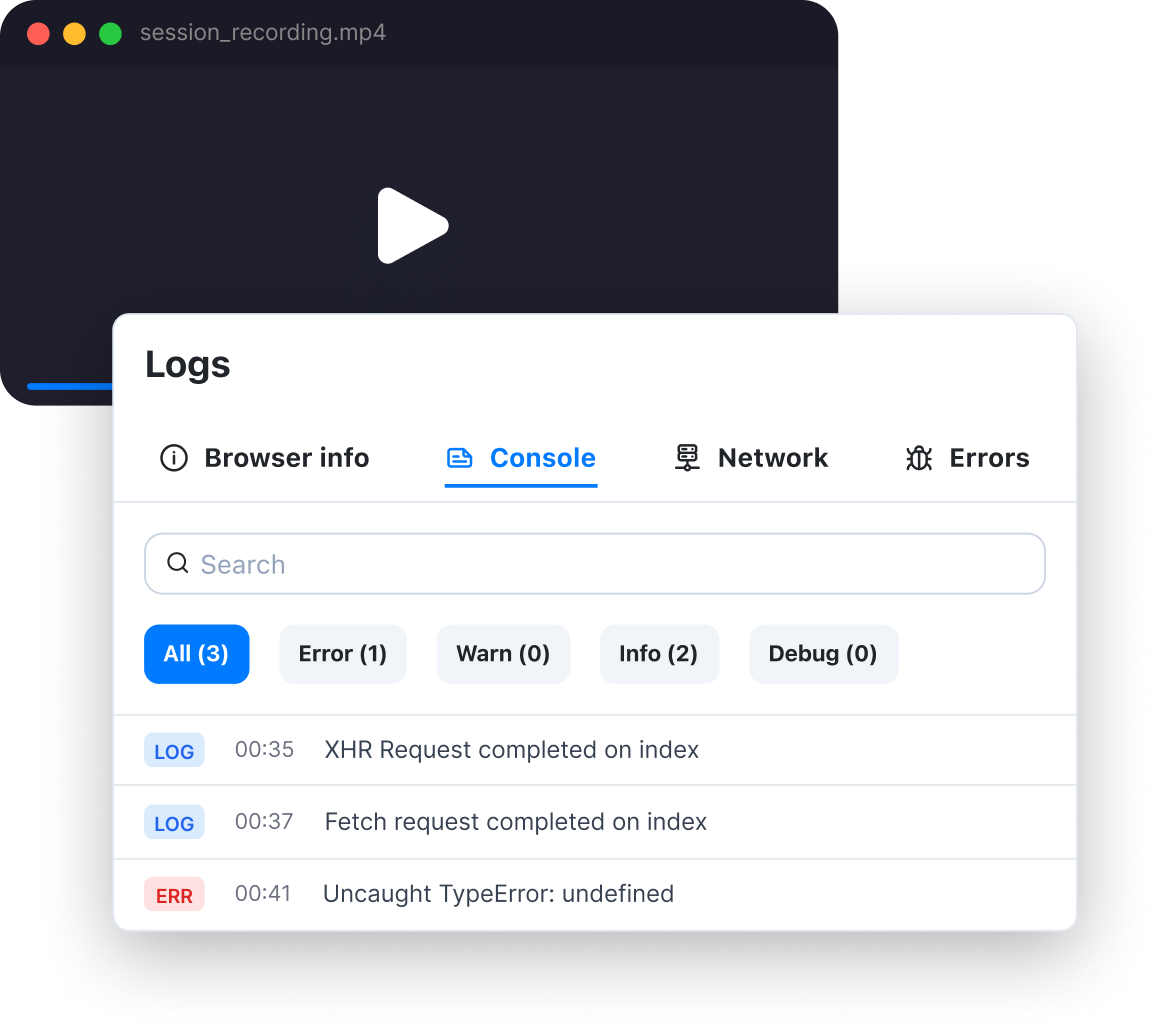
Structured context
How it works
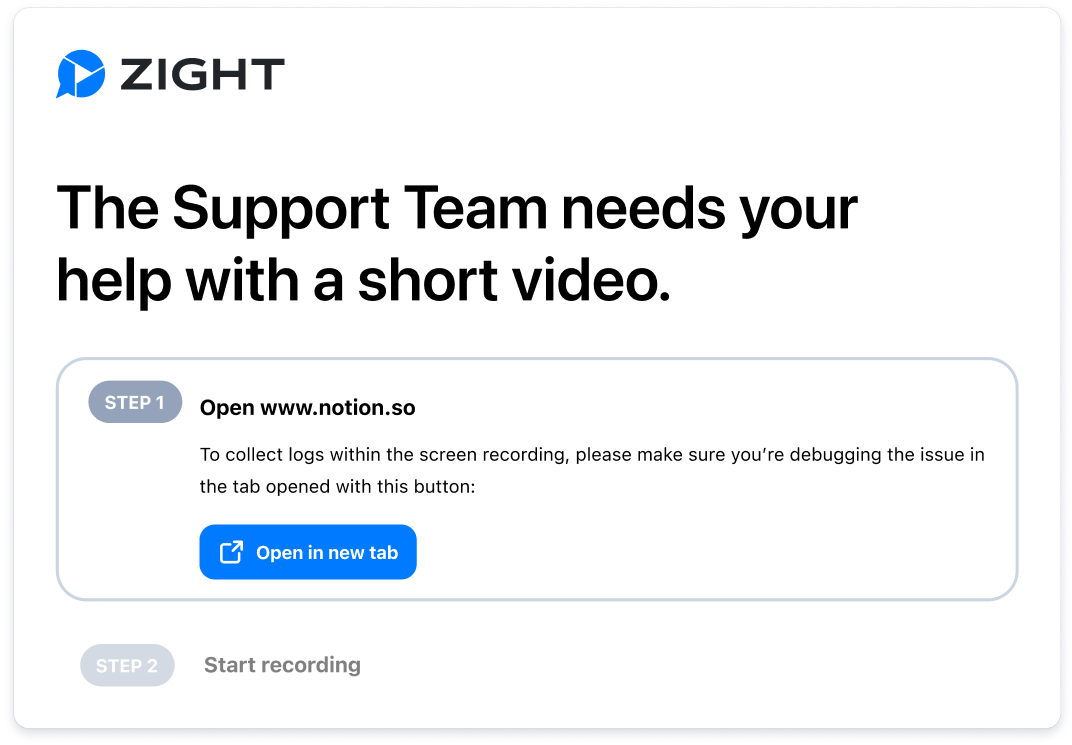
Choose Video as the request type, add the context you need, and enable Data Logs for troubleshooting requests.
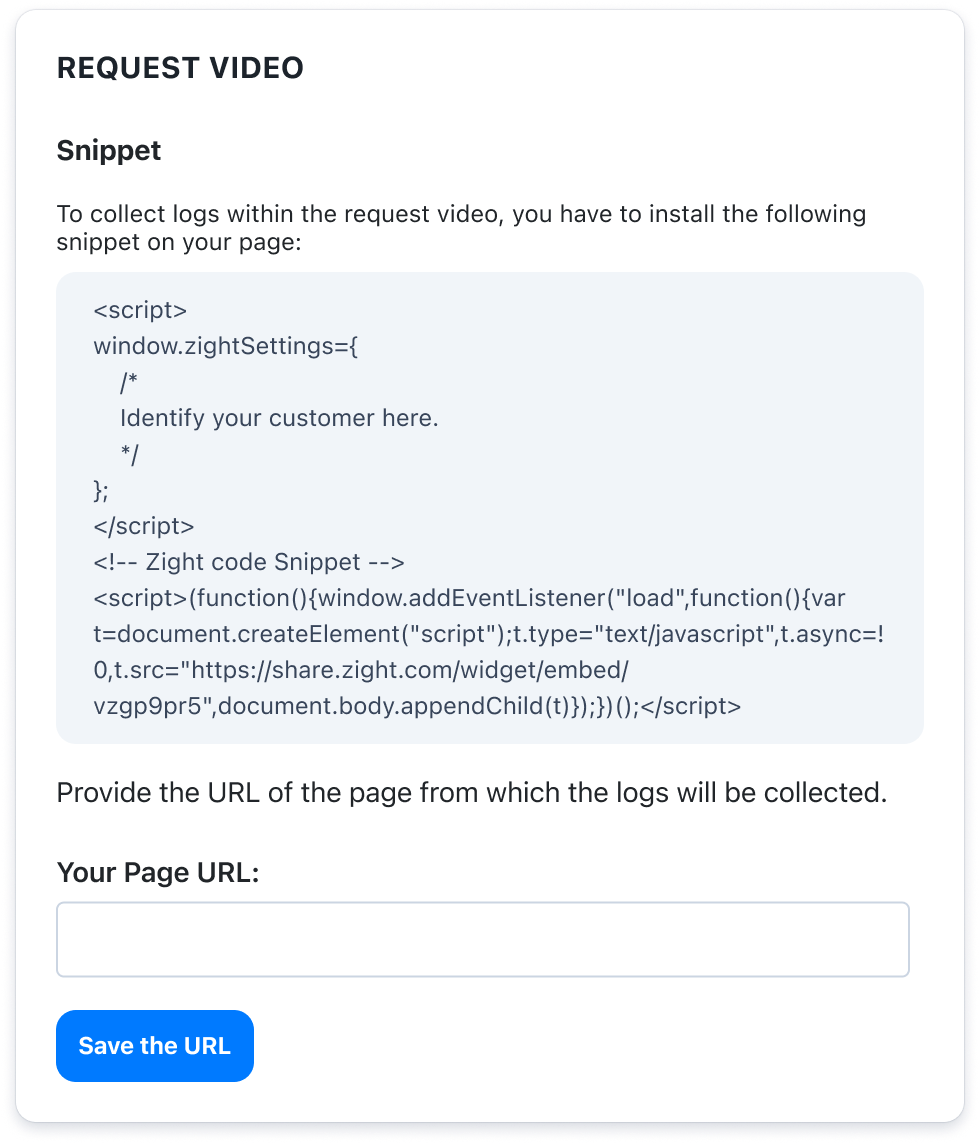
Send the request to a customer, teammate, or external user. They can respond from any modern browser.
Recipients capture their screen, camera, and voice while technical context is collected automatically in the background.
Open the response in Zight to watch the recording and inspect logs in the same place.
Built for real workflows
Get a clear recording and the technical details behind a ticket without asking customers to find browser versions, system details, or developer tools.
Receive more reproducible bug reports, complete with console and network evidence that helps teams investigate the actual failure path.
Collect screen recordings and environment details from distributed teams without scheduling a screen share.
FAQ
No. Anyone can record and submit a video directly in their browser without creating an account or installing software.
When Data Logs are enabled, each response includes browser and version, operating system, screen resolution, network information, console logs, and network logs alongside the recording.
Yes. Workspace admins can configure whether Data Logs are collected for Request Video responses.
Every response is saved in your Zight workspace under the original request, keeping the recording and its diagnostic context together.
Zight collects front-end session context for troubleshooting. It does not collect personally identifiable information unless a recipient explicitly shares it in their recording.
It is built for customer support, customer success, QA, and engineering teams handling product questions, bug reports, and escalations.