← All guides

Guides

How to Share Large Files with Zight

Quickly share large files with Zight in just a few clicks. This guide shows you how to upload your file, generate a shareable link, and send it to platforms like Canvas or via email.

1

Access Zight

  • Go to the top of your screen and click on the Zight Icon.
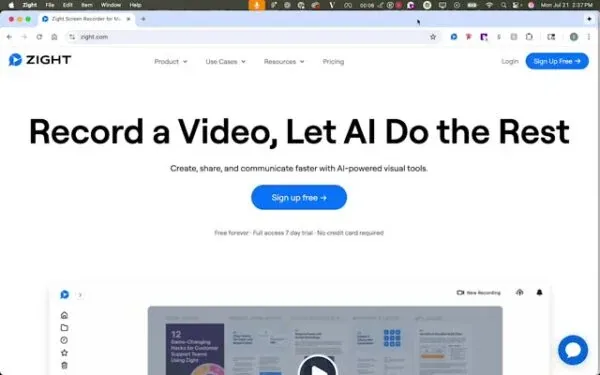
Access Zight
2

Initiate Upload

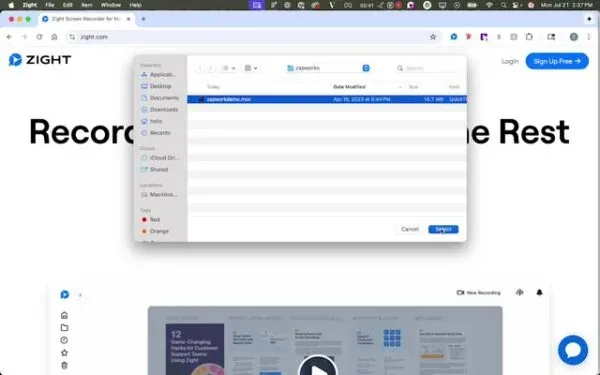
  • Click on the upload option. If it’s not visible, check the more section.
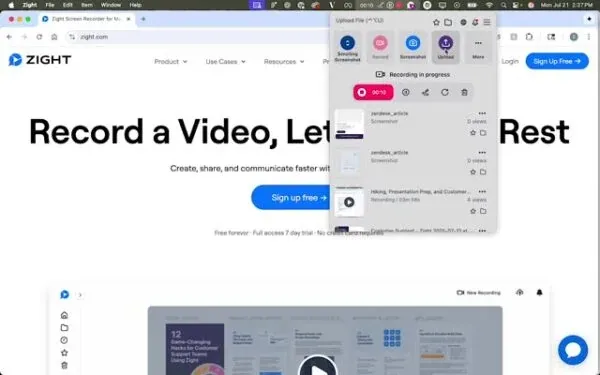
Initiate upload.
3

Select Your File

  • Choose the file you want to upload.
Select Your File
4

View and Share

  • Copy the link to upload to platforms like Canvas or share via email.
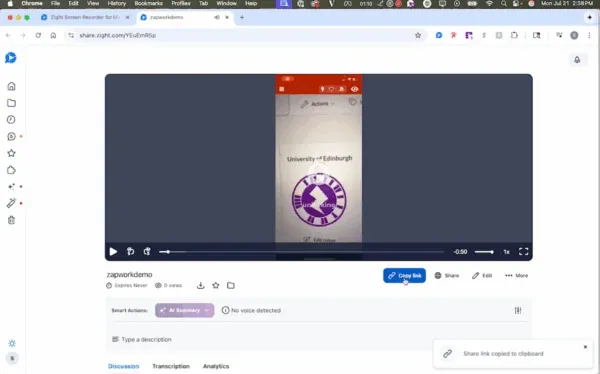
View and share.

FAQ

Frequently Asked Questions

Check the more section. The upload control isn't always in the visible row, and that's exactly where the guide says to look when it's missing.

No. A Zight share link opens in any browser without an account, so dropping it into Canvas or an email is all your recipient needs.

Send them a Zight request link. It collects files, recordings, and screenshots from anyone, with no account and nothing to install on their end.