Zight + Lucid Integration
Show, don't tell
in Lucid.
Embed a screen recording or annotated screenshot directly in Lucidchart and Lucidspark. The Zight Lucid integration pairs your diagrams with narrated walkthroughs, so collaborators understand the thinking behind the boxes and arrows.

Trusted by 5m+ people who would rather show than tell









Real Customers
Why teams reach for Zight + Lucid every day
Real quotes from Zight case studies
"Leveraging Zight in our GitHub pull requests and during conversations with our Engineering team saves us about 50 minutes every day!"
"It's better if they can see a video while showing them how to use our software. It just saves so many steps."
"It's always an extra delight when the customer is so impressed that they send you a GIF back or when they call us by name."
"I love Zight Smart Actions! Documenting bug reports that used to take me 5-10 minutes now only take me 30 seconds."
Customer Story
How teams give diagrams a
voice
A flowchart shows the what; a walkthrough explains the why. With Zight in Lucid, teams narrate their architecture diagrams and whiteboards so reviewers get the full story asynchronously.
Read the case study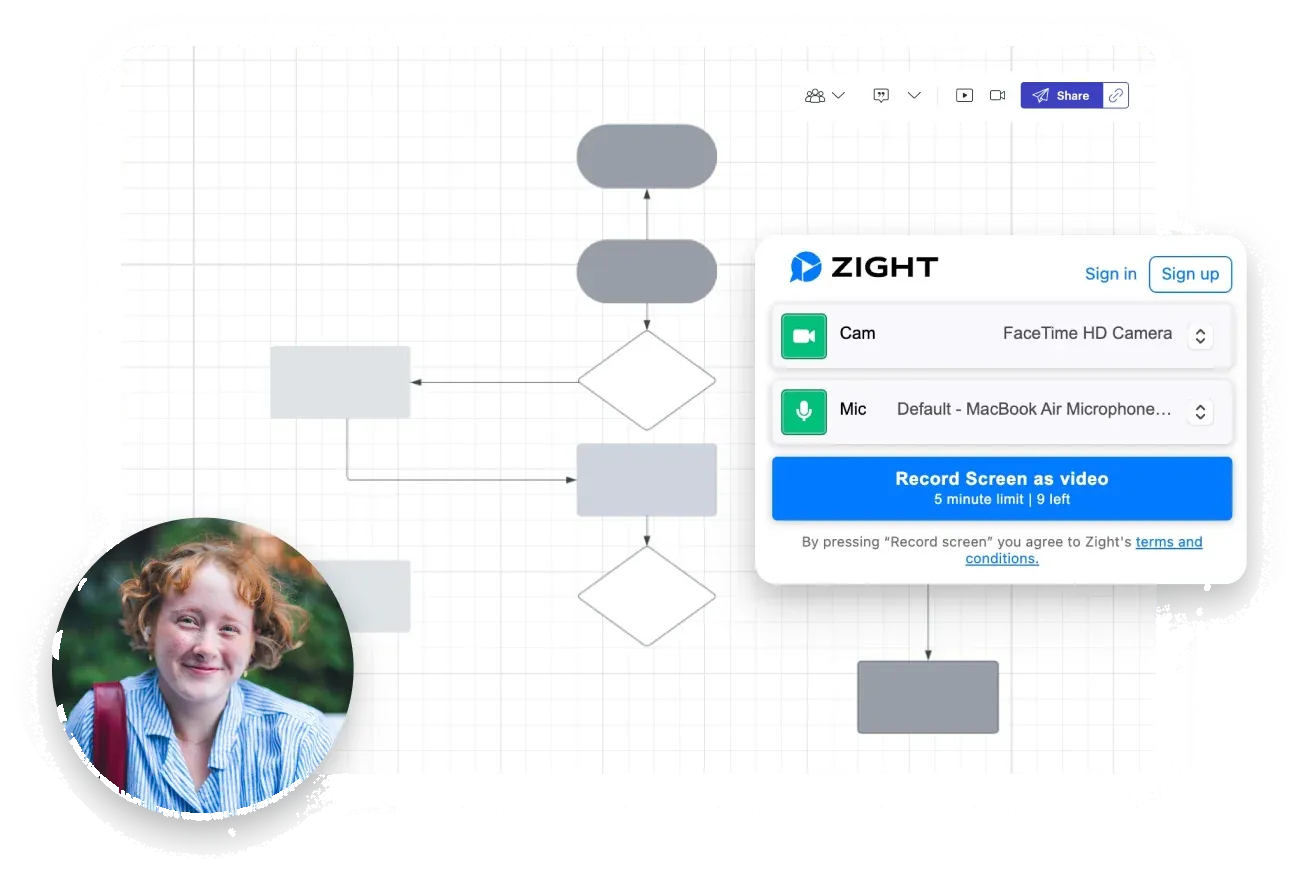
Where it earns its keep
Three jobs Zight + Lucid does better.
Walk through diagrams async
Record a narrated tour of the diagram and embed it right there. Reviewers absorb complex systems without a live walkthrough call.
Capture decisions where they live
Annotate the exact node under discussion and attach the reasoning. Six months later, the context is still on the canvas.
Align stakeholders faster
Non-technical stakeholders follow a two-minute video far more easily than a wall of shapes. Sign-off comes quicker with fewer meetings.
Where it fits
See it in a workflow: Engineering · Product Management · Show → Align → Act
FAQ
Frequently Asked Questions
Install Zight from the Lucid marketplace — the Add to Lucid button on this page links there. It works in both Lucidchart and Lucidspark, so you can embed recordings and annotated screenshots on the canvas.
You record a narrated tour of the diagram and embed it right there in the document. Reviewers absorb complex systems asynchronously — the flowchart shows the what, your walkthrough explains the why.
No — playback needs nothing but a browser. Stakeholders and reviewers click and watch; only the person recording needs a Zight account.
Yes. Annotate the exact node under discussion and attach the reasoning as a recording or screenshot — six months later, the context is still on the canvas instead of buried in a chat thread.




See the difference
visuals make
Install Zight in Lucid and give your diagrams a voice.