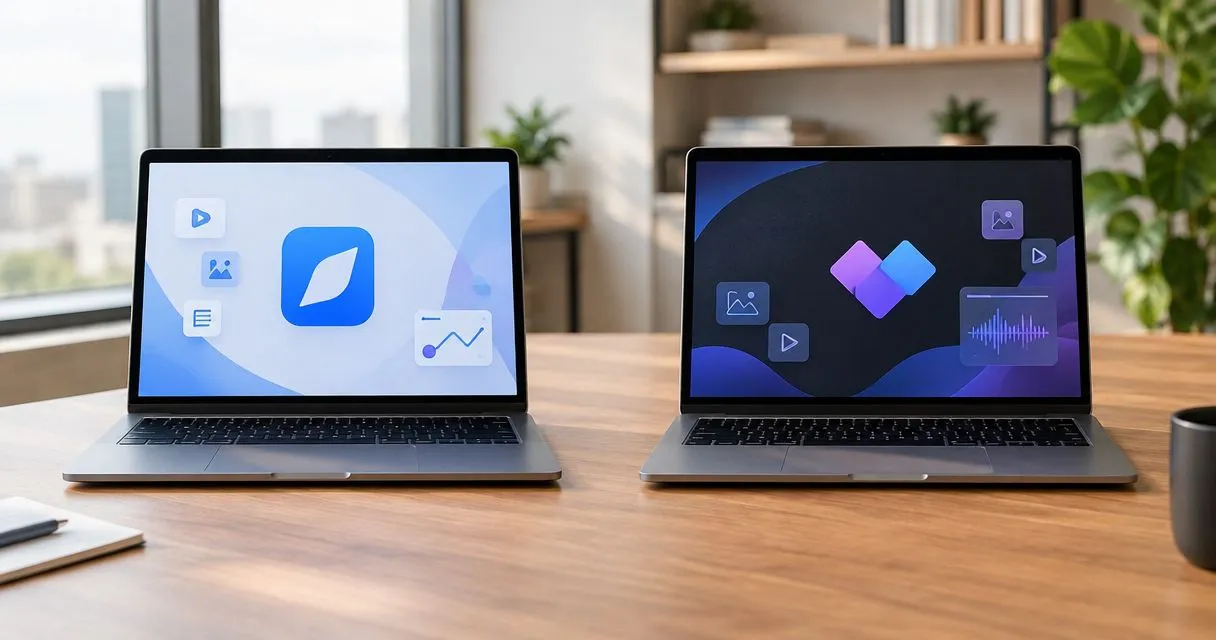
Choose Zight if your team needs screenshots, screen recordings, and AI-powered guides for asynchronous work; choose Wondershare Filmora if your main job is editing footage into a finished video. This 2026 comparison separates everyday visual communication from video production, so you evaluate the right product rather than compare a workplace capture tool with an entire software company.
- Zight vs Wondershare is a workflow decision: asynchronous screen capture versus edited video production.
- Choose Wondershare Filmora when timeline editing is the main requirement, not simply sharing a screen recording.
- Compare screenshots, screen recording, and SOP creation separately; recording alone does not settle the decision.
- Healthcare buyers must verify the exact plan, BAA, and permitted workflow before recording sensitive information.
Why this matters
A support reply and a training video can start with the same screen recording. They need different finishing work. The support reply needs enough context to resolve a question; the training video needs a deliberate structure that holds up across repeated viewing.
Zight combines screen recording, screenshots, and AI-powered documentation for business teams. Wondershare is a software vendor with multiple products, including Filmora for video editing and DemoCreator for screen recording and video creation. Specify which Wondershare product you mean before comparing features or buying licenses.
For your 2026 evaluation, define the output first. A shareable explanation, an illustrated procedure, and an edited instructional video are different deliverables—not interchangeable versions of the same task.
At a glance
The Wondershare column distinguishes Filmora from DemoCreator where that distinction matters. Treat a capability in one product as a reason to evaluate that product, not as a promise about every Wondershare purchase.
| Dimension | Zight | Wondershare |
|---|---|---|
| Best for | Everyday visual communication across business teams | Filmora for edited videos; DemoCreator for recording-led video creation |
| Screen recording | Capture a workflow and communicate through a shareable link | Evaluate DemoCreator for a recording-centered workflow |
| Screenshots | Explicit fit for screenshot-based explanations | Evaluate the exact application rather than assume vendor-wide capture features |
| Video editing | Best evaluated as a communication workflow | Filmora is the stronger fit when timeline editing is the main task |
| Guides and SOPs | AI-powered guide and documentation workflow | Evaluate whether your required output is a video or a written procedure |
| Standout workflow | Capture, document, and share work asynchronously | Assemble and edit a finished video in Filmora |
| Healthcare approval | Verify plan, BAA, configuration, and workflow | Verify the exact product, agreement, configuration, and workflow |
| Pricing model | Review the applicable team plan and included capabilities | Review licensing for the specific application and included capabilities |
Zight wins for everyday visual communication
Zight is best for business teams that need screen capture and documentation for asynchronous troubleshooting. Its stated purpose covers support, sales, product, and engineering teams communicating through shareable links. That is a closer match to explaining an issue than producing a polished video asset.
Start with the work arriving in your queue. A customer cannot find a setting. An engineer needs to see a bug. A salesperson needs to explain a workflow without scheduling another call. In each case, the useful output is an explanation someone can act on.
The trade-off is specialization. A communication-first workflow is not the same requirement as detailed video production. When your acceptance criteria center on editing footage, compare the editor directly rather than assume the capture tool must handle everything.
Choose the communication workflow when the recording's job ends after someone understands the task. Choose an editing workflow when the recording becomes raw material for a reusable production.
Both deserve a screen-recording test
Screen recording alone does not settle this comparison. DemoCreator is Wondershare's recording-oriented product, while Filmora is its video editor. Test the application that matches your actual work instead of assigning every Wondershare feature to one unnamed bundle.
Use the same synthetic task in both evaluations. Record a settings change, narrate the reason, and show the expected result. Then ask another person to follow the explanation without help from the author.
A practical test brief is a 60-second recording. That is a suggested trial constraint, not a product limit or performance claim. It keeps the comparison focused on capturing and explaining rather than scriptwriting.
Check the whole path:
- Can you capture the relevant application without exposing unrelated information?
- Is the narration understandable when the recipient plays it back?
- Can the recipient open the finished explanation through the intended delivery method?
- Can the author correct a mistake without rebuilding unnecessary work?
Call recording a tie until the recipient completes the task. A successful capture is only the beginning of a successful handoff.
The screenshot workflow favors a capture-first choice
A screenshot is often the right format when nothing needs to move. Use it to identify a setting, show an error state, or confirm the result of a change. Asking the recipient to watch a video for a static answer adds work.
The client's stated offer explicitly includes screenshots alongside screen recording. That makes screenshot-based communication part of this comparison, not a minor feature to inspect after choosing a video editor.
Give both candidates the same task: explain where a teammate should change a setting using a still image. Evaluate the complete delivery process and whether the result contains enough context to prevent another question.
Do not interpret Filmora's video-editing purpose as evidence that every Wondershare application lacks screenshot capabilities. The defensible distinction is narrower: a combined screenshot-and-recording requirement favors evaluating the capture-first product first.
The downside of a still image is equally clear. It cannot show the sequence that caused an intermittent problem. Switch to recording when order, movement, or timing carries the explanation.
Wondershare Filmora wins when editing is the main job
Wondershare Filmora is the better fit when your deliverable requires timeline-based video editing. Cutting and arranging footage is central to a video editor's purpose, rather than an incidental step after capturing a workplace explanation.
Consider an onboarding lesson assembled from multiple recordings. You need to choose the sequence, remove irrelevant material, and check that the finished video makes sense without the author present. That is a production task.
Set a 10-minute editing exercise during your evaluation. Use identical source footage and ask the editor to produce the same outline. This is a suggested evaluation window, not a claim about either product's editing speed.
Judge the result against the brief:
- Does the sequence explain the task in the right order?
- Can the editor remove mistakes without introducing confusing jumps?
- Is revising the finished lesson straightforward?
- Does the output suit its intended audience and delivery channel?
The trade-off is extra production work. A polished edit is useful for a reusable lesson but unnecessary for many internal answers. Do not turn a simple troubleshooting reply into a production assignment just because editing tools are available.
AI-powered guides favor the documentation workflow
Video shows what happened. A procedure tells someone what to do next. If your team needs an SOP, evaluate the written result separately from the recording that supplied its context.
AI-powered guides and documentation are part of the client's stated software offering. That makes the documentation workflow a relevant reason to shortlist it. It does not establish that generated instructions are automatically complete or approved.
Use a 5-step procedure as your test brief. Ask an author to document a synthetic administrative task, then have a colleague follow it without watching the author perform the work.
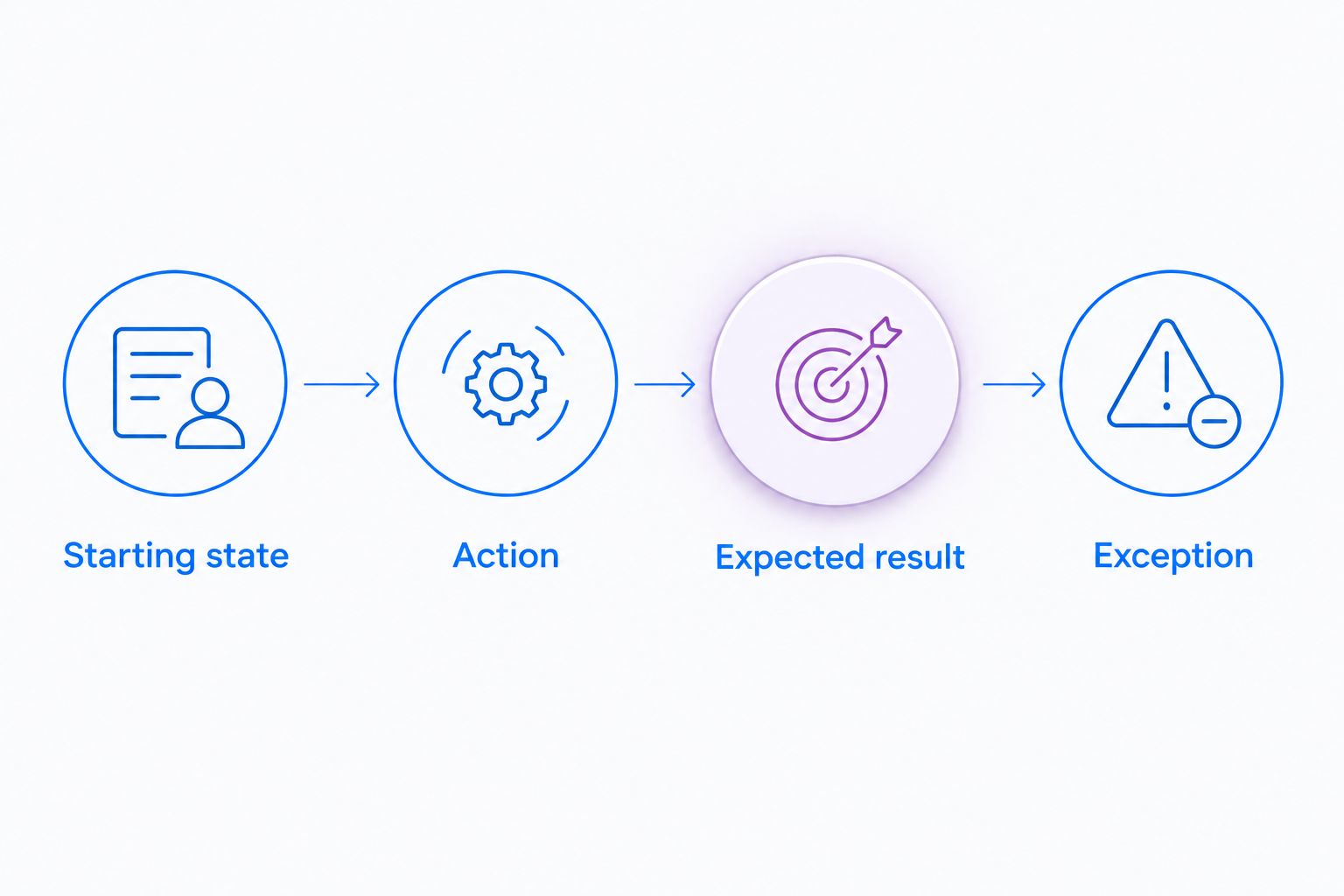
Review these elements:
- Starting state: What must already be open or configured?
- Action: What should the reader do?
- Expected result: How does the reader know the step worked?
- Exception: What should happen if the expected result does not appear?
Choose the guide workflow when readers need instructions they can scan and revisit. Choose a finished video when demonstrating the sequence is the essential deliverable. Neither format removes the need for an owner to check accuracy and maintain the material.
Shareable explanations favor asynchronous handoffs
The useful unit of work is not the recording file. It is the explanation reaching the person who needs it, with enough context to act.
Shareable links are explicit in the client's description. For support, product, and engineering teams, that makes the handoff part of the intended workflow rather than an afterthought.
Test sharing from the recipient's side. Open the explanation using the access conditions your audience will actually have. Check permissions, playback, surrounding context, and whether the recipient understands the requested action.
Filmora remains the stronger fit when your priority is editing the underlying video. Do not assume that choosing an editor also resolves your organization's distribution and access requirements. Likewise, a convenient link is not proof that its permissions match your security policy.
Evaluate creation and delivery as separate requirements. A tool earns the handoff advantage only when the intended recipient can use the result appropriately.
Healthcare approval is a gate, not a feature-table win
Neither vendor wins a healthcare evaluation because it records a screen. For 2026 purchasing, verify the exact product and plan, BAA availability, permitted features, access controls, and organizational configuration against current official documentation and your compliance requirements.
Use synthetic examples throughout the trial. Give these workflows equal attention:
- Support and IT: Demonstrate a fictional application error and assess how a technician receives the explanation.
- Clinical teams: Record a synthetic software walkthrough and evaluate the requirements for requesting a video response.
- Operations: Create a training procedure using invented records and check its review and distribution process.
Do not assume recording, requesting videos, and generating documentation have identical contractual coverage. Verify each intended workflow, including any support-system integration, before approving it for protected information.
Treat healthcare suitability as an approval gate for both options. A successful synthetic demonstration proves the workflow is usable; it does not establish HIPAA compliance.
Pricing: compare the complete paid workflow
For a 2026 purchasing decision, review the applicable pricing plans alongside the licensing terms for the specific Wondershare application. Compare what your team needs to buy, administer, and maintain—not just the editor or recorder named in the initial request.
Use a written purchase brief covering author access, recipient access, required capture formats, documentation needs, storage, security requirements, and ownership of published material. Confirm which capabilities belong to the agreement you are considering.
The model trade-off is predictability versus flexibility. A standardized team plan supports a consistent purchasing process; application-specific licensing supports a narrower purchase around a particular task. Check the actual terms before assigning either benefit to an offer.
Do not combine Filmora and DemoCreator features in your evaluation unless your purchase covers both required workflows. Use the same discipline for capture, documentation, and healthcare requirements on the other side.
Final verdict: choose by the work you ship
Choose Zight for recurring business explanations
Best for: support leads, product teams, and engineering teams sharing screenshots, recordings, and guides. Prioritize the capture-to-explanation workflow when the goal is to resolve a question or document a process without another meeting.
Choose Wondershare Filmora for edited video production
Best for: training authors and video creators assembling reusable videos. Prioritize Filmora when selecting, sequencing, and editing footage defines the job. Evaluate DemoCreator separately when recording-led video creation is the actual requirement.
| Dimension | Winner |
|---|---|
| Everyday visual communication | Capture-first workflow |
| Screen recording | Tie pending the same-task trial |
| Screenshots | Capture-first workflow |
| Timeline video editing | Wondershare Filmora |
| AI-powered documentation | Documentation-first workflow |
| Asynchronous handoffs | Shareable-link workflow |
| Healthcare approval | Neither without workflow-specific verification |
| Pricing model | Decide against the actual purchase brief |
FAQ
Is Zight better than Wondershare in 2026?
Zight is the better fit for business teams evaluating screenshots, screen recordings, and AI-powered guides for asynchronous communication. Wondershare Filmora is the better fit when timeline video editing is the main requirement.
Which Wondershare product should I compare for screen recording?
Evaluate DemoCreator for a recording-oriented comparison. Filmora is the relevant comparison when your main task is editing footage into a finished video.
Should I use a screenshot or record a video?
Use a screenshot for a static answer and a recording when the sequence matters. A settings location suits a still image; reproducing a multi-step issue calls for movement and context.
Which option should I choose for SOPs?
Choose a documentation workflow when the deliverable is a procedure people need to scan and follow. Test the finished instructions with another reader rather than judge only the source recording.
Can healthcare teams use either option for patient information?
Healthcare teams must verify the exact agreement, plan, configuration, and intended workflow before using protected information. Test with synthetic examples and obtain the required organizational approval first.
How should I compare paid plans?
Compare the complete purchase required for your workflow. Confirm author and recipient access, capture and documentation capabilities, storage, security requirements, and the specific applications covered by the agreement.
One last thing
Run your 2026 trial backward: give a colleague the finished explanation before asking how the author created it. If the recipient cannot complete the task, investigate the missing context before buying more editing capability. The right purchase improves the handoff, not just the recording.