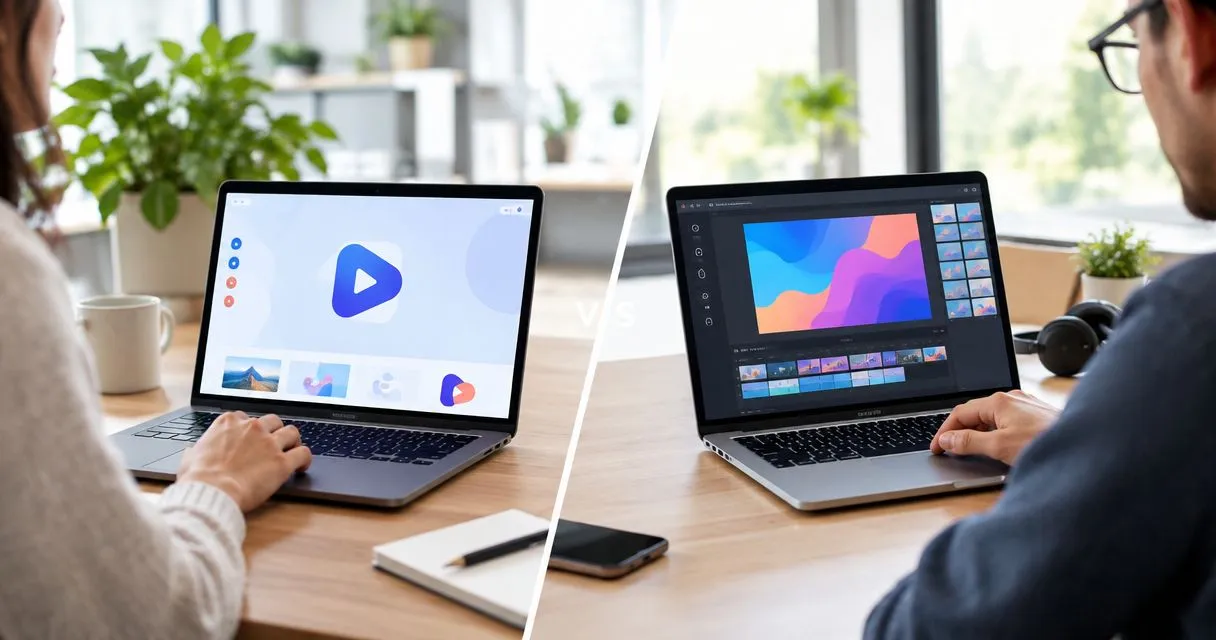
Choose Zight if you need screenshots, screen recordings, and shareable explanations for support or internal work; choose Kapwing if you need browser-based video editing to prepare finished content. This 2026 comparison separates capturing an answer from producing a video so you can buy for the work your team actually does.
- Zight vs Kapwing comes down to screen capture and documentation versus browser-based video editing.
- Choose Zight for support explanations, screenshots, screen recordings, and AI-powered guides.
- Choose Kapwing when editing, subtitles, and video composition are the main deliverables.
- Evaluate healthcare workflows separately; recording capability alone does not establish HIPAA compliance.
Why this matters
A support explanation and a published video can start with the same screen recording. They finish differently. One needs to answer a question clearly; the other needs deliberate editing, readable captions, and a finished presentation.
Buying for the wrong endpoint adds work. You either spend time polishing an answer that only needed a link, or ask a capture-centered workflow to serve as your production process. Choose around the recipient’s next action, not the longest feature list.
For a 2026 evaluation, separate everyday communication from content production before comparing plans. Give each team a real task rather than asking everyone to explore the software without a defined outcome.
At a glance
| Dimension | Zight | Kapwing |
|---|---|---|
| Best for | Support, sales, product, and engineering teams explaining work asynchronously | Teams assembling and editing finished video content |
| Core screen capture | Capture-centered workflow covering screenshots and recordings | Editor-centered workflow for working with video content |
| Screenshot explanations | Direct fit for communicating a specific screen detail | Less direct fit when the deliverable is a still-image explanation |
| Video editing | Evaluate around the clarity of a recorded explanation | Better fit when editing and composition are the main job |
| Captions and presentation | Evaluate against your explanation and accessibility requirements | Better fit when subtitle presentation belongs to the editing process |
| Standout feature | Screen capture alongside AI-powered guides and documentation | Browser-based video editing and composition |
| Sharing and review | Shareable links for asynchronous communication | Evaluate how reviewers receive and approve edited content |
| Pricing model | Compare seat requirements, usage allowances, and required capabilities | Compare seat requirements, usage allowances, and required capabilities |
The table describes workflow fit, not a claim that either tool lacks every capability associated with the other. A feature checkbox is only useful when the feature works inside the process you need.
Zight wins for capture-first support explanations
Zight is the better fit for teams that need screen capture and documentation to explain work asynchronously. Its stated scope includes screen recordings, screenshots, AI-powered guides, and shareable links for business teams.
That combination matches a common support task: show where a setting lives, demonstrate the correction, and send an explanation the recipient can revisit. The deliverable is an answer, not a production asset. Your evaluation should reflect that distinction.
Use a synthetic support issue for the trial. Record a 30-second explanation showing the starting state, the action, and the result. Then ask a colleague who did not watch the recording process to complete the task from the shared explanation alone.
The trade-off is scope. A capture-centered workflow is not automatically the best choice when your team spends most of its time assembling footage, adjusting presentation, or preparing videos for publication. Test those jobs separately rather than assuming one successful recording proves editing suitability.
Screenshot explanations favor the capture-centered workflow
A screenshot is often the right answer when nothing needs to move. Show a configuration, an error state, or the exact field someone needs to inspect. Asking the recipient to watch a video for a single visual detail adds unnecessary steps.
The client’s explicit screen-capture offering covers both screenshots and recordings. That matters for support and engineering teams because the same issue can require different evidence: a still image for the error, a recording for the reproduction sequence.
Try these distinct tasks:
- Static detail: Explain which setting needs attention using a screenshot.
- Moving sequence: Demonstrate how the issue occurs using a recording.
- Reusable instruction: Turn the explanation into documentation for the next person.
Kapwing is the less direct starting point when your primary output is a still-image support explanation rather than edited video. That is a workflow judgment, not a claim that it cannot work with images. Choose the shortest reliable route to the answer.
Kapwing wins when editing is the main deliverable
Choose Kapwing when the recording is raw material rather than the finished answer. Its browser-based video editor is a better starting point for assembling clips, arranging content, and shaping a video for an audience.
Consider a product announcement. You need to select the useful moments, establish a sequence, and remove material that interrupts the message. The value comes from editorial decisions after capture, not simply from getting the recording made.
Give the editor the same source material you used in the support test. Ask for a finished explanation with a deliberate opening, a clear demonstration, and an ending that tells the viewer what to do next. Review the editing process as well as the output.
The limitation is equally practical: editing can become extra work when a teammate only needs a quick answer. A production-oriented workflow earns its place when presentation changes the usefulness of the deliverable. It is unnecessary ceremony when an unpolished but clear explanation already solves the problem.
Kapwing wins when subtitles are part of production
Kapwing’s subtitle tools fit workflows where caption text and presentation belong inside the edit. That makes it a relevant choice for videos intended to communicate without relying entirely on spoken audio.
Do not evaluate captions by their presence alone. Check names, technical terms, timing, and whether the words remain readable over the underlying content. A support walkthrough containing unfamiliar interface labels needs different review from a general announcement.
Use a 15-second excerpt with a technical term and a visible interface action. Ask the reviewer to inspect the text and confirm that it describes the action accurately. Treat correction work as part of the workflow, not as an exception outside the evaluation.
This advantage does not establish that the other product lacks captions or satisfies a particular accessibility standard. It identifies the stronger evaluation starting point when subtitle preparation is part of producing the final video. Judge the corrected result, not the automatic first draft.
Documentation favors a capture-to-guide workflow
A recording explains what happened. A guide helps someone repeat it without replaying the entire explanation. For teams producing SOPs, that distinction should shape the buying decision.
The supplied product description explicitly includes AI-powered guides and documentation. Evaluate that capability against a real procedure: a support escalation, an internal configuration task, or a product handoff. Keep the process small enough that a reviewer can check every instruction.
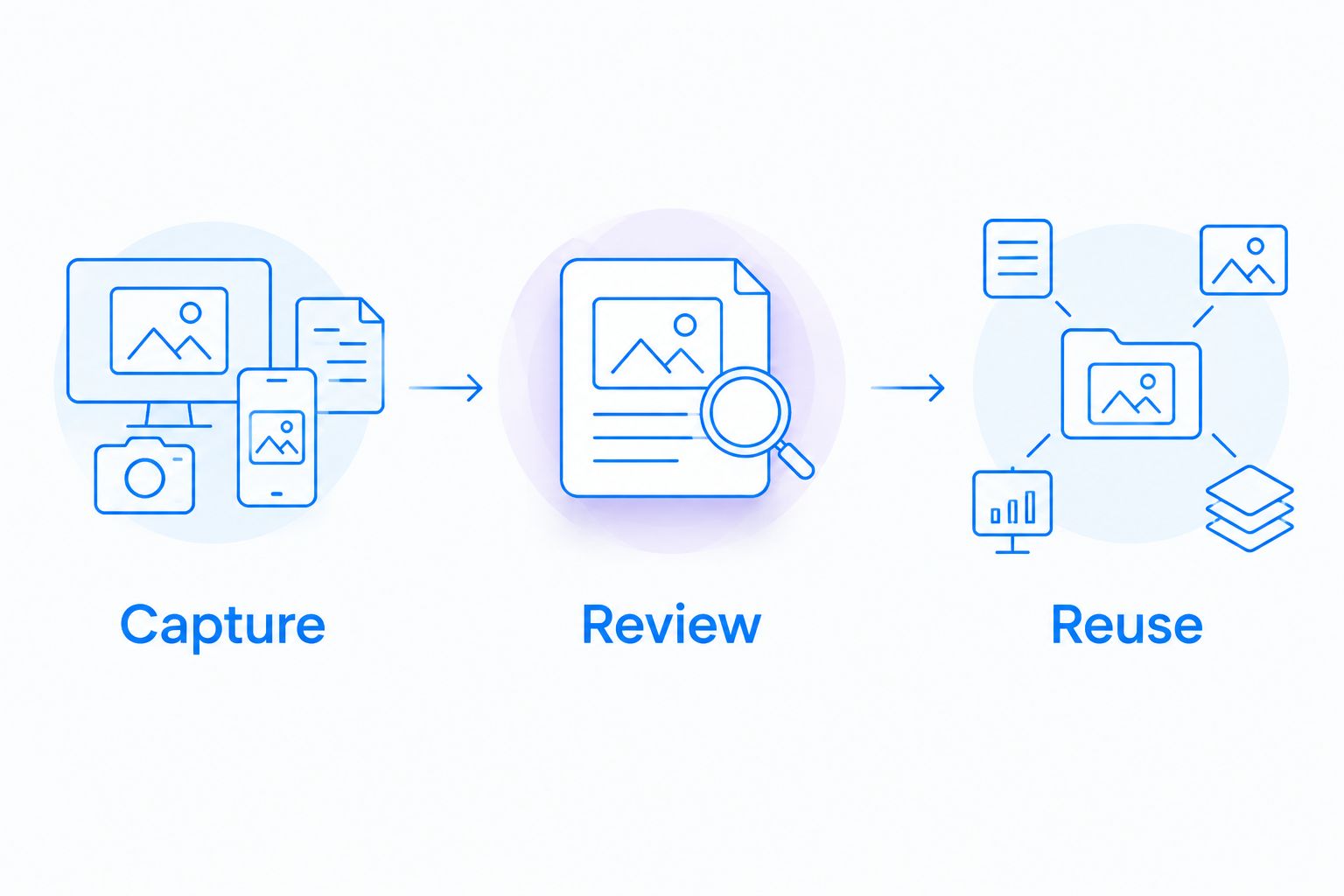
Use this sequence:
- Capture: Demonstrate the task with synthetic information.
- Review: Check the instructions against the actual interface.
- Reuse: Give the guide to someone completing the task independently.
The trade-off is review responsibility. Generated documentation still needs a person to confirm that the sequence is correct, exceptions are explained, and sensitive information is absent. Kapwing remains the better fit when the required output is an edited training video rather than a written, repeatable procedure.
Both need a recipient-first sharing test
Neither a clear capture nor a polished edit succeeds if the intended recipient cannot use it. Treat delivery as a tie until you test the actual viewing and review process.
For asynchronous support, test the shared explanation from the recipient’s context. For edited content, test the handoff to the person who approves or publishes it. Do not substitute the creator’s signed-in experience for the viewer’s experience.
Check these practical outcomes:
- The intended recipient can open the material under your required access rules.
- The explanation provides enough context without a separate meeting.
- Corrections reach the reviewer without confusion about the current version.
- Your organization can apply its required retention and access practices.
In 2026, browser-based access is not a substitute for an access review. Confirm the behavior you require in the plan and configuration you intend to purchase. A successful internal demonstration does not prove an external customer will have the same experience.
Healthcare requires a separate decision gate
Healthcare teams need more than a general comparison of recording and editing. For either product, evaluate the exact workflow, contractual requirements, access controls, and handling of protected information before approval.
Use synthetic examples across the work healthcare teams actually perform:
- Support and IT: Reproduce an application problem without exposing real patient records.
- Clinical teams: Demonstrate a recording or video-request scenario using fictional information.
- Operations: Create training and SOP material with a staged process and synthetic accounts.
For a 2026 healthcare purchase, confirm current plan requirements, BAA availability, feature limitations, and any integrations with the vendor’s official documentation and your organization’s reviewers. Evaluate recording, requesting videos, editing, sharing, and documentation separately. Approval for one workflow does not establish approval for the others.
Neither product receives a healthcare recommendation here. Screen recording capability is not evidence of HIPAA compliance. Keep patient information out of a general product trial, and require explicit approval before using any proposed workflow with protected information.
Pricing: compare the complete workflow, not a headline
Start with the official pricing information, then compare the purchasing model for the capabilities your team needs. For both products, establish who requires a paid seat, what usage is included, and which controls belong to the proposed plan.
If a proposal charges by creator seat, budget predictability depends on knowing who creates content. If it includes metered processing or other usage allowances, flexibility depends on how those allowances match your workload. Confirm the applicable structure rather than assuming the two products meter work identically.
Use the same purchasing questions for both:
- Who creates, edits, reviews, and only watches?
- Which required capabilities are included in the proposed plan?
- What limits apply to the work you expect to produce?
- What administrative or contractual requirements change the purchase?
For your 2026 budget, include the work surrounding the software. A plan is not a good fit if it requires unnecessary editing for routine answers or additional manual documentation for every repeatable task. Compare the full process without assigning invented savings to either option.
Final verdict: choose the output your team needs
Choose Zight if you lead support or internal enablement
Choose Zight if your team’s recurring job is to capture a screen, explain a problem, share the answer, and create reusable documentation. Its stated screen capture and guide capabilities match that profile directly. Test finished-video requirements separately before expanding the purchase beyond that use case.
Choose Kapwing if you own finished video content
Choose Kapwing if your team works on editing, composition, and subtitle presentation before publishing or distributing a video. Its editor-centered approach matches a content producer’s job. Do not make routine support answers pass through a full editing process unless that work improves the answer.
| Dimension | Winner |
|---|---|
| Capture-first support explanations | Capture-centered workflow |
| Screenshot explanations | Capture-centered workflow |
| Finished video editing | Kapwing |
| Subtitle-centered production | Kapwing |
| Capture-to-guide documentation | Capture-to-guide workflow |
| Recipient access and review | Tie until tested |
| Healthcare suitability | Separate approval required |
| Purchasing fit | Depends on verified plan requirements |
FAQ
Is Zight better than Kapwing for customer support?
Zight is the better workflow fit for customer support teams that need screenshots, screen recordings, shareable explanations, and AI-powered documentation. Kapwing is the stronger starting point when the support deliverable requires substantial video editing.
Which tool should I choose for editing a finished video?
Choose Kapwing when editing and composition are the main tasks. Test it with representative footage and review the finished output rather than judging only the initial recording.
Do I need a video editor to explain a software problem?
You do not need a production-oriented editor for every software explanation. Use a screenshot for a static detail and a recording when the recipient needs to see a sequence.
Which workflow is better for creating SOPs?
A capture-to-guide workflow is the better starting point when the required deliverable is reusable written instruction. Review every generated step against the real procedure before distributing it.
Can healthcare teams use either product with patient information?
Healthcare teams need explicit approval of the exact product, plan, contract, and workflow before using patient information. Verify BAA availability, feature restrictions, and access requirements through official documentation and organizational review.
How should I compare the cost of these tools?
Compare the proposed plans against the same creators, workflows, usage requirements, and administrative controls. Confirm current terms directly and include the work required to produce the final deliverable.
One last thing
Test whether a screenshot solves the problem before recording a video. If the recipient only needs to identify a setting, the simplest useful artifact wins. Save editing for situations where sequence, pacing, or presentation changes what the viewer understands.