Zight + LiveChat Integration
Show, don't tell
in LiveChat.
Capture, annotate, and share visuals to enhance engagement and improve customer communication.

Trusted by 5m+ people who would rather show than tell









Real Customers
Why teams reach for Zight + LiveChat every day
Real quotes from Zight case studies
"Leveraging Zight in our GitHub pull requests and during conversations with our Engineering team saves us about 50 minutes every day!"
"It's better if they can see a video while showing them how to use our software. It just saves so many steps."
"It's always an extra delight when the customer is so impressed that they send you a GIF back or when they call us by name."
"I love Zight Smart Actions! Documenting bug reports that used to take me 5-10 minutes now only take me 30 seconds."
Customer Story
What visual context changes in LiveChat
LiveChat helps you connect with customers in real time—but sometimes a simple chat message isn’t enough to explain a solution, walk through a process, or convert a lead. That’s where Zight comes in. By integrating Zight with LiveChat, you can embed short videos, GIFs, annotated screenshots, and AI-generated summaries directly into your chat responses—making communication faster, clearer, and more personal.
Read the case study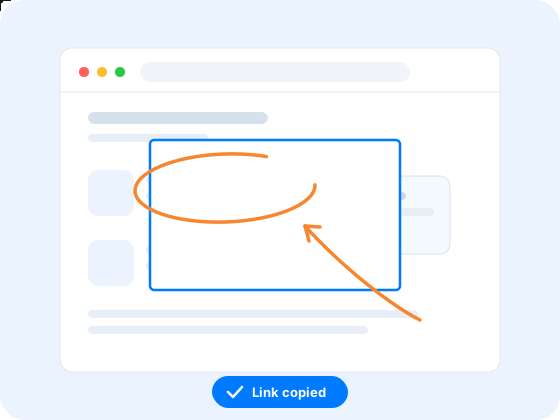
Where it earns its keep
Why integrate Zight with LiveChat?
Improve Chat Clarity
Share visual explanations alongside text conversations for better understanding.
Enhance Customer Engagement
Attach annotated visuals to LiveChat conversations for clearer communication.
Accelerate Support Responses
Use quick video walkthroughs instead of lengthy text descriptions.
Where it fits
See it in a workflow: Customer Support · Troubleshooting · Request → Diagnose → Resolve
FAQ
Frequently Asked Questions
Paste the link. Capture a screenshot or record a quick video with Zight while you chat, and drop the share link into your reply — the customer opens it right in their browser.
Short videos, GIFs, and annotated screenshots. They're for the moments a text reply isn't enough — walking a customer through a process, showing a fix, or giving a lead a quick demo without leaving the chat.
No. Share links open and play in any browser with nothing to sign up for — the customer clicks and watches, right from the chat.
Send a request link. They record their screen or upload a screenshot straight from the browser — no account, no download — and you see exactly what they see.



See the difference
visuals make
Get Zight for free and power up your LiveChat workflow with visual communication.