Sensitive information in a video can appear in form fields, notifications, browser tabs, documents, filenames, account menus, captions, or audio. Start by recording less. Then mask what remains and inspect the complete exported video before anyone else receives it.
For on-screen text, opaque covers are easier to verify than a weak blur. Faces and license plates need their own tracking workflows. Automatic detection can help with supported text patterns, but it does not replace the final review.
Reduce sensitive content before recording
- Use a training account, synthetic customer, or sample document instead of production data.
- Close email, messaging, password managers, unrelated tabs, file browsers, and dashboards outside the task.
- Disable notifications and hide bookmarks, favorites, desktop icons, and recent-file lists.
- Record one application window or a narrow region when the rest of the screen adds no useful context.
- Run through the task once and note every screen where sensitive data can appear dynamically.
Find PII and secrets across the whole recording
| Location | Examples | Review approach |
|---|---|---|
| Interface text | Names, emails, phone numbers, account IDs, payment details | Pause on each state and check labels, values, tooltips, and validation messages |
| Browser chrome | Tab titles, bookmarks, profile names, extension badges | Inspect the top and edges of every frame, especially after navigation |
| Notifications | Message previews, calendar events, filenames | Check entrances and exits frame by frame; a one-second toast is still visible |
| Documents and terminals | Customer records, credentials, API keys, commands | Mask each occurrence and review scroll, selection, and copy-paste states |
| Audio and captions | Spoken names, addresses, account numbers | Listen to the full export and review generated captions separately |
Mask moving interface content through scroll and navigation
On-screen text often moves because the page scrolls, a panel opens, or the window resizes. Track the mask with the content or split it into several timed masks. Do not leave one fixed cover on the original coordinates after the sensitive value has moved.
Check sticky headers, repeated rows, autocomplete menus, search history, and copies of the same value elsewhere on the screen. One account number can appear in a table, a details panel, and a confirmation message.
Use the dedicated workflows for faces and plates
Faces and plates are not ordinary text fields. Follow the separate guides for tracking faces through a video and covering moving license plates. Zight does not currently claim automatic detection for either category.
Understand what Zight automatic redaction covers
With Zight’s account-enabled automatic text redaction, the owner starts redaction on an eligible completed Zight-hosted MP4 video. Supported categories are email addresses, phone numbers, payment card numbers, Social Security numbers, AWS access key IDs, and selected API keys or secrets.
The current automatic output uses permanent opaque masks, not blur. It is not automatic on every upload, and it does not promise to find all PII, PHI, credentials, or arbitrary secrets.
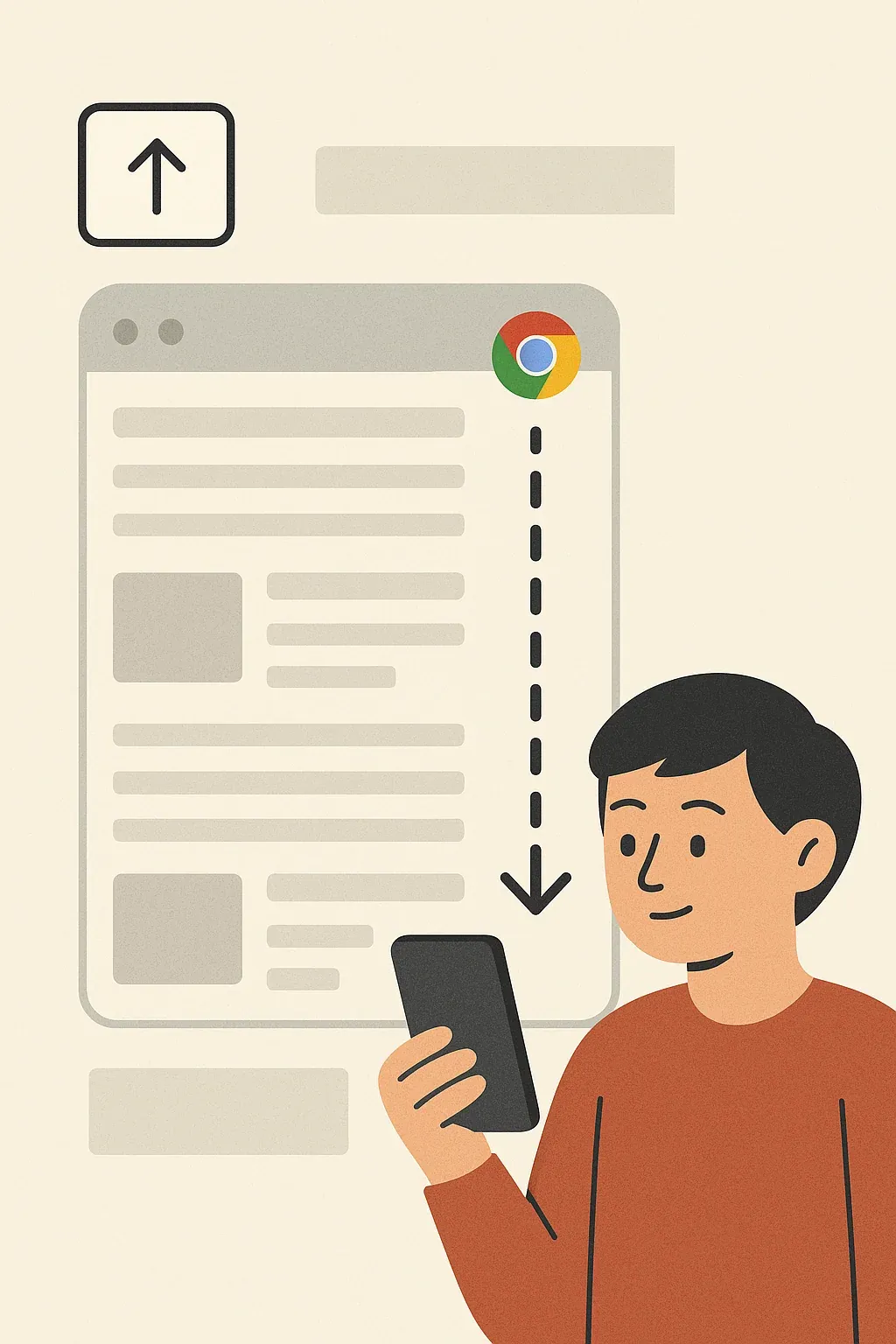
Chrome page blur is a different workflow. It hides selected webpage elements before and during a Chrome recording instead of scanning a completed video.
Use a repeatable final-review checklist
- Watch the actual export from beginning to end.
- Pause on every screen change, scroll, notification, and mask boundary.
- Inspect the top, bottom, and side edges for browser and operating-system details.
- Listen for sensitive details and review captions or transcripts.
- Confirm that masks remain opaque and correctly positioned at full resolution.
- Test the final link with the intended audience and review download permissions.
- Store or delete the original according to your organization’s policy.
Frequently asked questions about PII in video
What counts as sensitive information in a screen recording?
Anything the intended viewer does not need and your policy requires you to protect. Common examples include names, contact details, payment data, account numbers, credentials, internal URLs, notifications, and customer records.
Is blurring text enough to remove it?
A weak blur may remain readable. Use a sufficiently strong approved treatment or an opaque cover, then inspect the exported pixels at full resolution.
Does Zight detect all PII automatically?
No. Zight supports six text-category groups and does not claim complete detection of all PII, PHI, faces, license plates, or secret formats.