CleanShot X is worth considering when your work centers on capturing and editing on a Mac. An alternative becomes useful when your team also needs Windows capture, customer-submitted recordings, or a way to turn explanations into reusable support instructions.
This guide helps you evaluate that workflow. Zight publishes this comparison, and the recommendation is based on the task you need to complete. Product references were reviewed on September 11, 2026.
What CleanShot X already does well
CleanShot X is a Mac capture app with screenshot annotation, scrolling capture, text recognition and screen recording. Its recording features include a camera overlay, microphone and system audio, and editing. CleanShot Cloud supports sharing screenshots and recordings by link and collecting feedback. Evaluate its current cloud and team options rather than assuming it only saves files locally.
If those capabilities cover your work, switching may add little value. Compare the actual capture and sharing flow on the applications you use most. A tool that works well for one person can be the right choice without being the standard for every team.
When a Windows or mixed-platform team needs another option
Zight offers Mac and Windows apps and a Chrome extension. That makes it an option when colleagues use different operating systems and need to share captures through a common workspace. Check the platform pages for the capture modes and setup relevant to each person; do not assume every platform has identical controls.
Choose a small task that everyone can repeat: capture a settings screen, point out the control that needs changing, and send the result to someone on another operating system. Evaluate how easily the recipient opens it and how readily the sender can find it again.
When the screen you need belongs to the customer
A support agent often needs evidence from the customer's machine before they can explain a fix. With Zight Request Video, the agent sends a link and the customer records a response in the browser without creating an account or installing an app. The recording returns to the agent's workspace. See the support-team workflow for how requesting and replying fit together.
Ask the customer to show the point where the problem occurs and describe what they expected. Then send a short visual answer that addresses that exact state. For an escalation, share the evidence and reproduction context with engineering so the customer does not have to explain the issue again.
When a recording should become an answer you can reuse
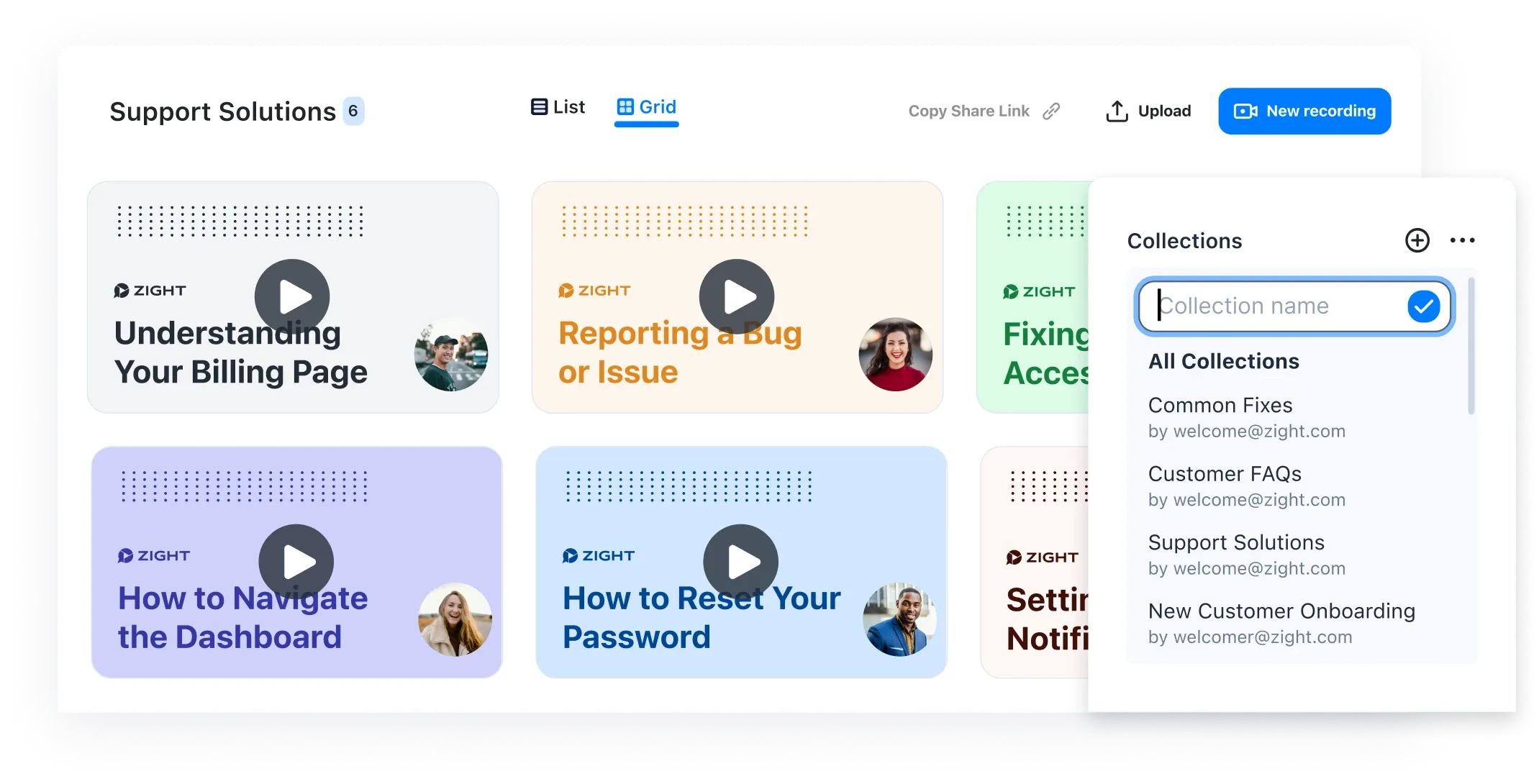
Zight can turn a recorded walkthrough into a guide with screenshots. Review the generated steps before sending them, then organize useful answers in collections. This matters when the same setup or troubleshooting question reaches several agents over time.
A screenshot is enough when one image explains the change. Record a video when movement or sequence matters. Create a guide when someone needs to perform the steps later without replaying the whole recording. The useful comparison is how well each tool supports the output your team needs.
How to evaluate Zight alongside CleanShot X
Keep existing shared links and source files during the evaluation. Installing a new capture app does not migrate a cloud library or preserve links from another service. Establish the import, export and retention requirements before moving historical content.
- Install Zight on the platforms your pilot team actually uses and confirm the required capture permissions.
- Choose separate shortcuts if both capture apps remain installed.
- Capture and annotate a real support example, then test its link as the intended recipient.
- Request a customer-style recording and check the experience on both sides of the link.
- Turn one repeatable explanation into a guide and have a colleague follow it.
- Check access controls, retention, integrations and plan eligibility with the people responsible for rollout.
Can you start with a free alternative?
Zight has a free plan for trying its capture and sharing workflow. Recording limits, AI features, request allowances and team controls depend on the plan. Check current Zight plans and CleanShot pricing against your actual requirements rather than relying on an old comparison table.
Choose around the support task
Keep CleanShot on the shortlist for a Mac-focused capture workflow. Evaluate Zight when you need capture across your team's platforms, customer recording requests and reusable visual instructions. Start with the same real ticket in each workflow. The Zight and CleanShot comparison page is the next place to review the product fit.