Healthcare
Make every care workflow
easy to follow.
Care workflows change faster than the manual does. Zight turns them into visual walkthroughs and SOPs, so staff act with confidence and every location stays aligned.
 HIPAA CompliantBAA available on request
 SOC 2 Type II CertifiedIndependently audited
Trusted by 5m+ people who would rather show than tell









What is Zight for healthcare?
Zight turns changing care workflows into visual walkthroughs and SOPs staff replay on any device, and collections keep every location on the current version. HIPAA compliance with a signed BAA is available on the Scale plan.
Clear, Secure Communication
One recording
explains it clearly.
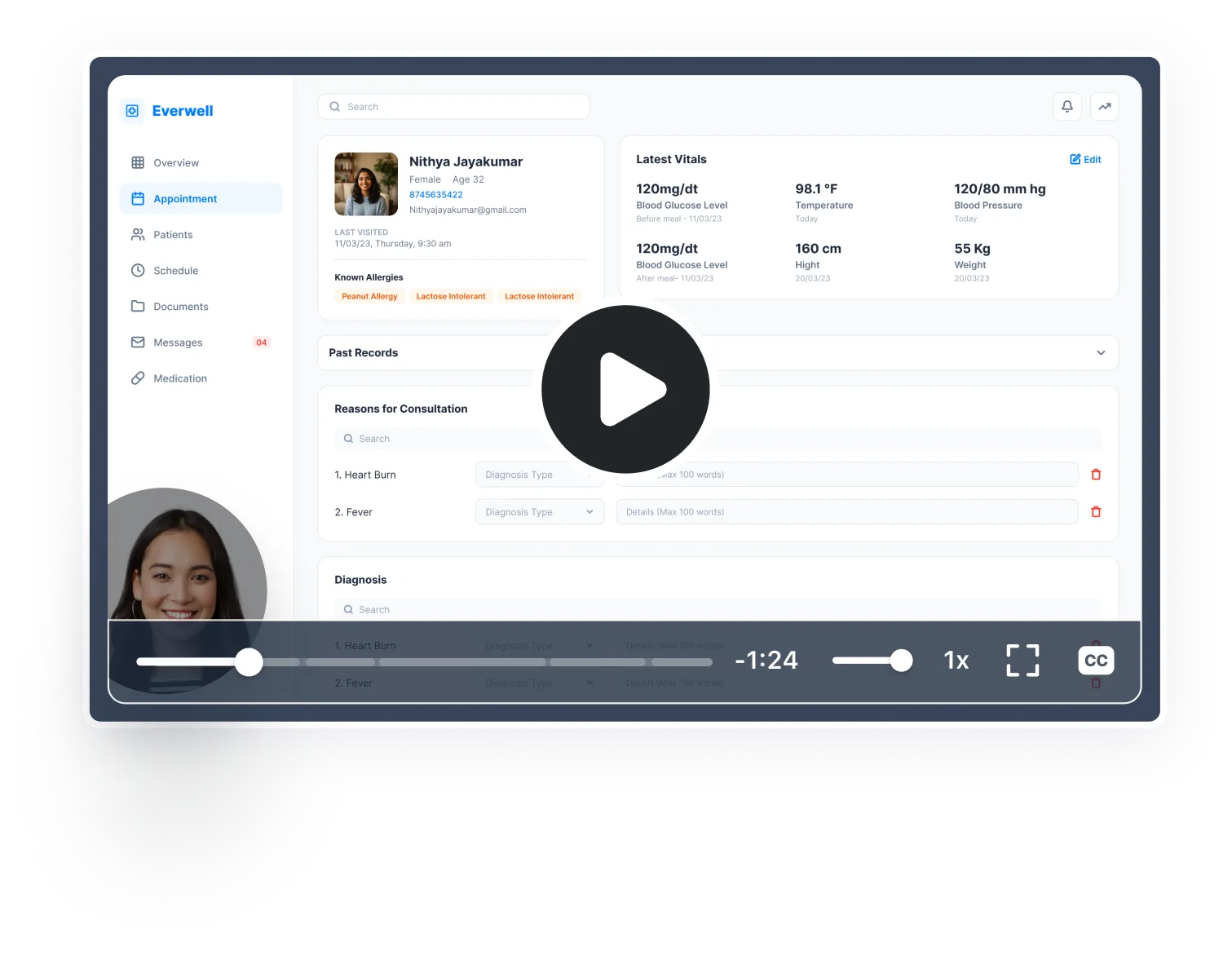
Record a walkthrough of a care plan, a process, or an at-home instruction and share a secure link. Doctors show patients exactly what to do, patients show doctors exactly what they're experiencing, and staff see exactly how a system works.
Sign up free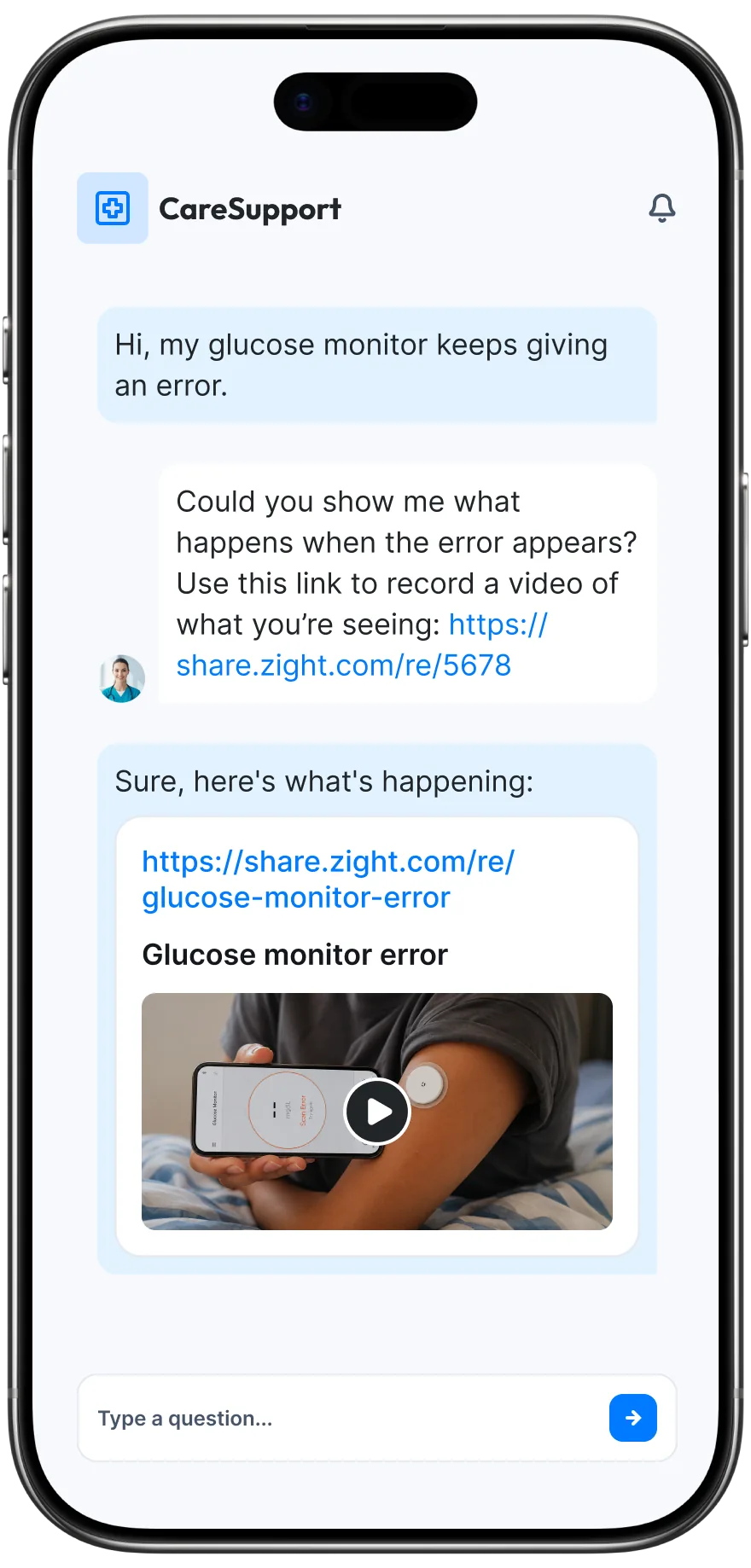
The problem
Care workflows change constantly — and staff can’t follow what they can’t see.
Four ways teams run this with Zight.
Make instructions easier to follow
Show the exact screen, process, or next action in context.
Text-only instruction becomes clear action.
Recordings · screenshots · annotations
Standardize how work gets done
Create a shared visual reference for repeatable processes.
Less improvisation across teams and sites.
Recordings · collections
Preserve institutional knowledge
Capture how experienced people solve problems and run key processes.
Expertise survives growth and turnover.
Recordings · collections · share links
Make changes easier to adopt
Turn “here’s what changed” into a short walkthrough of what to do differently.
Change lands with comprehension.
Recordings · screenshots · annotations
The motion behind these: Explain → Preserve → Scale
Trusted by healthcare teams.





HIPAA Compliant for Enterprise
Clarity, without compromising privacy.
Healthcare teams handle PHI across multi-screen workflows, so privacy can't be an afterthought. Zight is HIPAA compliant on Enterprise plans with a signed BAA available, your recordings are never used to train AI, and sharing stays under your control.
HIPAA compliance and BAA availability apply to Zight Enterprise plans. Scope PHI handling and approved sharing with Zight Security and Legal before deploying.
Secure documentation
Built to document care, safely.
Turn a recorded care workflow into a clear SOP without moving sensitive context into another tool.
- Turn recordings into SOPsZight AI creates step-by-step guides your team can follow across every location.
- Blur and redact PHIHide sensitive details before sharing a recording.
- Custom data retentionKeep recordings only as long as your policy allows.
Integrations
Export anywhere.
Works with your stack.
Zight Smart Actions push recordings, guides, and transcriptions directly into the tools your healthcare team already uses.



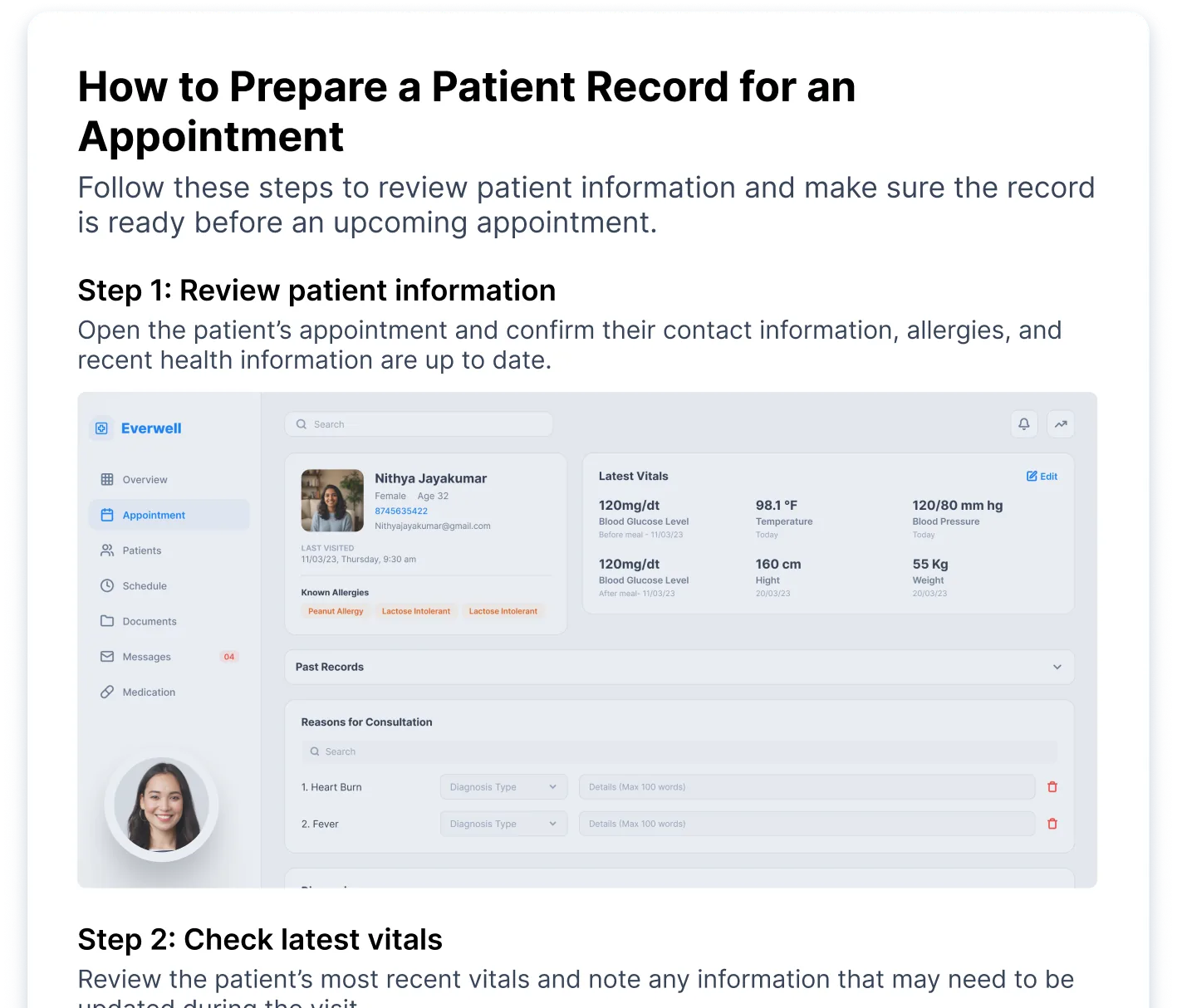
This guide walks through the new EHR workflow step by step. Where to log notes, how to route them, and the checks to run. Follow along at your own pace...
AI-Powered Docs
Record once.
Publish everywhere.
Zight AI turns your recordings into step-by-step care guides and training docs in one click. No copy-paste, no editing. Your instructions and protocols document themselves.
Turn recordings into patient and staff guidesClarity Improves Care
Patients and teams move
faster when care is
crystal clear.
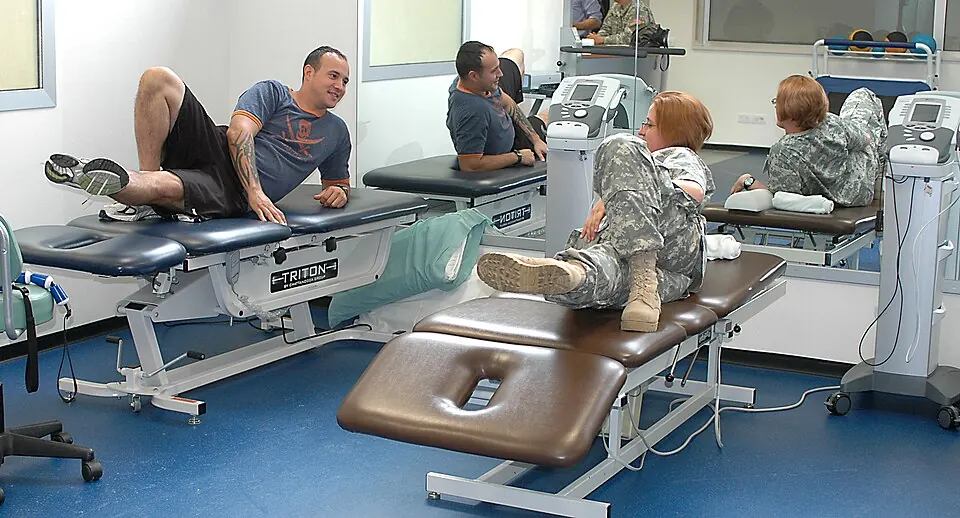
Whether a doctor is walking a patient through a care plan or a patient is showing a symptom they cannot put into words, a recording removes the ambiguity that slows healthcare down. People understand faster, follow instructions correctly, and spend less time going back and forth.
 Recovery exercises
Real Customers
What care teams say
Real quotes from Zight customers and case studies
"The AI has been a huge help with professional development videos by automatically adding chapters and turning videos into printed step-by-step guides."
"I use the Zight screenshots as a tutorial guide for my students to see the breakdown of each section of their training and the app."
"Amazing for collaboration, documentation, and sharing."
"Anything that shows them HOW to do something is a game changer."
Before & After
What changes when your team uses Zight.
FAQ
Frequently Asked Questions
Zight is HIPAA compliant on Enterprise plans, with a signed BAA available. It is also SOC 2 Type II certified. Link access can be restricted so only the right people view content.
No — walkthroughs play in the browser on any device. Accounts are for the people recording and organizing the library.
Re-record the step that changed and swap it into the collection — every location works from the same, current reference.
Yes — Zight AI adds chapters and turns recordings into step-by-step guides, so the same walkthrough works on a screen or on paper.
Ready to communicate
care clearly?
Join the healthcare teams that use Zight to explain care, coordinate clearly, and cut the miscommunication that slows everything down.