
Ready to Boost Your Productivity?
Save time and money while boosting your productivity with Zight — free tools for screen recording, screenshots, GIFs, and webcam capture.
Try Zight for FreeHow to Convert YAML to JSON
Follow these simple steps to get started.
Upload YAML File
Select a .yml or .yaml file from your device. Files up to 10 MB are supported for instant conversion.
Automatic Conversion
Watch your YAML automatically convert into properly formatted JSON.
Download JSON
Once the conversion is complete, download your new JSON file or copy the code directly.

Choosing Between YAML and JSON
YAML
YAML is a human-friendly data format known for its readability and simplicity. It’s often used in configuration files for DevOps, Kubernetes, and CI/CD pipelines. However, its indentation rules can sometimes cause syntax issues, and it’s not universally supported by all APIs or tools.
JSON
JSON is a lightweight, machine-readable format supported by nearly every programming language, API, and platform. It’s strict, easy to validate, and ideal for transferring structured data between systems. While JSON lacks comments and shortcuts, its universal compatibility makes it a developer favorite.
Data Conversion and Optimization
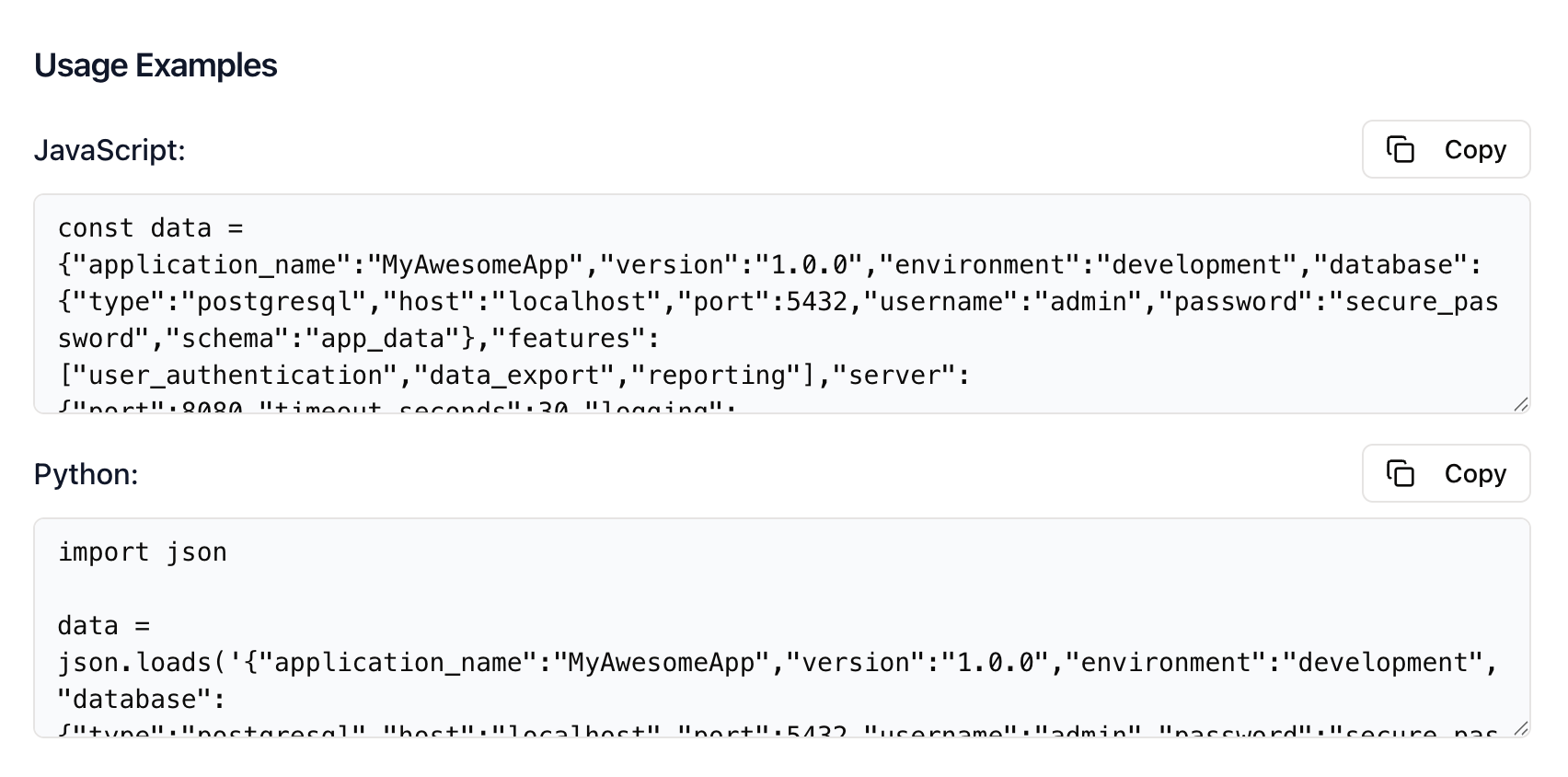
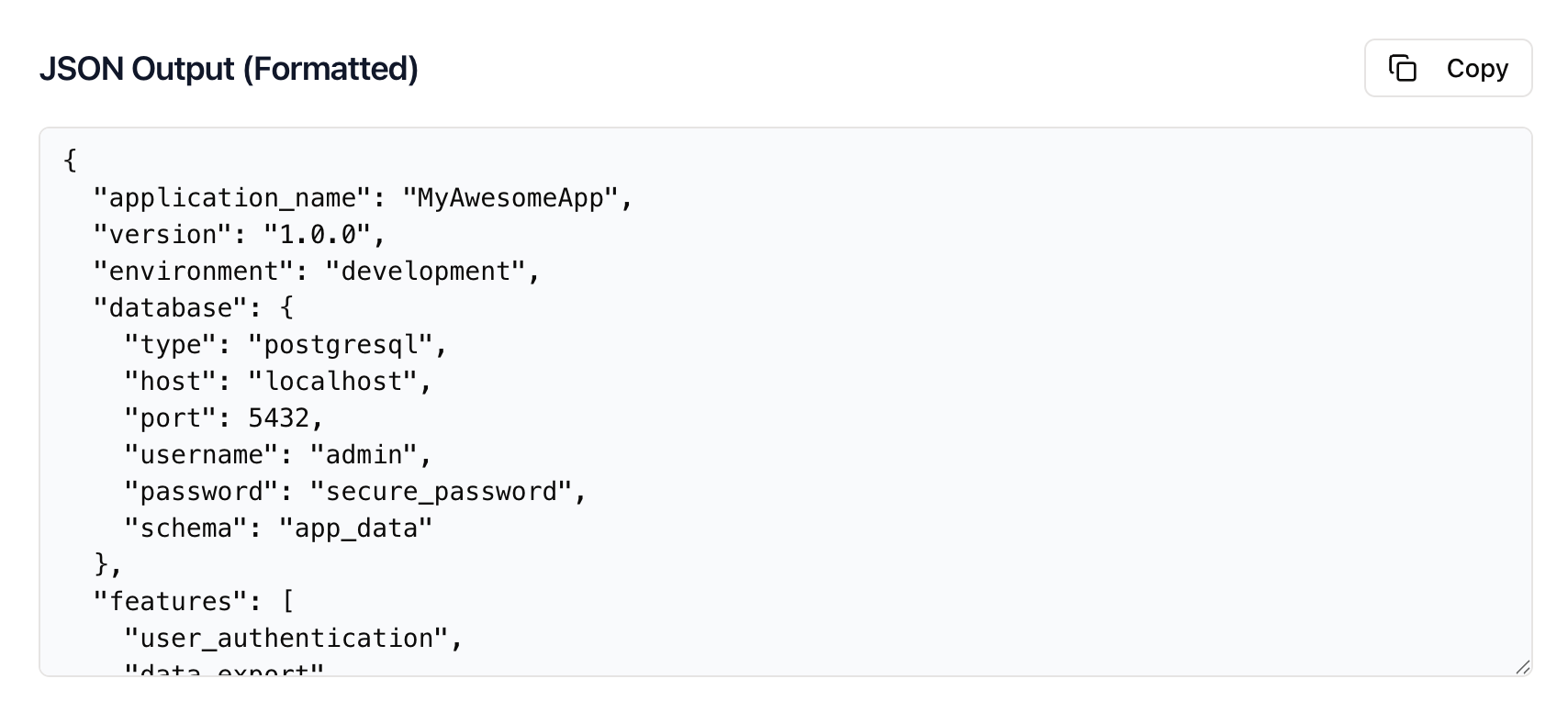
Zight’s YAML to JSON converter ensures accuracy and structure during every conversion. The tool automatically handles indentation, resolves anchors and aliases, and formats the output cleanly for readability. You can also choose between compact or pretty-printed JSON formats, depending on your needs.
Your converted data is instantly ready for use in APIs, documentation, databases, or code repositories — no extra setup required.
Why Convert YAML to JSON
Broader Compatibility
JSON is accepted by nearly every API, SDK, and software framework.
Easier Validation
Validate and lint JSON quickly using standard schema tools.
Consistent Formatting
JSON ensures uniform data across different systems and environments.
Automation-Ready
JSON integrates seamlessly into pipelines, scripts, and automated workflows.

Supported Use Cases
For Developers
Convert YAML configurations into JSON for APIs, SDKs, and integration tests.
For DevOps Engineers
Easily transform YAML deployment files into JSON for validation and automation tools.
For Data Teams
Convert YAML datasets into JSON to integrate with data pipelines and visualization tools.
For Businesses
Standardize internal documentation and system configurations using universally compatible JSON.
Unlock More Tools
Expand your toolkit with these additional free tools
Ultimate Guide: How to Convert YAML to JSON
Learn how to convert YAML files to JSON quickly and accurately using Zight’s free online converter. Whether you’re a developer working on APIs, a DevOps engineer managing configurations, or a data analyst preparing files for automation, this guide walks you through everything you need to know about converting YAML to JSON online — no coding or setup required.
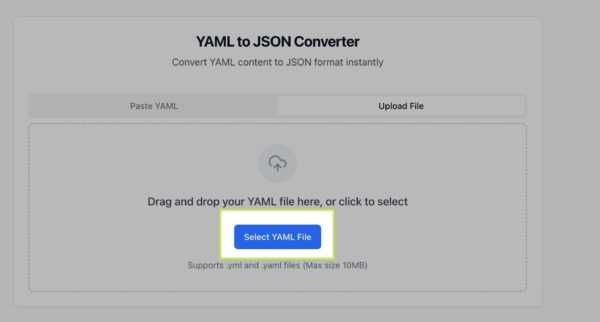
Upload Your YAML File
Start by visiting Zight’s free YAML to JSON conversion tool. Once you’re on the page, click the upload button to select your YAML file from your computer. You can upload .yaml or .yml files, and the tool will automatically prepare them for conversion. There’s no need to install additional software, everything happens directly in your browser.
Automatic Conversion in Seconds
As soon as your file is uploaded, Zight automatically converts your YAML into clean, structured JSON. The converter handles indentation, anchors, and aliases so your data stays accurate and organized. If your YAML contains syntax errors, the tool alerts you to fix them quickly. Within seconds, your content transforms into ready-to-use JSON.
Review and Format Your JSON
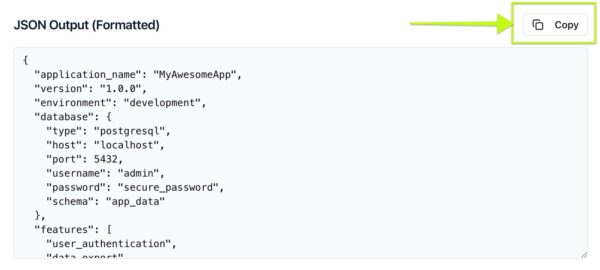
Once your file is converted, you’ll see the JSON output displayed on screen. You can view it in a compact format for efficiency or as a pretty-printed version for easy readability. This is especially useful for checking nested structures or validating data before using it in code or APIs. Zight ensures the JSON follows consistent syntax for reliable results every time.
Download or Copy Your JSON Output
When you’re satisfied with the conversion, download your new JSON file or copy it to your clipboard. It’s immediately ready for use in your workflows — whether you’re integrating it into code, uploading it to a service, or storing it for automation. The process is fast, secure, and completely free.
Why This Conversion Matters
Converting YAML to JSON helps bridge the gap between human-readable configuration files and machine-readable data formats. JSON’s strict structure and universal support make it a go-to choice for developers, DevOps, and data teams alike. By transforming YAML into JSON, you ensure compatibility with APIs, automation systems, and countless modern tools.
Integrating JSON into Your Workflow
Once converted, your JSON can be imported into web applications, development environments, and databases. Developers can use it to configure APIs or store structured data, while DevOps engineers can integrate it into CI/CD pipelines. Data analysts and automation teams can feed it directly into scripts or workflows, ensuring seamless, standardized data handling.
Conclusion
Converting YAML to JSON doesn’t have to be complicated. With Zight’s free online converter, you can transform your files quickly and confidently — without worrying about syntax errors, installation, or compatibility issues. Whether you’re preparing configuration data for deployment, sharing API payloads, or cleaning up automation files, Zight makes the process fast, accurate, and effortless.
Try Zight’s YAML to JSON converter today and simplify how you manage your data.
Frequently Asked Questions
YAML is a human-readable format often used for configuration files, while JSON is a lightweight format designed for data exchange between systems. YAML is easier to read, but JSON is more strict and universally compatible.
Currently, Zight’s converter processes one file at a time to ensure accuracy and performance. Batch conversions may be added in future updates.
Zight automatically reformats the output for correct JSON syntax. While spacing may differ, your structure and data remain intact.
Since JSON doesn’t support comments, they’re removed during conversion. If you need to retain notes, consider adding them back after conversion.
No. All conversions happen in memory and are discarded once completed. Your files are never stored or shared.
Yes. You can use any JSON validator or schema tool to verify your file’s integrity. The output is guaranteed to follow proper JSON standards.
Anchors and aliases are resolved automatically, meaning your final JSON will contain explicit values rather than references.
Not at all. Zight’s YAML to JSON converter is built for everyone — simply upload, convert, and download in seconds, no technical setup required.












