
Ready to Boost Your Productivity?
Save time and money while boosting your productivity with Zight — free tools for screen recording, screenshots, GIFs, and webcam capture.
Try Zight for FreeHow to Format JSON
Follow these simple steps to get started.
Paste or Upload JSON
Copy and paste your JSON code into the input field, or upload a .json file directly from your device.
Automatic Formatting
Zight’s JSON formatter automatically detects your structure and formats it for readability with proper indentation and syntax highlighting.
Validate and Copy
Instantly validate your JSON for errors, copy the formatted output, or download it for use in your code, documentation, or APIs.
Choosing Between Minified and Formatted JSON
Minified JSON
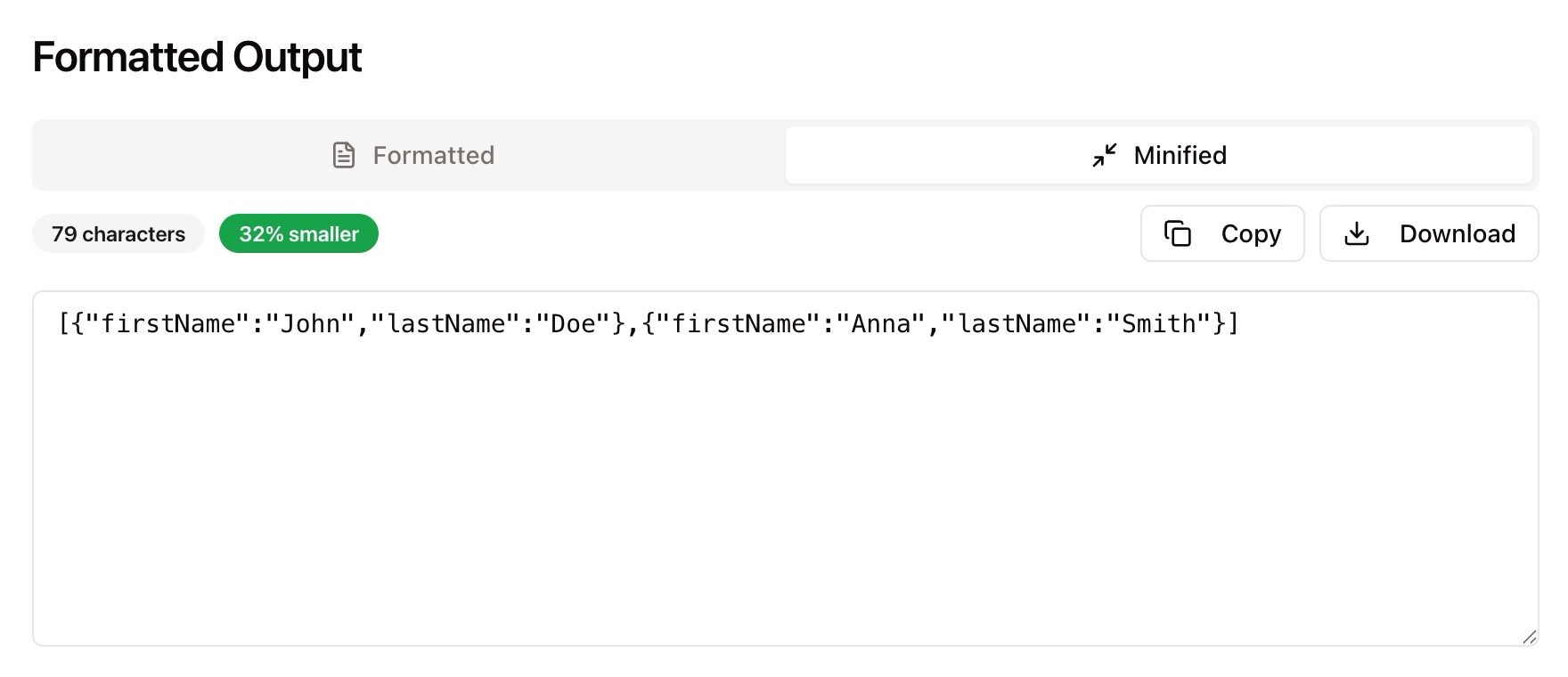
Minified JSON is compact and optimized for performance. It removes unnecessary whitespace and line breaks, making it ideal for file storage and transmission. Developers often use minified JSON in production environments to reduce data size and load times.
Formatted JSON
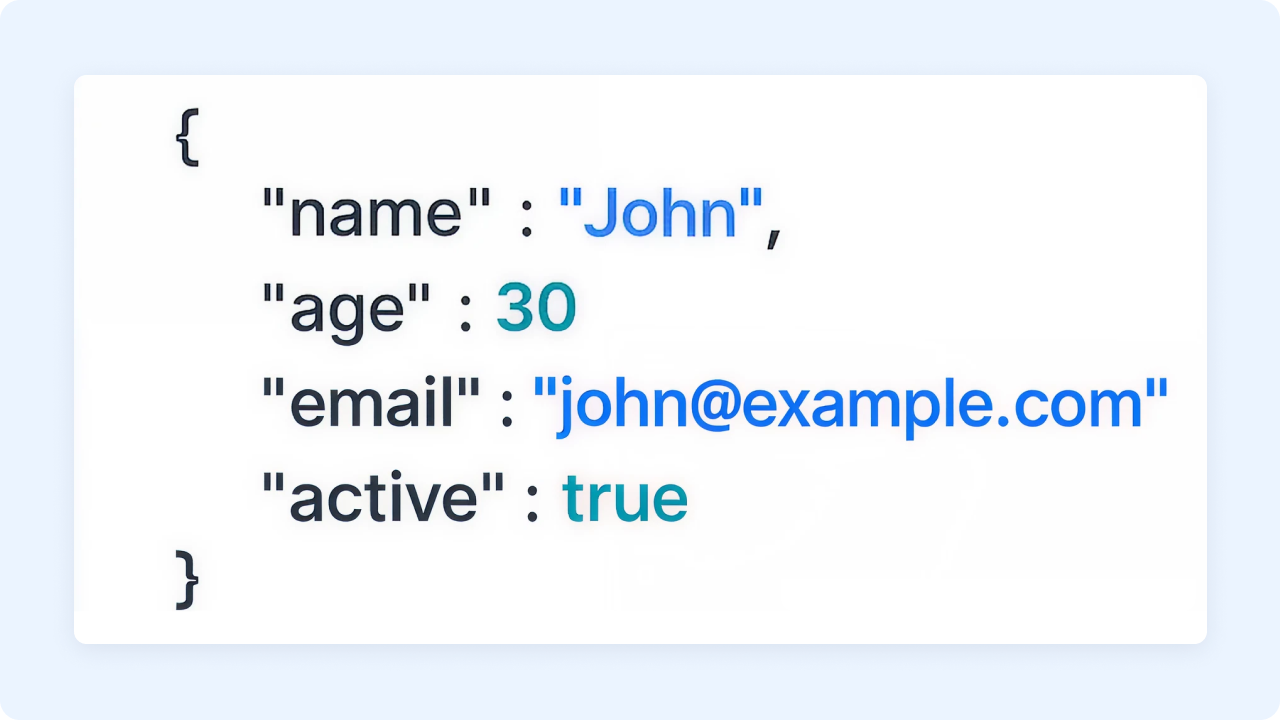
Formatted JSON adds indentation, line breaks, and spacing to make your data human-readable. It’s perfect for debugging, documentation, or code review. A formatted structure makes it easier to understand relationships between keys, values, and nested objects — essential when working with complex data.

Why Use a JSON Formatter
Readable Output
Convert dense JSON into a structured, easy-to-read format.
Error Detection
Instantly spot syntax errors or malformed structures.
Code-Ready Data
Copy and paste validated JSON directly into your projects.
Efficiency
Format large files in seconds without additional software.

Supported Use Cases
For Developers
Quickly format JSON responses from APIs or configuration files for debugging and readability.
For Data Analysts
Organize large JSON datasets into clear, hierarchical structures for easier review.
For Businesses
Simplify data review and reporting by presenting structured JSON for teams.
For QA Engineers
Validate and compare JSON outputs to ensure consistency during testing.
Unlock More Tools
Expand your toolkit with these additional free tools
Ultimate Guide: How to Format and Validate JSON
Learn how to format JSON instantly using Zight’s free online JSON Formatter. Whether you’re cleaning up API responses, editing configuration files, or debugging a script, Zight helps you make your data readable, accurate, and ready for use — all in your browser.
Paste or Upload Your JSON
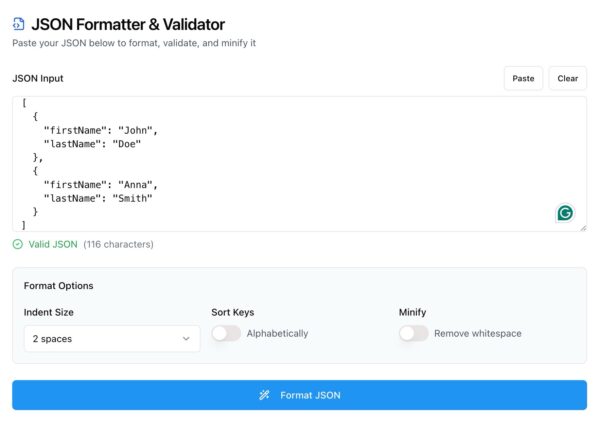
Start by opening Zight’s JSON Formatter tool. Paste your JSON data into the text box or upload a .json file. The tool automatically recognizes your data and prepares it for formatting.
Automatic Formatting and Validation
Once your JSON is loaded, Zight automatically beautifies the structure with proper indentation and spacing. Invalid syntax, missing commas, or mismatched brackets are flagged immediately so you can correct them before copying or exporting.
View and Adjust Your Output
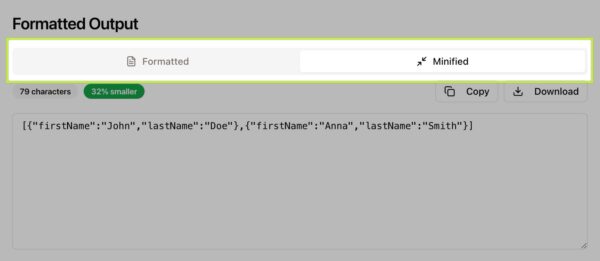
You can toggle between formatted and minified views to suit your workflow. The formatted view helps you analyze structure, while the minified view keeps things compact for storage or transmission.
Why JSON Formatting Matters
Readable JSON makes development and troubleshooting faster. Minified JSON may be efficient, but formatted JSON helps you understand the relationships between nested objects and key-value pairs. A formatter ensures your data is not only correct, but also easy to maintain.
Integrating JSON into Your Workflow
Once formatted, your JSON can be used directly in code editors, API tools like Postman, or documentation. Developers can debug faster, data teams can analyze efficiently, and QA teams can verify outputs consistently. Zight keeps the process clean, reliable, and efficient.
Conclusion
Formatting JSON doesn’t have to be a tedious task. With Zight’s free JSON Formatter, you can clean, validate, and beautify your data in seconds. Whether you’re a developer, analyst, or business user, this tool helps you turn cluttered JSON into readable, error-free structures instantly.
Try Zight’s JSON Formatter today and simplify the way you read and manage your data.
Frequently Asked Questions
A JSON formatter organizes and beautifies JSON data to make it more readable and easier to debug.
Yes, Zight supports large files up to 10 MB. Larger files may take slightly longer depending on browser performance.
No, only the structure and indentation are changed for readability. The data itself remains exactly the same.
Yes, Zight lets you switch between formatted and minified views instantly.
The tool highlights syntax errors such as missing brackets or commas so you can fix them before using the file.
No, all formatting and validation happen directly in your browser. Zight does not store or share your data.
Absolutely. The formatted output is perfect for debugging or reviewing JSON responses from APIs.
Not at all. Anyone can format or validate JSON using Zight’s online tool, no technical setup required.












