
Ready to Boost Your Productivity?
Save time and money while boosting your productivity with Zight — free tools for screen recording, screenshots, GIFs, and webcam capture.
Try Zight for FreeHow to Convert CSV to JSON
Follow these simple steps to get started.
Upload CSV File
Select a .csv file from your device.
Automatic Conversion
Your CSV data is automatically converted into structured JSON. Each row becomes an object, and each column becomes a key-value pair.
Download JSON File
Once the conversion is complete, download your JSON file instantly or copy the data directly to your clipboard.
Choosing Between CSV and JSON
CSV
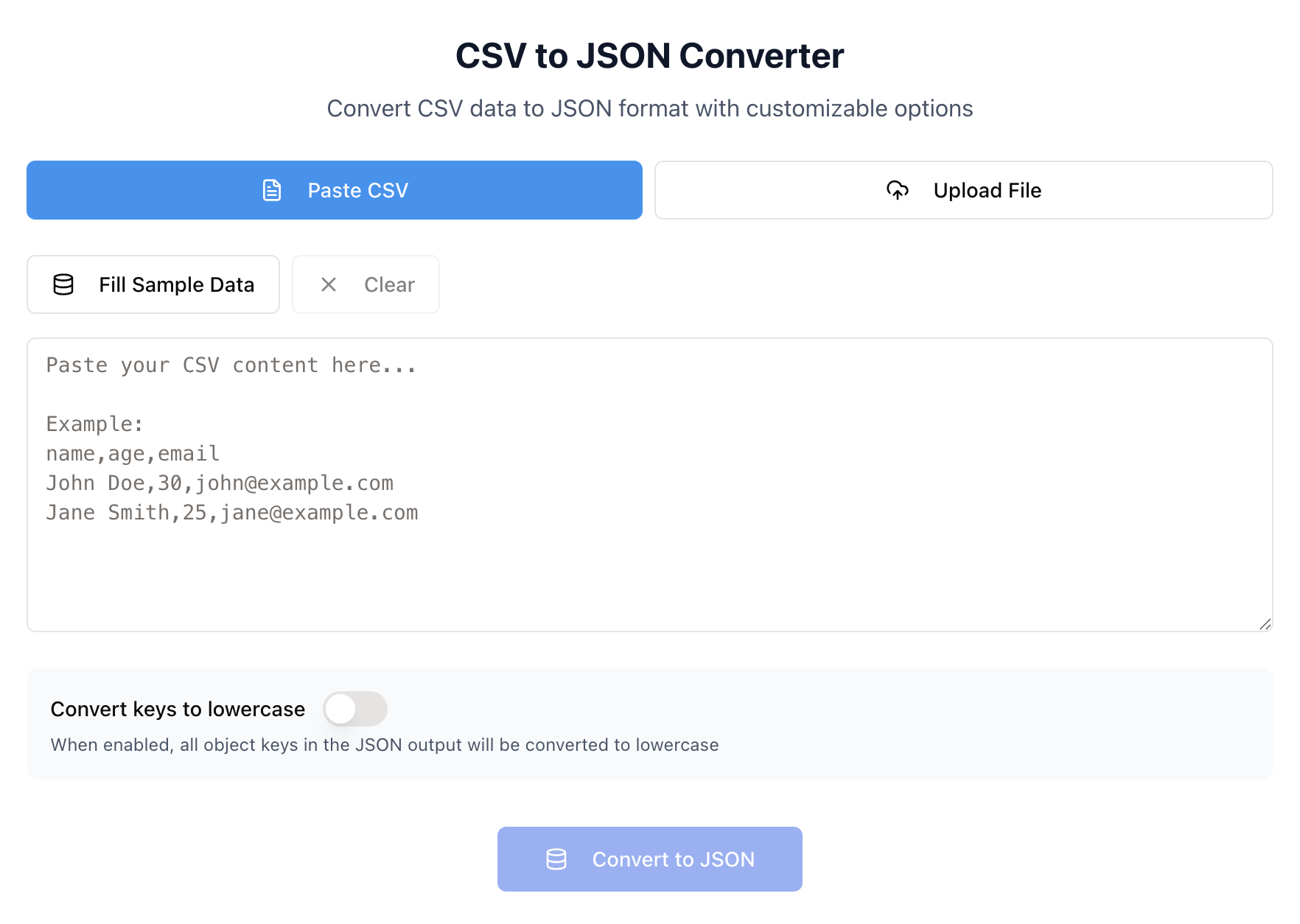
CSV (Comma-Separated Values) is a simple file format used for storing tabular data such as spreadsheets and databases. It’s easy to create and read, making it ideal for data entry and analysis. However, CSV files lack hierarchy and are less suited for complex or nested data structures.
JSON
JSON (JavaScript Object Notation) is a lightweight, structured format used for storing and exchanging data between systems. It supports nested objects and arrays, making it perfect for web APIs, automation, and programming workflows. JSON files are easier for machines to parse, validate, and transfer.
File Conversion and Data Optimization
Zight’s CSV to JSON converter ensures clean, consistent data transformation. It automatically detects headers, handles commas and quotation marks, and formats your output according to JSON standards. This ensures your data is easy to integrate into applications, APIs, or databases without manual cleanup.

Why Convert CSV to JSON
Structured Data
Convert flat spreadsheets into nested, readable JSON objects.
API-Ready
JSON is the standard format for most modern APIs and web services.
Automation-Friendly
JSON integrates seamlessly into workflows and code.
Cross-Platform Compatibility
Use your converted data in apps, databases, and dashboards.

Supported Use Cases
For Developers
Convert CSV datasets into JSON to feed into APIs or test automation scripts.
For Data Analysts
Transform spreadsheet exports into JSON for use in dashboards, databases, or visualization tools.
For Businesses
Simplify internal reporting by converting structured data into portable, shareable JSON.
For Educators
Turn CSV files into JSON examples for coding lessons or classroom exercises.
Unlock More Tools
Expand your toolkit with these additional free tools
Ultimate Guide: How to Convert CSV to JSON
Learn how to convert CSV files to JSON quickly and accurately using Zight’s free online converter. Whether you’re handling spreadsheets, datasets, or application data, this guide covers how to transform your files in just a few clicks, no installations or technical experience required.
Upload Your CSV File
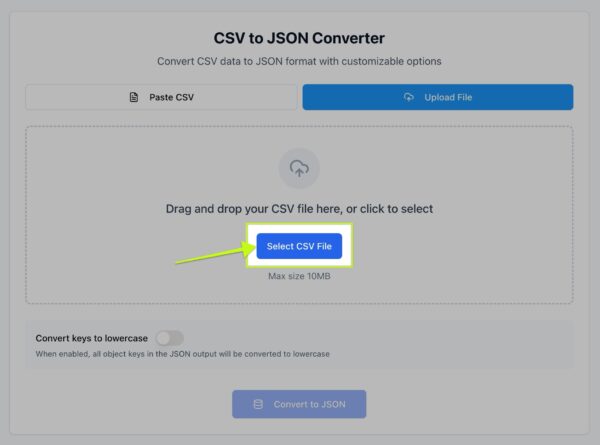
Start by visiting Zight’s free CSV to JSON conversion tool. Click the upload button and select a CSV file from your device. You can use any spreadsheet export, including files from Excel, Google Sheets, or data platforms. The tool automatically detects your headers and prepares the data for conversion.
Automatic Conversion in Seconds
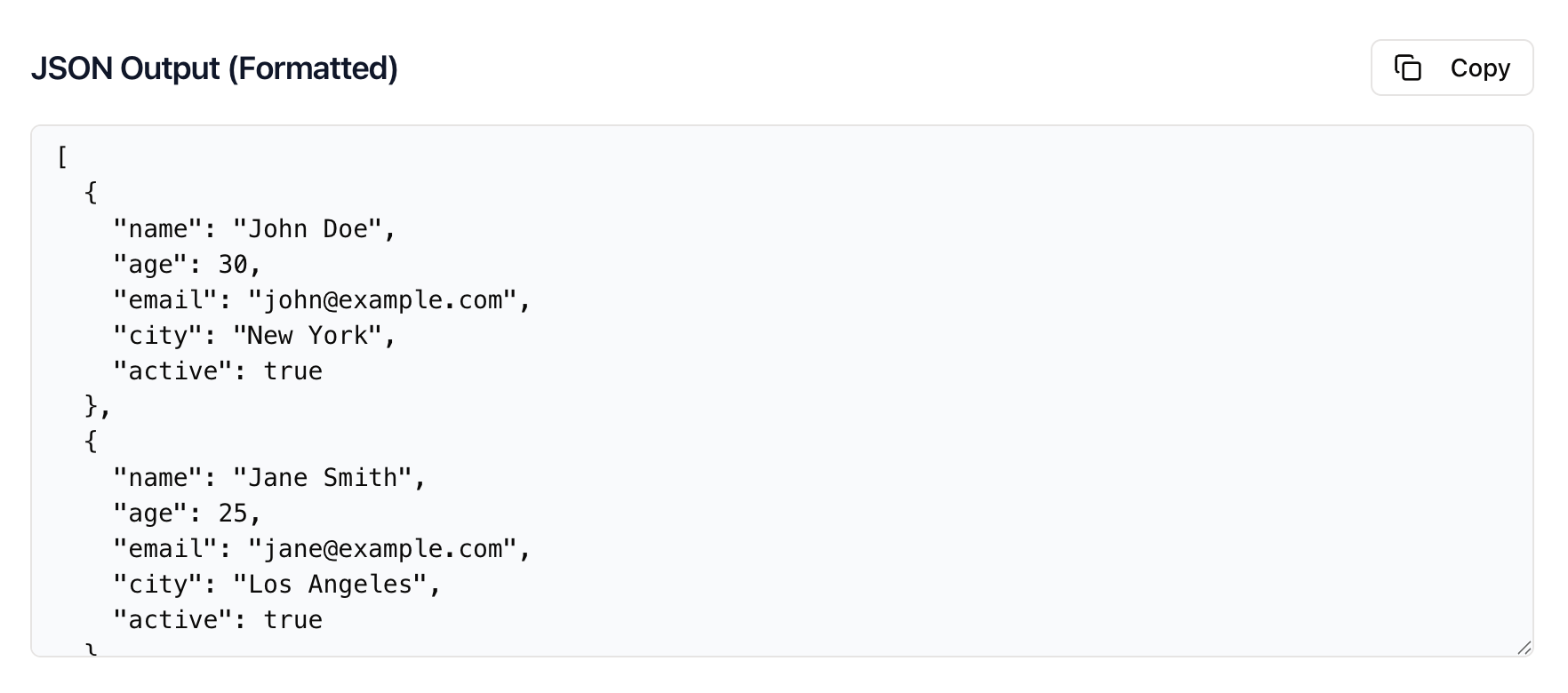
Once uploaded, Zight instantly converts your file into JSON format. Each row in your CSV becomes a JSON object, while each column is converted into a key-value pair. If your CSV includes headers, they’ll be used as JSON keys to maintain clarity and consistency.
Review and Adjust the Output
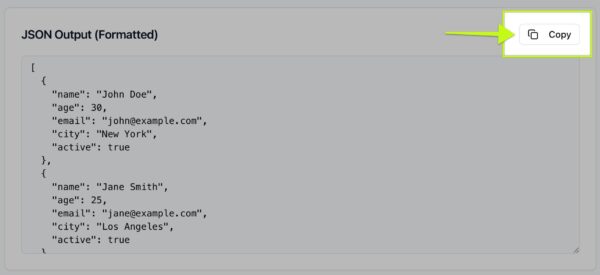
Your converted JSON appears on screen for preview. You can view it in a compact format or a pretty-printed layout to easily read nested data. Review for accuracy, confirm your field names, and make sure everything looks correct. Zight’s converter ensures proper encoding and escaping, so even special characters and line breaks are handled smoothly.
Download or Copy Your JSON
Once you’re happy with the output, download the JSON file directly or copy it to your clipboard. The converted data is ready for immediate use in your applications, databases, or scripts.
Why CSV to JSON Conversion Matters
Converting CSV to JSON allows you to take data from spreadsheets and use it in programming and automation contexts. JSON’s hierarchical structure makes it ideal for representing data with relationships, while CSV remains better for basic tabular records. With Zight, you can bridge these two formats instantly and accurately.
Integrating JSON Into Your Workflow
After conversion, you can use your JSON data in a wide range of tools and environments. Developers can import it into web applications, APIs, and databases. Data scientists can load it into notebooks or analysis pipelines. Even non-technical users can paste it into visualization or project tools that accept structured data.
Conclusion
Converting CSV to JSON doesn’t need to be complicated. With Zight’s free online converter, you can transform your data quickly and accurately in just a few clicks. Whether you’re managing spreadsheets, API data, or automation workflows, Zight gives you clean, structured JSON that’s ready to use anywhere.
Try Zight’s CSV to JSON converter today and simplify how you manage your data.
Frequently Asked Questions
A CSV file stores tabular data in plain text, with each line representing a row and each value separated by a comma.
JSON is a structured format used for storing and exchanging data between systems, APIs, and applications.
Yes, Zight supports large CSV files up to 10 MB for instant conversion, depending on your browser’s performance.
Yes, if your CSV file has headers, Zight automatically uses them as JSON keys.
Zight automatically escapes commas, quotes, and special characters to ensure proper JSON formatting.
No, your files are processed in memory and deleted after conversion. Zight does not store or share your data.
Yes, you can choose between a compact JSON format or a human-readable pretty-printed layout.
Not at all. Zight’s CSV to JSON converter is designed for everyone — fast, free, and easy to use directly in your browser.












