
- ShareX: Windows-only, feature-rich with advanced editing and automation.
- Flameshot: Cross-platform, easy-to-use annotation tools, and active updates.
- Greenshot: Best for Windows users with simple workflows and Office integration.
- ScreenRec: Combines screenshots and basic screen recording with cloud sharing.
- Shutter: Linux-focused with extensive editing, though development has slowed.
- Ksnip: Cross-platform with a clean interface and customizable hotkeys.
- Spectacle: Optimized for KDE Plasma on Linux, offering basic functionality.
Quick Comparison
| Tool | Platforms | Key Features | Best For |
|---|---|---|---|
| ShareX | Windows | Advanced editing, automation, OCR | Power users |
| Flameshot | Windows, macOS, Linux | Instant annotation, customizable interface | Quick edits across platforms |
| Greenshot | Windows, macOS | Office integration, simple workflows | Business users |
| ScreenRec | Windows, macOS, Linux | Screenshots, basic screen recording | Cloud sharing and simple tasks |
| Shutter | Linux | Advanced editing, plugin support | Linux users needing detailed edits |
| Ksnip | Windows, macOS, Linux | Cross-platform, customizable hotkeys | Consistent experience across systems |
| Spectacle | Linux (KDE) | KDE integration, basic annotation | KDE Plasma desktop users |
ShareX | The Ultimate Open-Sourced Screen Capture & Productivity Tool
1. ShareX
ShareX is a powerful tool for screen capturing and documentation, designed specifically for Windows users. As an open-source application, it offers a wide range of features and benefits from an active and supportive community.Platform Compatibility
ShareX is compatible with Windows systems, including Windows 7, Windows 8, Windows 10, and Windows 11. However, starting with version 18.0.0, the application requires Windows 10 64-bit or newer, thanks to its upgrade to .NET 9.0. This upgrade ensures smoother performance and supports its extensive editing capabilities.Annotation and Editing Features
The built-in editor in ShareX is packed with tools for annotating and editing screenshots. Users can add shapes, text (with customizable outlines and backgrounds), speech balloons, and step counters. Beyond annotations, the editor includes features like cropping, rotating, and resizing images. For additional customization, you can magnify specific areas, insert images, add stickers, or include cursor elements. A handy select-and-move tool allows you to reposition annotations effortlessly.Community Support and Updates
ShareX benefits from consistent updates and community involvement. Between March 2024 and August 2025, several updates were rolled out, including the major .NET 9.0 upgrade and the addition of Arabic language support. Community contributions play a key role in its development:“Added Arabic language support.” – OthmanAliModaes
Integration and Sharing Options
The app also emphasizes integration and community interaction. A new Discord button has been added, making it easier for users to connect with the ShareX community for support. Regular updates and multiple update channels highlight the ongoing efforts to improve the tool:“Added Discord button, you can join our Discord server to get support from the community.” – ShareX ChangelogThese features make ShareX a standout choice for those seeking a feature-rich, open-source screen capture solution. Its community-driven development and robust capabilities ensure it remains a top contender in its category.
2. Flameshot
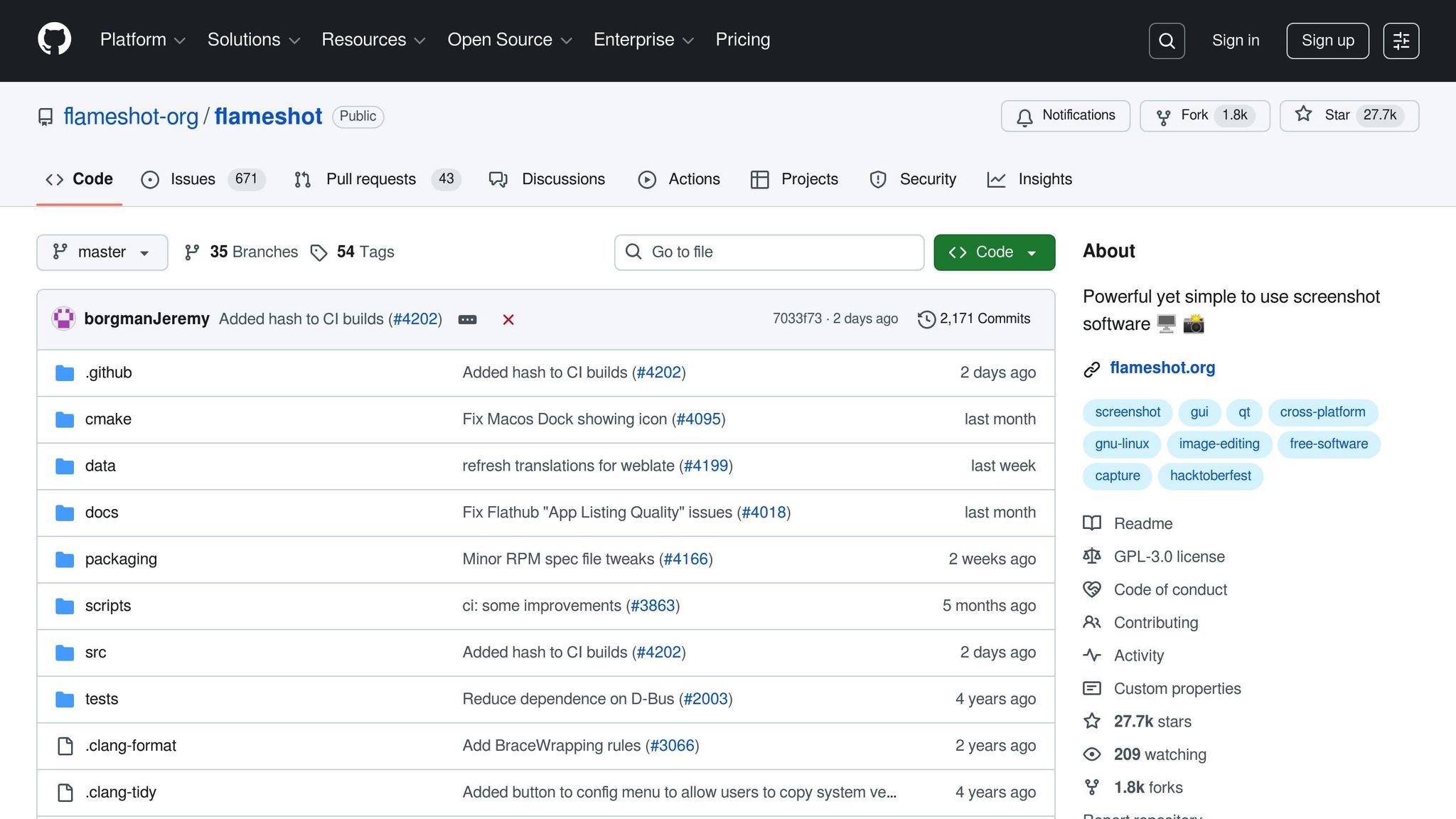 Flameshot makes its return with version 13.0 in 2025 after a three-year break, offering updated features and improved functionality as a cross-platform screenshot tool.
 Platform Compatibility
Flameshot is available for Windows, macOS, and Linux, ensuring accessibility across major operating systems. For Linux users, the Flatpak package is now verified on Flathub, with version 13.0 expected to be available soon, providing a dependable installation method. Windows and macOS users can download the tool directly from the official GitHub repository or use various package managers. This broad compatibility makes Flameshot a versatile choice for users across platforms.Annotation and Editing Features
Flameshot comes equipped with a range of annotation tools, making it easy to customize and enhance screenshots. Users can add arrows, rectangles, circles, and text annotations directly onto their images. The built-in editor includes options to blur sensitive details, highlight important areas, and create freehand drawings, all with customizable color choices. The renewed development efforts also reflect the tool’s active community involvement, ensuring it stays relevant and user-friendly.Community Support and Updates
The release of version 13.0 on August 5, 2025, marked Flameshot’s comeback after a three-year development hiatus.“For three years, the project didn’t have a new release, with the last one being back in July 2022. Today, the wait is officially over.”The GitHub repository is buzzing with activity, showcasing daily commits and pull request merges. Developer
- Sourav Rudra, Author, It’s FOSS
borgmanJeremy has been particularly consistent, pushing updates and merging contributions throughout late August 2025. Users can expect regular updates, including bug fixes, performance tweaks, and continuous integration (CI) improvements. Direct support is available through GitHub, where developers actively engage with users. For instance, borgmanJeremy addressed issue #4182 on August 20, 2025, demonstrating the team’s dedication to resolving user concerns. Integration and Sharing Options
Version 13.0 introduces Qt6, modernizing the codebase and enhancing performance. The development team has also taken a collaborative approach to platform support. However, they’ve cautioned that Snap package support may be dropped unless community contributors can address confinement issues.“Developers warn they’ll drop Snap support entirely unless community contributors step up to resolve the problem.”For troubleshooting or feature requests, users are encouraged to visit the GitHub issues page, as outlined in the official troubleshooting guide. Flameshot’s open-source nature ensures that community contributions remain central to its ongoing development, keeping the tool both dynamic and reliable.
- Sourav Rudra, Author, It’s FOSS
3. Greenshot
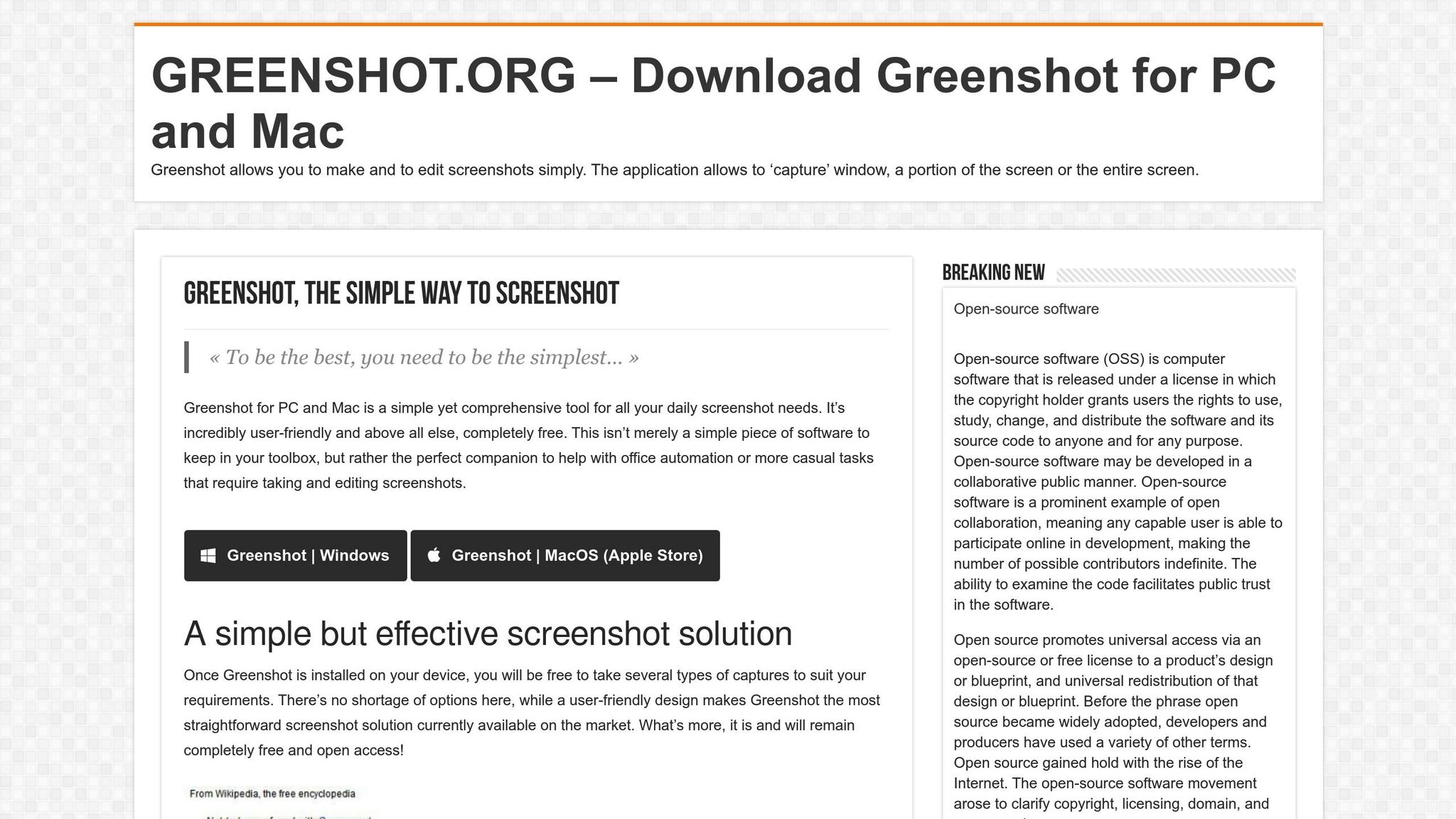 Greenshot continues to be a dependable screenshot tool for Windows users in 2025. Its latest release underscores a focus on keeping up with modern operating systems and ensuring a smooth user experience.
 Platform Compatibility
Greenshot’s main strength is its excellent support for Windows, making it one of the leading open-source screenshot tools available today. The latest major update – version 1.3.290, released on July 14, 2025 – brings several improvements tailored for modern Windows systems. These include better DPI awareness for high-resolution displays, fixes for Windows 10 toast notifications, and enhanced support for Windows 11’s notification system. While macOS users can also use Greenshot, updates for this platform tend to lag behind the Windows version. For Linux users, Greenshot works through Wine or the Windows Subsystem for Linux (WSL), providing a workaround for those who want to use it on non-Windows systems.Community Support and Updates
Greenshot’s active development is another reason for its reliability. The tool benefits from regular updates aimed at addressing user feedback and ensuring compatibility with evolving systems. The release of version 1.3.290 in July 2025 marks a “Final Release”, signaling a stable and production-ready version backed by an engaged community. It’s no surprise that Greenshot has earned a high user rating of 4.8/5 from 39 reviews. Recent updates have prioritized reducing issues with Windows 10 toast notifications and improving functionality within Windows 11’s notification framework. These efforts highlight the development team’s dedication to providing a seamless and efficient user experience.Integration and Sharing Options
Greenshot’s latest version also enhances its integration with modern workflows. Version 1.3.290 introduces features that ensure screenshots maintain quality and proper scaling, even on high-resolution displays or multi-monitor setups – an essential improvement for professionals working in such environments. Additionally, the improved notification system resolves earlier compatibility issues, making it easier to capture, manage, and share screenshots efficiently.4. ScreenRec
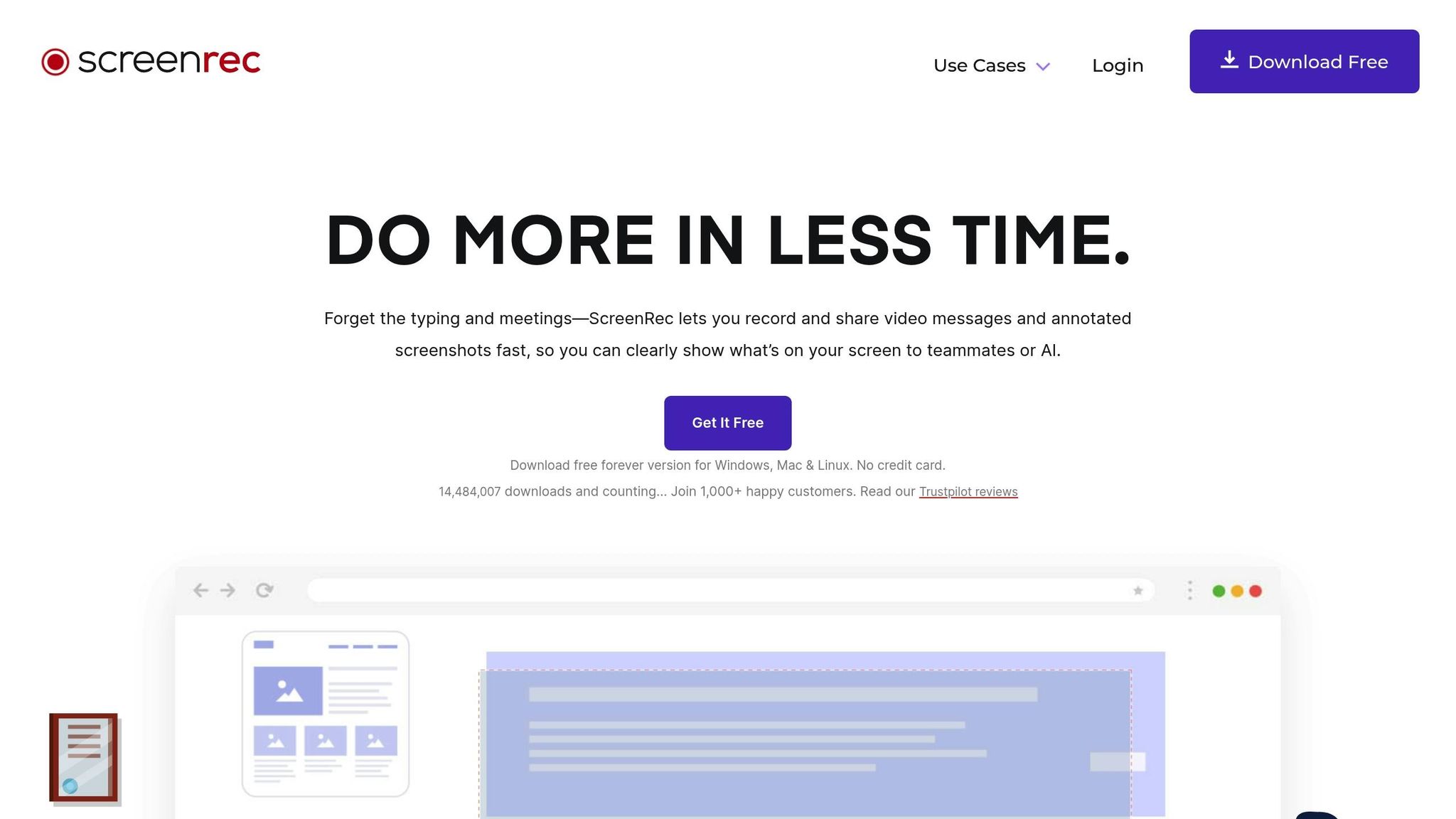 ScreenRec is an open-source tool that blends screenshot capture with basic screen recording, making it a practical choice for professionals who need to share visual information efficiently. Here’s a closer look at its annotation and editing capabilities.
 Annotation and Editing Features
With ScreenRec, you can easily enhance your screenshots and recordings by adding comments, highlighting important areas, drawing freehand, inserting text boxes, and even blurring out sensitive information. These features make it a handy tool for clear and effective communication. After taking a screenshot, you can also annotate your screenshots to provide clear instructions for your team or collaborators. That said, its video editing options are fairly limited. While you can include basic annotations, it doesn’t support advanced features like transitions, effects, or detailed timeline editing.sbb-itb-5d91f01
5. Shutter
 Shutter remains a robust tool for screenshot capture and editing on Linux, but its development pace and lack of platform expansion have become notable drawbacks in 2025. Let’s dive into the compatibility concerns and challenges faced by its community.
 Platform Compatibility
Shutter is designed exclusively for Linux systems, such as Ubuntu and Linux Mint, and depends heavily on GNOME libraries and a fully functional X‑Server to operate. Many of its features rely on xlib calls, making it deeply tied to Linux environments.“One of the most important things is that Shutter depends on software components that are only available on Linux and comparable platforms (e.g. some gnome libraries and especially a fully working X-Server). Shutter is using xlib calls in many cases to perform the various tasks of taking screenshots. Most parts of the application had to be rewritten when multi-platform would be a future goal.”For users running Wayland, Shutter offers limited functionality. Fullscreen capture is available through the XDG Portal, while other features like its editor, upload capabilities, and plugins remain operational.
Community Support and Updates
Development for Shutter has slowed considerably in recent years. According to the Shutter Project FAQ:“Shutter is mostly in maintanence mode since its original developer’s withdrawal and the GTK3 port several years later. The current dev team gives its best to keep Shutter afloat and fix the most pressing issues.”Updates between versions 0.99.4 and 0.99.6 have been sparse, focusing solely on bug fixes. Meanwhile, achieving full Wayland support remains a hurdle the small development team has yet to clear due to the technical challenges involved. These limitations have led some in the community to view Shutter as “obsolete”, reflecting frustration with its stalled progress.
6. Ksnip
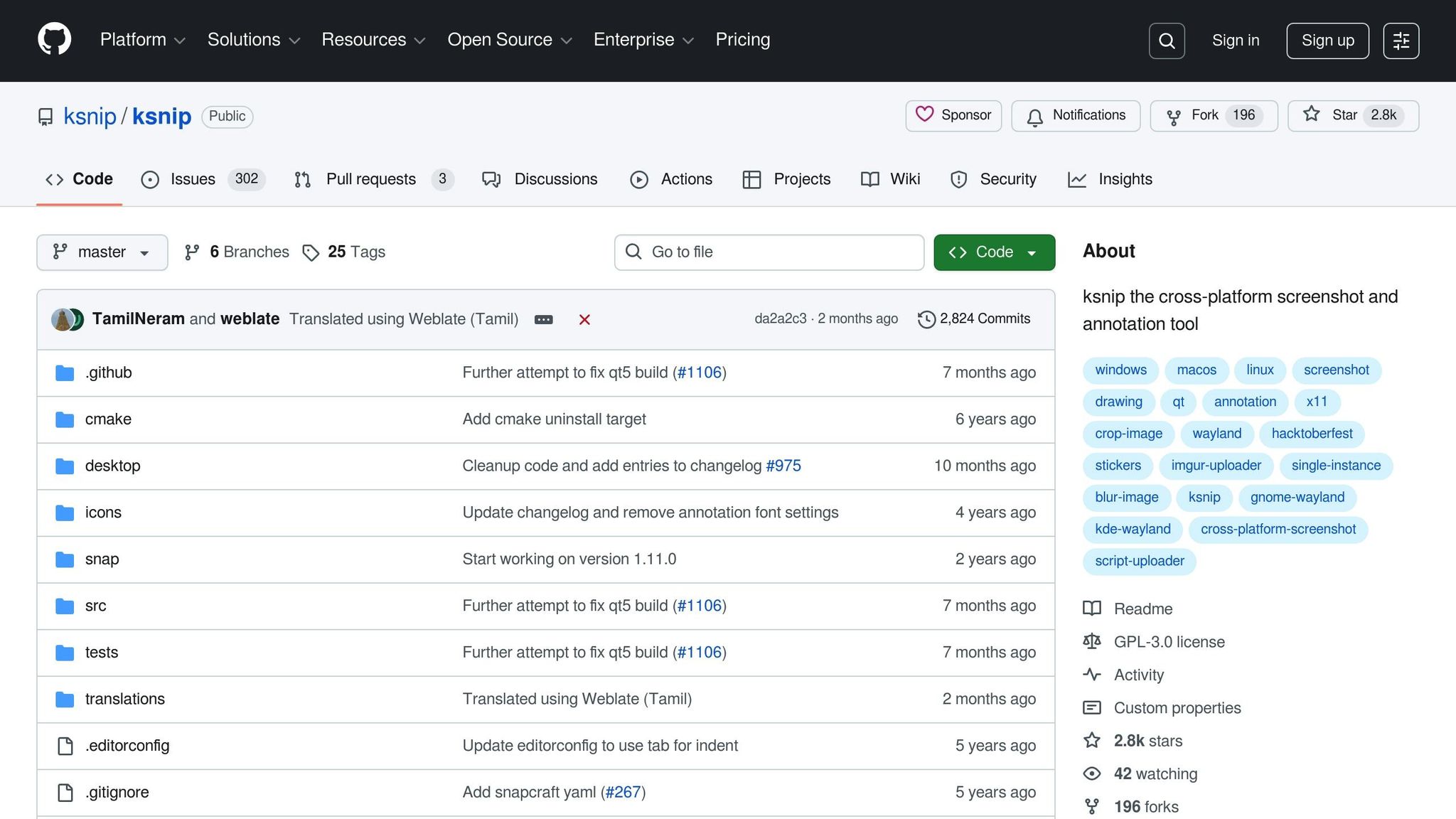 Ksnip is a versatile screenshot and annotation tool designed with Qt, offering a seamless experience across Linux, Windows, and macOS. It stands out for its combination of powerful features and multiple installation methods, making it a reliable choice for users on different platforms.
 Platform Compatibility
Ksnip works smoothly on Linux, supporting X11, Plasma Wayland, GNOME Wayland, and xdg-desktop-portal Wayland. Installation is straightforward, with various options available:- Linux: Choose from RPM, DEB, APT, Snap, Flatpak, or AppImage packages.
- Windows: Install via MSI or a zipped EXE file.
- macOS: Use a DMG file or Homebrew Cask for setup.
7. Spectacle
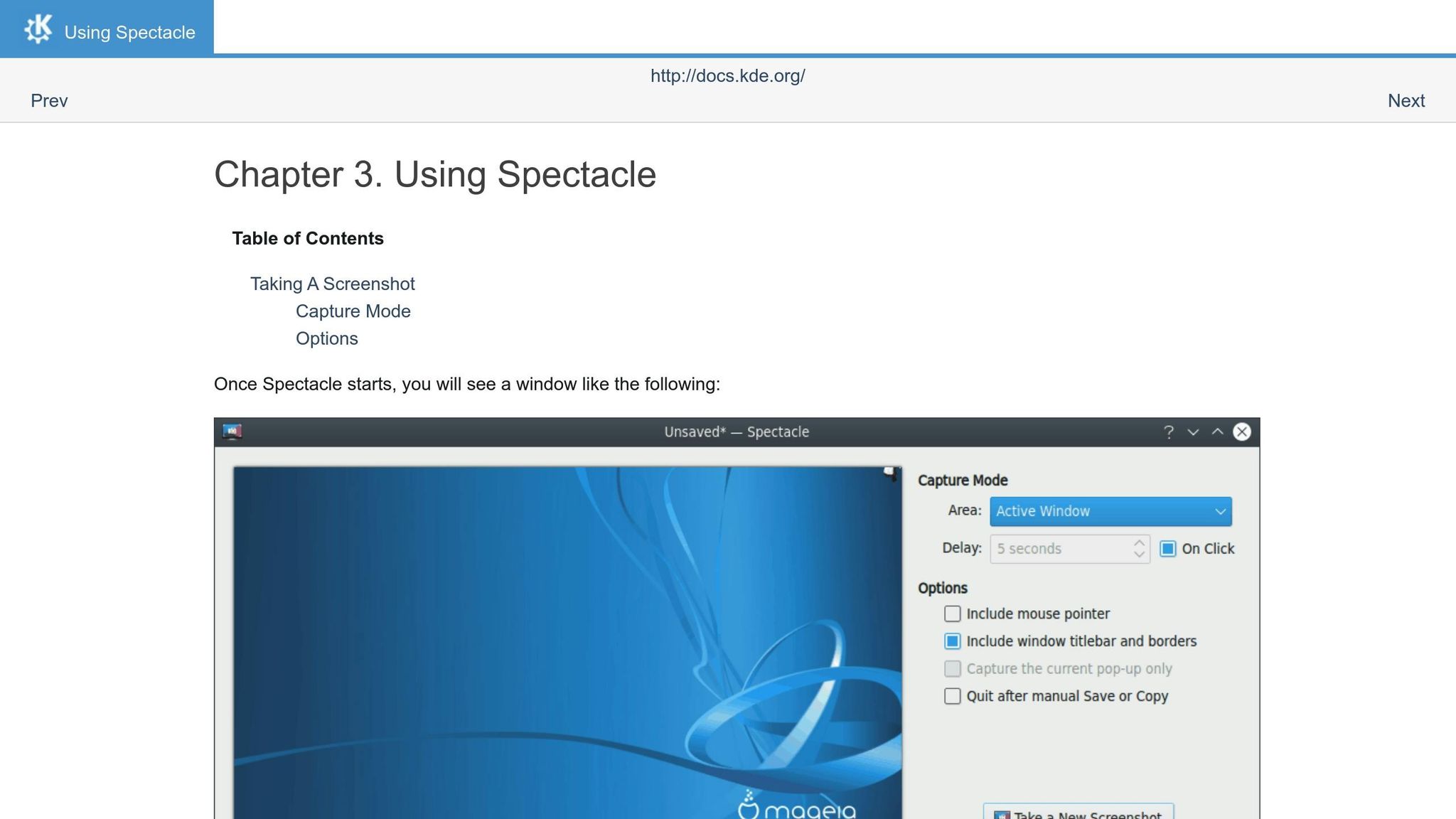 Spectacle is the built-in screenshot tool for the KDE Plasma desktop environment. As part of KDE’s core software suite, it provides an efficient way to take and manage screenshots, seamlessly integrating with the desktop’s workflow.
 Platform Compatibility
Spectacle is primarily designed for Linux systems running KDE Plasma, where it serves as the default screenshot tool. It works closely with KDE’s frameworks and matches the Plasma desktop’s visual and functional style. While Spectacle is optimized for KDE, it can also be installed on other Linux distributions through standard package managers. For instance, users on Debian-based systems can use APT, Fedora users can rely on DNF, and Flatpak is an option for broader compatibility. However, on non-KDE systems, additional Qt libraries and KDE frameworks may need to be installed to ensure smooth operation.Annotation and Editing Features
Spectacle focuses on quick and straightforward screenshot workflows rather than advanced image editing. It includes basic annotation tools, allowing users to add shapes, arrows, and text to their screenshots. The tool supports various capture modes and includes custom delay timers (up to 99 seconds), making it easier to capture interface elements like dropdown menus or tooltips. The annotation interface keeps things simple and user-friendly, offering essential tools such as rectangles, circles, arrows, and text boxes. Users can customize colors and line thickness, covering most annotation needs without overwhelming complexity.Community Support and Updates
As an official KDE application, Spectacle benefits from regular updates that coincide with KDE Plasma releases. These updates often include new features and bug fixes, reflecting the dedication of KDE’s developers and its active community. Help is available through KDE’s UserBase wiki, community forums, and Bugzilla for reporting issues. This strong community involvement ensures that problems are addressed and the tool remains stable and reliable over time.Integration and Sharing Options
Spectacle integrates effortlessly with KDE’s notification system, file management tools, and sharing features. Screenshots can be saved instantly to predefined folders, copied to the clipboard, or shared with mobile devices via KDE Connect. Additionally, Spectacle supports global keyboard shortcuts, which can be configured in KDE’s system settings. Users can assign custom key combinations to activate different capture modes, maintaining KDE’s consistent and user-friendly desktop experience.Feature Comparison Chart
Selecting the right open-source screenshot tool boils down to your specific requirements and the platform you use. The table below highlights the key features and strengths of each tool, making it easier to choose the one that fits your needs.| Tool | Platform Support | Key Features | Annotation Tools | Community Activity | Best For |
|---|---|---|---|---|---|
| ShareX | Windows | Advanced automation, custom workflows, OCR, image effects | Comprehensive editing suite with shapes, text, blur effects | Highly active with frequent updates | Power users needing automation |
| Flameshot | Linux, macOS, Windows | Instant annotation, customizable interface, CLI support | Built-in editor for arrows, circles, text, and pixelation | Active development with regular releases | Quick screenshots with immediate editing |
| Greenshot | Windows, macOS (limited) | Office integration, plugin system, export options | Basic shapes, text, highlighting, obfuscation | Consistent maintenance, stable releases | Business users and Office workflows |
| ScreenRec | Windows, macOS, Linux | Cloud storage, instant sharing, screen recording | Basic annotation with text and drawing tools | Small but dedicated community | Simple sharing and cloud backup |
| Shutter | Linux | Advanced editing, plugin architecture, batch processing | Extensive editing capabilities with effects and filters | Limited recent activity, stable codebase | Linux users needing comprehensive editing |
| Ksnip | Linux, Windows, macOS | Cross-platform consistency, customizable hotkeys | Standard annotation tools with good customization | Growing community with steady updates | Cross-platform users wanting consistency |
| Spectacle | Linux (KDE) | KDE integration, mobile device sharing, system notifications | Basic shapes, arrows, text with color customization | Active as part of KDE project | KDE Plasma desktop users |












