
Ready to Boost Your Productivity?
Save time and money while boosting your productivity with Zight — free tools for screen recording, screenshots, GIFs, and webcam capture.
Try Zight for FreeHow to Convert HEX to RGB
Follow these simple steps to get started.
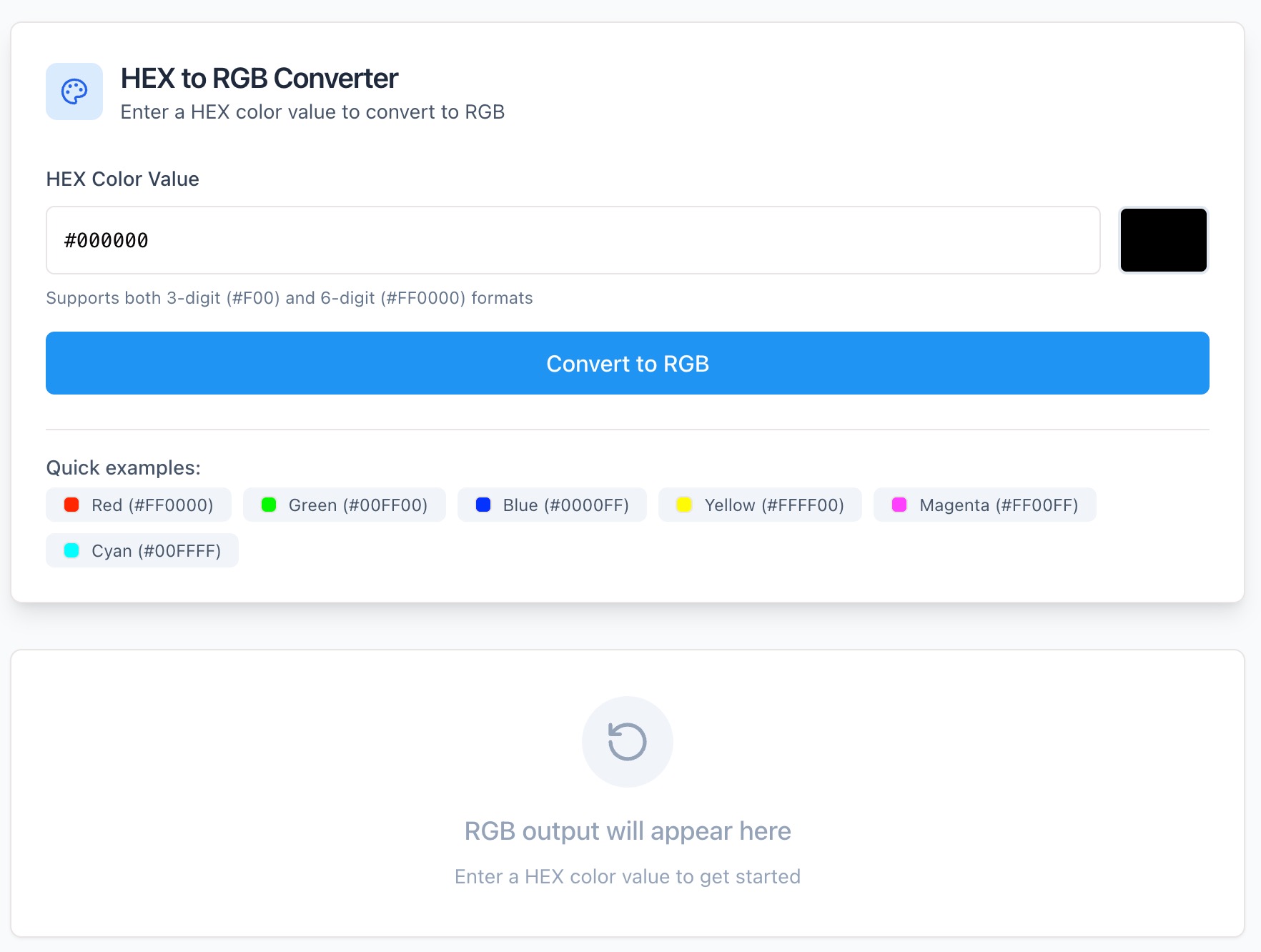
Enter a HEX Color Code
Paste or type a HEX color (for example, #4CA3FF or 4CA3FF) into the input field. The tool automatically detects and validates your color.
Automatic Conversion
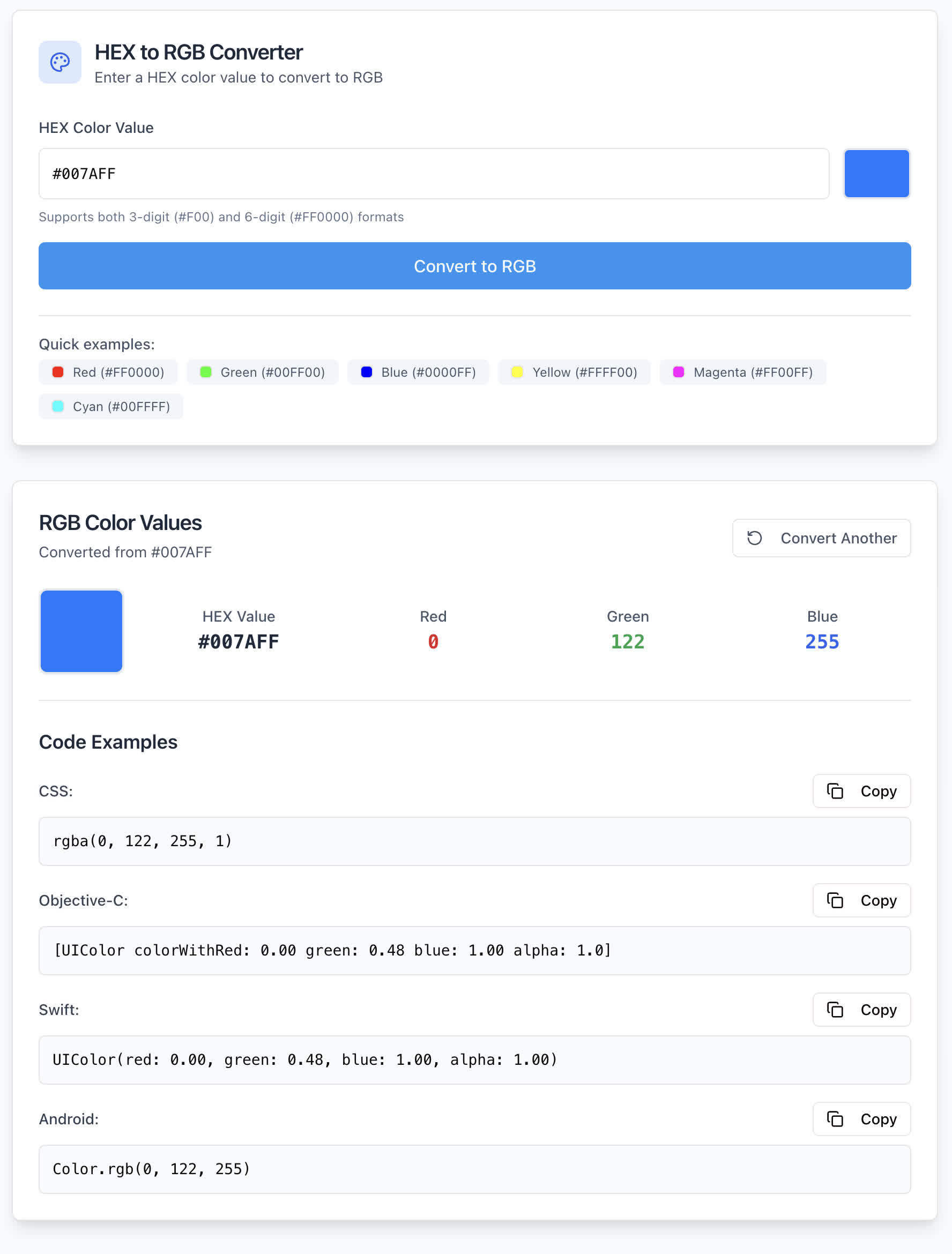
Zight instantly converts the HEX code into its RGB equivalent, displaying the result in standard RGB format (e.g., rgb(76, 163, 255)).
Copy the RGB Value
Use the Copy button to copy the RGB value to your clipboard for immediate use in your CSS, design files, or code.
Choosing Between HEX and RGB
HEX
HEX (hexadecimal) color codes are widely used in web design and CSS. They’re compact and easy to store but can be harder to visualize or adjust when working with color variations or transparency.
RGB
RGB (Red, Green, Blue) defines colors by mixing light values ranging from 0–255. It’s the foundation of digital color representation and is often preferred for precise adjustments, animations, or gradients in UI and digital media design.
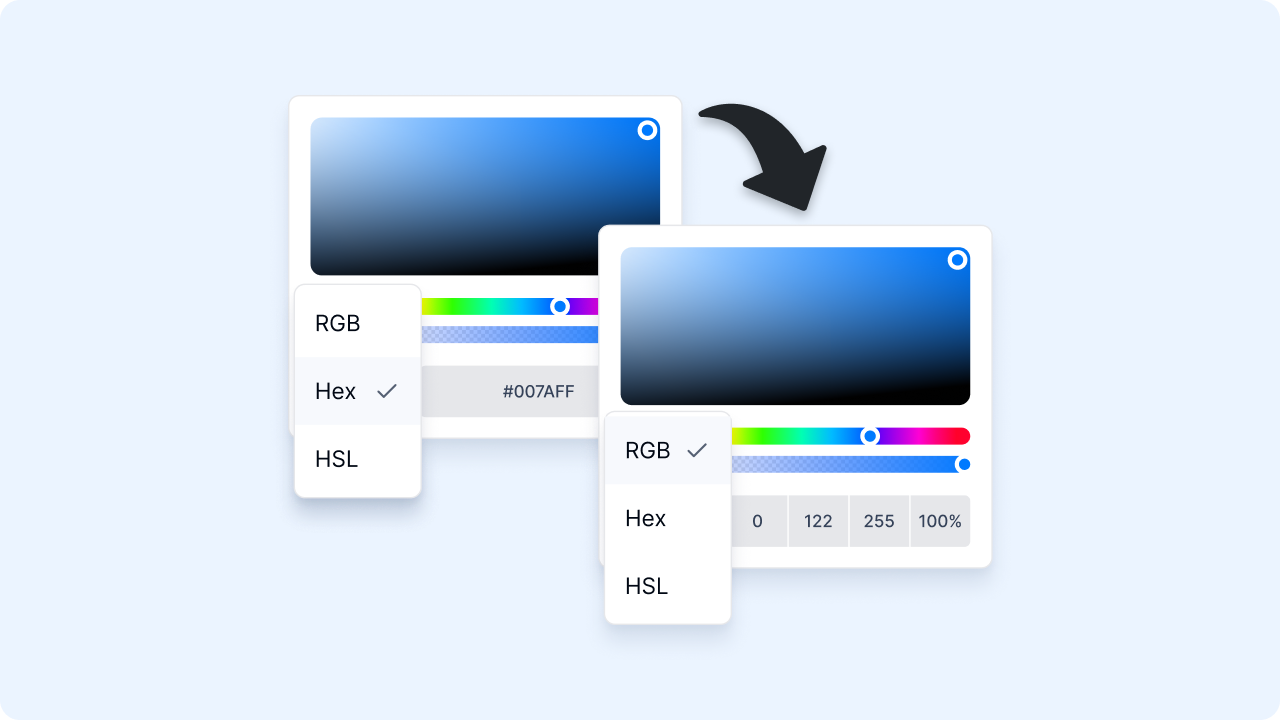
Converting between HEX and RGB makes it easy to switch between code formats while maintaining accurate color representation.
Why Convert with Zight
Accurate Conversion
Converts HEX to RGB with precision in real time.
Instant Results
No waiting or loading, your RGB value appears as you type.
Design-Friendly
Ideal for web designers, developers, and UI/UX professionals.
Secure & Private
Runs entirely in your browser, no uploads or tracking.

Supported Use Cases
For Designers
Quickly translate brand or palette HEX codes into RGB for use in design tools like Figma, Photoshop, or Sketch.
For Developers
Copy RGB values for CSS, HTML, or JavaScript-based styling.
For Marketers & Brand Teams
Ensure consistent color reproduction across web, print, and digital media.
For Educators & Students
Learn how color models convert between HEX, RGB, and other formats.
Unlock More Tools
Expand your toolkit with these additional free tools
Ultimate Guide: How to Convert HEX Colors to RGB
Learn how to convert HEX color codes into RGB values instantly using Zight’s free HEX to RGB Converter. Whether you’re designing a landing page or styling an app, this guide explains how to translate and apply color values accurately.
Enter a HEX Code
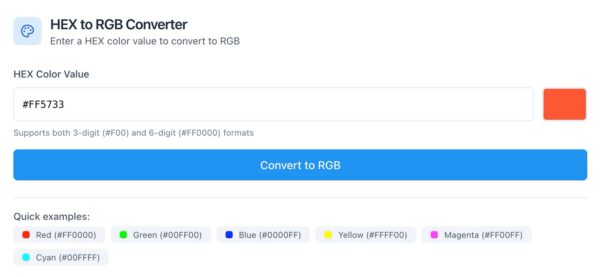
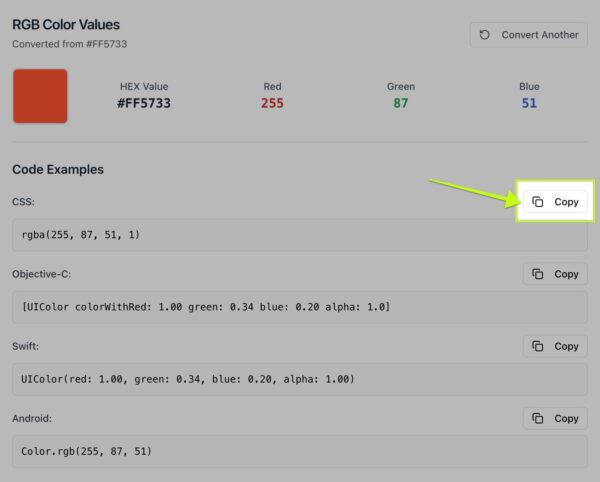
Start by opening Zight’s HEX to RGB Converter. Paste or type any HEX color code, such as #FF5733, into the input field. You can include or omit the “#” symbol, the tool accepts both formats.
Automatic Color Conversion
Once you enter your color, Zight instantly converts it into an RGB value. For example, entering #FF5733 produces:
rgb(255, 87, 51)
You’ll see the color displayed immediately, confirming your result visually.
Copy and Apply Your RGB Value
Click Copy to quickly copy the RGB value for use in CSS, code editors, or design programs. You can paste it directly into your stylesheets or color picker fields.
Why HEX to RGB Conversion Matters
HEX and RGB represent the same colors, just in different formats. HEX is compact and web-friendly, while RGB gives you better control over lighting and blending effects. Converting between the two ensures consistency across your design system and front-end development workflows.
Conclusion
Converting HEX to RGB doesn’t have to be complicated. With Zight’s free online HEX to RGB Converter, you can instantly translate HEX color codes into accurate RGB values — perfect for developers, designers, and anyone working with digital color.
Try Zight’s HEX to RGB Converter today and bring precision and speed to your design workflow.
Frequently Asked Questions
A HEX code is a six-digit combination of letters and numbers representing color values in web design (e.g., #4CA3FF).
RGB stands for Red, Green, and Blue — the three light components used to display digital colors. Each value ranges from 0 to 255.
Yes, Zight supports three-character shorthand HEX values like #FFF and automatically expands them to full six-digit versions.
No. The converter accepts HEX values with or without the “#” symbol.
Yes, the tool displays the color in real time as you enter the HEX code.
No, all processing happens locally in your browser. Zight never stores or shares your input.
The converter will prompt you to enter a valid six- or three-character HEX value.
Yes. Zight’s HEX to RGB Converter works seamlessly on any device — desktop, tablet, or mobile.












