
Ready to Boost Your Productivity?
Save time and money while boosting your productivity with Zight — free tools for screen recording, screenshots, GIFs, and webcam capture.
Try Zight for FreeHow to Test a Regular Expression
Follow these simple steps to get started.
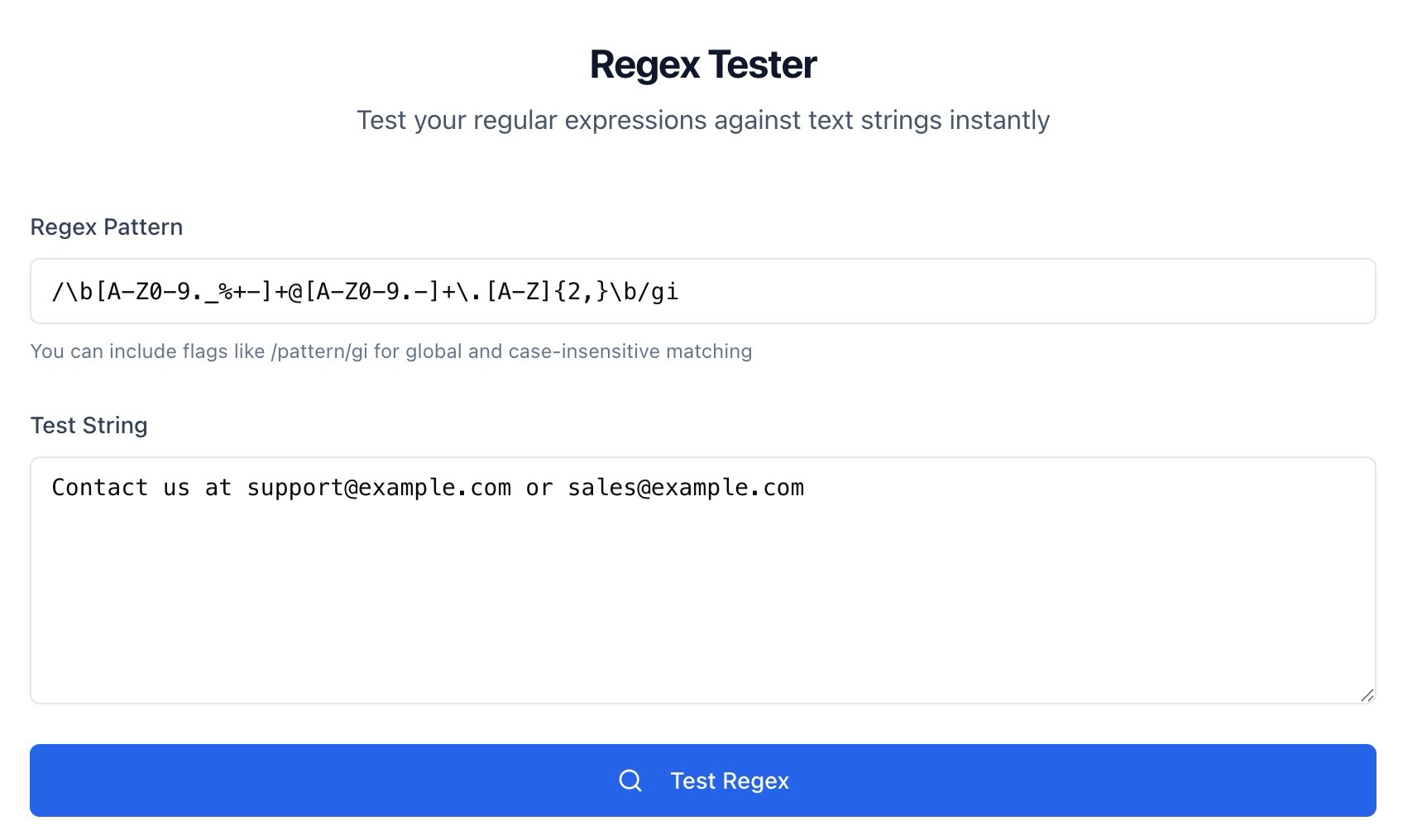
Enter Regex Pattern
Type a regex like /pattern/gi or just pattern and include flags if needed. Zight reads your pattern and prepares it for matching.
Add a Test String
Paste the text you want to test. You can include multiple lines, emails, URLs, or logs to see how your pattern behaves.
Test Regex
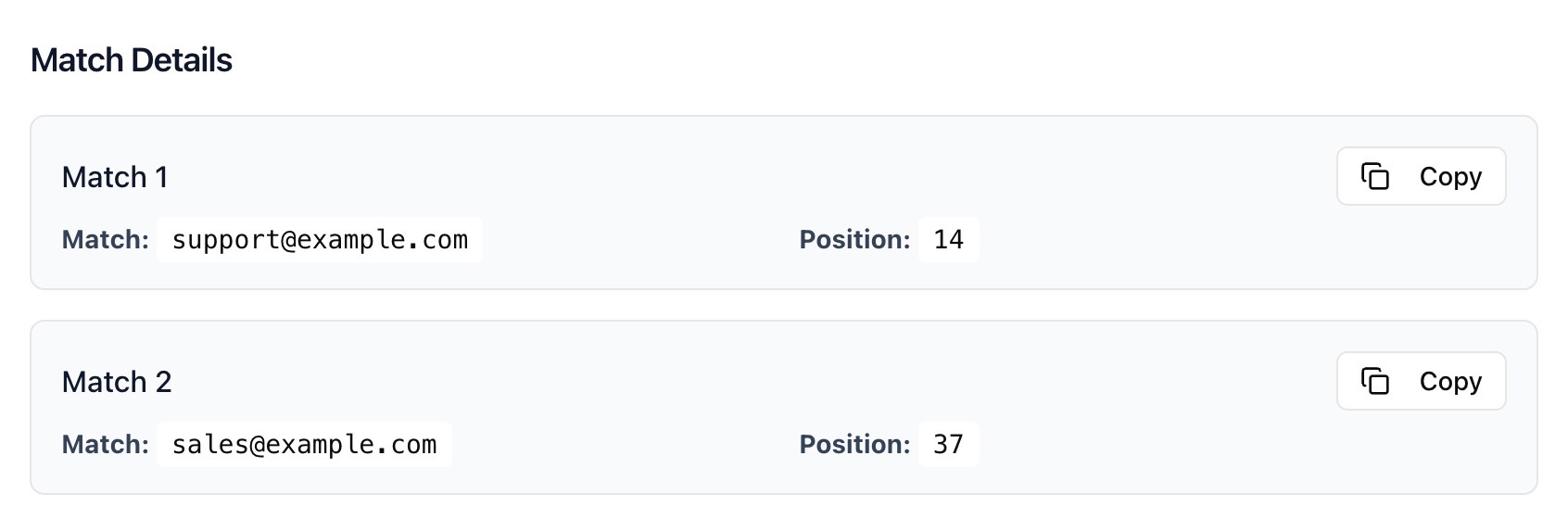
Click Test Regex to see matches. Review which parts of the text match and refine your pattern until it works as expected.
Choosing Between Literal Search and Regular Expressions
Literal Search
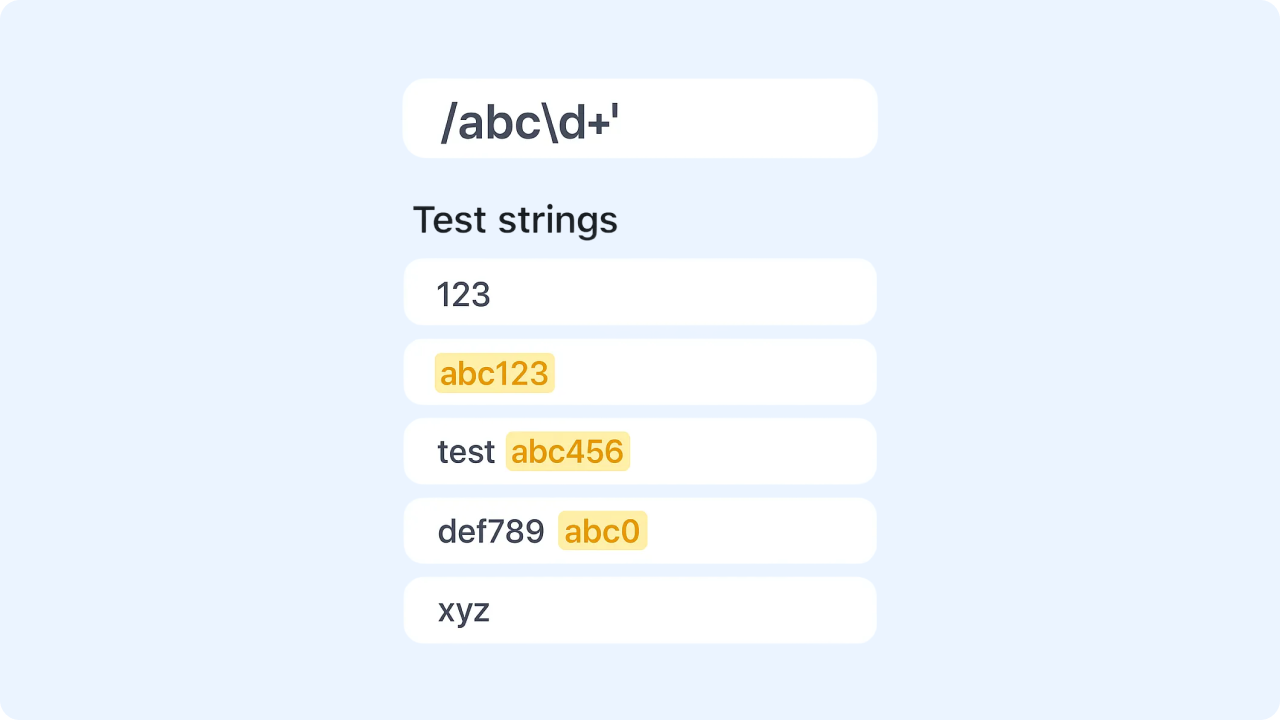
Literal search finds exact text only. It is simple and fast but cannot handle variations or structure.
Regular Expressions
Regex matches patterns, not just exact text. Use it to validate formats, extract structured data, and search complex variations in one pass.
Why Use Zight’s Regex Tester
Instant Feedback
See matches as soon as you test your pattern.
Flexible Flags
Use g for global, i for case insensitive, and m for multi line.
Developer Friendly
Great for validation, parsing, and quick experiments.
Private and Secure
Everything runs in your browser. Your text is not stored or shared.

Supported Use Cases
For Developers
Validate inputs, extract fields from logs, and prototype search rules.
For QA Engineers
Create and test patterns for automated checks and data fixtures.
For Data Analysts
Parse messy text into usable fields for cleaning and analysis.
For Support Teams
Search error messages and IDs across large blocks of text.
Unlock More Tools
Expand your toolkit with these additional free tools
Ultimate Guide: How to Test Regex Patterns
Learn how to check a pattern against sample text using Zight’s free Regex Tester. This guide shows how to add flags, refine your match, and confirm results quickly.
Enter Your Pattern
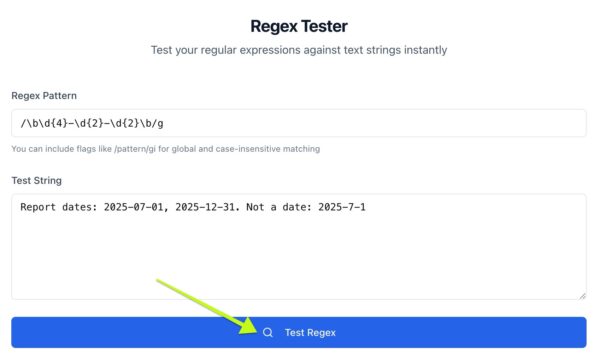
Open Zight’s Regex Tester and enter a pattern such as /bd{4}-d{2}-d{2}b/g.
Add a Test String
Paste realistic text with a few examples to verify matches and edge cases. Include correct cases and near misses so you can confirm accuracy and avoid false positives.
Run and Refine
Click Test Regex to view matches. If the result is too broad, tighten your pattern. If it misses valid cases, relax the quantifiers or character classes. Re test until the output is correct.
Conclusion
Zight’s Regex Tester makes it easy to design and verify patterns before you use them in code or data pipelines. Enter a pattern, add sample text, and test until the results are precise. It is fast, accurate, and private.
Try Zight’s Regex Tester today and build reliable patterns with confidence.
Frequently Asked Questions
Use g for global, i for case insensitive, and m for multi line. Combine them like /pattern/gim.
You can write /pattern/gi or just pattern and select flags. Both work.
Yes. Paste multiple lines. Use m to make ^ and $ match line starts and ends.
Yes. The tester highlights matches that your groups capture so you can verify structure.
Escape special characters with a backslash. For example . or +.
Your quantifiers may be greedy. Try ? to make them lazy or use more specific character classes.
Use [sS] or enable the s flag if your engine supports dotall.
No. Everything runs in your browser and is not stored or shared.












