
Ready to Boost Your Productivity?
Save time and money while boosting your productivity with Zight — free tools for screen recording, screenshots, GIFs, and webcam capture.
Try Zight for FreeHow to Convert Query Parameters to JSON
Follow these simple steps to get started.
Paste Your Query Parameters
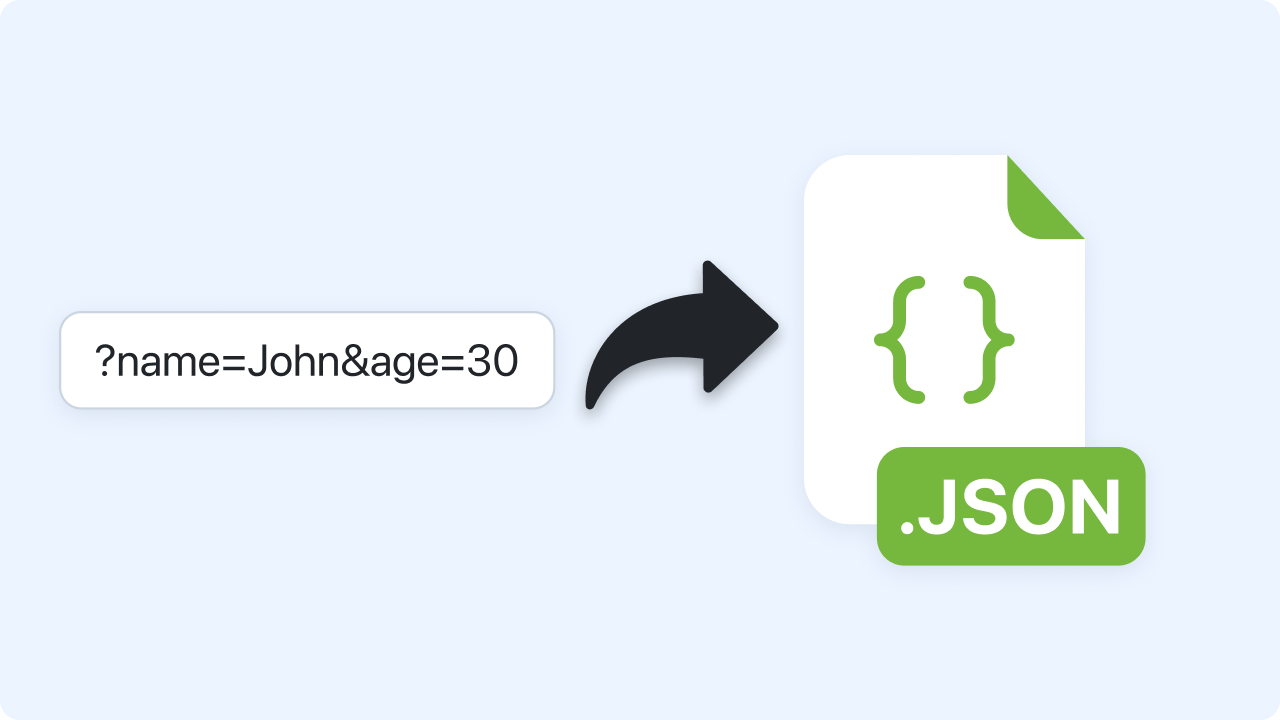
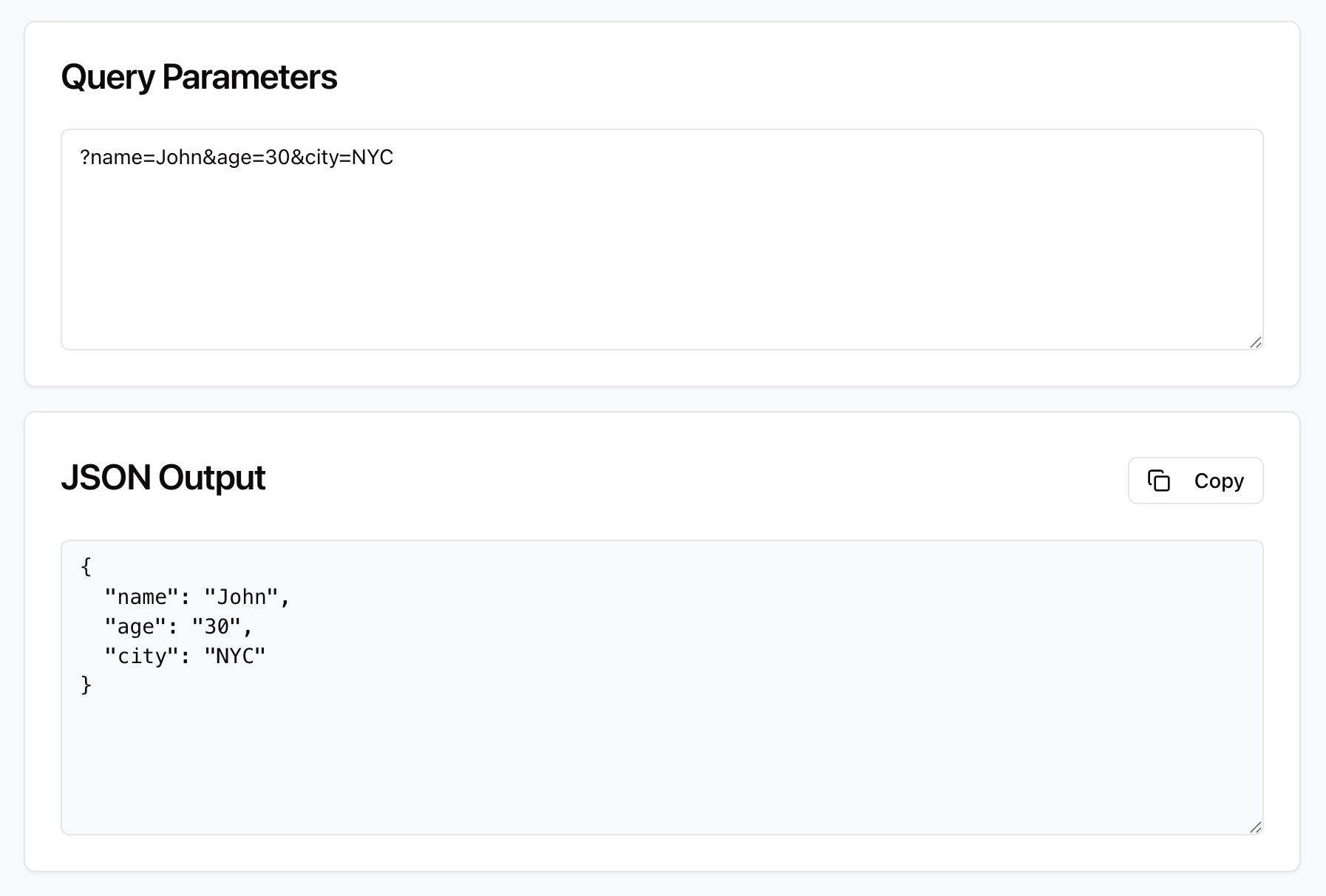
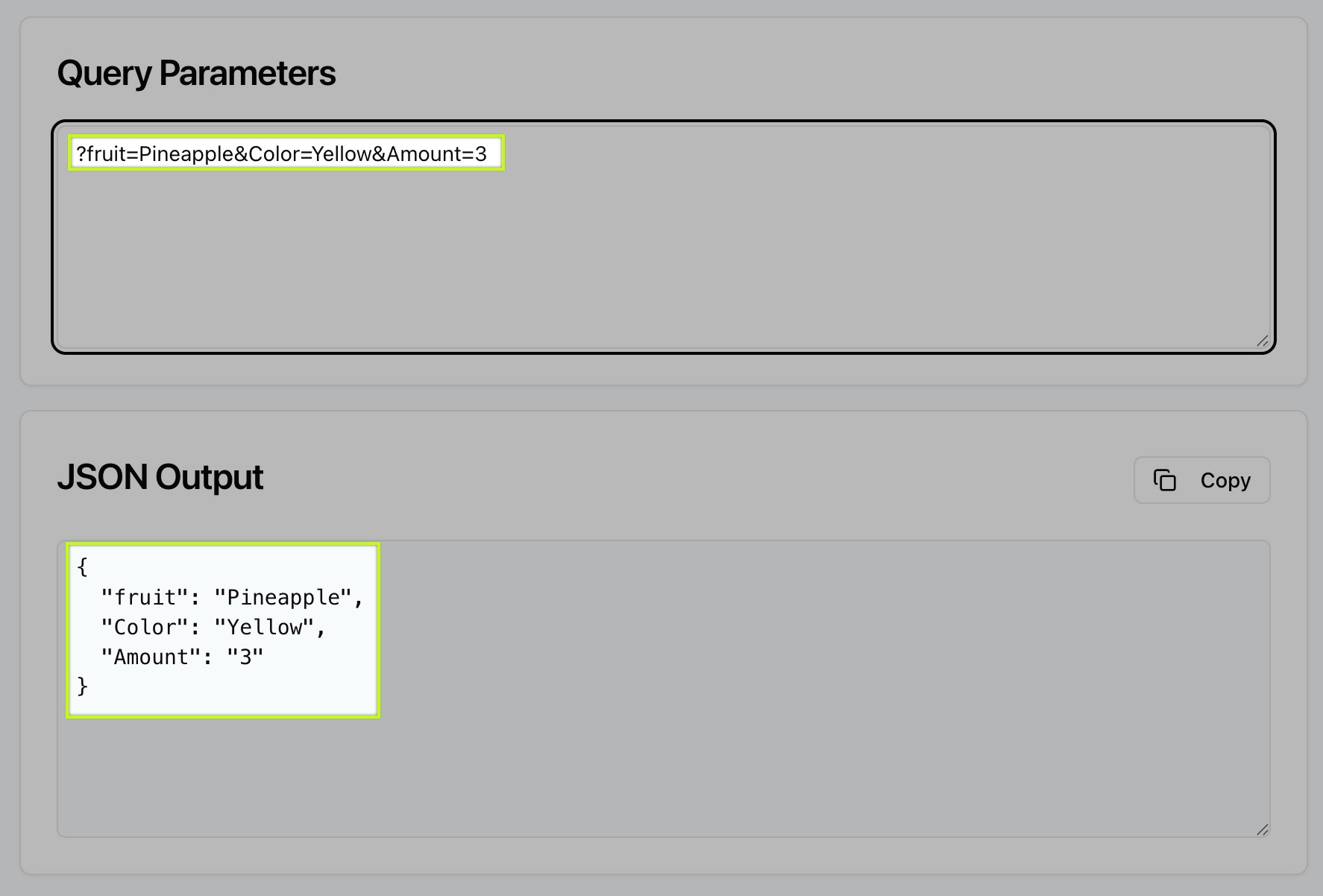
Copy your query string from a URL and paste it into the input field (e.g., ?name=John&age=30&city=NYC). The question mark is optional.
Automatic Conversion
Zight instantly parses your parameters and converts them into valid JSON. Each key-value pair becomes a JSON property.
Copy the JSON Output
Once converted, copy your JSON using the Copy button and use it in your code, API request, or documentation.
Choosing Between Query Parameters and JSON
Query Parameters
Query parameters are key-value pairs added to a URL to pass data between web pages, APIs, or applications (e.g., ?user=alex&id=42). While they’re easy for machines to read, they can quickly become cluttered and difficult for humans to interpret — especially when debugging long URLs or encoded values.
JSON
JSON (JavaScript Object Notation) is a lightweight, structured format that’s much easier to read and manipulate. Converting query parameters to JSON makes it simple to inspect, modify, and share data, especially during API testing, front-end development, or log analysis.
Data Conversion and Optimization
Zight’s Query Params to JSON Converter accurately handles both simple and complex parameter strings — including arrays, nested keys, and encoded characters. The output is fully formatted JSON, ready for validation or direct use in development.
The tool automatically removes leading question marks and decodes URL-encoded characters like %20 or + into readable text. This ensures your data is presented clearly and accurately every time.

Supported Use Cases
For Developers
Quickly convert query strings from URLs into JSON objects for debugging or API testing.
For Data Analysts
Decode and visualize query data from web tracking or analytics reports.
For QA and Support Teams
Understand and reproduce URL-based issues by viewing parameters as structured JSON.
For Businesses
Easily document or share URL data across teams for testing or troubleshooting.
Unlock More Tools
Expand your toolkit with these additional free tools
Ultimate Guide: How to Convert Query Parameters to JSON
Learn how to turn URL query parameters into structured JSON using Zight’s free online converter. Whether you’re debugging an API call or analyzing web requests, this guide walks you through everything you need to know.
Paste Your Query Parameters
Start by opening Zight’s Query Params to JSON Converter. Paste your URL or just the query string — for example:
?name=Sarah&age=27&city=Seattle&country=USA
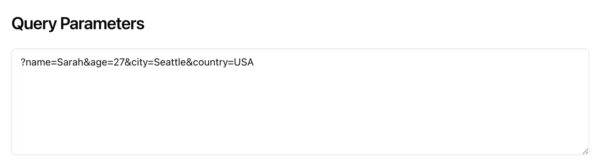
The tool automatically detects and strips out the “?” if included.
Automatic Conversion to JSON
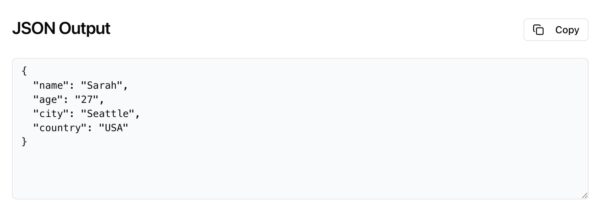
Once pasted, Zight instantly parses your parameters and displays a clean JSON object below. Each query key becomes a property name, and each value becomes its corresponding value.
For example, the example above becomes:
{
“name”: “Sarah”,
“age”: “27”,
“city”: “Seattle”,
“country”: “USA”
}
Copy and Use Your JSON
Use the Copy button to copy the JSON output. You can then paste it directly into your code editor, API testing tool, or analytics platform. The JSON is ready to use, with proper syntax and structure.
Why Query Param Conversion Matters
URLs often contain encoded or long strings of data that are hard to read or debug. By converting query parameters to JSON, you make this data structured, visual, and easy to manipulate — especially when working with APIs, analytics, or integrations.
Integrating Zight into Your Workflow
You can use the converted JSON for API payloads, code snippets, debugging logs, or documentation. Zight’s converter helps you quickly move from raw URLs to clean, organized data — without manually parsing or formatting strings.
Conclusion
Converting query parameters to JSON doesn’t have to be tedious. With Zight’s free Query Params to JSON Converter, you can instantly transform messy URL strings into structured, readable JSON.
Paste your parameters, view the clean output, and copy your formatted JSON in seconds — fast, accurate, and secure, right in your browser.
Try Zight’s Query Params to JSON Converter today and make data debugging easier than ever.
Frequently Asked Questions
Query parameters are key-value pairs appended to a URL that send data between pages, APIs, or systems (e.g., ?user=john&id=42).
You can paste either — Zight automatically extracts and converts just the parameter portion.
Yes. Encoded values like %20 or + are automatically decoded for readability.
The tool ignores it automatically, no need to remove it manually.
Yes. The converter groups repeated keys into arrays for accurate JSON output.
No. All conversions happen locally in your browser. Zight never saves or uploads your data.
Absolutely. It’s perfect for quickly transforming URL parameters into JSON payloads for API testing or validation.
No installation required, Zight’s converter works instantly in your browser.












