
Ready to Boost Your Productivity?
Save time and money while boosting your productivity with Zight — free tools for screen recording, screenshots, GIFs, and webcam capture.
Try Zight for FreeHow to Convert JSON to YAML
Follow these simple steps to get started.
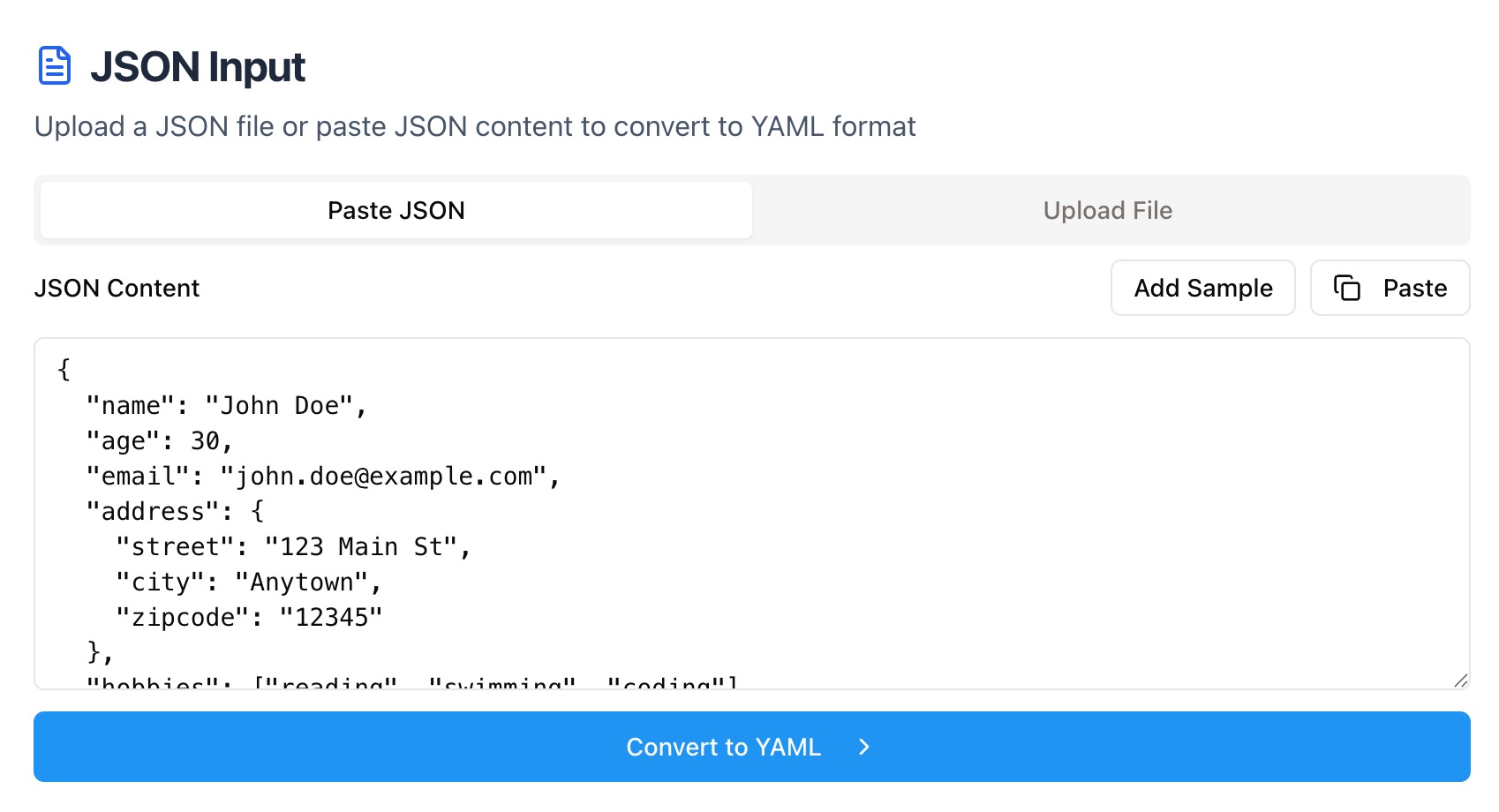
Upload Your JSON File
Upload a .json file directly from your device. Zight instantly reads your file, validates its structure, and prepares it for conversion to YAML format.
Automatic Conversion
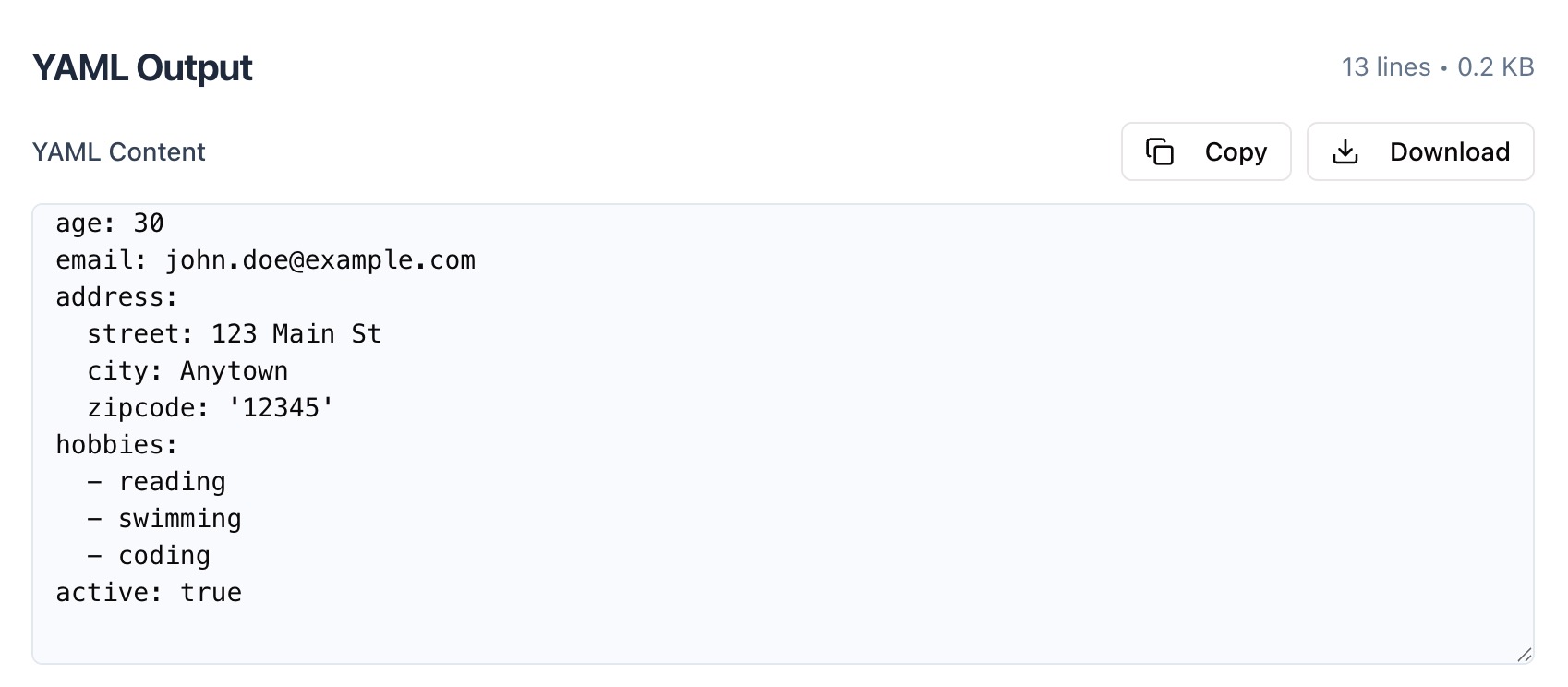
Zight automatically converts your JSON into clean, structured YAML. The tool preserves hierarchy, indentation, and relationships between objects and arrays, ensuring the output is accurate and ready to use.
Download or Copy YAML Output
Once the conversion is complete, you can copy the YAML result or download it as a file. The output is fully formatted and compatible with configuration tools, scripts, and documentation.
Choosing Between JSON and YAML
JSON
JSON (JavaScript Object Notation) is a lightweight data format that’s easy for machines to parse and generate. It’s widely used for APIs, web applications, and structured data exchange. JSON’s syntax is consistent and strict, which makes it ideal for systems that rely on standardized formatting and validation.
YAML
YAML (YAML Ain’t Markup Language) focuses on human readability and simplicity. It uses indentation rather than brackets, making it cleaner and easier to edit manually. YAML is commonly used for configuration files in tools like Docker, Kubernetes, Netlify, and GitHub Actions, where clarity and flexibility are key.
Why Use Zight’s JSON to YAML Converter
Fast Conversion
Get clean, accurate YAML instantly from your JSON input.
Readable Output
Properly formatted indentation and structure for easy editing.
Developer Friendly
Ideal for configuration files and infrastructure scripts.
Private and Secure
Everything runs locally — no data is stored or shared.

Supported Use Cases
For Developers
Convert API responses, data models, or config templates to YAML for faster editing and deployment.
For DevOps Engineers
Generate YAML files for Docker Compose, Kubernetes manifests, or CI/CD pipelines.
For Documentation Teams
Create human-readable YAML configuration snippets for guides and wikis.
For System Admins
Easily manage and share YAML-based settings for automation tools.
Unlock More Tools
Expand your toolkit with these additional free tools
Ultimate Guide: How to Convert JSON to YAML
Learn how to convert JSON files into clean, human-readable YAML in just a few clicks using Zight’s free online tool. Whether you’re managing configurations, working with APIs, or editing deployment scripts, this guide walks you through the process quickly and accurately.
Upload Your JSON File
Upload a .json file directly from your computer, or paste your JSON code into the text area. Zight automatically checks for valid structure and prepares it for conversion.
Automatic Parsing and Conversion
Zight instantly converts your data into properly formatted YAML, preserving indentation, nested objects, and key-value pairs. The conversion happens locally in your browser, keeping your files private and secure.
Review and Copy the YAML Output
Once the conversion is complete, your formatted YAML appears on screen. You can copy it directly or download it as a .yaml file to use in your configurations, documentation, or automation workflows.
Common Uses for YAML
YAML is widely used for configuration management, CI/CD pipelines, and cloud deployment files. Converting your JSON to YAML helps make data easier to read, edit, and maintain, especially when working across teams or multiple environments.
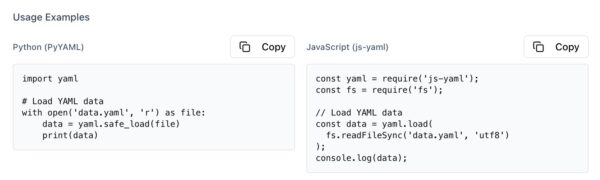
Conclusion
Zight’s JSON to YAML Converter makes switching between data formats fast, accurate, and effortless. Upload or paste your JSON, and Zight instantly outputs well-formatted YAML ready for deployment, configuration, or documentation.
Whether you’re managing infrastructure or editing config files, Zight helps you save time, reduce errors, and keep your workflow seamless.
Try Zight’s JSON to YAML Converter today and make data conversion smarter and simpler.
Frequently Asked Questions
JSON uses brackets and quotes, while YAML uses indentation for structure, making it more readable for humans and ideal for configuration files.
Yes. Zight supports large JSON files, though larger inputs may take a few extra seconds to process depending on your browser.
Absolutely. Zight supports nested objects, arrays, and complex JSON structures, converting them accurately to YAML.
Yes. You can review, copy, and edit your YAML output directly within the tool before downloading it.
Yes. Zight ensures proper indentation and clean formatting in your YAML output.
Yes. All processing happens locally in your browser. Your files are never uploaded or stored.
Yes. Zight also offers a YAML to JSON Converter for the reverse process.
YAML is commonly used for configuration files, workflows, and automation in tools like Docker, Kubernetes, Netlify, and GitHub Actions.












