
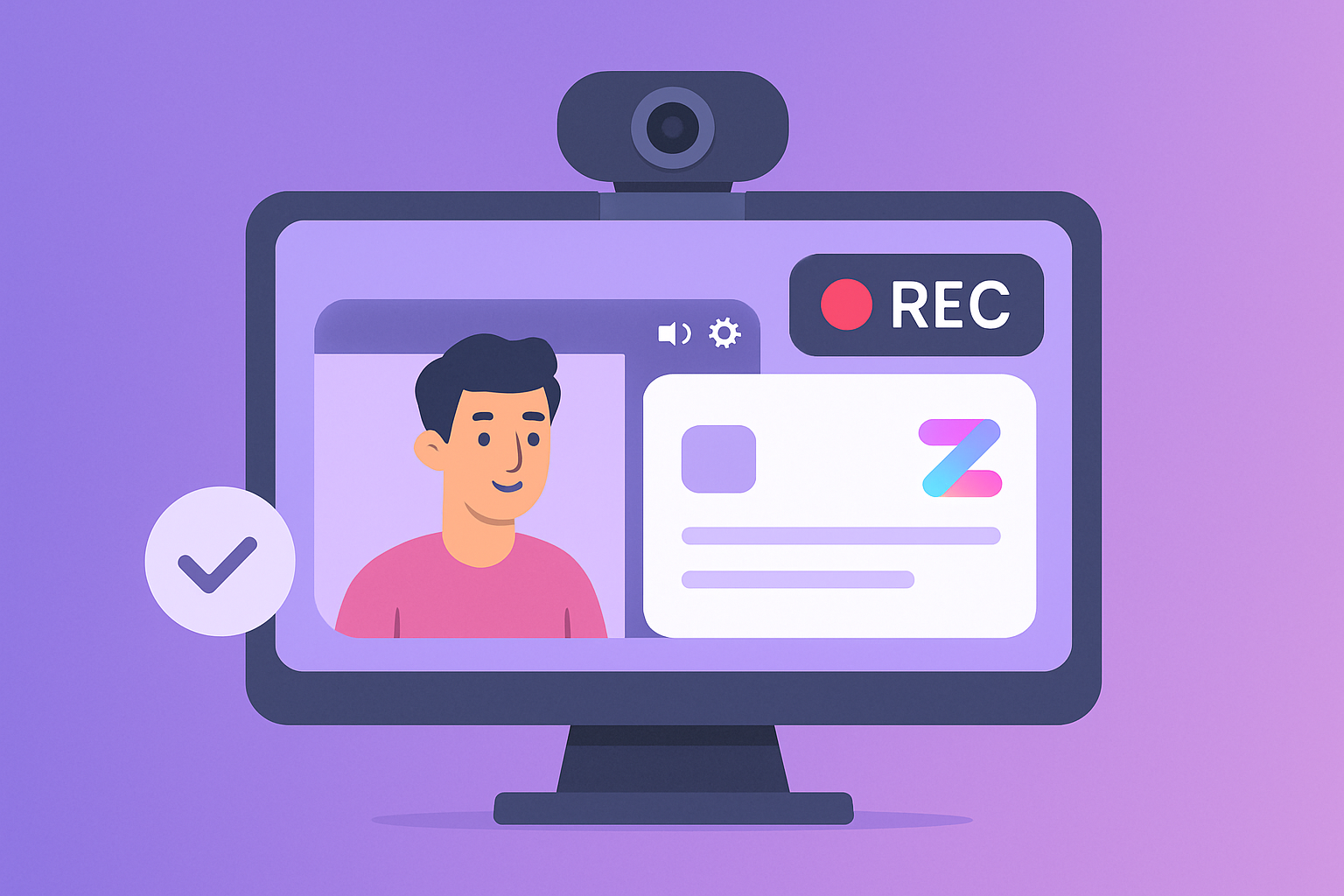
- Flexible Recording Options: Record webcam-only, combine screen sharing with an overlay, or switch formats mid-recording. Ideal for tutorials, training, or personalized video messages.
- Collaboration Features: Share recordings directly in tools like Microsoft Teams with Rich Preview, replacing long chats with concise video updates.
- AI-Powered Tools: Includes transcription, annotations, and automatic guide creation to save time and improve clarity.
- Privacy and Security: Offers enterprise-level safeguards, password protection, and content organization options.
- User-Friendly Design: High-definition recording, instant sharing links, and custom branding options enhance usability.
How to Use Zight‘s Webcam Recorder
1. Zight
Zight is a versatile webcam recording platform designed to fit seamlessly into the way modern teams operate. Trusted by millions, it handles everything from quick personal updates to detailed training sessions across major platforms.Recording Options That Fit Your Needs
Zight offers flexible recording options to match different communication styles. Whether you’re recording webcam-only messages, combining screen sharing with a webcam overlay for tutorials, or switching formats mid-recording, Zight has you covered. A standout feature allows users to enlarge the webcam overlay to full screen after a presentation, providing better control for viewers. This flexibility caters to a variety of professional scenarios. Sales teams can create personalized video messages to connect with top prospects. Customer support teams can combine screen recordings with webcam overlays to produce clear, step-by-step guides. Educators, on the other hand, can craft engaging lecture videos that integrate presentation slides, webcam overlays, and annotations – all in one session.Collaboration Made Simple
Zight turns webcam recordings into powerful collaboration tools with its seamless integrations. For example, its Rich Preview for Teams feature allows users to share video recordings or annotated screenshots directly within Microsoft Teams. This means team members can preview content without leaving their workflow. Real-time notifications and integration features further streamline communication, helping teams replace long chat threads with concise video explanations, run asynchronous standups, and offer quick feedback using screenshots or GIFs.Prioritizing Privacy and Security
Zight also takes privacy and security seriously, meeting enterprise-level requirements with robust safeguards. Users can organize content with folders, tags, or specific use cases for easy access, while strict access controls keep sensitive recordings protected within team workflows. Daniel Odio from FounderCulture highlights the platform’s impact:“Zight streamlines our sharing and communication. I no longer waste time trying to explain complex workflows or edits to be made or get mired in file attachments. Instead I just constantly use Zight to capture, comment, and share via a handy link. Zight is critical to our efficiency and a pleasure to work with.”
2. Other Webcam Recording Tools
Exploring the wide range of features offered by webcam recording tools sheds light on how Zight stands out in this space. The market is packed with tools that vary in how they handle recording flexibility, collaboration, editing, and security. Let’s break down these key areas to see how different platforms measure up.Recording Flexibility
Not all webcam recording tools are created equal when it comes to flexibility. Some platforms stick to basic screen capture, while others step up with advanced multi-source recording. These options might include browser-based captures, dedicated apps, or even tools that integrate directly with email clients. Pricing models also run the gamut, from one-time purchases to subscription-based plans, allowing users to choose what fits their needs and budgets best.Collaboration Features
Collaboration tools can make or break team productivity. Research indicates that teams with strong communication are 3.5 times more likely to outperform their competitors. Many platforms now include features like commenting, emoji reactions, and built-in spaces for team feedback to encourage seamless collaboration. The benefits don’t stop there. A whopping 85% of employees who use collaboration software report higher workplace happiness. Plus, fostering a collaborative environment can reduce employee turnover by 59% – a win-win for both employees and organizations.Editing and AI Tools
Editing and AI-driven features have become essential components of modern webcam recording tools. Many platforms now offer advanced editing options alongside AI capabilities like automatic transcription and annotation. These tools make it easier to refine recordings and add value in post-production, saving both time and effort.Privacy and Security
Security is a top concern when it comes to webcam recording tools, and the level of protection varies widely. Some platforms stick to basic password protection, while others offer enterprise-grade security features like SSL encryption, stealth modes, and two-factor authentication. Data encryption plays a crucial role in safeguarding information. Even if data is intercepted during sharing or uploading, encryption ensures it stays protected unless decrypted with the correct key. When choosing a tool, it’s essential to check for compliance with privacy laws such as GDPR and CCPA, as well as secure storage and sharing practices that align with your organization’s needs.sbb-itb-5d91f01
Advantages and Disadvantages
When examining webcam recording tools, it’s clear they come with both perks and drawbacks. Let’s take a closer look at Zight’s strengths and areas where it falls short. Zight’s Strengths Zight stands out for its high-definition video recording capabilities paired with a simple, user-friendly design that doesn’t compromise on features. Its flexible recording options cater to a variety of professional needs, while built-in editing tools let users easily add text, arrows, lines, and blur effects to videos. The platform also shines in integration. By connecting smoothly with apps like Slack, Microsoft Teams, and Jira, Zight helps teams work together efficiently. Trusted by over 3 million users – including big names like Uber, Salesforce, and Adobe – Zight has proven itself as a reliable choice for businesses. Jordan Rosenberg, Chief Marketing Officer at Vanity123, shared his experience:“I was searching for an alternative to Loom and found Zight to be the best option… It is saving me a ton of time helping my direct reports with questions they have about our products and services or how to use the software that is in our tech stack. Time saved as my team to sell more and allows me to concentrate on higher level tasks.”Zight also simplifies sharing with instantly generated links and adds a professional touch through custom branding options like logos and custom domains. On top of that, the platform prioritizes security with strong file-sharing protections and password options. Zight’s Limitations That said, Zight isn’t without its challenges. For starters, the free plan limits recordings to just 5 minutes, which might not be enough for detailed tutorials or longer presentations. Chrome users face another hurdle: video quality is capped at 720p, which can make it harder to showcase fine details. The platform also lacks native voice annotation and time-stamped commenting on videos. These features are only available through automatic transcripts on premium plans. Additionally, Zight doesn’t offer automated reminders for collaborators or built-in team channels, though it does integrate with Microsoft Teams. Another drawback is the platform’s limited integrations, which may require users to rely on additional tools. Technical hiccups can also occur, such as issues with the Chrome extension failing to record due to permission settings or anti-piracy measures on certain websites. How Zight Compares to Other Tools Here’s a side-by-side look at how Zight stacks up against other options:
| Aspect | Zight Advantages | Zight Limitations | Other Tools |
|---|---|---|---|
| Recording Quality | High-definition, stable performance | Chrome users limited to 720p | Varies widely across platforms |
| Collaboration | Integrates with major platforms | No native team channels, few automated features | Some tools offer stronger collaboration features |
| Pricing | Pro: $7.95/month, Team: $8.00/month per user | Free plan capped at 5 minutes | Pricing ranges from free to premium |
| Security | Strong password protection | Limited advanced features on lower tiers | Security levels vary across tools |
| Ease of Use | Intuitive interface with robust functionality | May require time to master all features | User experience varies widely |












