
Ready to Boost Your Productivity?
Save time and money while boosting your productivity with Zight — free tools for screen recording, screenshots, GIFs, and webcam capture.
Try Zight for FreeHow to Convert Numbers Between Bases
Follow these simple steps to get started.
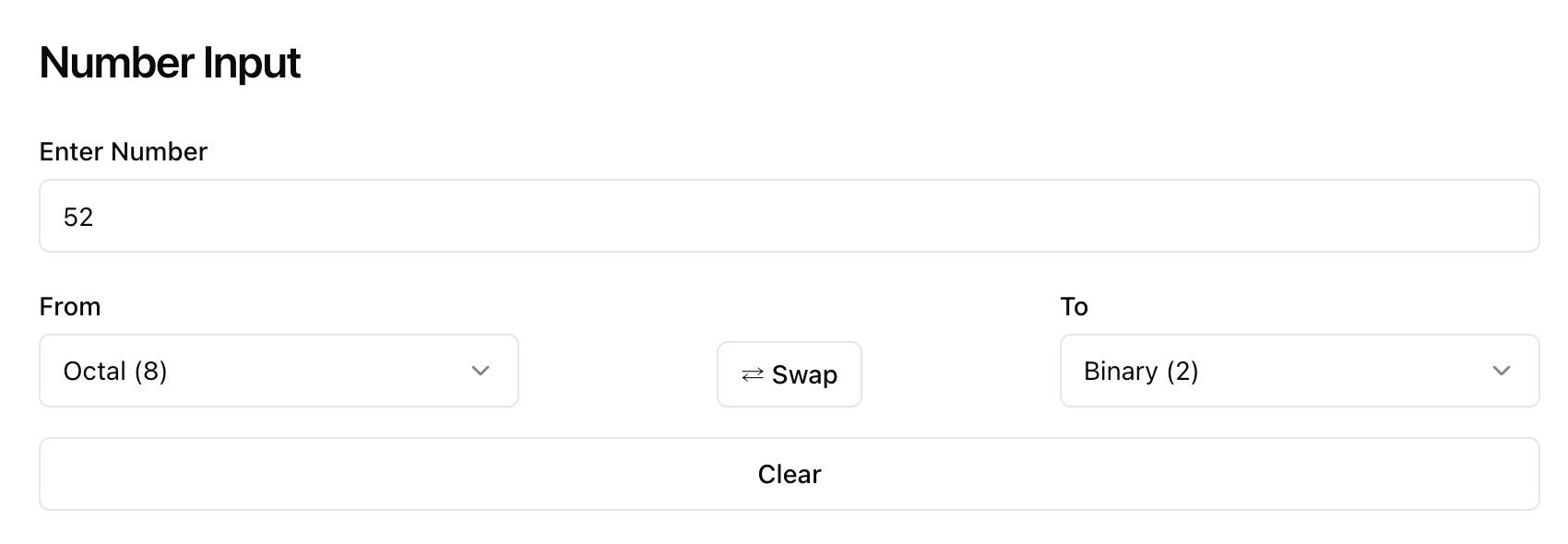
Enter Your Number
Type or paste a number into the input box. Zight automatically detects its format — binary, decimal, octal, or hexadecimal.
Automatic Conversion
Zight instantly converts your number into all other supported bases with precise accuracy, showing every equivalent value at once.
Copy Results
Copy your converted number directly to your clipboard and use it in your code, assignments, or documentation.
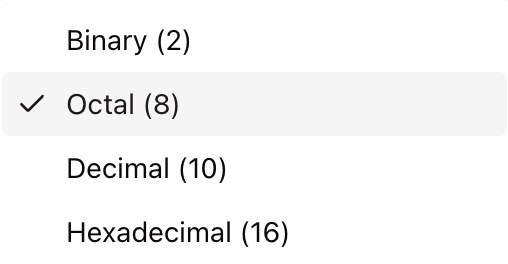
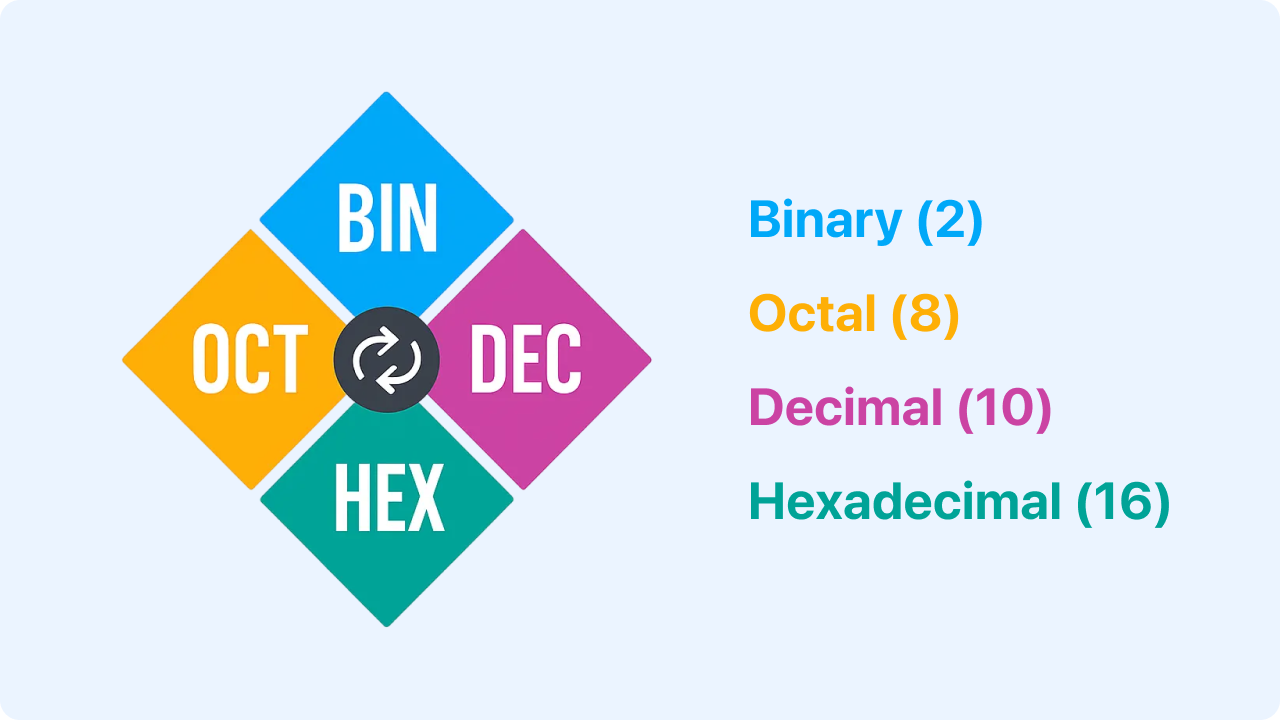
Choosing Between Number Bases
Binary (Base 2)
Binary uses only 0s and 1s and is the foundation of all digital systems. It’s essential for computer logic, circuits, and programming at the hardware level.
Octal (Base 8)
Octal represents numbers using digits 0–7. It’s a compact way to display binary values, often used in older computing systems or permissions in Unix-like environments.
Decimal (Base 10)
Decimal is the standard system for everyday math and human-readable values. It’s the base you use for most calculations and user interfaces.
Hexadecimal (Base 16)
Hexadecimal uses digits 0–9 and letters A–F to represent values. It’s commonly used in programming, color codes, and memory addressing because it condenses long binary strings into readable shorthand.
Why Use Zight’s Number Base Changer
Instant Conversion
Get results in all major number systems instantly.
Accurate and Reliable
Precision conversion between binary, octal, decimal, and hexadecimal.
Educational and Practical
Ideal for students, programmers, and IT professionals.
Private and Secure
All calculations happen locally — no uploads, no tracking.

Supported Use Cases
For Developers
Translate numbers between decimal, binary, and hex for programming and debugging.
For Students
Understand and visualize how numbers change between systems for math or computer science learning.
For Designers
Convert color codes between decimal and hex for web or UI design.
For Data Analysts
Check and verify numeric encodings or format data across different systems.
Unlock More Tools
Expand your toolkit with these additional free tools
Ultimate Guide: How to Convert Numbers Between Bases
Learn how to instantly convert numbers between binary, octal, decimal, and hexadecimal systems using Zight’s free Number Base Changer. Whether you’re debugging code, learning number systems, or formatting data, this guide shows how to understand and convert values across multiple numeric bases with accuracy.
Enter Your Number
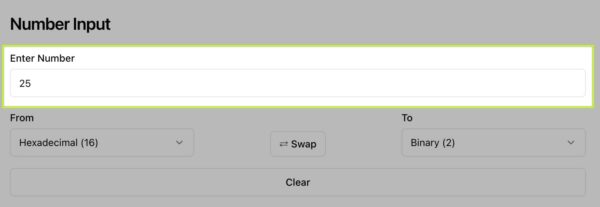
Start by opening Zight’s Number Base Changer. Enter a number — for example, 25 or 1011 — into the input field. Zight automatically detects the base of your input and prepares it for conversion.
Automatic Conversion
As soon as you enter your number, Zight instantly calculates and displays the equivalent values in binary, octal, and decimal formats. You can easily compare how the same number appears across different bases.
Review and Adjust the Output
Your converted JSON appears on screen for preview. You can view it in a compact format or a pretty-printed layout to easily read nested data. Review for accuracy, confirm your field names, and make sure everything looks correct. Zight’s converter ensures proper encoding and escaping, so even special characters and line breaks are handled smoothly.
Copy Converted Results
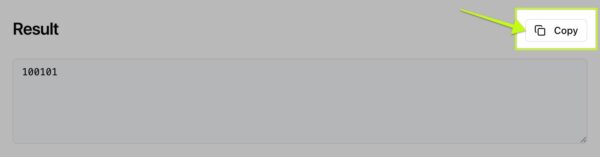
After your conversion appears, simply click the copy icon next to any value to copy it to your clipboard. This makes it easy to reuse results in your assignments, projects, or calculations.
Why Base Conversion Matters
Understanding number bases is essential in programming, networking, and computer science. Converting between binary, octal, and decimal helps visualize how data is represented at different levels — from low-level logic to everyday numerical systems.
Conclusion
Zight’s Number Base Changer makes understanding and converting numeric systems effortless. Instantly switch between binary, octal, and decimal formats to check your calculations, verify data, or learn how number bases relate to one another.
Whether you’re a student exploring binary math or a developer debugging values, Zight gives you instant, accurate results — all directly in your browser.
Try Zight’s Number Base Changer today and simplify the way you work with numbers.
Frequently Asked Questions
Zight supports binary (base 2), octal (base 8), decimal (base 10), and hexadecimal (base 16).
Zight identifies the input pattern and automatically determines whether your number is in binary, decimal, octal, or hexadecimal.
Yes. Zight handles large integer values accurately and efficiently.
Currently, the tool focuses on whole numbers for precision, but future updates may include fractional and floating-point support.
Zight supports very long numbers, but extremely large inputs may slow down performance slightly in your browser.
Yes. All conversions are handled directly in your browser. No data is uploaded or stored.
Zight automatically validates inputs and alerts you if a number includes invalid characters for its base.
Yes. The tool is optimized for desktop and mobile browsers for easy access anywhere.












