
Key Takeaways:
- What it does: Enables flexible communication through recorded videos.
- Why it matters: Reduces meeting fatigue, improves clarity, and saves time.
- Zight’s free plan highlights:
- 5-minute video recording limit.
- 15-second GIF creation.
- Access to the last 50 uploads.
- Core tools like annotations and basic editing.
Best Tools for Async Team Communication and Building
Zight: Complete Visual Communication Platform
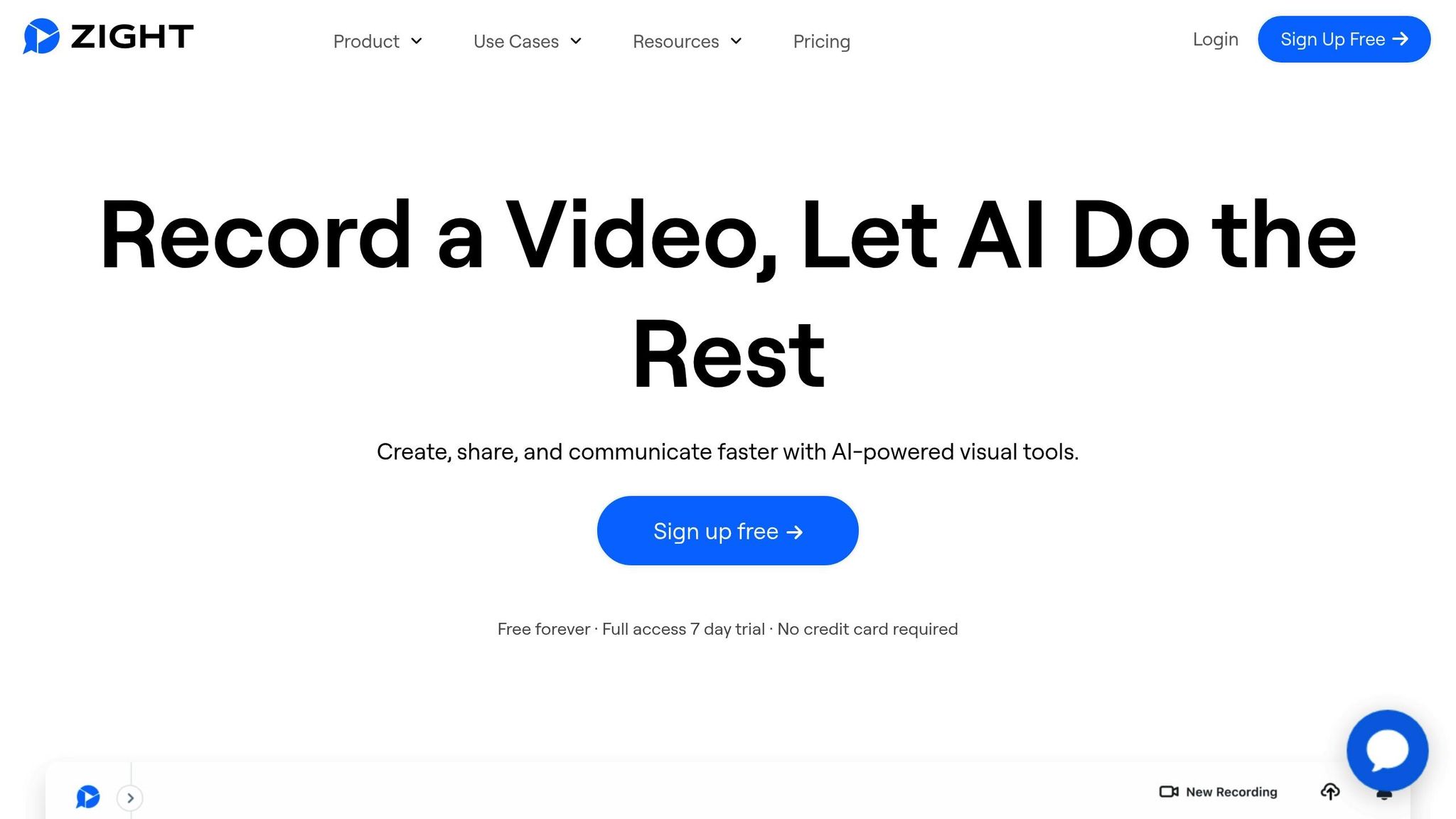 Zight has carved out a niche as a versatile and budget-friendly solution for asynchronous video collaboration. Trusted by over 5 million users to boost productivity, it’s become a go-to platform for remote teams looking for a reliable way to streamline their workflows. What makes Zight stand out is its all-in-one design. Instead of juggling multiple tools, teams can use Zight to handle everything from screen recordings to step-by-step guides – all in one place. This consolidation makes communication easier, especially for distributed teams.
 Main Features of Zight
Zight packs a wide range of tools designed to make asynchronous video collaboration simple and efficient. It combines screen recording, webcam recording, and screenshot capture with editing tools that allow users to create polished content, no technical expertise required. The platform’s AI-powered tools take things up a notch by automatically generating transcriptions, summaries, and translations for video content. This not only saves time but also ensures accessibility and makes it easier for team members to review recordings or collaborate across different languages. For quick visual explanations, Zight offers GIF creation, which is perfect for highlighting specific processes. Need to emphasize a point? The annotation tools let you add callouts, arrows, and text to screenshots and videos, ensuring your message is crystal clear. Zight also simplifies file sharing, allowing your visual content to fit seamlessly into your team’s existing workflows. These features make Zight a flexible and efficient choice for teams, with even more details outlined in its free plan.Zight’s Free Plan Details
Zight’s free plan is a great starting point for small teams or those new to asynchronous video collaboration. Here’s what you’ll get without spending a dime:| Feature | Free Plan Limitation |
|---|---|
| Recording Length | Up to 5 minutes per recording |
| GIF Creation | Up to 15 seconds |
| Upload Access | Limited to the last 50 uploads |
| Core Features | Full access to recording, screenshots, annotations, and basic editing |












