

- Time-saving: AI tools transcribe an hour of audio in minutes, compared to six hours manually.
- Searchable records: Teams can quickly find decisions or insights in meeting archives.
- Improved collaboration: Participants can catch up on missed meetings and stay aligned across time zones.
- Accessibility: Supports hearing-impaired team members and non-native speakers.
AI Transcription in Action – Watch How It Works
How AI Transcription Improves Asynchronous Collaboration
AI transcription converts spoken words into searchable text, creating a reliable record of key insights and decisions. By turning conversations into permanent archives, it helps preserve institutional knowledge, saves time, and ensures every team member can contribute effectively. Let’s explore how searchable archives, time efficiency, and improved accessibility enhance asynchronous collaboration.Searchable Meeting Archives and Knowledge Retention
AI transcription excels at transforming spoken discussions into searchable, permanent records. Once meetings are transcribed, every decision, insight, and discussion point becomes part of an organized knowledge base. Instead of relying on memory to recall details from months-old meetings, team members can quickly search for specific keywords, cutting down search time from hours to just minutes. For instance, Microsoft Teams achieves 85–90% transcription accuracy for supported languages with clear audio. These records not only make information retrieval faster but also provide valuable context for understanding how projects evolve, how decisions are made, and what lessons are learned. Such archives are especially useful for onboarding new team members and ensuring smooth transitions during staff changes.Time-Saving Benefits for Teams
AI transcription dramatically reduces the time spent documenting meetings. In fact, AI tools can cut transcription efforts by up to 90%, freeing up teams to focus on more impactful work instead of administrative tasks. One financial services company noted a 30% reduction in meeting time and a 25% boost in productivity after adopting AI transcription. With meeting details captured accurately, participants can fully engage in discussions without worrying about taking detailed notes. Claire Sisson, Principal Group Product Manager at Microsoft Digital, highlights this advantage:“Microsoft Teams Intelligent Recap is a game-changer, especially for busy organizational leaders. Whether you need to follow up on tasks, share notes, or catch up on a meeting you missed, Intelligent Recap has you covered.”Features like automated summaries and action item extraction make post-meeting follow-ups seamless, ensuring next steps are clearly outlined without the need to sift through lengthy recordings. These efficiencies allow teams to focus on strategic goals, strengthening the value of asynchronous collaboration.
Better Accessibility Across Time Zones
AI transcription also promotes inclusivity, ensuring that team members stay aligned regardless of their location or hearing abilities. This technology is especially beneficial for distributed teams, addressing challenges that go beyond scheduling conflicts. It supports team members who have hearing impairments, are non-native speakers, or process information differently. For example, a developer in San Francisco can easily review detailed notes from a meeting held during their off-hours and contribute meaningfully to follow-up discussions. However, it’s worth noting that factors like background noise, overlapping speech, or strong accents can affect transcription accuracy. Teams should aim for optimal recording conditions to maximize results.Best Practices for Using AI Transcription in Asynchronous Meetings
AI transcription offers more than just time savings and searchable archives – it can transform how teams collaborate asynchronously. By following these best practices, you can ensure clarity, improve organization, and turn transcripts into actionable insights.Ensure Transparency in Meeting Transcriptions
To build trust, let all participants know the meeting will be recorded and transcribed. Include this information in meeting invitations and reiterate it at the start of each session. Be clear about how the transcripts will be used and who will have access to them. Graham Dean, Associate at Brooks Pierce, underscores the importance of verifying accuracy:“Review AI-generated transcripts for accuracy immediately after the meeting… Correcting mistakes in the initial transcript is essential as inaccuracies are often amplified in summaries and other transcript-based derivative content.”Take time to review and edit transcripts before distributing them widely. Remove irrelevant or sensitive details, such as private conversations captured during informal moments. This step ensures the transcript is both accurate and appropriate for its intended purpose, helping teams collaborate effectively without unnecessary distractions.
Optimize Transcripts with Labels and Timestamps
Clear organization is key to making transcripts useful. Label speakers and include timestamps to create a searchable, easy-to-navigate document. Without these, even the most accurate transcript can become a frustrating maze when team members need to locate specific discussions or decisions. Many AI transcription tools allow you to train them to recognize different speakers. By tagging voices during setup, you can improve the tool’s ability to distinguish participants. Adding custom vocabulary for industry-specific terms, acronyms, and proper nouns can further enhance accuracy. Timestamps are especially helpful for asynchronous review. For example, a developer in Seattle reviewing a transcript from an East Coast meeting can use timestamps to quickly find relevant sections without wading through the entire document. Adopt consistent file naming conventions to make transcripts easier to locate later. A format like “2025-07-15_ProductReview_Engineering_Marketing.txt” helps identify files at a glance. Additionally, categorize transcripts by project, department, or topic for more efficient searches. Audio quality plays a huge role in transcription accuracy. Minimize background noise, encourage participants to use external microphones, and establish a clear speaking order to avoid overlapping dialogue. These steps ensure your transcripts are as precise and useful as possible.Use AI Summaries and Action Items
AI tools can condense lengthy transcripts into concise summaries and actionable items, saving time and effort for your team. Instead of asking team members to sift through pages of text, provide focused overviews that highlight decisions and next steps. Automated action item extraction ensures that important tasks aren’t overlooked. AI can analyze discussions to generate reports, identify next steps, and even assign tasks to specific team members with deadlines, promoting accountability. Chanda Jensen, Senior Product Manager at Microsoft Digital, explains the value of these tools:“It gives you a basis for your notes and tasks, rather than having to create everything from scratch. It’s almost like sending your personal note-taker right to these meetings.”Distribute AI-generated summaries and action items immediately after meetings to keep everyone aligned. Encourage participants to review these materials before follow-up discussions to ensure productive conversations. Over time, use AI insights to spot patterns, recurring challenges, or growth opportunities, helping you refine your processes and strategies.
sbb-itb-5d91f01
The Power of AI Transcription in Your Workflow
The true strength of AI transcription lies in its ability to fit seamlessly into the tools your team already uses. Instead of constantly switching between platforms, these integrations bring meeting insights directly into your workflow. This reduces unnecessary friction and helps distributed teams work more efficiently. Let’s dive into how integrations, real-time transcription, and collaboration features can transform your processes.Easy Integration with Team Tools
AI transcription tools are designed to sync effortlessly with platforms like Slack, Microsoft Teams, and Jira, creating a cohesive communication environment. This means your team can access meeting notes and insights without leaving the platforms they already rely on. For example, you can install and connect an AI transcription app to your team’s platform, then configure it to send notifications for transcriptions, mentions, and updates. Tools like the Jira Cloud app for Microsoft Teams and Slack take this a step further. They let teams view Jira projects, collaborate on tasks, and even manage work items directly within the communication platform. Notifications for new or updated Jira issues are sent instantly to relevant channels, ensuring everyone stays informed without extra effort. Want to streamline even more? Use automation tools like Zapier to set up workflows. For instance, you can trigger transcriptions automatically when a meeting starts or send completed transcription notifications to specific channels. Testing these integrations with mock scenarios ensures everything runs smoothly.Real-Time Transcription and Tagging
Real-time transcription takes things up a notch by making conversations actionable as they happen. Instead of waiting for summaries after a meeting, participants can follow discussions live and quickly identify key takeaways. You can also set up personalized keyword alerts to highlight important updates in near real-time, even if you’re in a different time zone. For example, you can create alerts for specific phrases, project names, or topics relevant to your role, ensuring you’re always in the loop on critical discussions. One study found that teams using Slack integrations with real-time transcription saved over five hours per week on meeting follow-ups. They benefited from detailed summaries, action item tracking, and easy access to meeting recordings. Additionally, live tagging within transcriptions can trigger instant reminders or notifications. This is especially helpful for distributed teams where immediate verbal follow-ups may not be feasible. These features allow participants to mark important moments, assign tasks, and flag decisions during meetings, ensuring no crucial details are overlooked in today’s fast-paced, asynchronous workflows.Sharing and Collaboration Features
Sharing transcripts isn’t just about passing around files anymore. Modern AI transcription tools enable collaborative editing, commenting, and task management – all within the team platforms you already use. For instance, collaborative editing ensures that transcripts are accurate and serve as a single source of truth. This is particularly helpful for clarifying technical discussions or aligning different departments on key points. Integrating transcription tools with project management platforms like Slack, Teams, or Zoom further streamlines workflows. Teams can create and manage requests, track progress, and resolve issues directly within their communication tools, eliminating the need to switch between multiple apps. For example, Jira Service Management integration allows teams to manage incidents, update stakeholders, and track resolutions – all from within their ongoing conversations. Advanced transcription tools also connect with over 10,000 apps through platforms like Zapier or Make. Whether you’re using Notion, Trello, or HubSpot, these integrations allow transcripts to automatically update project boards, CRM records, or trigger workflows based on meeting content. For distributed teams in the U.S. juggling multiple time zones, these seamless integrations are essential. They ensure that communication stays organized, workflows remain efficient, and team momentum is maintained across asynchronous schedules.Zight: Your All-in-One Solution for AI-Powered Transcription
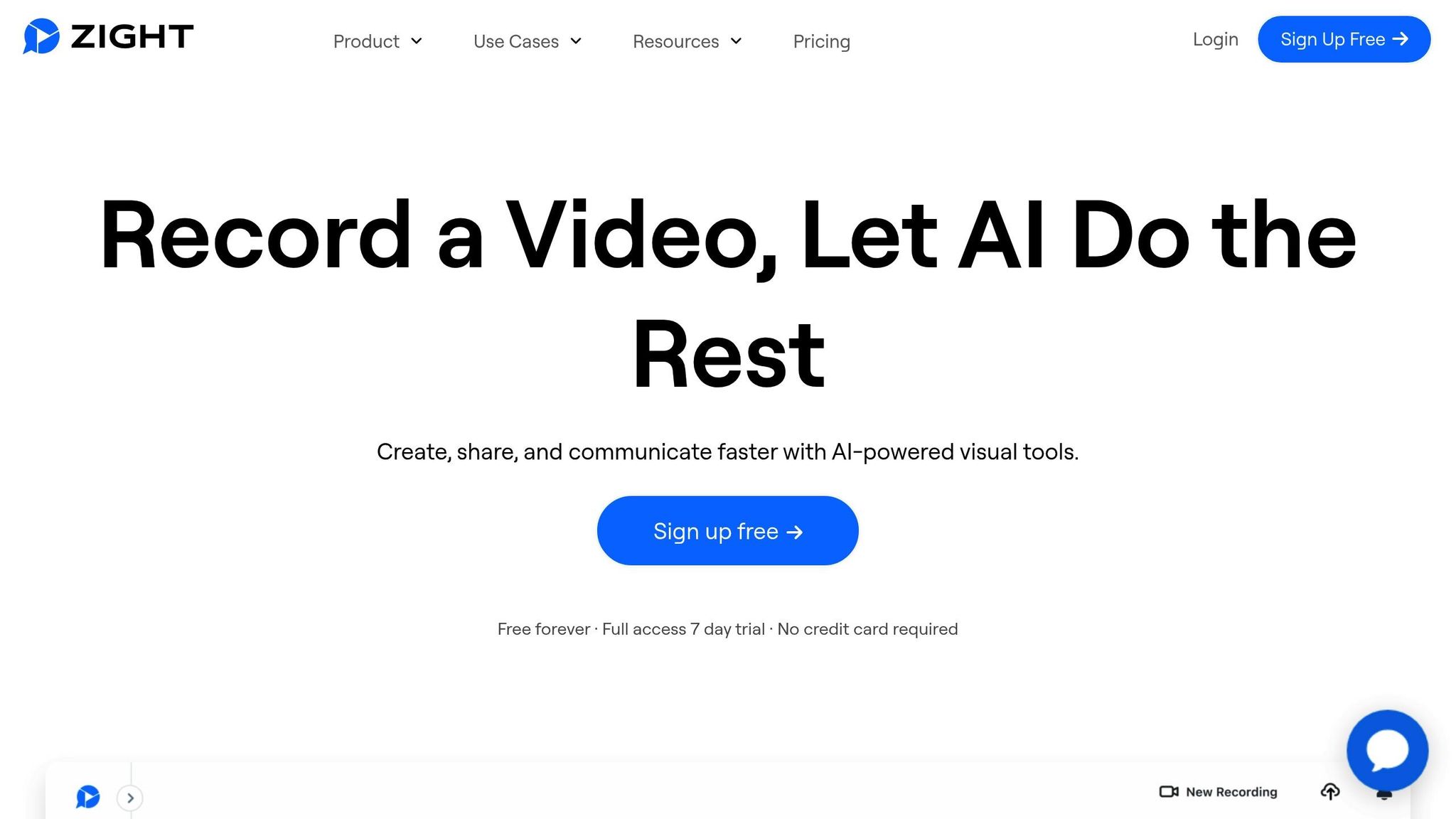 Zight combines screen recording, visual communication, and AI transcription into a single platform designed for asynchronous meetings. With over 5 million users trusting the platform, Zight simplifies workflows for distributed teams by offering tools that streamline communication and collaboration. What makes Zight stand out is its ability to turn recorded meetings into actionable insights. Using AI, the platform generates titles, summaries, and chapters, making it easy to locate important discussion points without watching the entire recording. This feature is a game-changer for teams that need quick access to specific information. Let’s dive into how Zight supports asynchronous meetings.
 Features Supporting Asynchronous Meetings
Zight’s AI-powered transcription and captioning work seamlessly with both screen and webcam recordings, ensuring every detail is captured. Supporting over 50 languages, it’s a great fit for diverse teams. The platform’s search functionality allows users to pinpoint keywords or phrases in video content, saving time by eliminating the need to sift through hours of footage. Zight also transforms recordings into practical resources. The AI can convert videos into step-by-step guides, standard operating procedures (SOPs), FAQs, or bug reports, turning your meeting content into living documentation.“The AI features you guys built are amazing for my use case, as I send a lot of videos to my team. It makes it nicer for them on the receiving end.” – Daniel R. Odio, CEO, Storytell.aiThe platform provides editing tools for making corrections directly within the app. You can customize AI settings to enable or disable features like automatic titles and summaries, tailoring the platform to your team’s needs. For privacy-conscious teams, Zight ensures sensitive meeting data stays secure by not using user content to train its AI models.
Integrations with Popular Team Platforms
Zight’s integrations make it even more convenient to use. It connects with tools like Slack, Microsoft Teams, Zendesk, and Jira, allowing you to share transcribed content directly within your team’s workspace.- Microsoft Teams: Record a 30-second walkthrough in chat with AI-generated transcription and summaries.
- Slack: Use the
/zightcommand to record directly from conversations. Transcriptions are generated automatically, with real-time notifications keeping everyone updated. - Jira: Record your screen while narrating bugs, then attach the Zight link directly to a Jira issue. Developers can search for error messages or reproduction steps without watching the entire video.
Flexible Pricing Plans for US Teams
Zight offers pricing options tailored to teams of all sizes, from individuals to large enterprises. Here’s an overview of the plans:| Plan | Price | Best For | Key Features |
|---|---|---|---|
| Free | $0/year | Individual testing | 5-minute recordings, last 50 uploads, basic features |
| Pro | $7.95/month | Individual users | Unlimited uploads, 4K recording, advanced editing |
| Team | $8/month/user | Small to medium teams | Everything in Pro plus analytics and team workspace |
| Enterprise | Custom Quote | Large organizations | Advanced security, SSO, custom data retention |












