
Asynchronous video tools let you communicate on your own schedule, cutting down on meetings and making remote work smoother. They help teams across time zones share updates, explain ideas, and provide feedback without needing to be online at the same time. One standout option is Zight, a free tool offering screen recording, webcam recording, GIF creation, annotations, and more. Its free plan includes key features like 5-minute video recordings and 15-second GIFs, making it ideal for small teams.
Key Takeaways:
- What it does: Enables flexible communication through recorded videos.
- Why it matters: Reduces meeting fatigue, improves clarity, and saves time.
- Zight’s free plan highlights:
- 5-minute video recording limit.
- 15-second GIF creation.
- Access to the last 50 uploads.
- Core tools like annotations and basic editing.
For remote teams, tools like Zight simplify communication, improve clarity, and reduce scheduling conflicts. By making visual communication easier, they help teams work efficiently while respecting individual schedules.
Best Tools for Async Team Communication and Building
Zight: Complete Visual Communication Platform
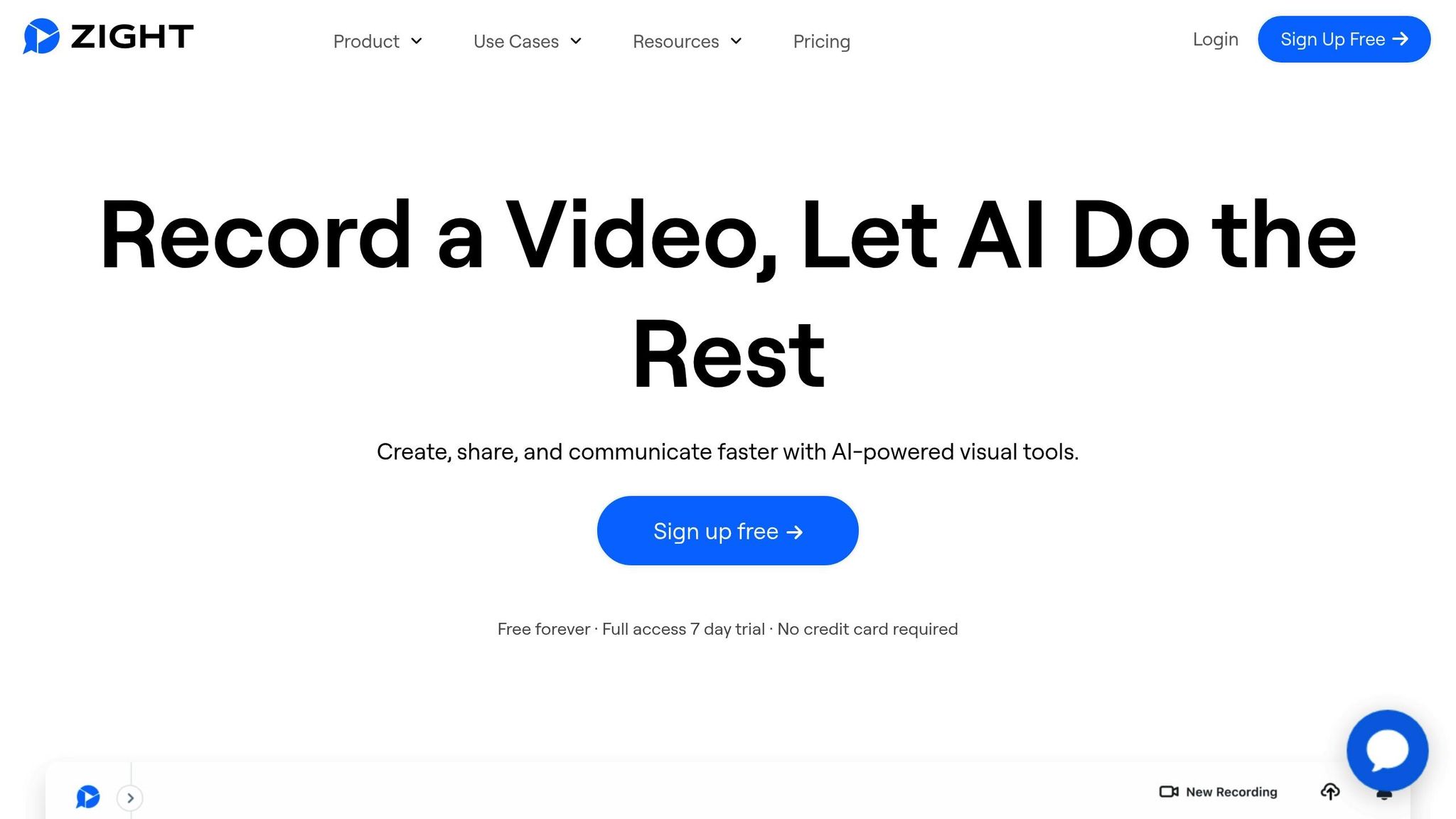
Zight has carved out a niche as a versatile and budget-friendly solution for asynchronous video collaboration. Trusted by over 5 million users to boost productivity, it’s become a go-to platform for remote teams looking for a reliable way to streamline their workflows.
What makes Zight stand out is its all-in-one design. Instead of juggling multiple tools, teams can use Zight to handle everything from screen recordings to step-by-step guides – all in one place. This consolidation makes communication easier, especially for distributed teams.
Main Features of Zight
Zight packs a wide range of tools designed to make asynchronous video collaboration simple and efficient. It combines screen recording, webcam recording, and screenshot capture with editing tools that allow users to create polished content, no technical expertise required.
The platform’s AI-powered tools take things up a notch by automatically generating transcriptions, summaries, and translations for video content. This not only saves time but also ensures accessibility and makes it easier for team members to review recordings or collaborate across different languages.
For quick visual explanations, Zight offers GIF creation, which is perfect for highlighting specific processes. Need to emphasize a point? The annotation tools let you add callouts, arrows, and text to screenshots and videos, ensuring your message is crystal clear.
Zight also simplifies file sharing, allowing your visual content to fit seamlessly into your team’s existing workflows. These features make Zight a flexible and efficient choice for teams, with even more details outlined in its free plan.
Zight’s Free Plan Details
Zight’s free plan is a great starting point for small teams or those new to asynchronous video collaboration. Here’s what you’ll get without spending a dime:
| Feature | Free Plan Limitation |
|---|---|
| Recording Length | Up to 5 minutes per recording |
| GIF Creation | Up to 15 seconds |
| Upload Access | Limited to the last 50 uploads |
| Core Features | Full access to recording, screenshots, annotations, and basic editing |
The 5-minute recording cap encourages users to communicate efficiently, while the 15-second GIF limit is ideal for capturing quick processes or interface highlights. Even with the restriction to the last 50 uploads, the free plan provides enough storage for ongoing projects and encourages regular content management.
Why Zight Works for U.S. Remote Teams
Zight’s features and free plan are particularly well-suited for remote teams in the U.S. Its compatibility with Mac, Windows, Chrome, and iOS ensures smooth functionality across a variety of devices, catering to diverse team preferences.
Security is a top priority for U.S. businesses, and Zight delivers with enterprise-grade protections like 256-bit SSL encryption, two-factor authentication, and compliance with GDPR, CCPA, and SOC II Type 2 standards. These safeguards are crucial for teams handling sensitive data or proprietary workflows.
Zight also integrates effortlessly with tools like Slack, Microsoft Teams, and Jira, making it easy to incorporate into your team’s existing routines. Whether you’re recording a bug demo for a Jira ticket or sharing a campaign walkthrough on Slack, Zight enhances communication without requiring a major shift in habits.
For larger teams, admin controls such as user-based access management and domain restrictions provide IT oversight while maintaining flexibility for team members. This balance makes Zight a practical solution for businesses of all sizes.
Main Benefits of Asynchronous Video Tools
Asynchronous video tools are transforming how remote teams work, offering solutions that make collaboration smoother and more efficient. These tools bring key advantages that enhance productivity and improve team dynamics, making them an essential part of modern workflows.
Flexibility Across Time Zones
When your team spans multiple time zones, the traditional 9-to-5 schedule quickly becomes irrelevant. Asynchronous video tools solve this problem by allowing team members to contribute on their own schedules, eliminating the need for everyone to be online at the same time.
Take a team with members in San Francisco, New York, and Austin, for example. Instead of forcing a 6:00 AM meeting to accommodate different time zones, team members can record walkthroughs or updates. This approach not only respects individual schedules but also aligns with different work styles.
Another bonus? People have more time to think through their responses before recording, leading to clearer and more thoughtful communication.
Improved Clarity Through Visual Communication
Beyond flexibility, asynchronous video tools excel at delivering clarity, especially for complex topics. Text-based communication often falls short when explaining intricate details like technical processes, design feedback, or troubleshooting steps. Visual demonstrations, on the other hand, make it easier to get the message across.
For example, a screen recording with annotations can replace a long email filled with instructions like, “Click the blue button in the upper right corner.” Instead, team members can visually highlight the exact steps, reducing confusion and speeding up project timelines.
And here’s the kicker: video captures tone and context in ways text simply can’t. A quick video can express enthusiasm, urgency, or concern far better than even the most carefully worded email. This human touch helps build stronger connections in remote teams, where casual, in-person interactions are rare.
Fewer Meetings, More Efficiency
Perhaps the biggest win with asynchronous video tools is the reduction in unnecessary meetings. Status updates, project reviews, and training sessions can often be handled more effectively through recorded videos.
Traditional meetings often suffer from scheduling headaches and low engagement. Recorded videos, however, allow team members to watch updates on their own time and even create a library of reusable content for onboarding and training purposes.
When live meetings are unavoidable, they become far more productive. With routine updates handled asynchronously, real-time sessions can focus on what truly matters – collaborative decision-making and creative problem-solving.
The overall result? A streamlined work environment where communication is clear, interruptions are minimized, and everyone has more time to focus on their core tasks. Tools like Zight are helping U.S. remote teams achieve this balance, driving efficiency and better collaboration.
sbb-itb-5d91f01
How to Choose the Right Tool for Your Team
When selecting an asynchronous tool, the aim is to achieve clear and visual communication without the need for constant live meetings. The right choice will fit seamlessly into your workflow and grow alongside your team. Here’s a breakdown of the key factors to consider and how to align them with your team’s needs.
Main Selection Criteria
Focus on recording and sharing features. Tools vary in recording length and quality options. Some teams may only need quick 2-minute updates, while others rely on detailed 15-minute walkthroughs. Make sure the tool can accommodate your specific needs.
Ensure platform compatibility. Your team may use a mix of operating systems, so the tool should work smoothly across Mac, Windows, and mobile devices. Look for options like browser extensions, desktop apps, and mobile versions to avoid compatibility issues.
Look for strong integration options. A tool that connects with platforms your team already uses – like project management or communication tools – can save time and reduce app-switching.
Consider security and compliance needs. Different organizations have varying requirements. Startups may prioritize simplicity, while larger companies often need features like SSO, enterprise-grade security, and data retention policies. Know your organization’s compliance standards before choosing.
Review storage and access limitations. Free plans often come with restrictions, such as limited storage or short accessibility windows for recordings. Decide whether your team needs a large video library or if frequent content turnover is sufficient.
Matching Features to Workflow
Once you’ve identified the key criteria, match the tool’s features to your team’s working style. For example, if your team prefers quick status updates, look for tools that support 1-3 minute recordings. On the other hand, training sessions or detailed explanations might require 10-15 minutes of recording time.
Your team’s collaboration habits also matter. Some teams thrive with simple screen recordings and basic annotations, while others benefit from advanced editing tools or detailed analytics to track video performance.
Integration with your project management system is another crucial factor. A well-integrated tool keeps all relevant information in one place, making it easy to reference videos during project reviews or team discussions.
Finally, think about team size and future growth. A tool that works well for a small team of five might struggle to handle the needs of a growing team of 20. Check if the platform offers features like team management and user permissions to accommodate your plans for expansion.
The best approach is to start by examining your current workflow and identifying where video communication could solve specific challenges. Look for a platform that not only addresses those pain points but also supports your team’s growth and evolving needs.
Conclusion
Asynchronous video collaboration tools have become a game changer for remote teams across the United States. With projections showing that 32.6 million Americans will work remotely by 2025, these tools are addressing some of the biggest challenges remote work presents. For instance, U.S. businesses lose an astounding $1.85 billion every week to unproductive meetings, and the average office worker saves about 1 hour and 42 minutes per week on scheduling alone with these tools.
Zight is stepping up to meet these challenges head-on. Trusted by more than 5 million users, the platform offers features like screen capture, webcam recording, and step-by-step guide creation to help teams communicate clearly and efficiently. These tools empower teams to share information visually and asynchronously, cutting down on unnecessary back-and-forth.
The benefits of asynchronous work are clear. Sixty-one percent of employees believe it can improve work-life balance, and Zight supports this by reducing the need for constant availability. Team members can record explanations, provide visual feedback, and share updates on their own schedules. This flexibility also helps combat productivity loss from context switching, which can eat up an average of 20 minutes every time it happens.
For remote teams spread across time zones and juggling complex projects, asynchronous video collaboration isn’t just a convenience – it’s a necessity. Picking a platform that adapts to your team’s needs, integrates smoothly with existing workflows, and delivers consistent performance is crucial. By prioritizing tools that enhance flexibility and streamline communication, remote teams can stay efficient and thrive as the shift to remote work continues to grow in the U.S.
FAQs
How does Zight protect the security and privacy of my video content?
Zight takes the security and privacy of your video content seriously. It uses up to 256-bit encryption for data transfer, ensuring your information stays protected. To add another layer of safety, the platform offers Two-Factor Authentication (2FA) for secure access.
Zight also complies with top industry standards, including SOC 2 Type 2, GDPR, and CCPA, demonstrating its commitment to safeguarding your data. For extra peace of mind, features like password protection and IP restriction give you precise control over who can view your content, keeping your videos both secure and private.
What are the limitations of Zight’s free plan, and how can I tell if it works for my team?
Zight’s free plan offers 5-minute recording limits per video, access to the most recent 50 uploads, and basic tools for capturing screenshots and recordings. It’s a practical option for individuals or small-scale projects but might fall short for teams needing extended recording times or advanced functionalities.
When evaluating if this plan suits your team, think about your requirements for recording duration, storage space, and tool sophistication. If these match what the free plan provides, it could seamlessly integrate into your workflow.
How do asynchronous video tools like Zight enhance communication and productivity for remote teams?
Asynchronous video tools such as Zight streamline communication for remote teams by enabling members to share updates, feedback, and instructions at their convenience. This eliminates the hassle of coordinating across different time zones, allowing teams to stay connected without interrupting their workflow.
Zight offers features like screen recording, GIF creation, and AI-powered transcription to ensure information is communicated clearly and efficiently. By cutting down on unnecessary meetings and reducing potential misunderstandings, these tools enhance productivity and encourage smoother collaboration in remote work settings.












