

Ready to Boost Your Productivity?
Save time and money while boosting your productivity with Zight — free tools for screen recording, screenshots, GIFs, and webcam capture.
Try Zight for Free🔍How to Use Zight's MKV to MP4 Converter
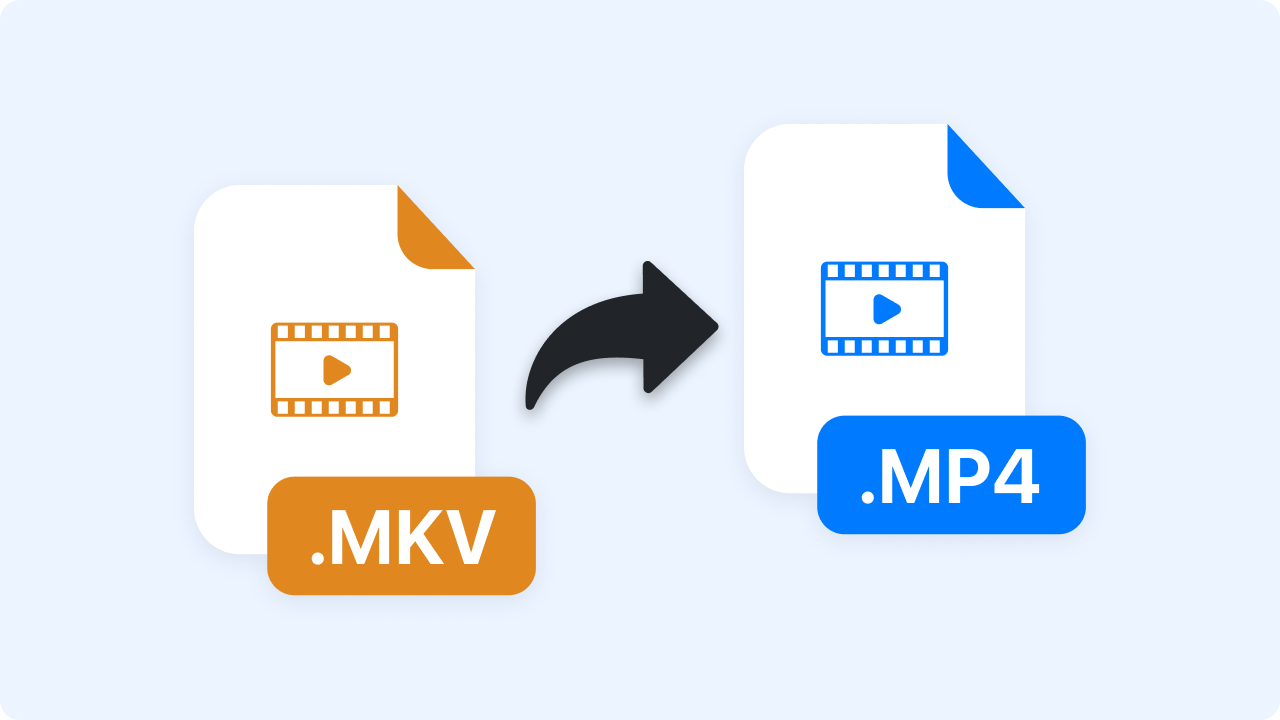
Want to convert your MP4 videos to MKV format? You've come to the right place. Here's how to do it:
Upload Your MKV Video File
Drag and drop your video to this page or click the upload button to choose an MKV file from your device.
Instant Conversion of MKV file to MP4
Once you upload or drag and drop your MKV file, Zight automatically converts your file in seconds. You will see a progress indicator.
Download Your New MP4 Video
Download your converted MP4 file to save MP4 file to your computer.

Why Use Zight's MKV to MP4 Converter
✅Browser-Based Solution – Access our powerful MKV to MP4 converter directly in your browser without downloads or installations
✅Completely Free– Our video converter is free to use. You can convert MKV to MP4 online for free.
✅Batch Conversion– You can add multiple MKV files simultaneously to convert MKV videos to MP4 in batch, for free.
✅Best Quality– Support constant quality to allow you to convert MKV to MP4 to achieve relatively lossless quality.
✅Cross-Device Compatibility– Seamlessly convert files on any device: desktop, tablet, or mobile with consistent results.
✅Access to other useful conversion tools– Besides the MKV-MP4 conversion tool, Zight has a variety of conversion tools, whether for images, videos, or documents.

Use Cases for MKV to MP4 Conversion
Converting MKV files to MP4 is a common need across many industries and scenarios. Here are the most practical use cases:
1. Content Creators and Influencers
You film, you edit, you publish, and sometimes your raw footage lands in MKV format. Zight helps convert those files to MP4 so you can upload faster to platforms like YouTube, Instagram, and TikTok without compromising video quality or compatibility.
2. Remote Workers and Teams
Whether it’s a product demo, async update, or customer support video, remote professionals can use Zight to turn MKV files into universally supported MP4s, making it easy to share content via Slack, email, or your favorite project management tool.
3. Educators and Students
Lectures, class recordings, or assignment walkthroughs often come in MKV format, which may not play smoothly across all student devices. Zight’s converter lets educators and students turn those videos into MP4 files for easy access, upload, and collaboration across platforms like Google Classroom or Moodle.
4. Marketing and Sales Teams
Pitch videos, onboarding content, or campaign assets should be easy to share, embed, and play. Zight helps marketing and sales pros convert MKV files to MP4 in seconds, so videos work seamlessly on landing pages, emails, or presentation decks.
5. Legal and Compliance Professionals
When legal teams receive case recordings or surveillance footage in MKV, Zight steps in. Convert to MP4 for easier archiving, playback, and sharing during reviews or legal proceedings without risking compatibility issues.
6. Video Editors and Media Teams
Editing teams often work with MKV during post-production, but need MP4 for final delivery. Zight’s converter helps export client-ready, platform-friendly MP4s that play beautifully across all devices and tools.
7. Everyday Users
Let’s say you just recorded your child’s school play or downloaded an old family video, only to find it won’t play on your phone or smart TV. With Zight, just convert that MKV to MP4, whether you are tech-savvy or not.
🔧 What Else Can Zight Do?
Zight is one of the best visual communication tools, alongside the MKV to MP4 converter. It packs various tools such as:
📹 Screen Recording – Capture high-quality videos for presentations and tutorials.
🎬 GIF Maker– Create and share engaging animated GIFs.
📸 Screenshot Tool – Take quick, annotated screenshots for feedback and collaboration.
🎥 Video Editing Suite– Trim, split, merge, crop, and enhance your videos with filters and fine-tuning for professional-quality results
📝 Annotation Tools – Add text, arrows, and highlights to your screen-recorded videos, images, or screenshots.
🤖 AI (Artificial Intelligence) – Generate captions, summaries, and insights from your video content.
🔗URL Shortener – Generate trackable short links for easy sharing.
Unlock More Tools
Expand your toolkit with these additional free converters and utilities.
Start Converting MKV Videos to MP4s Now!
No quality loss. No format drama. Just a smooth, secure conversion every time.
Try Zight’s MKV to MP4 Converter TodayFAQs About Zight's MKV to MP4 Converter
The fastest way to convert MKV to MP4 and other video formats is to use Zight’s online video converter. It only takes a few clicks, and you can do it straight from your browser.
Yes, Zight supports batch converting of multiple MKVs to MP4s simultaneously.
The MKV format can technically offer better video quality than MP4, but with a properly encoded MP4 file, the difference will be negligible enough that you will most likely not be able to tell the difference.
No, renaming an MKV file to MP4 only changes the file extension, not the actual video format. This means the video’s codec, resolution, and other details remain the same. If the MKV file uses newer standards like HEVC, it won’t play correctly after renaming.
To convert the file properly, use the Zight MKV to MP4 converter. It’s a straightforward process, so there’s no need to skip it.
For small video files or quick conversions, mobile apps can be useful. For larger or more complex conversions, a desktop or online tool is much more effective.
Here are some drawbacks:
- Mobile devices usually have less processing power, which makes the conversion slower.
- Managing large video files is challenging due to limited storage and memory on mobile devices.
- Mobile apps don’t provide as many features or customization options as desktop software.
- Video conversion is resource-intensive and will quickly drain your phone’s battery.
No, not every video converter is good for MKV to MP4 conversion. Some converters don’t support MKV or might not do the best job with the conversion. It’s best to stick with Zight.
It depends on what you care about most.
- Use MKV if you’re doing professional-level editing or need complex media storage like multiple language tracks, subtitles, or chapters.
- Use MP4 if your goal is to share, stream, upload, or embed, basically, anything that involves getting your video in front of people fast.
Free MKV to MP4 Converter: Everything You Need to Know
MKV video files offer many special features that other file formats don’t have, such as supporting multiple audio tracks and soft subtitles. But MKV files always take up a lot of storage space because the MKV container can incorporate video, multiple audio, and subtitle tracks.
Also, many mobile devices and programs do not accept MKV files. This is why you should change MKV to MP4, the most popular video format compatible with almost all hardware and software.
Below, we have compiled a detailed guide to help you learn everything you need to successfully convert MKV files to MP4 format. Let’s get into the details.
What’s the Difference Between MKV and MP4?
An MKV (Matroska Video) is a flexible, open-standard container format capable of holding unlimited video, audio, subtitle tracks, and metadata. It’s popular for high-quality video content, including HD and Blu-ray rips.
On the other hand, MP4 is a widely accepted format with high compatibility across devices and players, and is generally used for online streaming. It supports high-quality video and has smaller file sizes, but it doesn’t offer as many features as MKV. It’s best to use MP4 for streaming videos online or when you need the video to be playable on different types of devices.
Here’s a comparison table of MKV vs MP4:
Feature |
MKV |
MP4 |
| File Extension | .mkv | .mp4 |
| Compatibility | Limited compatibility, does not work with some players and devices | High compatibility, works with almost all players and devices |
| File Size | Larger | Smaller (Optimized) |
| Compression | Generally higher compression | Standard compression |
| Browser Support | Low | High |
| Video Quality | Supports 4K and HDR | Optimized for streaming and mobile use |
| Playback Needs | Needs special software to play | Plays natively on most platforms |
| Usage | Often applied to high-definition videos, Blu-ray rips | Commonly preferred for online content, mobile clips |
What is an MKV to MP4 Converter?
An MKV to MP4 converter is a tool that lets you take all the content in your MKV file and compress it into an MP4 format that’s lightweight, easy to share, and globally accepted.
Converting from MKV to MP4 involves changing the container format of the video file. This conversion is beneficial for enhancing the video’s compatibility with a wider range of devices and platforms, particularly those that do not natively support MKV. The process aims to preserve the original video and audio quality while making the file more universally accessible and playable.
By converting to MP4, the video becomes more accessible and compatible with a larger array of devices and media players. This increased compatibility is especially useful for sharing online and streaming on platforms where MKV is not supported.
Step-by-Step Guide to Convert MKV to MP4 Quickly with Zight
Learn how to easily convert MKV files to MP4 format online with this step-by-step guide.
Step 1. Upload Your MKV Video
There are two ways to upload your MKV files to Zight.
a) Upload from your Computer
Locate your MKV file on your device. Luckily, Zight will only show MKV files.

b) Drag and Drop
Drag-and-drop your MKV file into your browser window.

Step 2: Convert MKV to MP4
Zight will automatically convert your MKV to an MP4 file. The conversion takes seconds. You can also track the progress of your file conversions.

Step 3: Download Your New MP4 Video
Once the conversion is complete, click the Download MP4 button to save your MP4 file.

You can also batch convert MKV files with Zight. Upload multiple MKV files at once for batch processing.

Why Convert MKV to MP4?
Here are the main reasons you may need or want to convert MKV videos into MP4 format:
- Universal Playback: MP4 files are widely supported by various media players, operating systems, and also play on nearly every device: smartphones, tablets, laptops, smart TVs, and gaming consoles.
- Video Editing– Compared with MKV, MP4 video files have better compatibility with most of the video editing software and can be handled more efficiently and smoothly during your video editing process.
- Compression: MP4 uses advanced video codecs that efficiently compress video files without a loss in quality. As a result, MP4 files are usually smaller in size compared to other formats. This helps provide a smooth playback even on slower internet connections.
- Flexibility: MP4 can also store audio, images, and subtitles in a single file. This makes it an ideal choice for multimedia content.
- Quality: MP4 supports high-quality video resolutions, including 4K, which is becoming the standard for high-definition video.
Tips for Better MKV to MP4 Conversions
When converting MKV to MP4 (or any video format), it’s important to keep a few best practices in mind to ensure a smooth and high-quality conversion process. Here are some tips to help you get the best results:
- Ensure your internet connection is stable and strong. A weak connection can cause delays in the conversion process.
- Choose a smaller file size for faster processing. Large files may take longer to convert, especially if you have a slow internet connection.
- Avoid converting multiple files at once. This will slow down the process and could potentially lead to errors.
Wrapping Up
When it comes to converting MKV to MP4, ease, quality, and reliability are non-negotiables. And Zight? It checks every box. With its clean interface, fast conversion, and zero headaches, it’s the go-to choice for anyone who wants results without challenges.
Once you understand the differences between MKV and MP4 and follow the steps we’ve outlined above, you’re good to go. Whether you’re handling large video files or just trying to make a clip watchable on your phone, Zight makes the process effortless.
Sign up and start using Zight to convert your MKV to MP4 online, among other visual communication tools.












