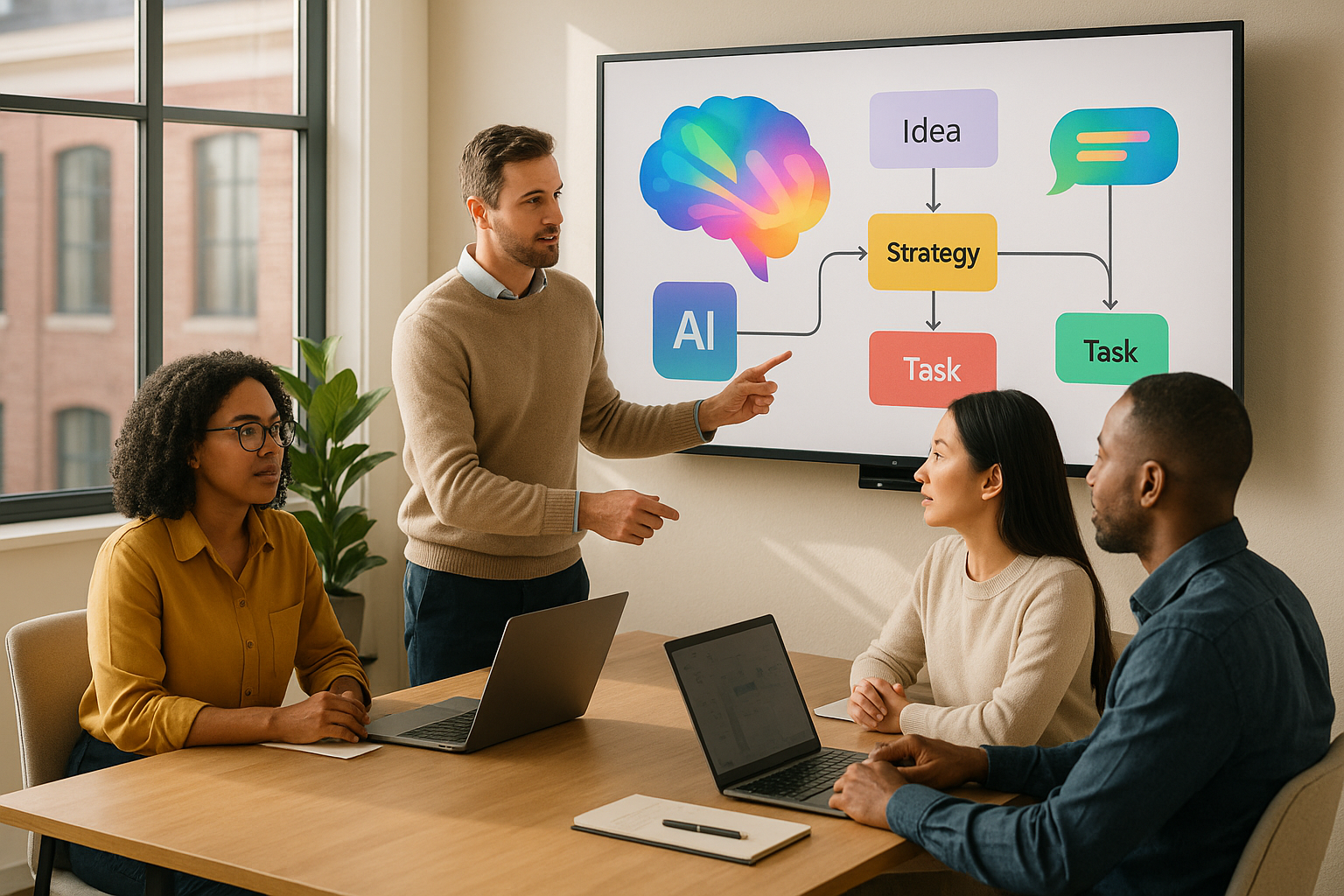
AI tools in Google Workspace are transforming how teams work, especially in remote and hybrid setups. By automating repetitive tasks, improving access to information, and simplifying visual collaboration, these tools help teams save time and focus on meaningful work. Features like Smart Compose, real-time transcription, and AI-powered search address common challenges like information silos and slow feedback loops. Combined with Zight’s visual content tools, teams can create, share, and annotate visuals more effectively.
Here’s what you need to know:
- Google Workspace AI automates tasks across Gmail, Docs, Meet, and Drive, streamlining workflows and improving productivity.
- NotebookLM organizes ideas visually, while Google Meet AI enhances hybrid meetings with transcription and summaries.
- Zight complements Google Workspace by offering advanced visual tools like screen recording, GIF creation, and annotation.
- Together, these tools cut feedback cycles, reduce wasted time, and improve collaboration for distributed teams.
Key takeaway: Google Workspace AI simplifies text-based tasks, while Zight focuses on visual communication. Using both platforms together ensures smoother teamwork and faster results.
Ultimate Google Workspace AI Tutorial | Everything You Can Do with Gemini AI! (2025)
Common Collaboration Problems in Digital Work
Even with the advancements brought by digital transformation, distributed teams still face major obstacles that hinder productivity and lead to frustration. According to a McKinsey study, employees spend up to 20% of their workweek just searching for internal data or colleagues. This wasted time becomes even more problematic when teams must collaborate on visual content like presentations, designs, or training materials. These challenges often show up as silos, delayed feedback, and other inefficiencies, which we’ll explore in detail.
Information Silos and Communication Gaps
Fragmented platforms are a major culprit behind communication breakdowns. Information silos, where knowledge gets trapped within specific teams or tools, are one of the biggest barriers to effective collaboration. When teams use separate chat apps, file storage systems, and project management tools, it often leads to duplicated work, inconsistent messaging, and delays in updating visual content.
Without a clear view of each other’s contributions, team members miss chances to collaborate effectively. Research from Salesforce in 2023 shows that companies with poor collaboration practices are up to 5 times more likely to experience project delays, and 86% of employees blame workplace failures on a lack of collaboration or ineffective communication.
The situation worsens when teams can’t easily locate the visual assets they need. Without integrated search tools, finding the right presentation, screenshot, or video becomes a frustrating and time-consuming task, disrupting workflows and slowing progress.
Slow Feedback and Visual Content Sharing Problems
Another major issue is the delay in feedback cycles, especially when it comes to visual content. A 2025 survey by Glean revealed that 68% of remote workers say delayed feedback and slow document reviews are their biggest productivity challenges. This is particularly true for visual projects, where text-based communication often fails to clearly convey specific issues or suggestions.
When feedback on visuals is delayed, it leads to endless back-and-forth exchanges and creates confusion over version control. Without tools designed for annotating and highlighting, feedback can lack clarity, making it harder to implement. Teams frequently struggle to track which feedback has been addressed, resulting in duplicated efforts and missed deadlines.
Remote and Hybrid Workspace Difficulties
The rise of remote and hybrid work has only magnified these collaboration challenges. A 2024 Gartner report found that 74% of U.S. companies now operate under hybrid or fully remote work models, heavily relying on digital tools to connect teams. However, these setups bring their own set of problems.
Remote teams lose out on nonverbal cues and spontaneous brainstorming, both of which are crucial for effective visual collaboration. Time zone differences can further slow down the process, with team members often waiting hours, or even days, for feedback on materials.
Virtual meetings add another layer of difficulty. Presenting and annotating content in real time can be challenging, and keeping everyone engaged during screen-sharing sessions requires extra effort. Without the ability to physically point to elements or gather around a whiteboard, teams need to find creative ways to stay aligned on visual concepts and feedback.
These digital and geographical hurdles can sap the momentum that’s essential for successful projects. Many teams default to asynchronous communication, even when real-time collaboration might be more effective, simply because coordinating schedules and managing multiple tools feels too overwhelming.
AI Tools in Google Workspace
Google Workspace has grown from a simple productivity suite into a robust, AI-driven platform designed to tackle modern collaboration challenges, especially in visual communication. By addressing issues like information silos and slow feedback loops, these AI tools simplify workflows and reduce the need for juggling multiple platforms, making teamwork smoother and more efficient.
With these tools, teams can automate repetitive tasks, speed up content creation, and stay aligned without hopping between apps. Tools like Gemini, NotebookLM, Google Meet’s AI features, and Google Vids and Flow are excellent examples of how AI is reshaping the way teams collaborate visually.
Gemini for Workspace: Smarter Summaries and Content Creation
Gemini brings smart automation to Google Workspace, helping teams cut down on tasks that typically slow them down, especially when dealing with large volumes of information.
One standout feature is its smart summarization, which pulls key points from emails, transcripts, and feedback. This makes it easier for team members to stay updated without sifting through endless details. For example, in Gmail, Gemini powers Smart Compose and Smart Reply, offering predictive text suggestions to draft responses or complete sentences effortlessly.
In Google Docs, Gemini takes on more than just grammar checks. It can recommend content structures, suggest stylistic improvements, and even summarize lengthy documents, ensuring clarity and consistency.
Another time-saving feature is automated meeting scheduling in Google Calendar. By analyzing participants’ availability, Gemini suggests the best meeting times, keeping projects on track without the usual back-and-forth.
NotebookLM: Organizing Ideas Visually

NotebookLM is a game-changer for teams working on complex projects. It lets users upload content from Google Docs, Slides, and even websites, then generates visual mind maps to connect related information.
This visual approach helps teams see the bigger picture, whether they’re planning a product launch or developing a training program. By integrating research, analysis, and internal documents, NotebookLM creates clear, visual representations of key ideas.
The shared notebooks feature makes collaboration even easier. Team members can contribute their insights and sources, while the AI updates the mind maps to reflect new connections. This is especially helpful for onboarding, as new members can quickly grasp project details through a well-organized visual overview instead of combing through scattered files.
AI Features in Google Meet: Smarter Hybrid Meetings
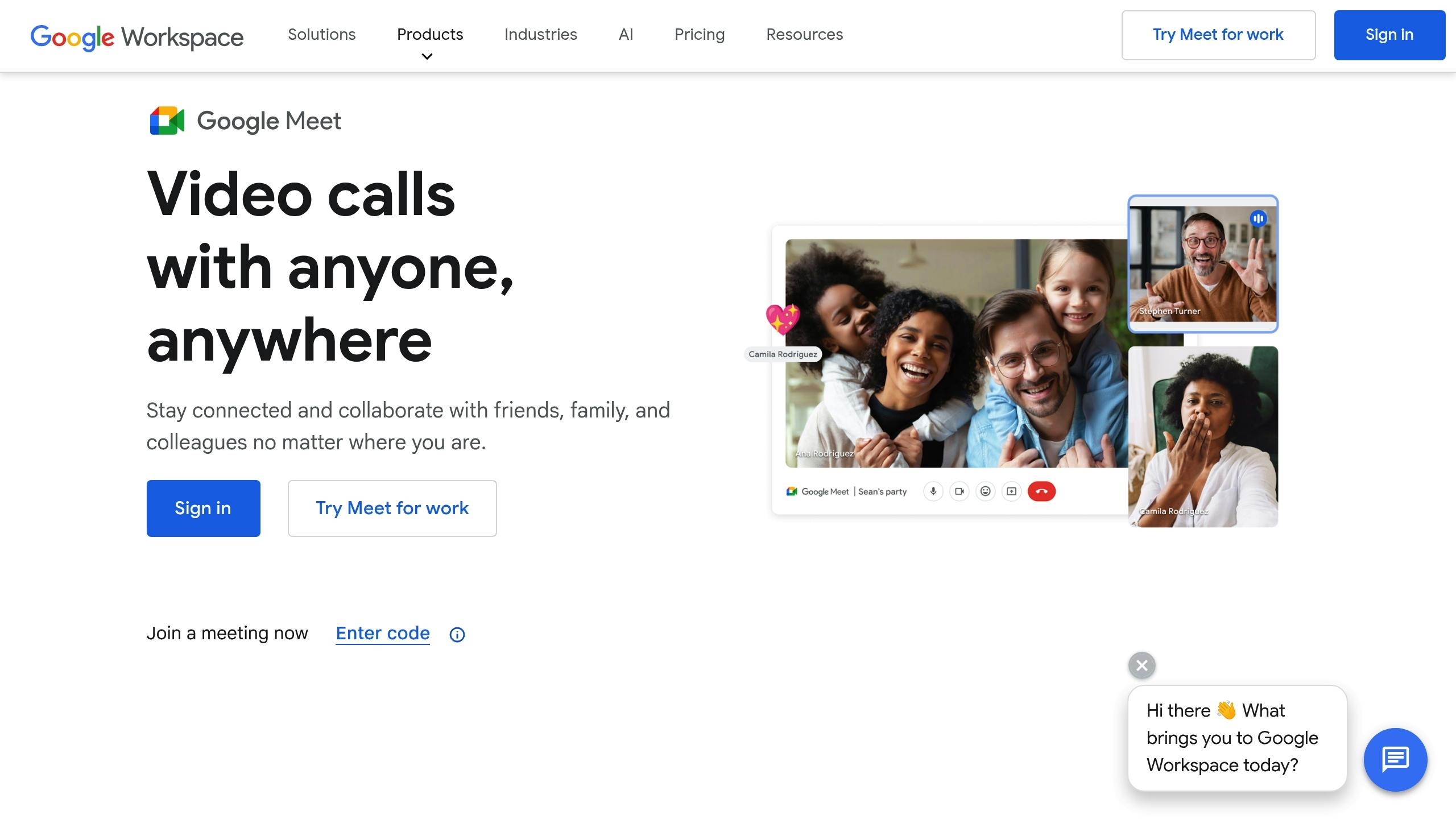
While NotebookLM organizes data, Google Meet focuses on improving real-time communication. Its AI features address common challenges in hybrid meetings, making them more accessible and engaging.
Real-time transcription ensures everyone can follow the discussion, regardless of audio quality or language barriers. AI-generated meeting summaries capture key decisions, action items, and feedback, saving teams from the hassle of manual note-taking.
Dynamic layouts enhance the visual experience by adjusting the meeting view based on who’s speaking or what’s being shared. For example, when someone presents mockups or prototypes, the system prioritizes their screen, keeping everyone focused on the content.
Other enhancements, like background noise cancellation and automatic lighting adjustments, ensure presentations are clear and professional. Google Meet also supports up to 500 participants per session, with live captions and noise filtering maintaining clarity even in large meetings.
Google Vids and Flow: Simplifying Visual Content Creation
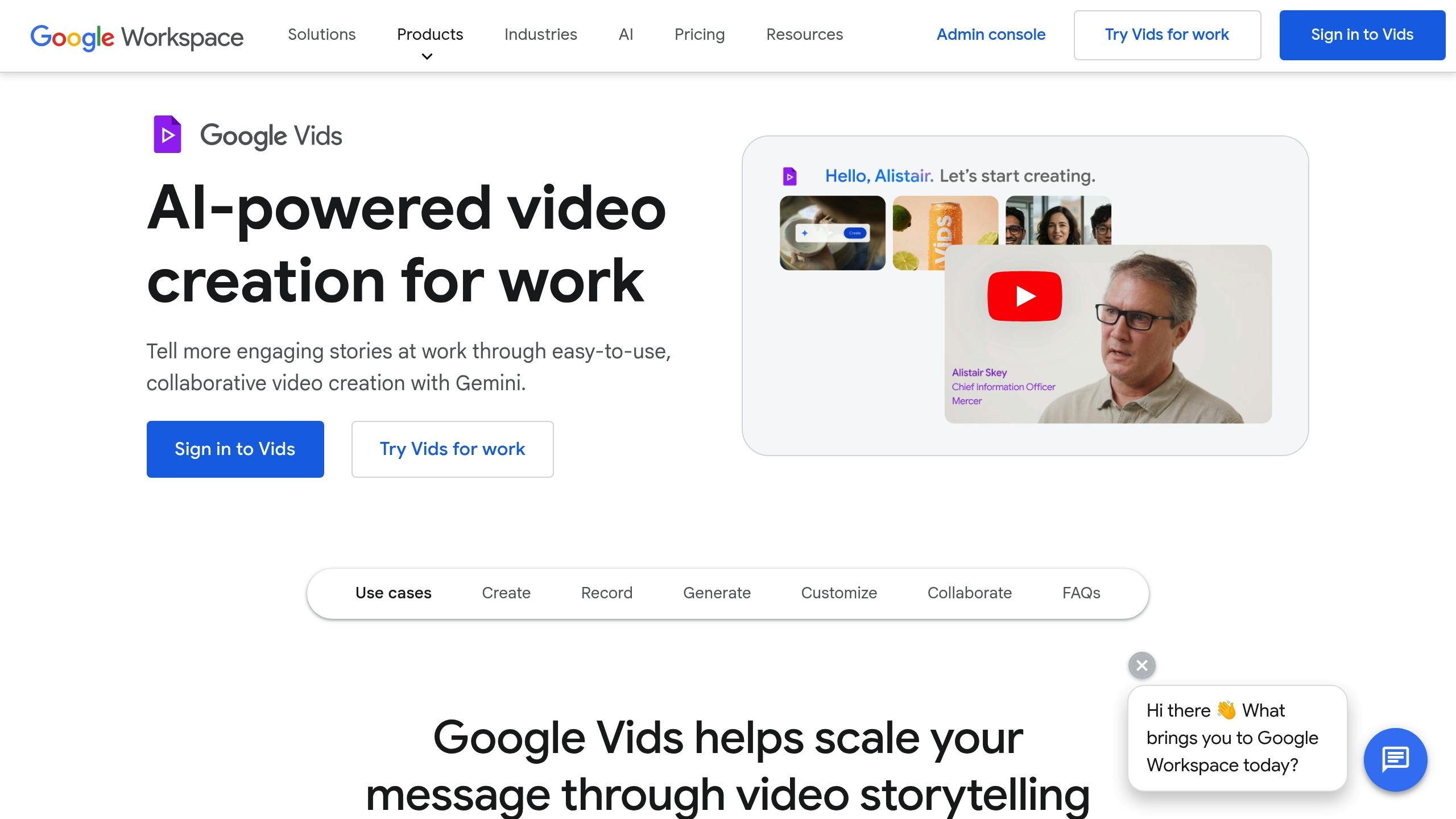
Google Vids and Flow are designed to help teams produce polished visual content without requiring advanced design skills. These tools are perfect for creating videos, presentations, and other materials when design resources are limited.
With Google Vids, teams can upload raw footage or screen recordings, and the AI suggests edits, transitions, and layouts to create professional-quality videos. This is particularly useful for training materials, demos, or internal communications.
Flow, on the other hand, takes text or data inputs and turns them into sleek presentations. It automatically adds visual elements and ensures design consistency, allowing teams to focus on their message while the AI handles the aesthetics.
Together, these tools, and complementary solutions like Zight, make visual collaboration in Google Workspace more efficient and accessible than ever.
Adding Zight to Visual Collaboration
Google Workspace is excellent at organizing and managing meetings, but when it comes to creating visual content, it has its limitations. That’s where Zight steps in. With tools like screen recording, GIF creation, and visual communication features, Zight complements Google Workspace by focusing on creating and annotating visual content. Together, they create a seamless workflow for teams that rely on both organization and detailed visual collaboration. Let’s dive into how Zight enhances teamwork across various workflows.
Main Zight Features for Visual Communication
Zight offers a suite of tools designed to elevate visual content creation and communication. Its screen recording feature captures videos in stunning 4K resolution, making it ideal for tutorials or detailed walkthroughs. For quicker, more focused visuals, the GIF creation tool converts recordings into concise clips, perfect for illustrating individual steps without the bulk of full-length videos.
One of Zight’s standout features is its AI-powered transcription and summary tools, which transform video and audio content into searchable text. This makes visual guides easily accessible to teams spread across different locations. UX Researcher Dillon Chi from BeenVoyage shared his perspective:
“This is the most useful implementation of AI I have ever seen”.
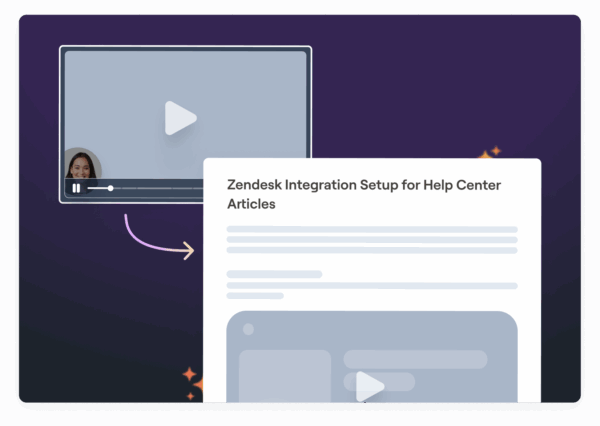
Zight also simplifies documentation with its automatic step-by-step guide creation. This feature translates recordings into clear, concise documentation, such as bug reports or standard operating procedures. It bridges the gap between showing how something works and explaining it in writing, ensuring every detail is captured and understood.
Using Zight with Google Workspace
Zight’s integration with Google Workspace takes visual collaboration to the next level. When you create screen recordings or capture screenshots in Zight, the platform generates shareable cloud-based links. These links can be easily embedded into Google Docs, Slides, or even Gmail, making it simple to share visual content without bulky attachments.
For instance, a project manager could create a detailed guide using Zight, upload it, and paste the link into a Google Doc for the team to reference. This ensures the content is always accessible and up to date, without worrying about file sizes or outdated versions.
Zight’s annotation tools further enhance this integration. Features like highlights, arrows, and redaction allow users to add clarity to screenshots before embedding them into Google Slides or Gmail. This extra layer of visual detail helps minimize misunderstandings and speeds up the feedback process.
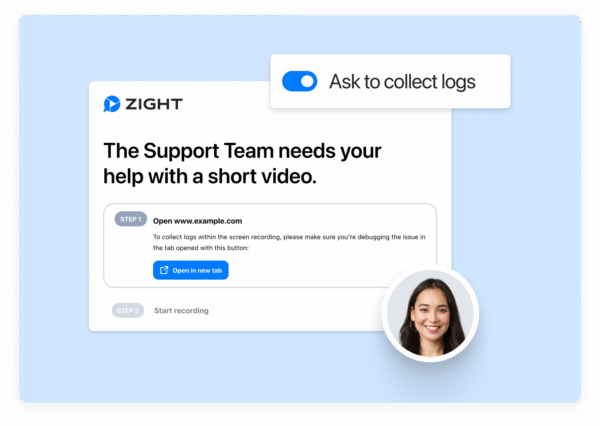
Another useful feature is Zight’s “Request Video” option, which allows external collaborators, whether customers or teammates, to record and share videos directly. Instead of lengthy email chains or vague descriptions of problems, stakeholders can visually show what they’re experiencing, streamlining issue resolution.
Improving Team Productivity with Zight and Google Workspace
Zight and Google Workspace together solve productivity challenges that neither platform can fully address on its own. Development teams, for example, report faster bug fixes when annotated recordings are shared in Google Docs. Training programs have seen onboarding times drop by 30% when Zight video walkthroughs are embedded into Google Slides. Sales teams also benefit, using AI-generated summaries in Google Docs to streamline client follow-ups.
Data from Zight shows that teams using visual content for asynchronous reviews and approvals can cut feedback cycles by up to 50%. This is especially valuable for tasks like design reviews and creative feedback, where a screen recording embedded in a Google Doc can convey ideas and suggestions far more effectively than written comments. Together, Zight and Google Workspace create a powerful combination for improving team communication and efficiency.
When to Use Google Workspace AI vs. Zight
With Zight’s focus on visual tools, it’s important to determine when to use Google Workspace AI, Zight, or a combination of both to optimize collaboration. The right choice depends on your specific workflow needs.
Feature and Use Case Comparison
Google Workspace AI is designed to automate tasks and boost productivity in tools like Docs, Sheets, and Meet. Many business users appreciate its ability to streamline workflows across its suite of integrated applications.
Zight, on the other hand, specializes in visual communication. It excels in creating screen recordings, annotated screenshots, and visual guides. Its AI features, such as transcription, summarization, and translation of video content, make it perfect for asynchronous collaboration, especially for remote teams.
For text-based collaboration, Google Workspace AI is the go-to choice. Zight shines when you need to communicate visually. Together, they complement each other and enhance teamwork.
When to Use Both Platforms Together
Combining Google Workspace AI and Zight can take team productivity to the next level. Each platform brings unique strengths to the table, making them ideal partners for a variety of workflows.
For instance, a hybrid development team might use Google Workspace for creating documents, scheduling meetings, and real-time communication. At the same time, they can rely on Zight to produce visual bug reports or training videos. Here’s how this could look in practice: A product manager drafts a project plan in Google Docs, discusses it during a Google Meet session with AI-generated notes, and then records a visual walkthrough of the new feature using Zight. The annotated video can be shared via Slack, while the meeting notes and documentation stay organized in Google Workspace.
This combination is especially effective for training, onboarding, and customer support. Structured presentations from Google Workspace can be paired with Zight’s detailed visual demonstrations, providing a well-rounded communication strategy.
In short, Google Workspace AI is ideal for managing text-heavy collaboration and organizational tasks, while Zight excels at asynchronous visual communication. By using both platforms together, teams can streamline their workflows and ensure nothing gets lost in translation, whether it’s in a document or a video.
Conclusion: Better Collaboration with AI Tools
With the integration of AI features in tools like Google Workspace and visual platforms such as Zight, teams are overcoming many of the hurdles that traditionally slowed collaboration. The modern workplace increasingly relies on intelligent, AI-powered solutions to stay efficient and connected.
Google Workspace’s AI tools, such as Smart Compose and Smart Reply, help cut down the time spent on email writing, while automated meeting summaries ensure critical details are captured. Recent reports show that businesses using these tools have achieved up to a 30% reduction in time spent on email and document creation and a 25% boost in meeting efficiency thanks to automated transcription and summarization features. These efficiencies not only save time but also reduce costs and accelerate project timelines.
When paired with Zight’s visual communication tools, the potential for collaboration grows exponentially. Google Workspace simplifies text-based workflows, while Zight enhances how teams share and discuss visual content. The seamless integration between platforms allows users to move effortlessly across Google Docs, Meet, and Zight, making it easier to plan, communicate, and present ideas. This synergy leads to quicker onboarding, clearer messaging, and fewer missteps that can derail progress.
For organizations, embracing AI-driven collaboration platforms is no longer optional, it’s a necessity to remain competitive in today’s hybrid work landscape. These tools automate repetitive tasks, improve communication, and allow teams to focus on higher-value, strategic initiatives. As remote and hybrid work continue to evolve, companies that invest in these integrated AI solutions will position themselves to lead, innovate, and grow.
FAQs
How do Google Workspace’s AI tools help remote teams communicate better and avoid information silos?
Google Workspace offers AI tools that simplify communication and teamwork for remote teams, eliminating obstacles to sharing information effectively. These tools can automatically sort and highlight relevant data, allowing team members to quickly find what they need without unnecessary delays. For instance, the AI-powered search in Google Drive enables users to locate files in seconds, while Smart Compose in Gmail and Docs helps speed up the process of drafting emails and documents.
On top of that, features like real-time translation in Google Meet and automatically generated meeting summaries make it easier for teams to stay on the same page, no matter the language or time zone. By cutting down on manual tasks and improving access to information, these tools ensure remote teams remain connected and efficient.
How do Zight’s visual communication tools integrate with Google Workspace to improve team collaboration and productivity?
Zight’s visual communication tools work effortlessly with Google Workspace, enhancing team collaboration. Users can create and share videos, screenshots, and GIFs directly within their existing workflows, making it easier to explain complex ideas with clarity and precision.
Key features like screen recording, annotations, and AI-powered transcription help minimize miscommunication, accelerate decision-making, and keep everyone on the same page. And because it integrates directly into tools teams already rely on, communication becomes smoother, saving time and improving productivity.
When should teams use Google Workspace’s AI tools, Zight, or both to enhance collaboration?
Google Workspace’s AI tools are perfect for making team collaboration smoother by taking care of repetitive tasks, enhancing document precision, and providing smart suggestions in apps like Docs, Sheets, and Gmail. For instance, AI can help teams by generating summaries, auto-completing text, or analyzing data more effectively, saving time and effort.
Zight adds another layer by empowering teams to visually communicate complex ideas through tools like screen recordings, GIFs, and annotated screenshots. This is especially useful for creating step-by-step tutorials, sharing quick feedback, or collaborating without the need for real-time meetings.
To get the best results, try combining both tools. Let Google Workspace AI handle the productivity side of things, while Zight helps you create and share visual content that makes team communication clearer and more engaging.