

- Reclaim AI: Ideal for recurring meetings and focus time management. Integrates with Google Calendar and Slack.
- Clockwise: Focuses on safeguarding deep work hours while simplifying team collaboration.
- Lindy: Acts as a virtual assistant, handling scheduling end-to-end with natural language processing.
- Motion: Balances tasks and meetings with a straightforward approach.
- Akiflow: Simplifies time zone management with dual-zone displays and intuitive scheduling.
5 Best AI Scheduling Assistant Tools 2025 (AI Calendar App)
1. Reclaim AI
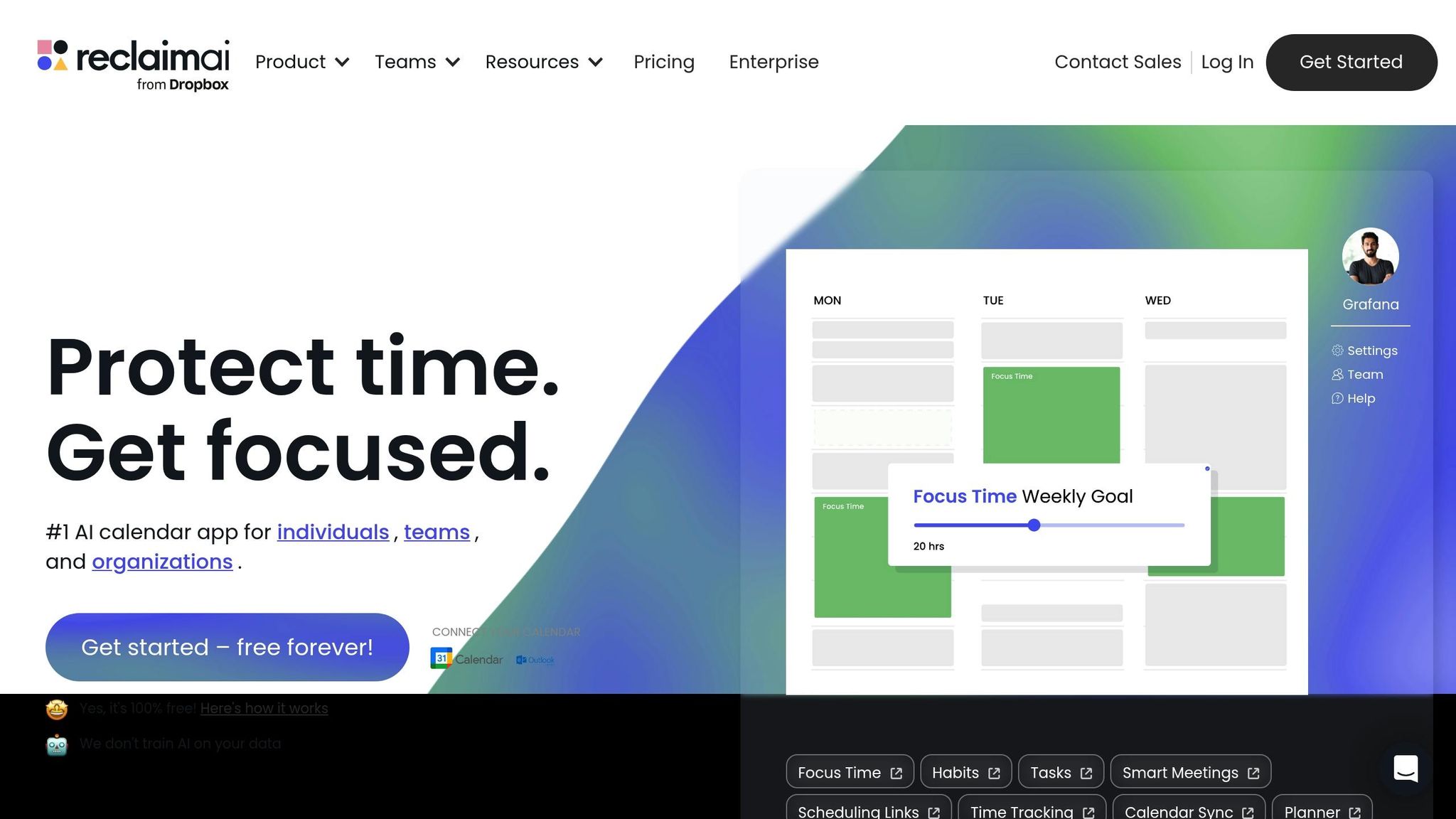 Reclaim AI is a smart scheduling assistant designed to handle recurring meetings across different time zones with ease.
 AI Scheduling Features
The Smart Meetings feature is Reclaim AI’s standout tool, especially helpful for global teams. It automatically identifies the best meeting times for recurring sessions like one-on-ones or team syncs, factoring in everyone’s schedules and time zones. And if a conflict arises? The system seamlessly reschedules without the need for endless email chains.“If I’m on vacation and miss our Tuesday 2 p.m., Reclaim will find the next best time for us – without 15 emails going back and forth.” – Henry Shapiro, CEO & Co-Founder, Reclaim.aiAnother handy tool is the Scheduling Links feature. Team members can share their availability, making it simple for others to book meetings. This is especially useful for coordinating across cities like Chicago, Tokyo, or London – no more back-and-forth guessing about time zones. Reclaim AI doesn’t just look at open calendar slots. Its algorithms consider personal preferences and working hours, ensuring suggested meeting times align with when team members are most productive, even across global time differences.
Time Zone Management
Reclaim AI also simplifies time zone management, making coordination across regions a breeze. It syncs with Google or Outlook Calendar, showing events in both your calendar’s time zone and your browser’s local time. Need to adjust? Manual overrides are available for added flexibility. This dual-display approach keeps things clear and prevents scheduling mishaps.Integration Support
Reclaim AI integrates seamlessly with Google Calendar and offers beta support for Microsoft Outlook. It also connects with Slack, featuring a Slack Status Sync that updates your availability directly from your calendar. This ensures you won’t be interrupted during focus time. Rather than replacing your existing calendar setup, Reclaim AI enhances it. Teams can stick to their preferred platforms while benefiting from AI-driven scheduling, helping everyone stay productive and on track.2. Clockwise
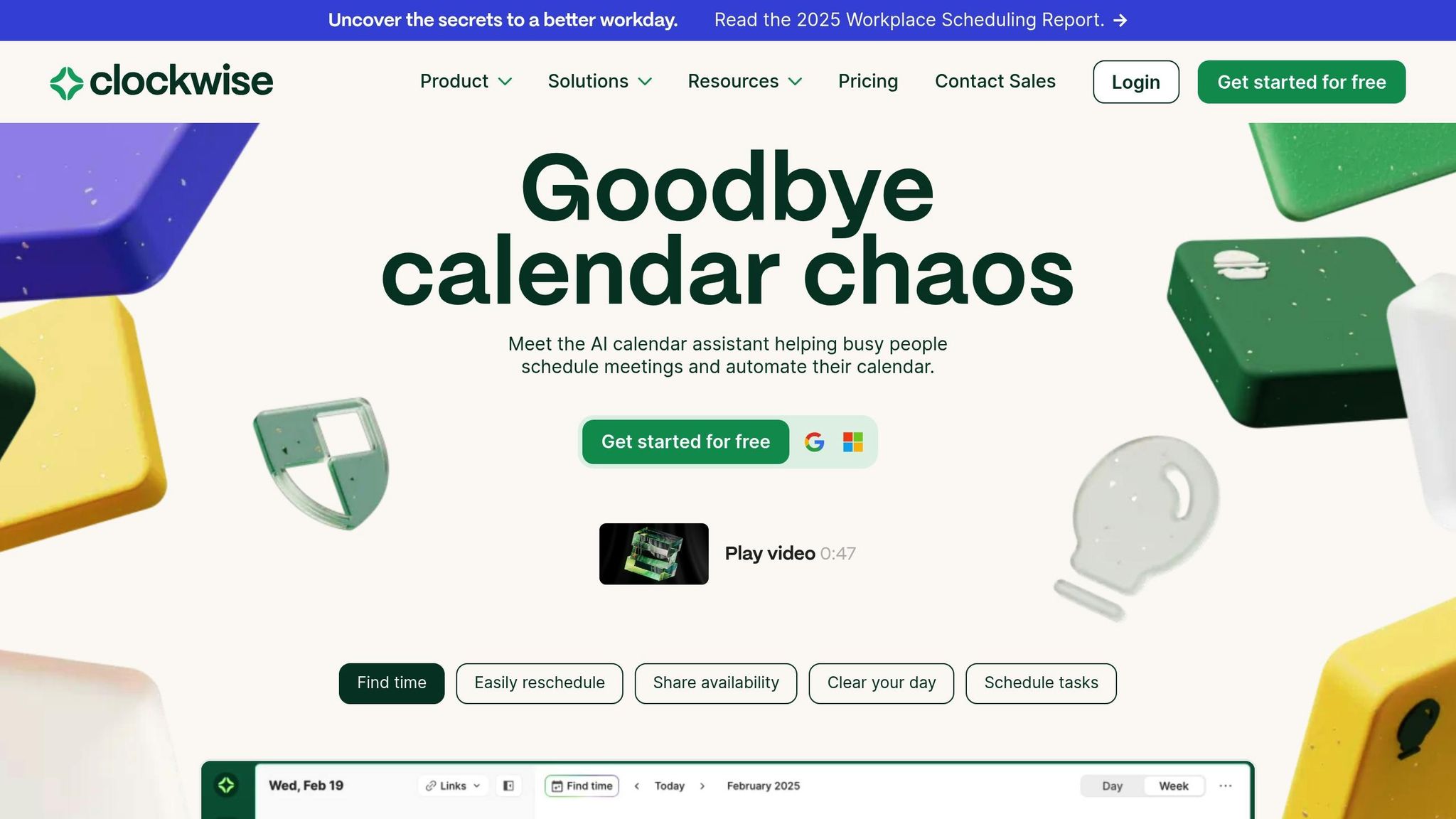 Clockwise is a platform designed to help teams protect their focus time and simplify scheduling, leveraging AI to support global collaboration.
 AI Scheduling Features
Clockwise’s Focus Time feature automatically carves out blocks of time for uninterrupted work. It does this by analyzing meeting patterns and individual preferences to pinpoint the best slots. The Smart Schedule function takes it a step further by learning work habits and suggesting ideal times for both solo tasks and team collaboration. Meanwhile, Clockwise Links allow team members to share their availability effortlessly, ensuring focus periods remain undisturbed. These tools make it easier for global teams to identify overlapping hours for collaboration while safeguarding time for deep, focused work. This balance is especially crucial when coordinating across multiple time zones.Time Zone Management
To streamline global teamwork, Clockwise includes a Team Insights dashboard. This feature provides a clear view of when team members in different regions are in focus mode or open for collaboration. It displays schedules in local time zones and adjusts meeting suggestions to avoid inconvenient off-hour calls.Integration Support
Clockwise also ensures seamless integration with your workflow. It syncs with platforms like Google Calendar, Outlook, and Slack, keeping your focus time and availability updated across all tools. This means your schedule stays consistent, no matter where you’re working.3. Lindy
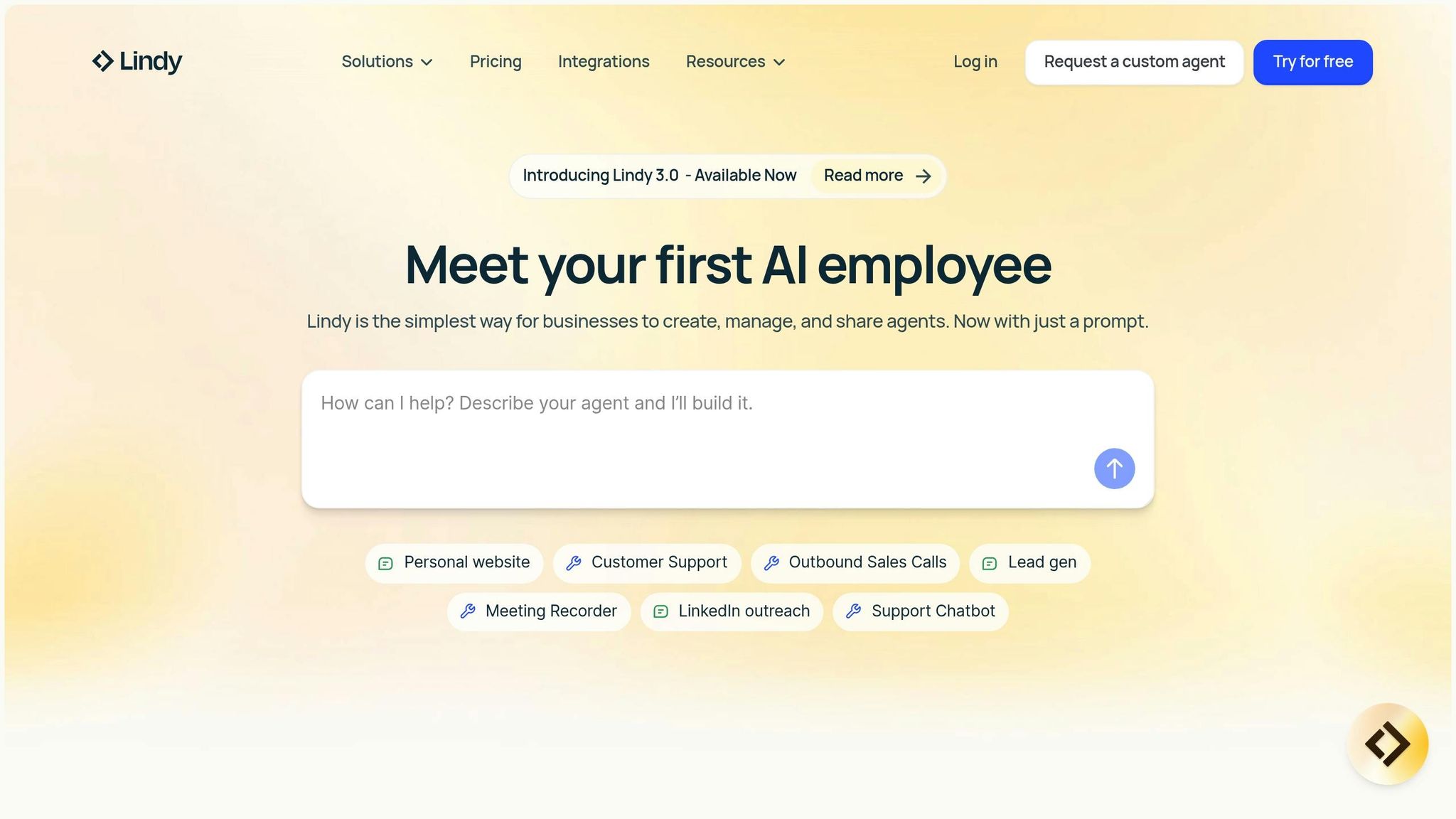 Lindy operates as an autonomous AI agent, working tirelessly to manage global team schedules. Unlike tools that only suggest meeting times, Lindy’s AI handles the entire scheduling process from start to finish.
 AI Scheduling Features
Lindy’s AI agents function as 24/7 virtual assistants, managing meetings across the globe. They analyze calendar availability to find common time slots, resolve conflicts, and send out invitations and reminders. Even when team members are offline, these agents keep the scheduling wheels turning, ensuring smooth coordination across all time zones.Time Zone Management
Coordinating meetings across time zones can be a headache, but Lindy simplifies the process. Its AI eliminates the need to manually check time zones or compare regional schedules. It tracks participant responses, identifies overlapping availability, and suggests alternatives when conflicts arise. Plus, it integrates seamlessly with other platforms, making scheduling feel effortless.Integration Support
Lindy’s no-code setup ensures it’s easy for any team to use. It connects with existing calendar systems to access real-time availability, making scheduling across platforms smooth and efficient.Pricing in USD
Lindy offers flexible pricing plans to suit various team sizes and scheduling needs:| Plan | Monthly Cost | Credits Included | Tasks Included |
|---|---|---|---|
| Free | $0 | 400 credits | 400 tasks |
| Pro | $49 | 5,000 credits | 5,000 tasks |
| Business | $299.99 | 30,000 credits | 30,000 tasks |
sbb-itb-5d91f01
4. Motion
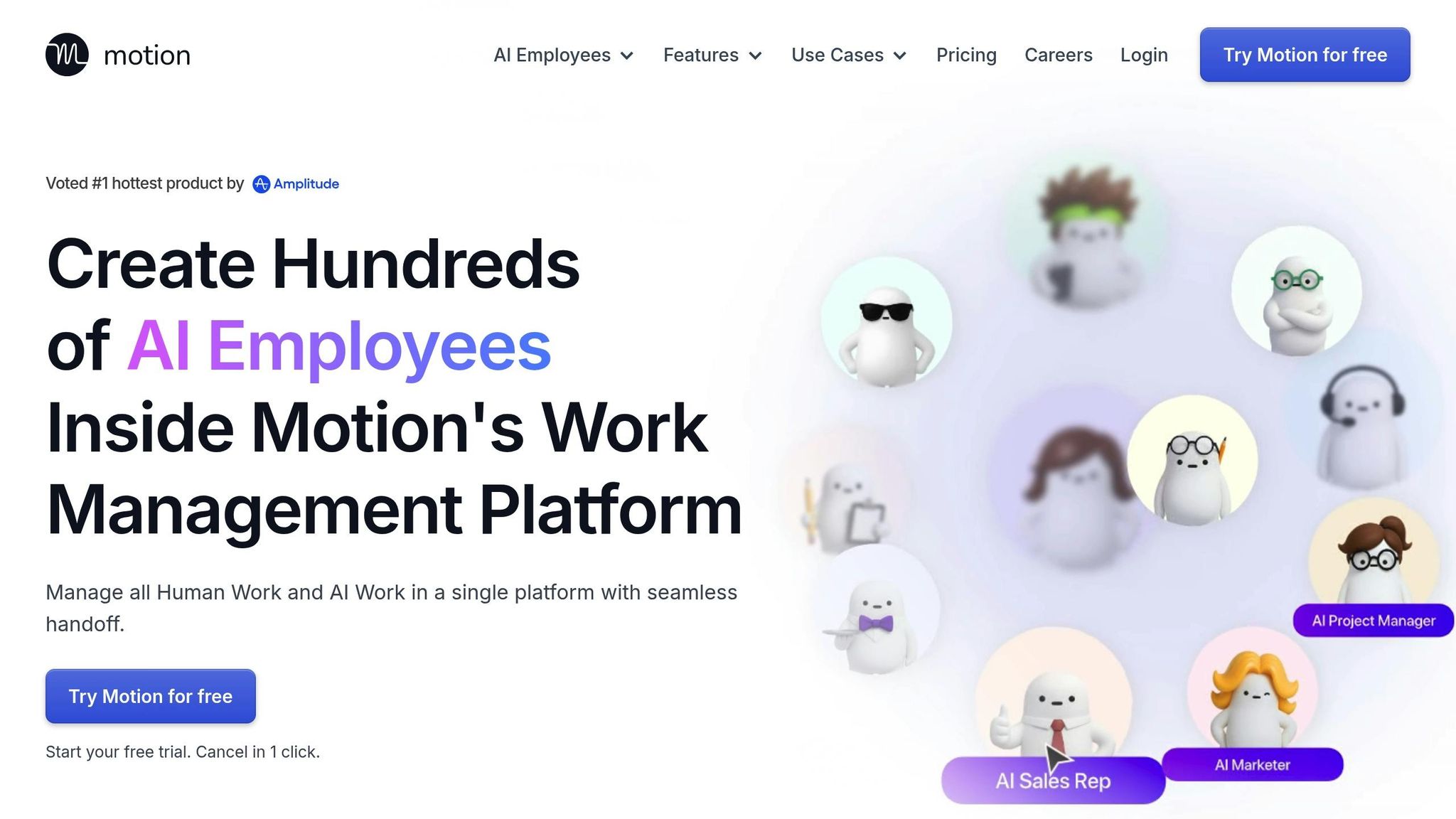 Motion simplifies global calendar management by seamlessly balancing meetings with work tasks. It syncs with popular calendar apps, making it easier for distributed teams to coordinate across different time zones. While detailed documentation on how Motion handles time zones and its AI features is sparse, its straightforward integration focuses on keeping calendars aligned globally. Instead of packing in numerous advanced features like some competitors, Motion takes a more streamlined approach, prioritizing simplicity in global scheduling. This minimalistic design makes it an interesting point of comparison with other tools that offer more detailed functionalities.
 5. Akiflow
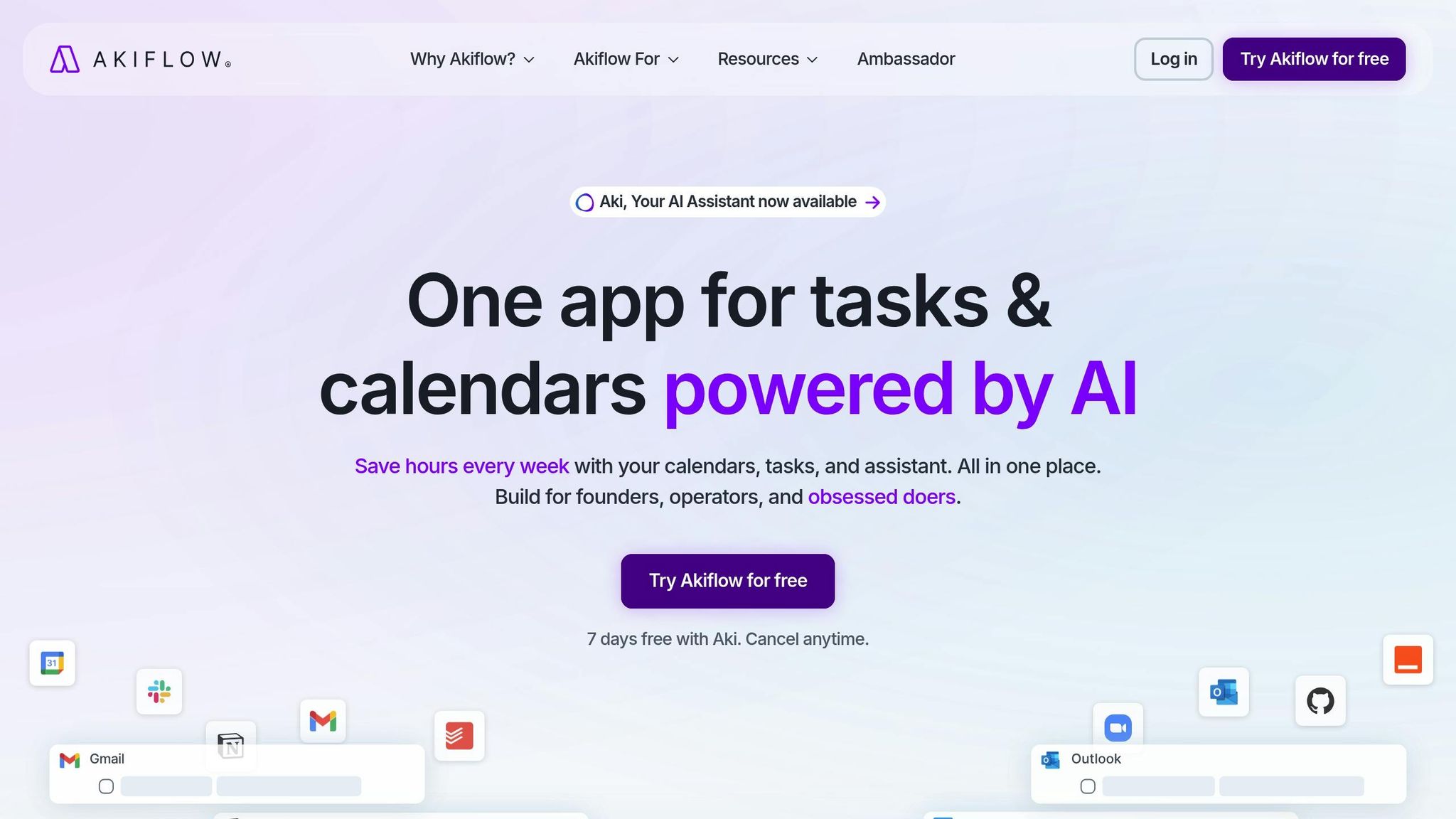 Akiflow offers a streamlined approach to global scheduling by automatically detecting your primary time zone based on your computer’s system settings. This eliminates the need for manual setup and makes it easier for teams across different regions to adopt the platform.
 Time Zone Management
One of Akiflow’s standout features is its dual time zone functionality. With a simple press of theZ key or a toggle switch, users can add a secondary time zone, which is displayed right below the primary one. This visual setup makes coordinating meetings – like those between New York and London – much more straightforward. “Akiflow follows the primary time zone set in your computer system settings.”The platform also includes a built-in search that allows users to quickly configure a secondary time zone by entering city names or standard abbreviations like CEST or EST. Akiflow automatically adjusts for Daylight Saving Time, reducing the chances of scheduling mishaps. This attention to detail ensures smoother collaboration, especially when paired with the platform’s sharing features.












