

MP4 to WEBM Converter
How to Convert MP4 to WebM
Follow these simple steps to get started.
Upload Your MP4 File
Choose a video from your device or drag it into the converter. Zight loads your video instantly for preview.
Adjust Quality Settings
Select your desired output quality, keep it high for crisp playback or lower it for smaller, faster-loading WebM files.
Convert & Download
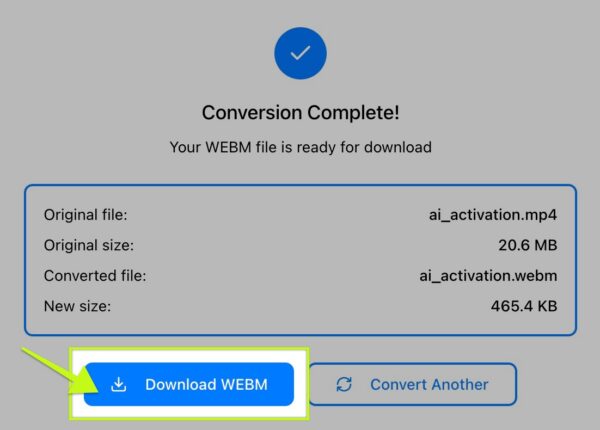
Click Convert to WebM and download your optimized video instantly. Your WebM file is ready for websites, applications, and embeds.
Ready to Boost Your Productivity?
Save time and money while boosting your productivity with Zight — free tools for screen recording, screenshots, GIFs, and webcam capture.
Try Zight for Free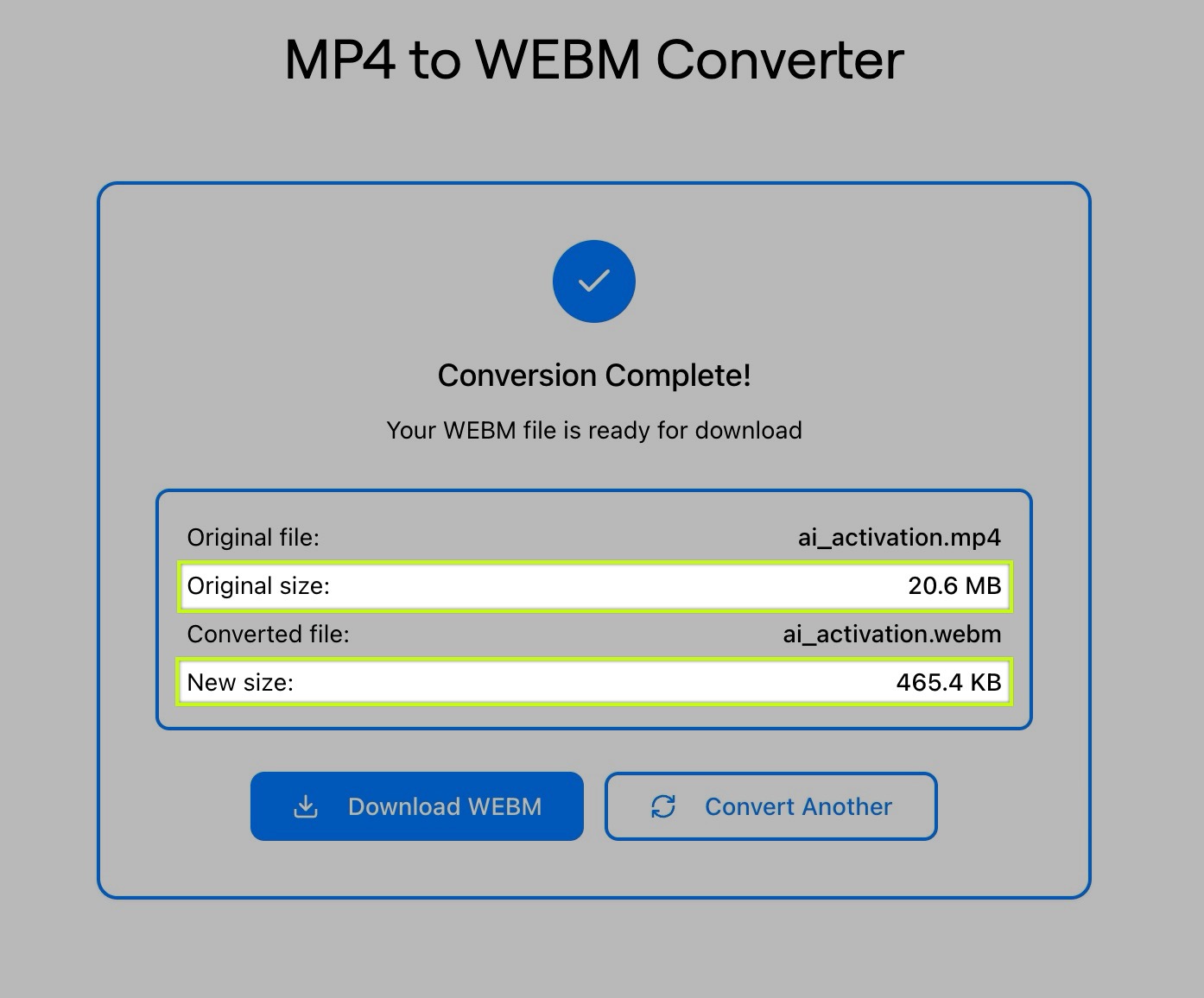
Why Convert MP4 to WebM
WebM is designed for the modern web — smaller, efficient, and optimized for streaming. Converting from MP4 helps you:
-
Reduce file size: WebM delivers high-quality video at smaller sizes.
-
Improve website performance: Faster loading and smoother playback.
-
Boost compatibility: Works natively in all major browsers.
-
Embed easily: Ideal for websites, blogs, apps, and UI previews.
-
Optimize for animations: Great for looping clips and short demos.
Why Use Zight’s MP4 to WebM Converter
Smaller files
WebM compression makes videos lightweight and web-ready.
Adjustable quality
Choose the settings that fit your needs.
Instant results
Convert and download in seconds.
100% private
All processing happens locally in your browser.
Free and unlimited
No sign-up or usage caps.

Supported Use Cases
For Developers
Optimize assets for websites, web apps, and UI animations.
For Designers
Export clean, lightweight previews for prototypes or landing pages.
For Content Creators
Convert MP4 clips into WebM for blogs, social posts, or streaming.
For Businesses
Compress explainer videos or product demos for high-performance web use.
Ultimate Guide: Converting MP4 to WebM
WebM is a modern, open-source video format built specifically for fast, efficient playback on the web. Here’s how Zight makes it easy to get high-quality WebM files from any MP4.
Why WebM Works So Well Online
WebM uses VP8/VP9 codecs, which offer excellent compression without sacrificing clarity. This makes videos load faster, play smoother, and reduce total bandwidth.
Balancing Quality and Size
A lower quality setting creates smaller files ideal for background video loops or UI previews. Higher quality maintains detail for product demos or tutorials. Zight lets you choose the perfect balance.
Perfect for Embedded Videos
Blog posts, hero sections, background loops, and product animations all benefit from WebM’s smaller footprint and fast loading times.
When Not to Use WebM
Some older devices or apps prefer MP4. Zight makes it easy to convert back if needed, keeping you flexible across platforms.
Conclusion
Zight’s MP4 to WebM Converter gives you fast, lightweight, web-ready videos without sacrificing quality. Upload, adjust, convert, and download in seconds — all privately and for free.
Start converting your MP4 files to WebM and make your video content load faster everywhere.
Unlock More Tools
Expand your toolkit with these additional free tools
Frequently Asked Questions
Zight supports MP4 → WebM, plus other conversions across WebM, MOV, GIF, and more.
WebM uses efficient compression. You can adjust quality to find the right balance.
No. Processing happens locally, your files stay private.
Most videos up to 30 minutes convert smoothly for browser-based performance.
Yes. Chrome, Firefox, Edge, and most modern browsers fully support WebM.
This version adjusts quality only; you can compress further afterward using Zight’s compression tools.
Yes. Unlimited use with no sign-up required.
Yes, audio is encoded into a WebM-compatible format.












