
How to Convert MOV to GIF
Follow these simple steps to get started.
Upload Your MOV File
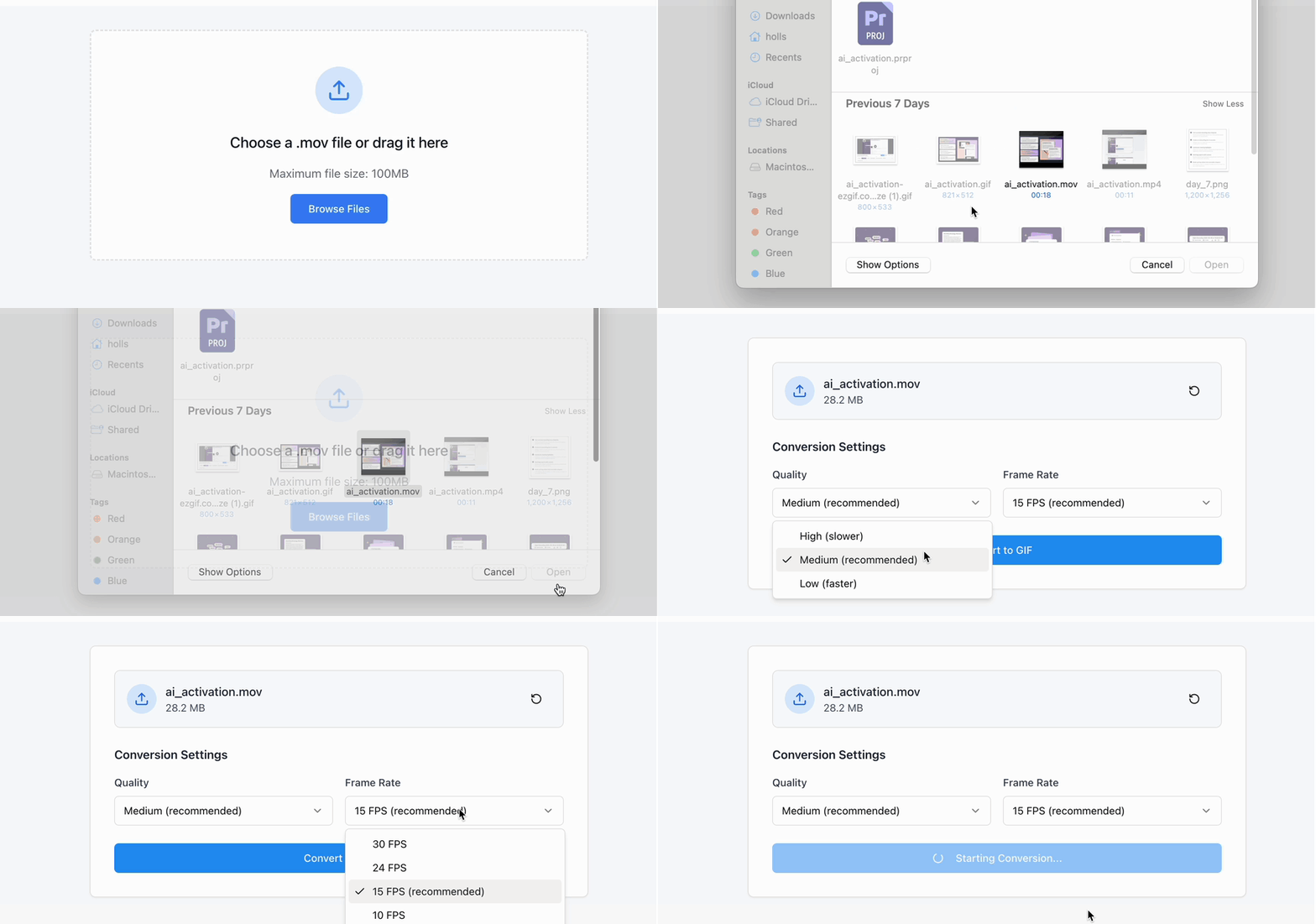
Select a MOV file from your device or drag it directly into the converter. Zight loads your video instantly for preview.
Choose Quality and Frame Rate
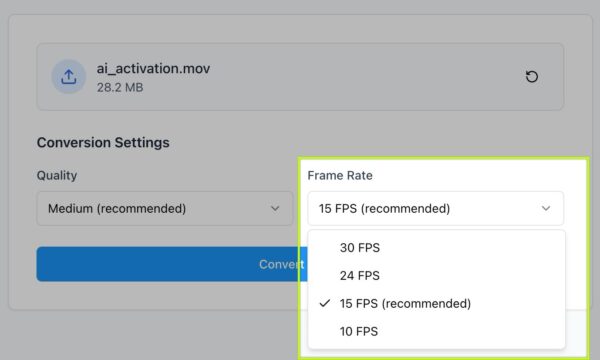
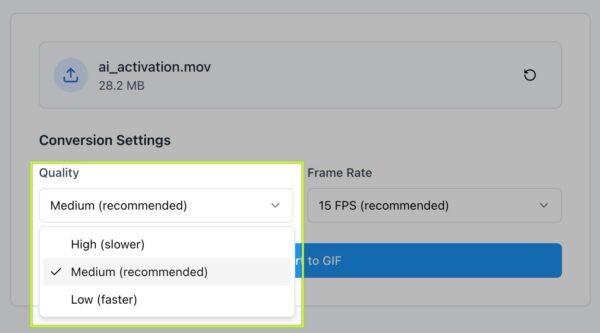
Select your preferred output quality (High, Medium, or Low) and frame rate (e.g., 15, 24, or 30 fps). Higher frame rates give smoother motion, while lower settings reduce file size.
Convert and Download
Click Convert to GIF to process your video. Once ready, preview your animation and download it instantly — optimized for fast sharing on social media or messaging apps.
Ready to Boost Your Productivity?
Save time and money while boosting your productivity with Zight — free tools for screen recording, screenshots, GIFs, and webcam capture.
Try Zight for Free
Why Convert MOV to GIF
GIFs are compact, loop automatically, and work across almost every app and browser. Converting from MOV helps you:
-
Share instantly: Post clips without long upload times or playback issues.
-
Boost engagement: Short, looping visuals catch attention faster than static images.
-
Reduce file size: Keep smooth playback while minimizing storage.
-
Stay compatible: GIFs display seamlessly on web pages, chats, and emails.
Why Use Zight’s MOV to GIF Converter
Full control: Choose your quality and frame rate before converting.
Fast results: Process and download in seconds.
High-quality output: Balanced compression for crisp motion and color.
Browser-based: Everything runs locally — no installs, no uploads.
Free forever: No sign-up or watermarking.
Supported Use Cases
For Creators
Turn video clips into looping GIFs for social, marketing, or memes.
For Designers
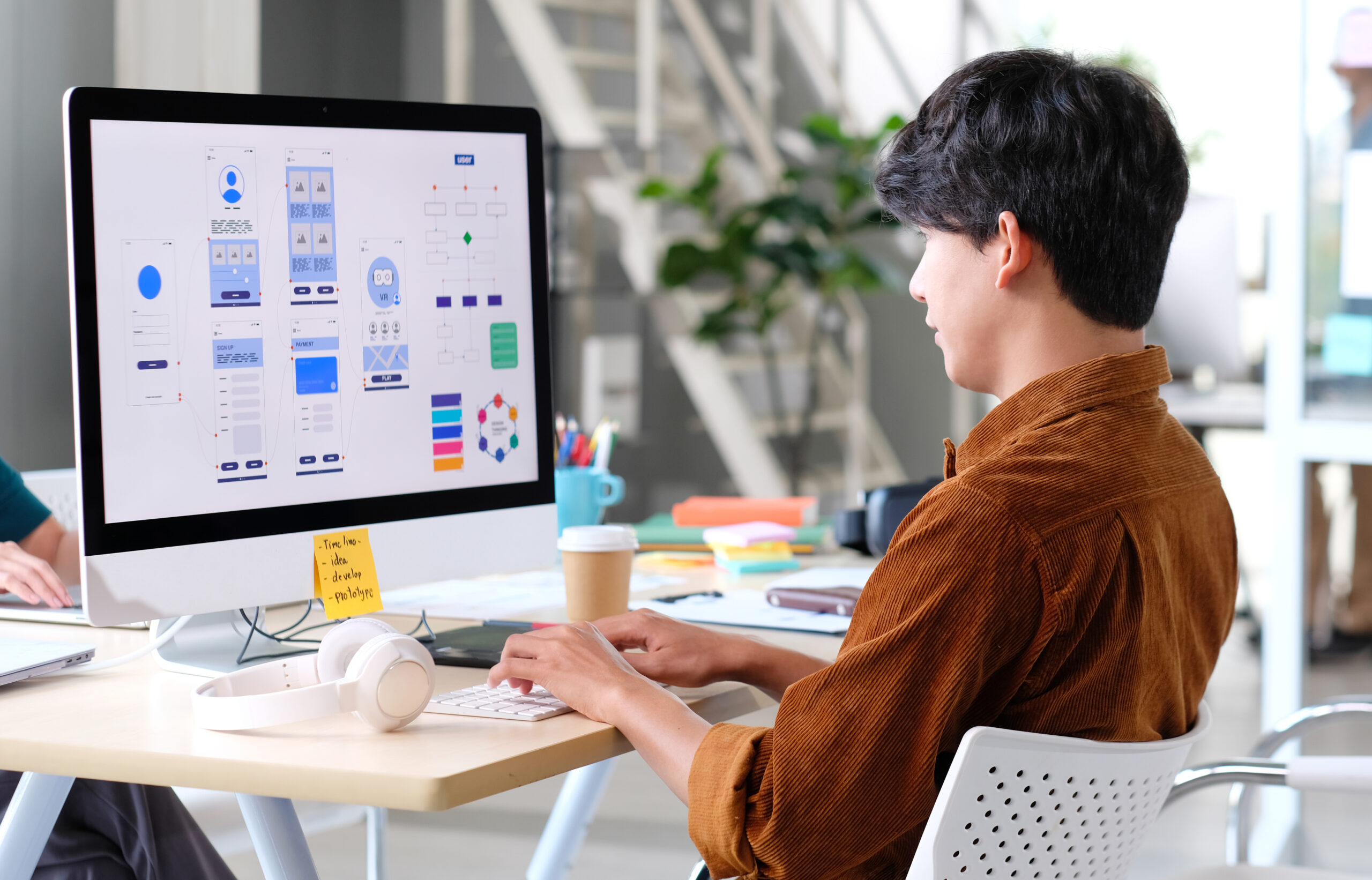
Convert UI animations or screen recordings into GIFs for mockups and presentations.
For Developers
Generate compact GIFs for app previews and documentation.
For Teams
Create GIFs from product demos or screen captures for faster communication.
Unlock More Tools
Expand your toolkit with these additional free tools
Ultimate Guide: Making GIFs from MOV Videos
Zight’s MOV to GIF Converter helps you turn moments into looping visuals without the complexity of traditional editing tools.
Setting the Right Frame Rate
A higher frame rate (24–30 fps) produces smoother motion — ideal for detailed or fast-moving clips. Lower rates (10–15 fps) reduce file size and create a snappier, stylized effect.
Choosing Output Quality
High-quality GIFs preserve color depth and clarity, perfect for marketing or design. Lower-quality options keep files small for fast sharing in chats or online communities.
Conclusion
Zight’s MOV to GIF Converter gives you fast, high-quality control over every frame. Choose your preferred quality and frame rate, then convert your MOVs into crisp, looping GIFs.
Convert your video now and turn your favorite moments into motion.
Frequently Asked Questions
Zight converts MOV, MP4, AVI, or WEBM into GIFs.
Yes. Choose both before conversion for full control over smoothness and size.
Yes. Smoother motion uses more frames, which increases file size slightly.
Yes, trimming is supported to keep your GIF focused and lightweight.
Yes, GIFs loop by default — perfect for memes, reactions, or tutorials.
Yes. Zight works in any modern browser on desktop or mobile.
Clips up to 30 seconds convert best for GIF performance and quality.
Completely. All processing happens locally in your browser.












