
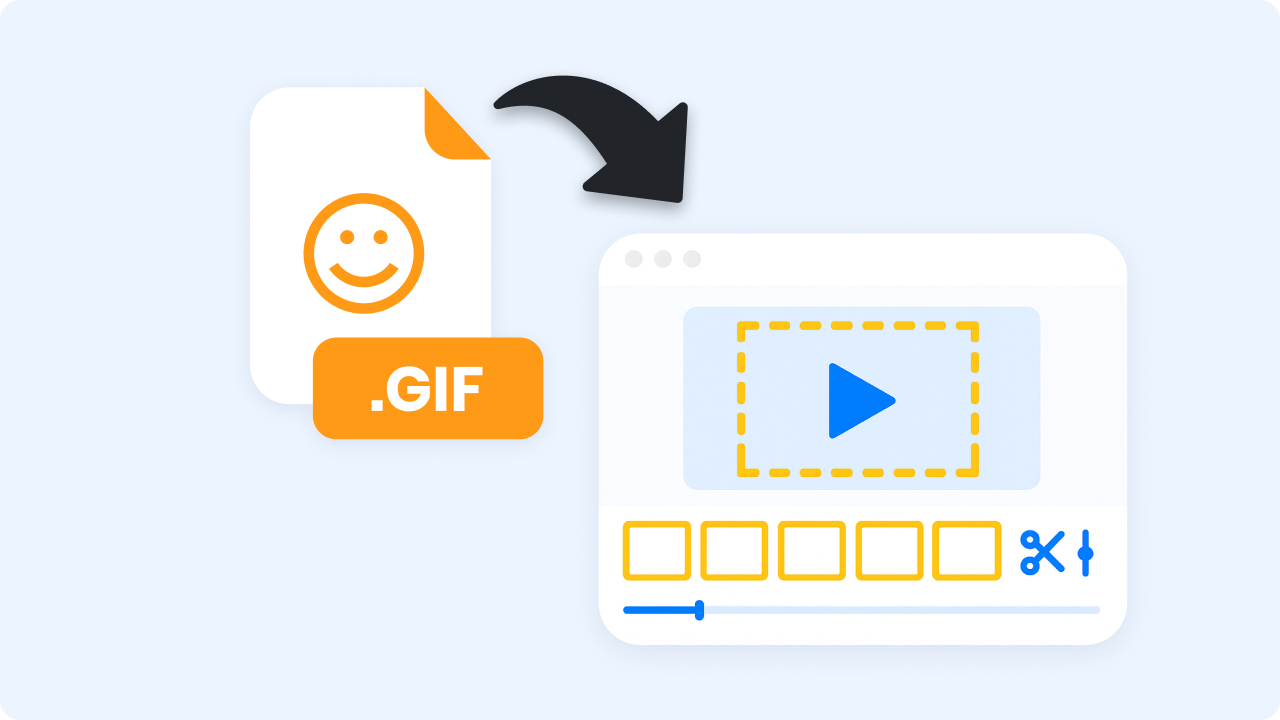
Ready to Boost Your Productivity?
Save time and money while boosting your productivity with Zight — free tools for screen recording, screenshots, GIFs, and webcam capture.
Try Zight for FreeHow to Edit a GIF
Follow these simple steps to get started.
Upload Your GIF
Drop your GIF into the editor or select a file from your device. Every frame loads instantly, ready for editing.
Customize Frames & Appearance
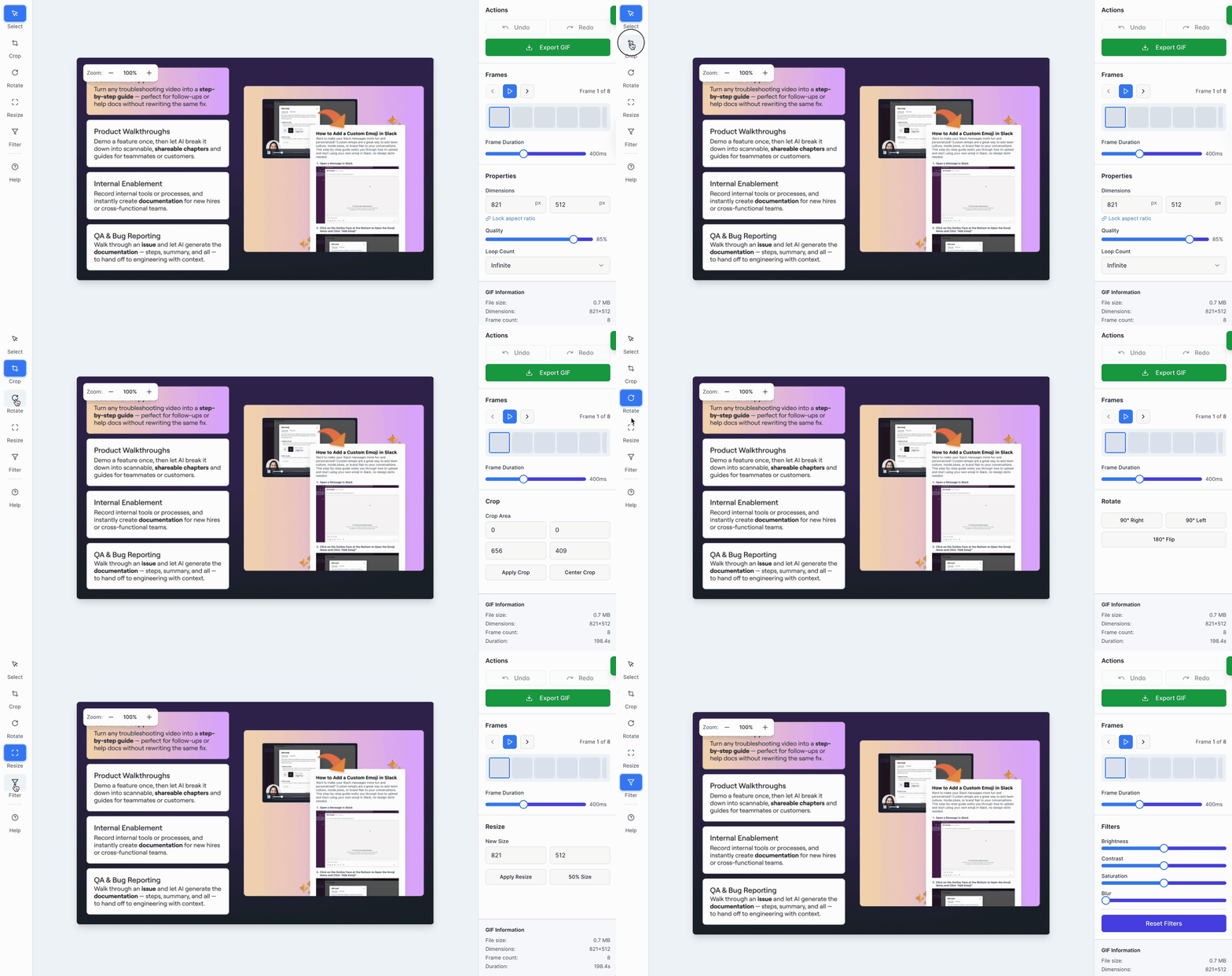
Use the left-side tools to edit your GIF visually. Adjust frame speed, reorder frames, or delete frames for a smoother animation.
Export Your GIF
Once you’re done editing, click Export GIF to download your optimized, high-quality animation.
Why Use a GIF Editor?
GIFs are everywhere — tutorials, product demos, memes, onboarding guides, UI previews. Editing them helps you:
-
Fine-tune timing for smoother animation
-
Resize for social media or web performance
-
Clean up visuals by cropping or filtering
-
Shorten or simplify complex sequences
-
Control file size without sacrificing clarity
Zight makes editing fast, easy, and accessible from any device.
Why Use Zight’s GIF Editor
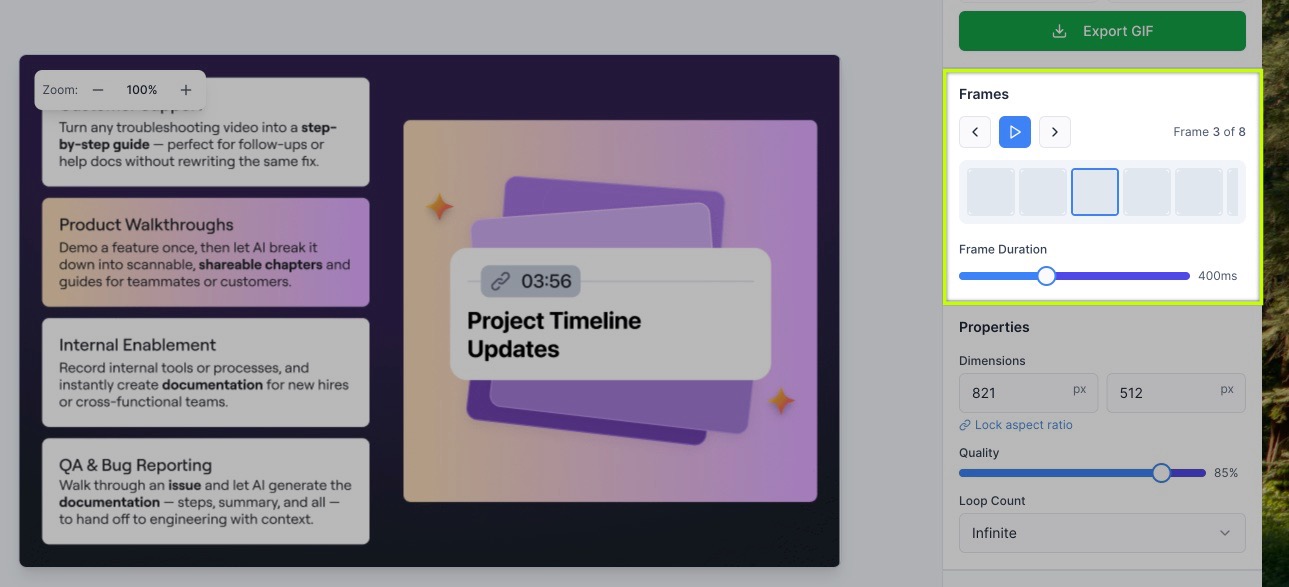
Full control over frames
Preview, reorder, delete, or duplicate frames.
Precise speed editing
Adjust frame duration in milliseconds.
High-quality export
Control final quality, resolution, and loop count.
Browser-based
No installs, everything works instantly online.
Private & secure
Your GIFs never leave your device.
Flexible editing tools
From cropping to filters, everything is built in.

Supported Use Cases
For Product Teams
Edit walkthroughs, UI demos, and feature previews into clean, shareable GIFs.
For Creators & Marketers
Design attention-grabbing GIFs for social posts, ads, or emails.
For Customer Support
Highlight steps or record bugs using edited, annotated GIFs.
For Educators
Create short instructional GIFs for tutorials and onboarding.
For Engineers & Designers
Demonstrate UI states, micro-interactions, or animations clearly.
Ultimate Guide: Editing GIFs with Zight
GIFs are one of the most universal formats online, but they often need refinement before sharing. Here’s how Zight’s GIF Editor helps you transform rough clips into polished animations.
Frame-by-Frame Precision
Your GIF loads into individual frames. You can:
-
Reorder frames
-
Remove unnecessary ones
-
Duplicate important frames
-
Preview the animation in real time
This gives you complete control over pacing and clarity.
Adjusting Speed Smoothly
Frame duration controls how long each frame appears. Slowing or speeding this up changes the feel of the animation, from smooth walkthroughs to punchy reaction GIFs.
Cropping, Rotating & Resizing
Tailor your GIF to any platform or design need:
-
Crop out backgrounds or clutter
-
Rotate for the correct orientation
-
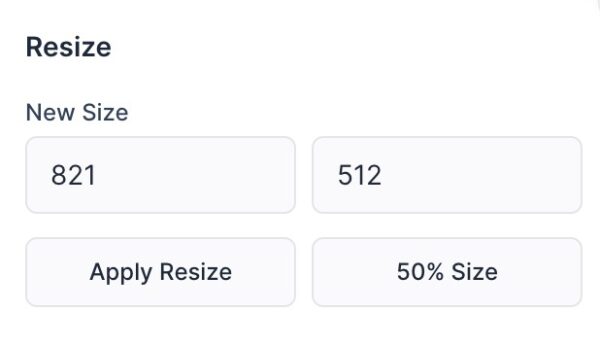
Resize for lighter file sizes or specific dimensions
Custom dimensions make it easy to fit blog layouts, product pages, or social media formats.
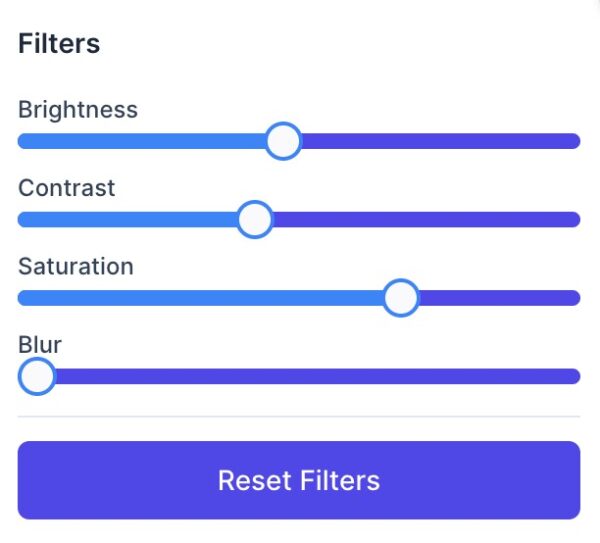
Enhancing with Filters
Filters help unify design aesthetics or improve visibility. Adjust brightness, contrast, saturation, or apply color tones to match your brand or style.
Quality & Loop Settings
Choose your quality level to balance file size and clarity. Set loop count to:
-
Infinite (most common), or
-
Specific number of loops (great for UI demos)
Conclusion
Zight’s GIF Editor gives you complete control over your animations — from frame timing to resolution and visual styling. Edit, refine, and export polished GIFs in seconds with a tool that’s fast, private, and built for creators and teams.
Start editing your GIFs today with Zight.
Continue the workflow: turn WebP files into GIFs.
Unlock More Tools
Expand your toolkit with these additional free tools
Related workflow: crop animated GIFs, resize animated GIFs.
Frequently Asked Questions
Yes. You can remove, reorder, duplicate, or adjust timing for each frame.
Yes. Enter custom dimensions or lock the aspect ratio.
Yes. You can modify brightness, contrast, and other visual settings.
No, you choose your final quality before exporting.
No. All editing happens locally in your browser for full privacy.
Yes, resize before exporting to control file weight.
Yes. Any GIF file can be edited, regardless of its source.
Yes, Zight’s GIF Editor is 100% free with no sign-up required.












