

Share the finished work with Zight
Zight helps teams record, edit, share, and discuss visual work with one secure link instead of bulky attachments.
Get Zight freeHow to use this free tool
Complete the workflow in three browser-local steps.
Choose a GIF
Select an animated GIF from your device.
Set the crop
Enter X, Y, width, and height or choose a common aspect ratio.
Download or share
Create the cropped animation, download it, or upload it to Zight.
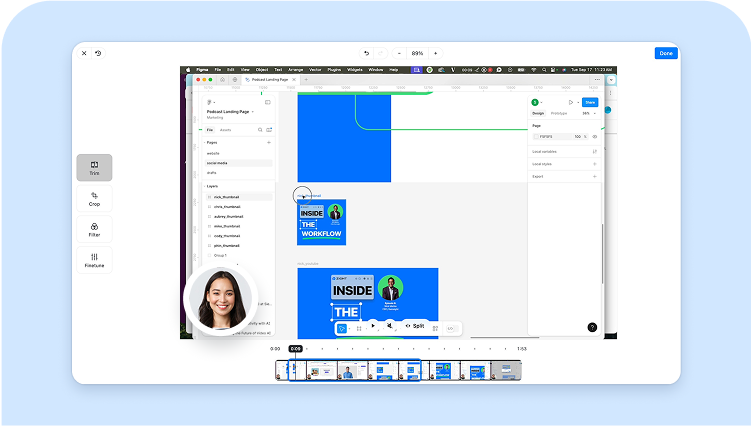
Keep the animation intact
Every frame is composited before cropping so partial-frame GIFs do not lose unchanged pixels.
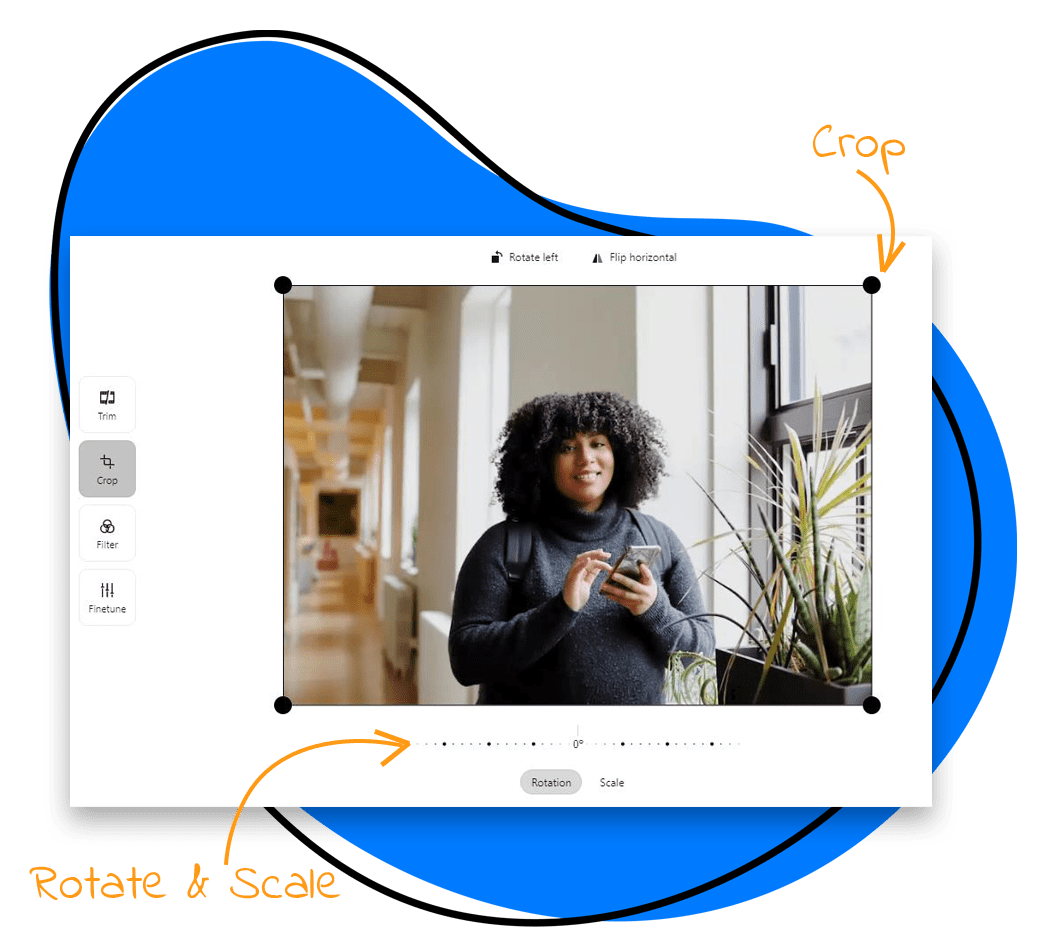
Use one stable crop
Applying the same rectangle to every frame prevents jumps and keeps the subject in a consistent position.
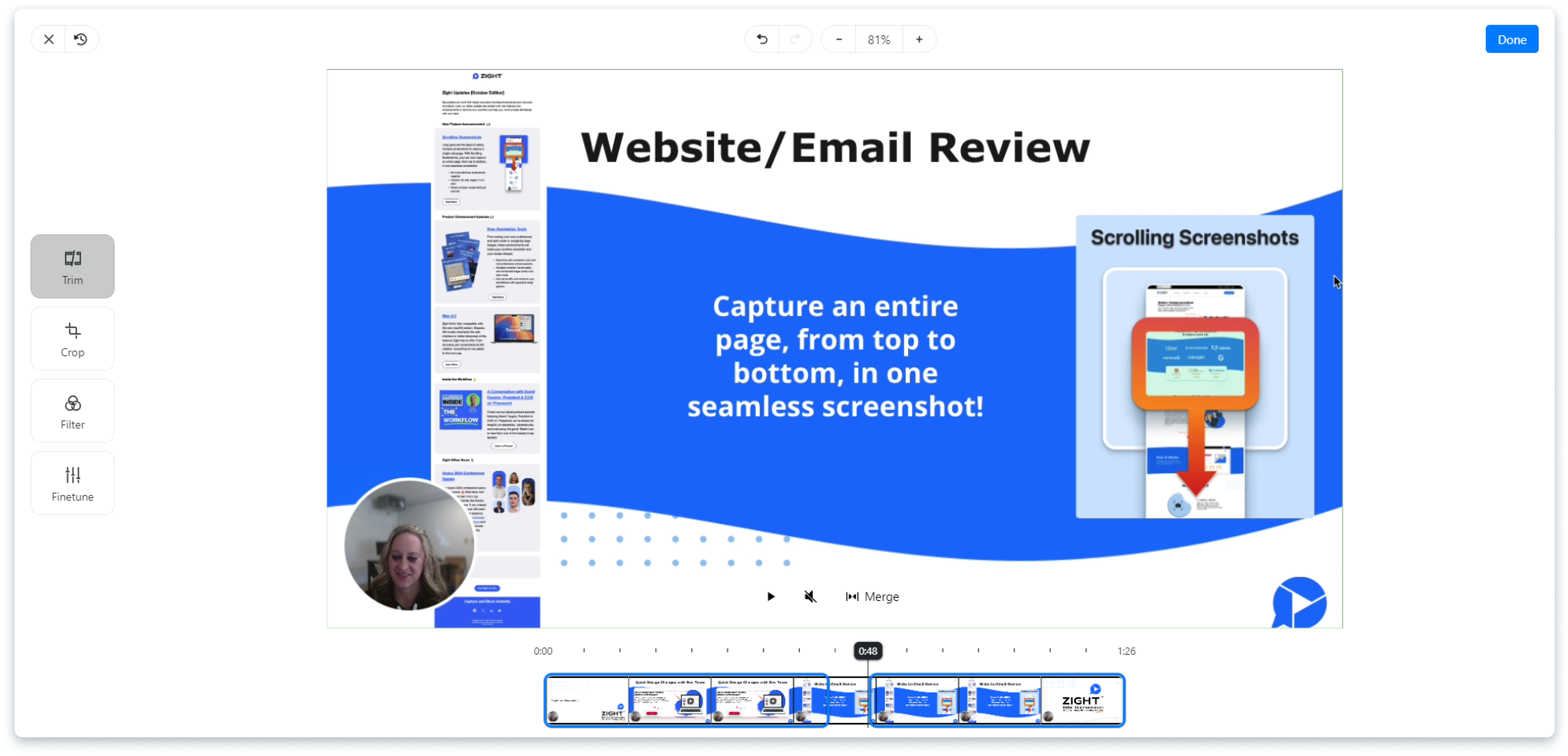
Preserve playback timing
The output retains the source frame delays so the animation does not unexpectedly speed up or slow down.

Check edges before sharing
Preview the complete loop and confirm cursors, tooltips, menus, and final states remain inside the crop.
Related Zight tools and workflows
Crop the full animated GIF with one consistent rectangle while preserving frame timing and motion.
Ready to explain work visually?
Record your screen, webcam, and voice with Zight, then share one link for faster feedback.
Try Zight for freeFrequently Asked Questions
Yes. The tool decodes and re-encodes every frame as an animated GIF.
It often does because the output canvas contains fewer pixels, although motion and color complexity also affect size.
Yes. Common aspect presets are available, or you can enter custom dimensions.
Yes. The output uses the source frame delays.
No. Cropping runs locally unless you choose Upload to Zight.
A practical guide to gif cropper
Crop the full animated GIF with one consistent rectangle while preserving frame timing and motion.
Use the right next step
After completing this task, you can resize an animated GIF, compress a GIF, read the GIF cropping guide. These internal paths connect the tool to nearby video, audio, and sharing workflows.
Privacy and browser support
The core task runs locally in your browser. Media codec, recording, and export support varies by browser and operating system, so use a current Chrome, Edge, Firefox, or Safari release and preview the result before sharing.












