
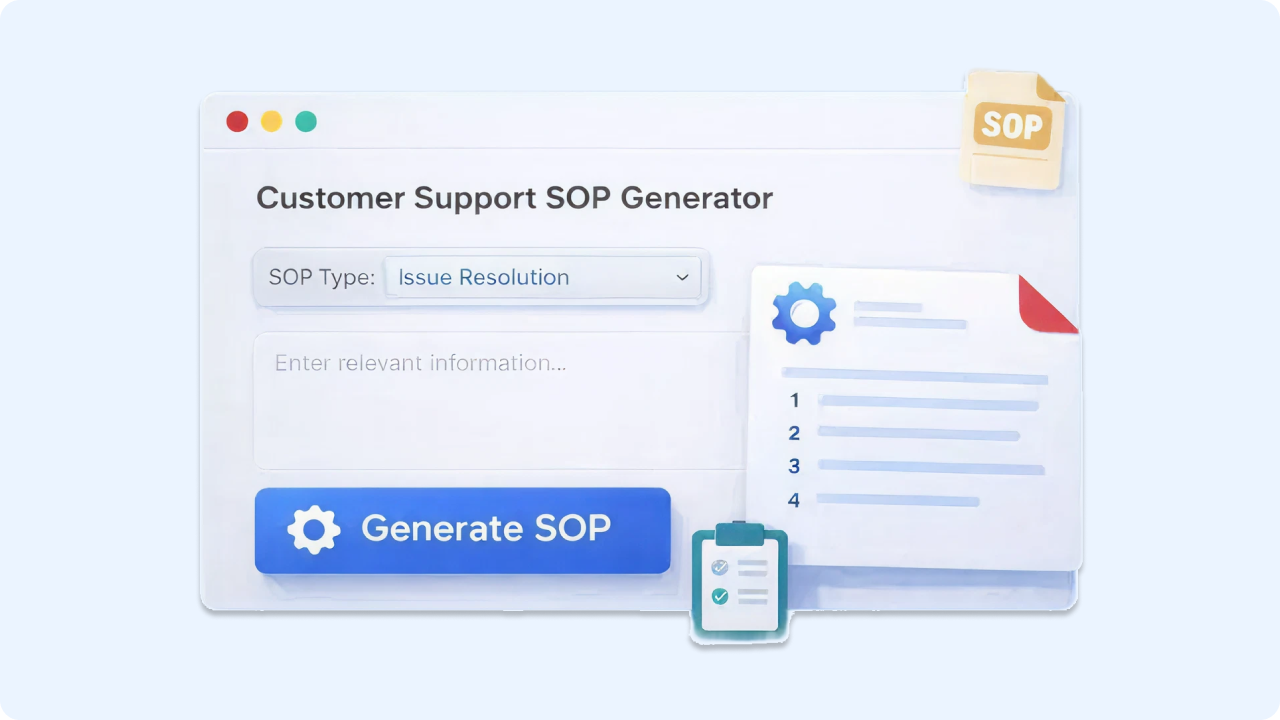
Ready to Boost Your Productivity?
Save time and money while boosting your productivity with Zight — free tools for screen recording, screenshots, GIFs, and webcam capture.
Try Zight for FreeHow it Works
Follow these simple steps to get started.
Enter Your Company Support Details
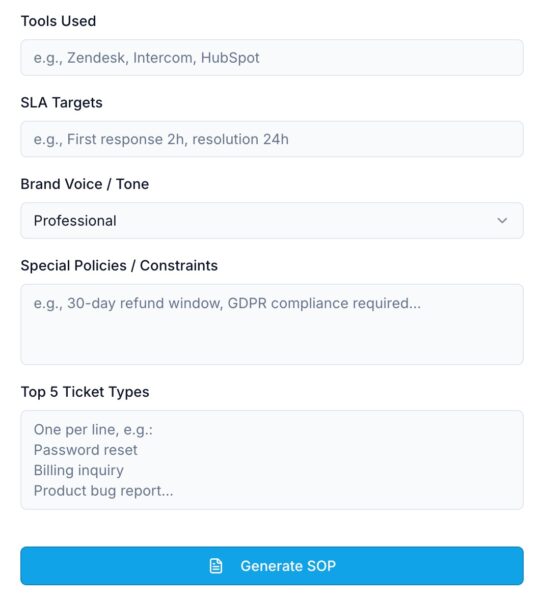
Add your company name, select your support channels, and choose your team size, business type, and support hours.
Generate Your SOP
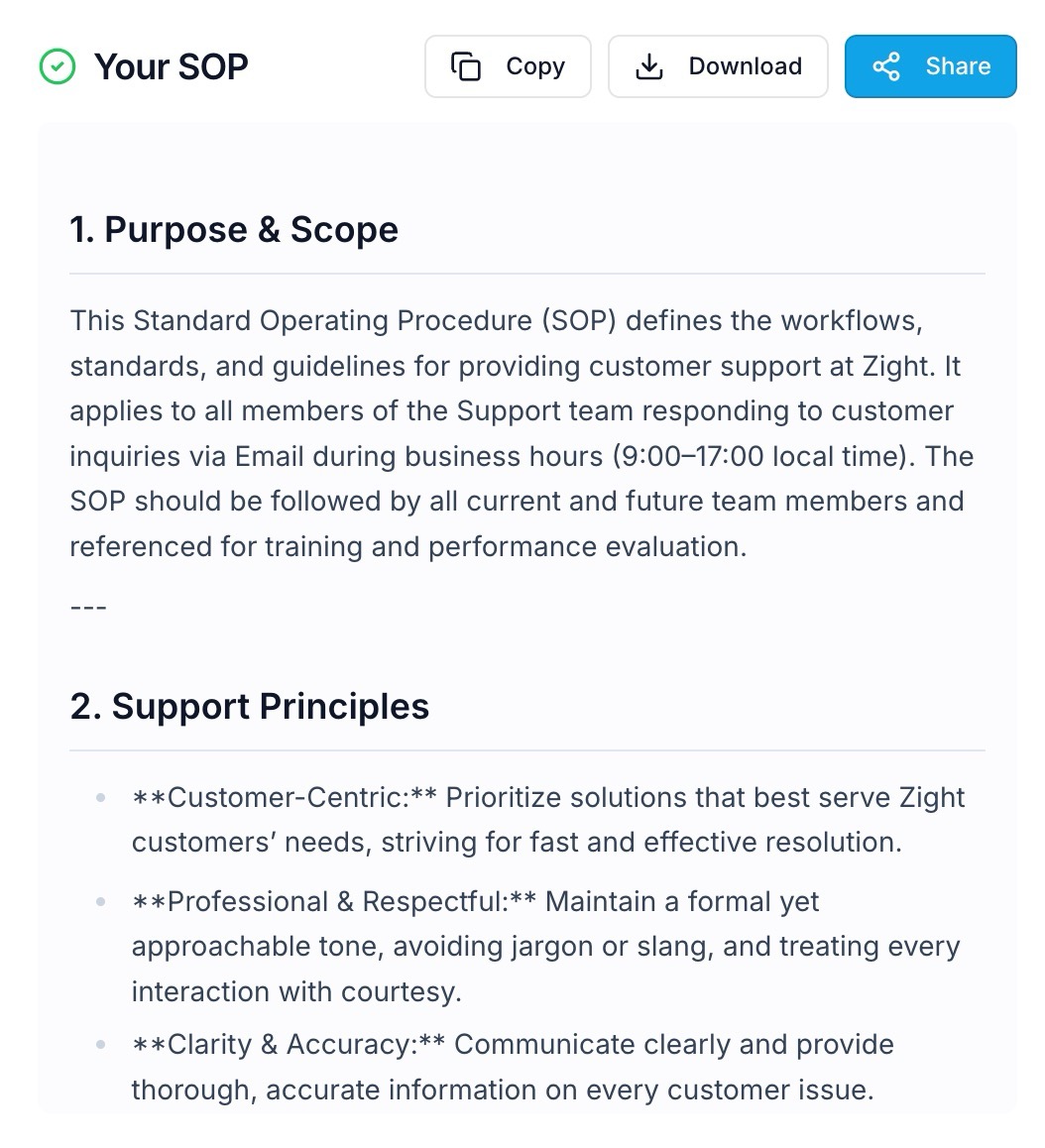
Click Generate SOP to instantly create a structured SOP with policies, workflows, and team guidelines based on your inputs.
Copy, Download, or Share
Copy your SOP, download it as a document, or share it with teammates so everyone follows the same process.

Supported Use Cases
For Customer Support Leaders
Standardize how tickets are handled, escalated, and resolved so your team stays consistent across every customer interaction.
For Startups and Small Teams
Get a professional SOP in place quickly, even if you do not have time to document everything from scratch.
For Growing Support Teams
Create onboarding ready documentation that helps new agents become productive faster.
For Operations Teams
Define clear workflows, service levels, and accountability so support runs smoothly across tools and teams.
For Outsourced Support Teams
Share one approved SOP across agencies, contractors, and internal staff to reduce mistakes and miscommunication.
Why Use Zight’s Customer Support SOP Generator
Support documentation usually gets pushed to the side until things break. This tool helps you create structure before your team becomes overwhelmed.
-
Generates a full SOP instantly
-
Helps reduce inconsistent replies and workflows
-
Establishes clear escalation paths
-
Improves onboarding for new team members
-
Supports service level clarity and coverage expectations
-
Makes support easier to measure and improve over time
Zight helps you go from “we handle support when we can” to “we run support like a system.”
Unlock More Tools
Expand your toolkit with these additional free tools
Ultimate Guide: How to Build a Support SOP That Actually Works
A customer support SOP is one of the fastest ways to improve team consistency, reduce internal confusion, and deliver a better experience for customers. When support teams grow, complexity grows with them. More tickets, more channels, more edge cases, and more people involved in resolutions. Without clear documentation, support becomes reactive, inconsistent, and stressful.
Zight’s Customer Support SOP Generator helps you build a complete SOP quickly, so your team can focus on helping customers instead of reinventing the process every time a ticket comes in.
Define What Great Support Looks Like for Your Team
Every company has a different definition of great support. Some teams prioritize speed above all else, while others focus on deep troubleshooting or proactive customer education. A strong SOP sets a shared standard that guides how every agent communicates, resolves issues, and follows up.
This includes your tone, the level of detail you expect in replies, how agents should confirm understanding, and what “done” looks like before closing a ticket. When these expectations are documented, customers get a more consistent experience and your team spends less time debating what the right response should be.
Document Your Support Channels and What Each One Is Used For
Support becomes hard to manage when customers can reach you in five different places and the team does not treat each channel consistently. Your SOP should define which channels you support, when they are monitored, and what type of issues should be handled in each one.
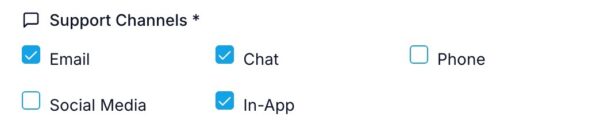
Email might be best for longer requests and attachments. Chat might be better for quick fixes. Social media may require faster replies but less troubleshooting detail. In app support might be focused on onboarding and product questions. Once this is defined clearly, your support experience feels more reliable for customers and easier to manage internally.
Create a Ticket Handling Workflow That Removes Guesswork
Most support inefficiency comes from uncertainty. Who owns the ticket? What should happen next? Is this urgent? Does this need escalation? A solid SOP should lay out the full workflow from start to finish so agents do not have to make up the process on the fly.
This includes how tickets are triaged, how they are categorized, how they are prioritized, and how they are assigned. It also includes what the expected response should contain and how resolution is confirmed. A clear workflow reduces backlogs, reduces internal interruptions, and keeps support moving forward even during peak volume.
Use SLAs to Set Expectations for Both Customers and Your Team
SLAs are not just about response time. They create structure and clarity. When you define service expectations such as first response time, resolution targets, and business hour coverage, your team knows what to prioritize and customers feel more confident that they will be helped.
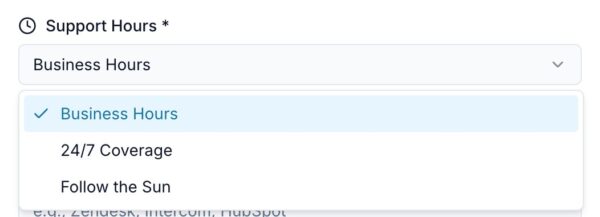
Your SOP should define what happens during business hours, what happens after hours, and how urgent issues are treated differently than routine requests. It should also include how agents communicate delays or ongoing investigations. When SLAs are clear, you reduce frustration and avoid tickets that drag on without updates.
Make Escalations Clear and Predictable
Escalations often cause the most chaos in support because they involve multiple teams, high urgency, and unclear ownership. Your SOP should define exactly what qualifies as an escalation and what steps an agent should take when escalation is needed.
This includes how the issue is documented, what details must be included, which team receives it, and what the customer should be told while the escalation is in progress. Escalations become smoother when the path is consistent. The customer feels confident and internal teams get better context, which speeds up resolution.
Build a QA Process That Improves Support Quality Over Time
Support quality does not improve by accident. It improves when there is a feedback loop. A QA process allows you to review tickets, score replies, and identify patterns that need improvement. This might include common mistakes, unclear responses, missing empathy, or gaps in product knowledge.
Your SOP should describe how QA happens, how frequently it is reviewed, and what happens after feedback is given. This could include coaching, updated macros, or documentation improvements. A lightweight QA system keeps support standards high without creating unnecessary overhead.
Turn Your SOP Into an Onboarding Tool, Not Just a Document
The best SOP is usable. It should help someone new to the team get up to speed quickly. That means it should be structured clearly and written in a way that is easy to follow.
Your SOP should include what tools new agents need access to, where internal resources live, how escalation works, and what “good” looks like in common ticket types. When onboarding is built into the SOP, new hires rely less on shadowing and more on self-serve documentation, which saves your team time and builds confidence faster.
Keep Your SOP Updated as Your Team and Product Evolve
Support SOPs should not be static. As your product changes, your support channels change, and your customer expectations grow, your SOP needs regular updates. A good SOP makes it easy to add new processes and remove outdated ones.
This is one of the biggest benefits of starting with a generated SOP template. You have a strong foundation, and you can improve it over time instead of rebuilding documentation every quarter. A maintained SOP keeps your support operation stable even as everything else changes.
Make Your SOP More Usable With Zight
Once your SOP is generated, the fastest way to make it truly usable is to pair it with visual communication. Short videos and screenshots help explain workflows faster than long paragraphs of text. With Zight, you can record quick walkthroughs for common support actions like handling refunds, escalating bugs, or triaging technical issues.
This makes your SOP easier for new hires to learn, easier for existing agents to reference, and easier to keep consistent across the team.
Conclusion
Support teams move faster when the process is clear. Zight’s Customer Support SOP Generator helps you create a complete SOP in minutes, including workflows, escalation paths, SLAs, QA standards, and onboarding guidance. Generate your SOP, share it with your team, and keep support consistent as you grow.
Frequently Asked Questions
A customer support SOP is a standardized set of guidelines and workflows that explains how your team handles support tickets across channels, priorities, and escalations.
It generates a complete SOP template including ticket workflows, escalation paths, SLAs, QA processes, and onboarding guidance.
Yes. You can copy the SOP and edit it to match your policies, tools, and internal processes.
You can include email, chat, phone, social media, and in app support depending on your team setup.
Yes. It is especially helpful for small teams that need structure quickly without writing documentation from scratch.
Yes. You can copy, download, or share it with teammates instantly.
Yes. The SOP includes guidance on escalation workflows so urgent issues get routed correctly.
No. You can generate an SOP for free without signing up.












