
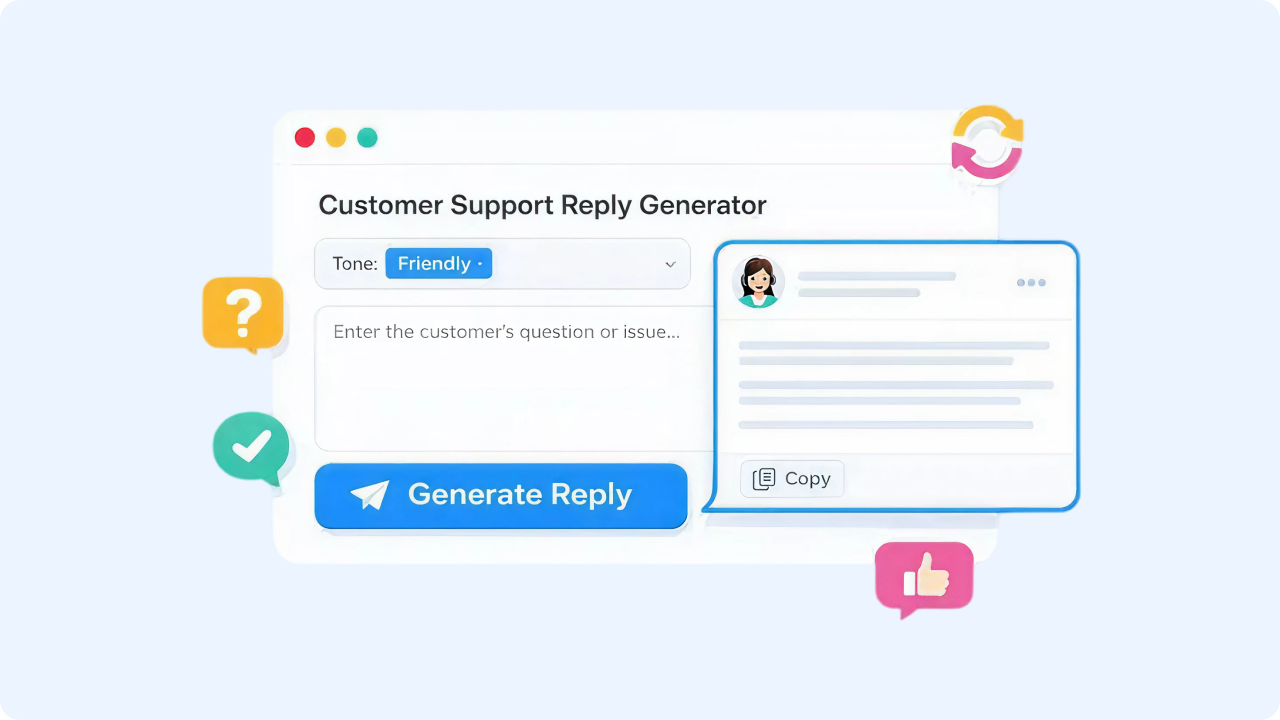
Ready to Boost Your Productivity?
Save time and money while boosting your productivity with Zight — free tools for screen recording, screenshots, GIFs, and webcam capture.
Try Zight for FreeHow it Works
Follow these simple steps to get started.
Describe the Customer Issue
Paste the customer’s message or summarize what happened. Include any key details like order number, device, timeline, or what the customer is asking for.
Choose Tone and Context
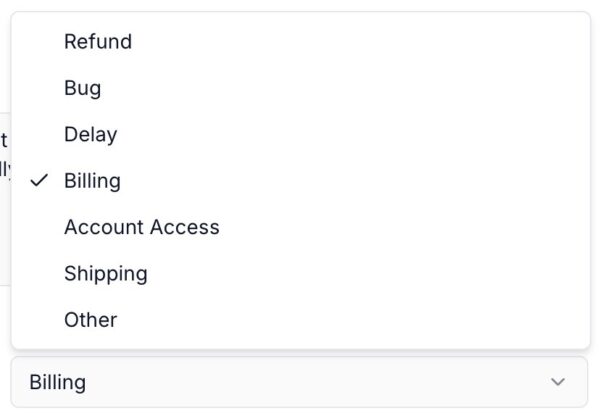
Select the tone you want (professional, friendly, apologetic, direct) and choose a context like billing, technical issue, account access, refunds, or other.
Generate Reply Templates
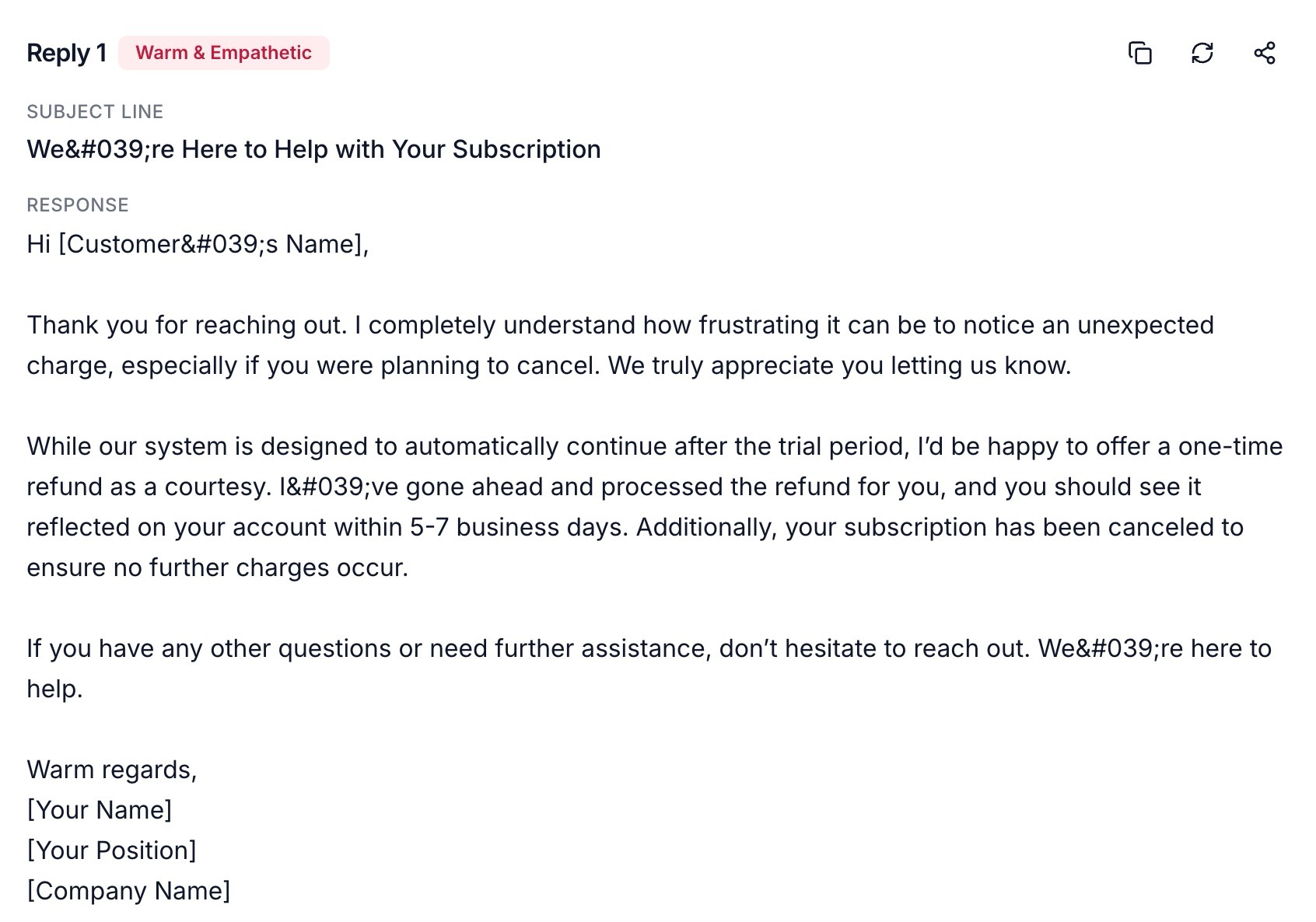
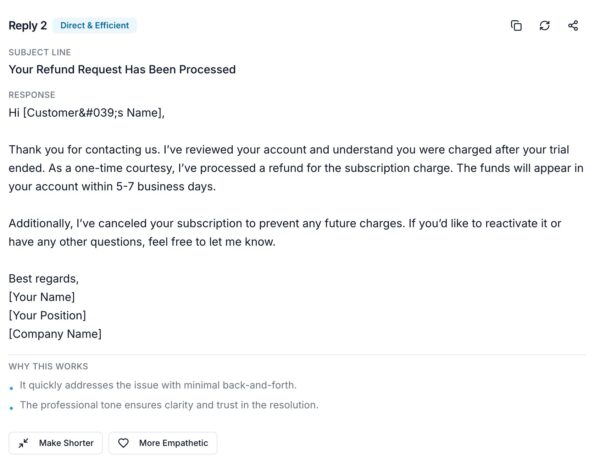
Click Generate Replies to receive three polished replies you can copy, edit, and send.

Supported Use Cases
For Customer Support Teams
Respond faster to common ticket types like login issues, refunds, bugs, and billing questions while keeping tone consistent.
For Support Leaders
Create consistent messaging across the team and reduce variability in responses, especially during high volume periods.
For Founders and Small Teams
Handle support professionally without spending hours writing replies from scratch.
For Community Managers
Respond clearly to frustrated users in public threads while staying calm, helpful, and on brand.
For Technical Support
Turn complex troubleshooting into readable, step by step communication that customers can actually follow.
Why Use Zight’s Customer Support Reply Generator
Support teams are judged on speed and quality. This tool helps you move faster while still sounding human.
-
Generates three reply options so you can choose what fits best
-
Helps maintain a consistent voice across replies
-
Supports different tones for different situations
-
Lets you include policy constraints for accurate messaging
-
Saves time on repetitive tickets
-
Produces replies you can copy and customize instantly
Unlock More Tools
Expand your toolkit with these additional free tools
Ultimate Guide: How to Write Better Customer Support Replies
Strong support replies do two things at the same time: they solve the issue and make the customer feel understood. Zight helps you get there quickly by generating reply templates that match your tone, context, and constraints.
Start with the customer’s reality
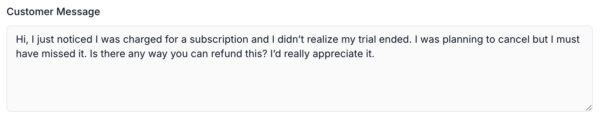
Customers want to feel heard before they want to feel solved. Including the customer message in your prompt helps ensure the reply reflects what they actually said.
Choose the right tone for the moment
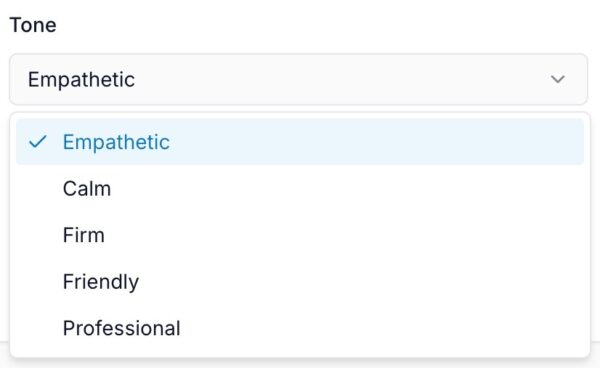
Tone is not one size fits all. A refund request needs clarity. A bug report needs collaboration. An angry message needs calm empathy. Selecting tone gives the reply the right emotional shape.
Add context so the reply is accurate
Context improves relevance. Billing and login issues have different language patterns, and customers expect you to speak their problem fluently.
Use policy constraints to stay aligned
If your support policies include refund windows, cancellation rules, or trial limitations, add them to reduce back and forth and keep responses consistent.
Offer clear next steps
Replies should end with action. The best support message makes it obvious what happens next, who does what, and how long it will take.
Keep responses easy to scan
Customers skim. Short paragraphs, simple sentences, and clear structure reduce confusion and increase success.
Conclusion
Zight’s Customer Support Reply Generator helps you respond faster while staying clear, empathetic, and consistent. Paste the customer message, choose your tone and context, and generate three reply templates you can copy and customize immediately.
Frequently Asked Questions
It generates three reply templates based on the customer’s message, the tone you select, and the support context you choose.
Yes. You can generate replies in professional, friendly, apologetic, or more direct tones depending on the situation.
Paste the customer’s full message or summarize the issue. Add details like product name, device type, timeline, or what they are requesting.
Context helps the tool tailor the reply for situations like billing, technical issues, refunds, account access, or other support topics.
Yes. Adding your company name helps the reply feel more personalized and consistent with your brand voice.
Policy constraints are rules like refund windows or subscription terms. Including them helps ensure replies stay accurate and aligned with what you can offer.
They are polished templates, but you should quickly review and adjust details like names, dates, order numbers, or account specifics before sending.
No. Messages are processed to generate replies and are not stored long term.












